> Important:
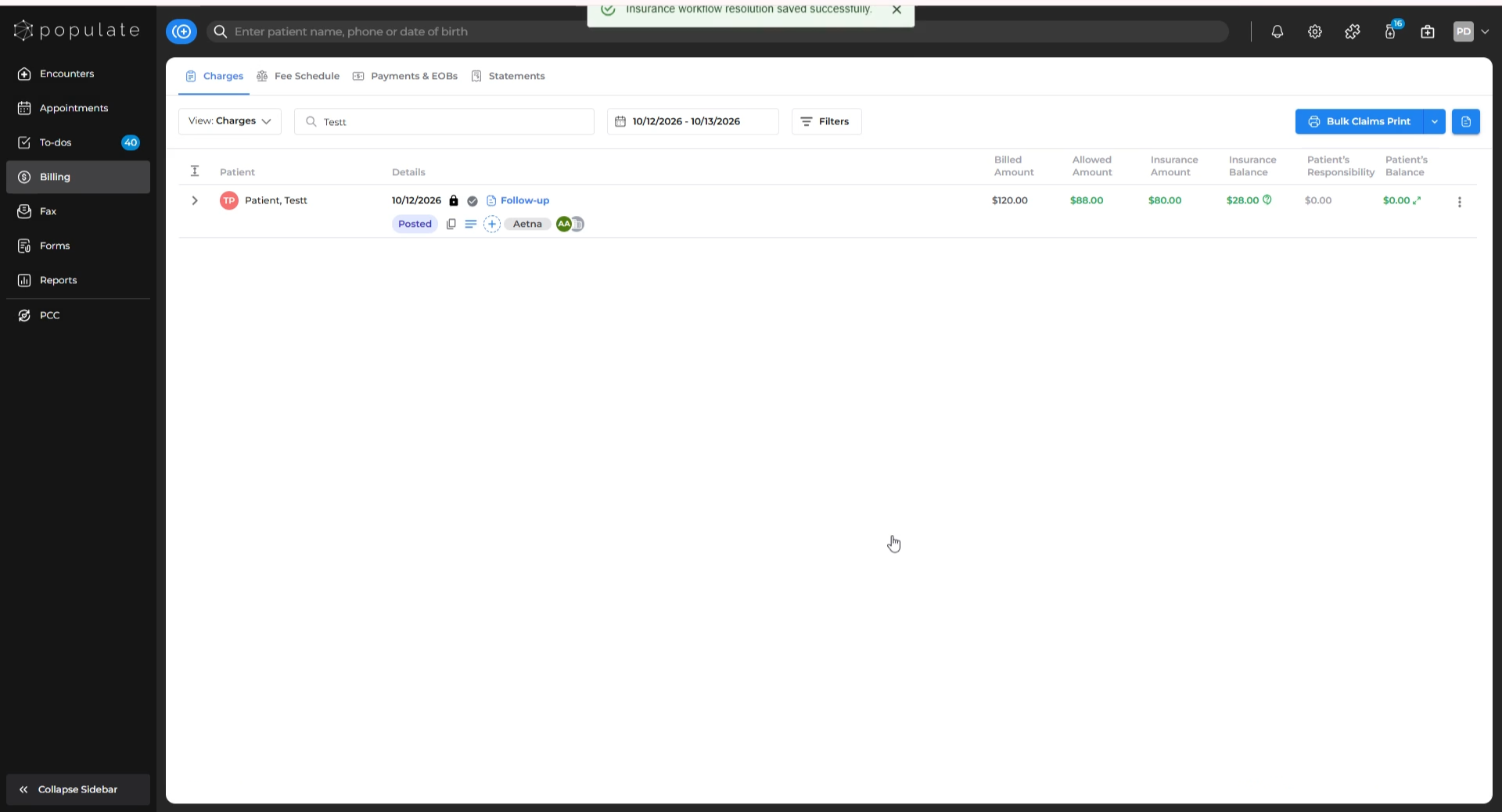
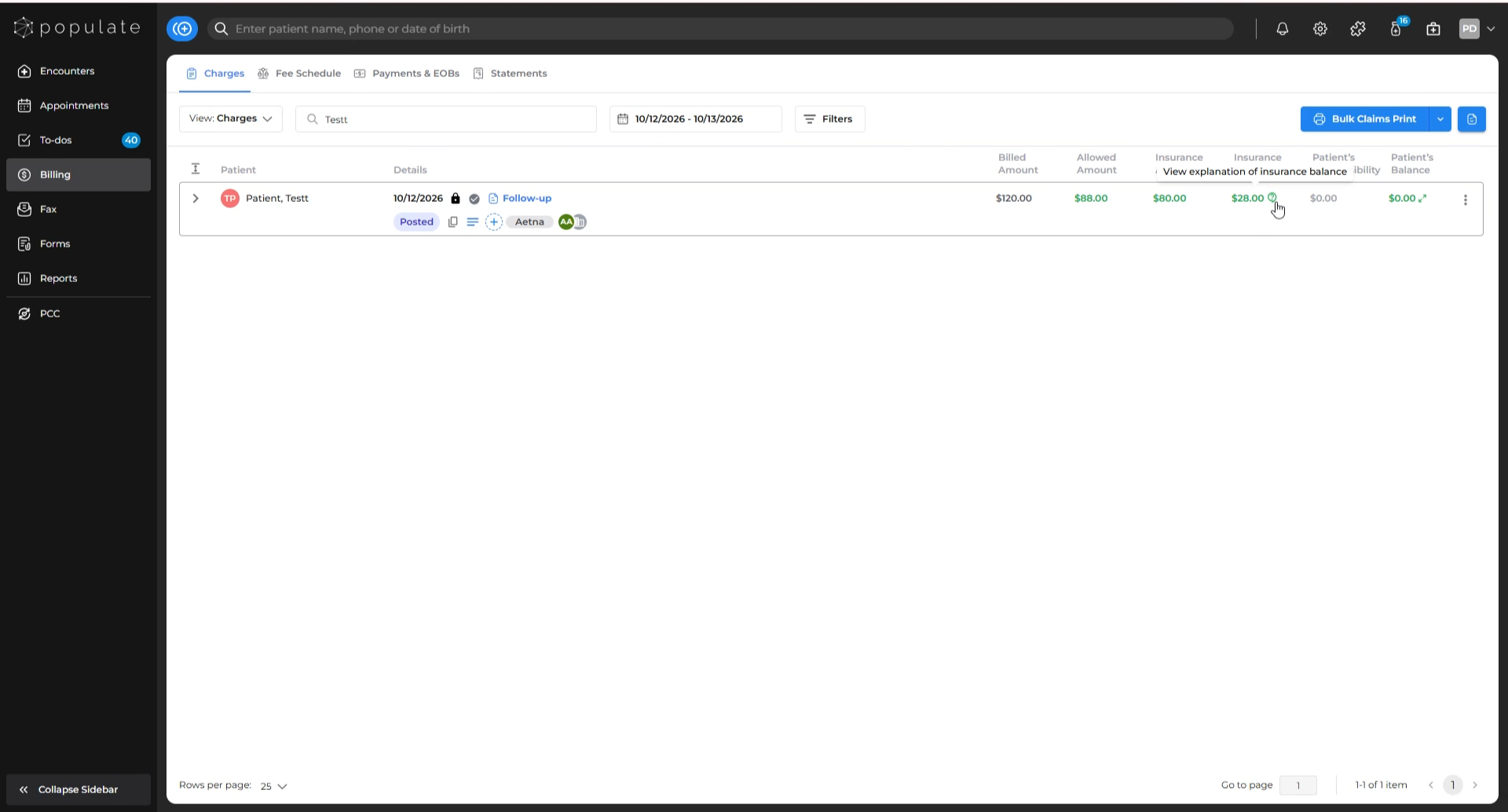
If you are unsure about what comprises the insurance balance, hover over the question mark icon next to the balance to view a detailed explanation and recommended next steps.
Please note that resolving an insurance balance is a non-reversible action, so only proceed if you are certain no further insurance payments are expected. Once resolved, changes cannot be undone manually and require contacting our support team.
Steps to Resolve Insurance Balance
Navigate to the Charges tab under Billing.
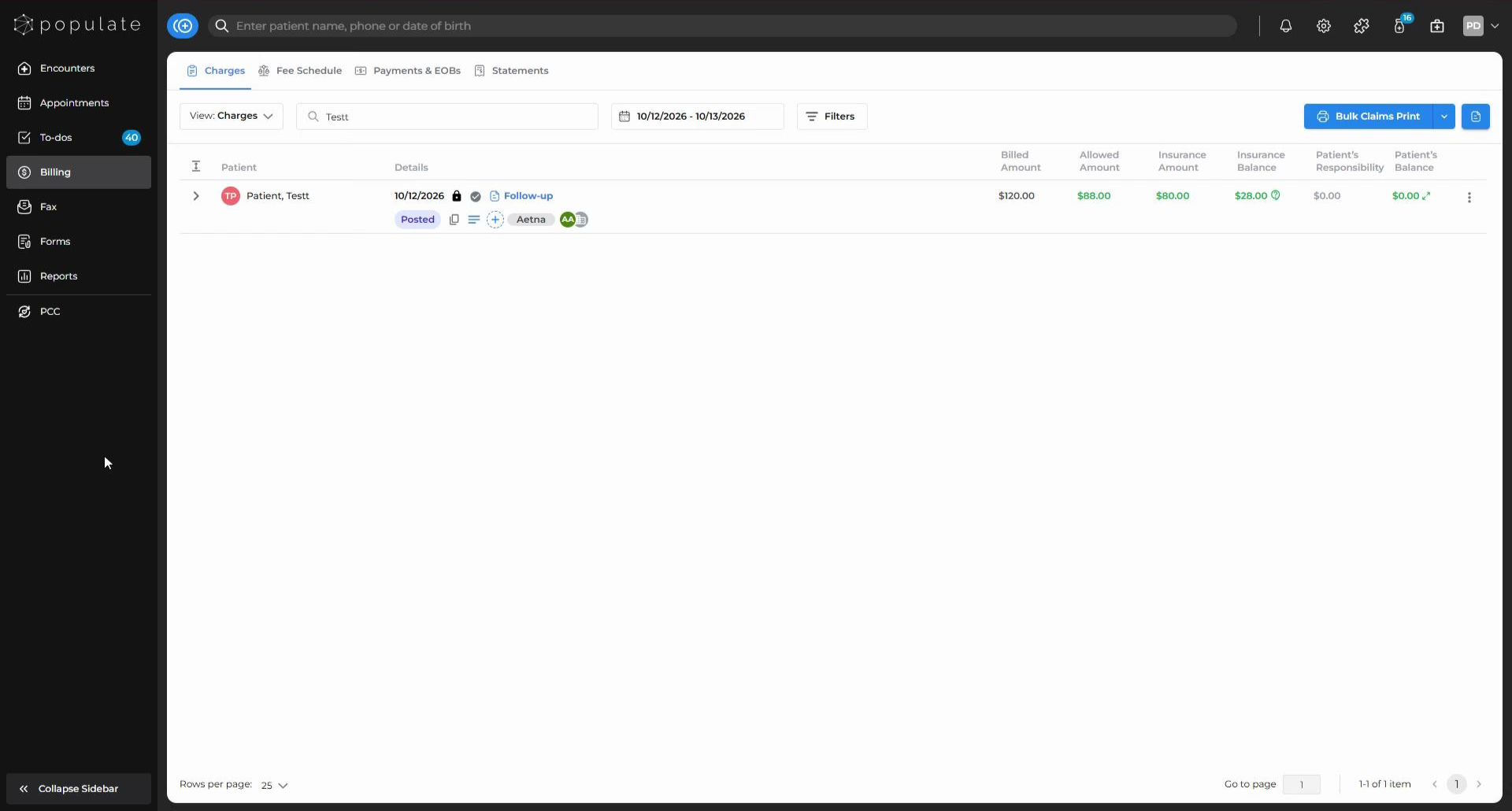
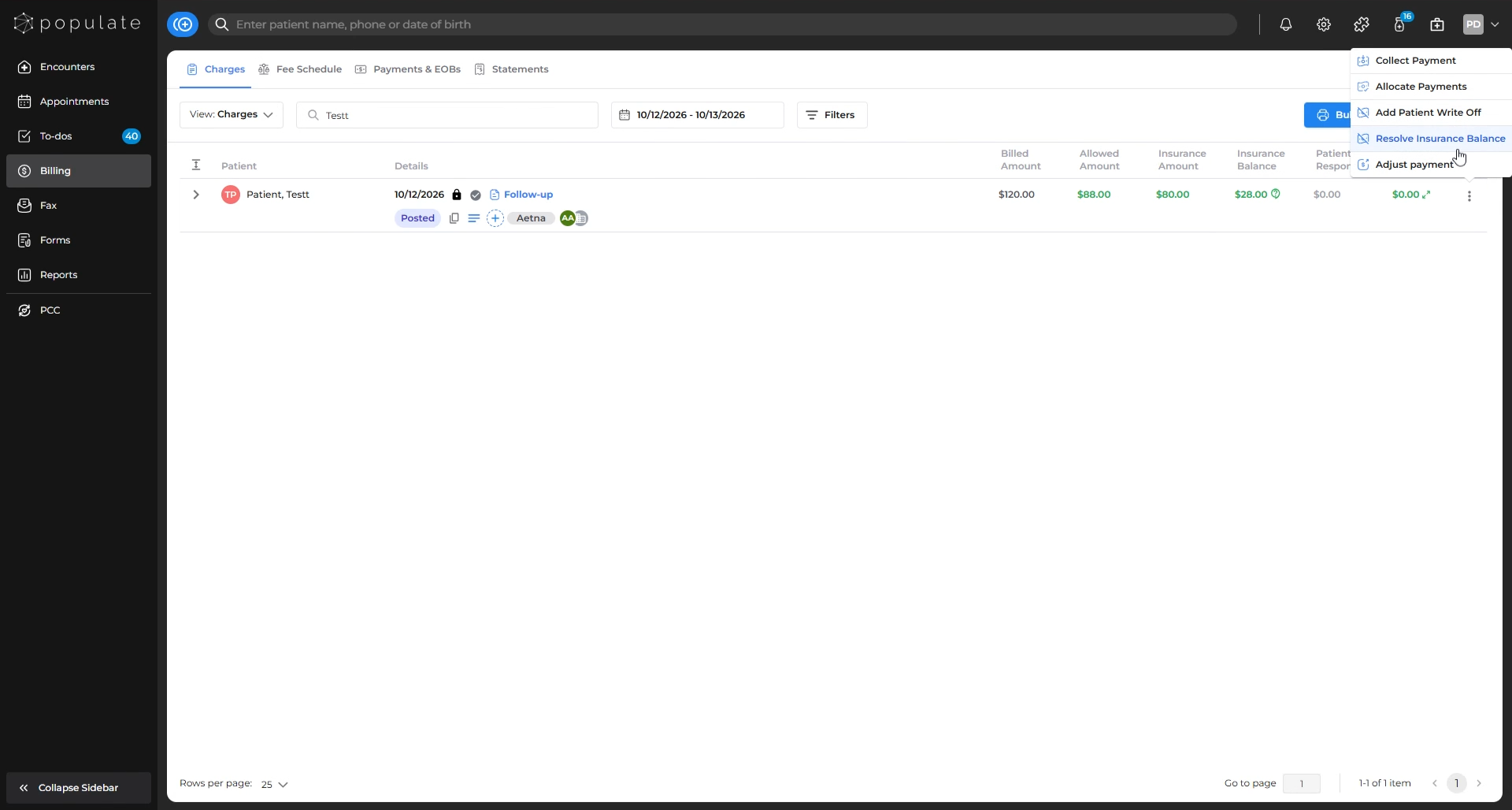
Locate the three dots (⋯) menu and hover over it.
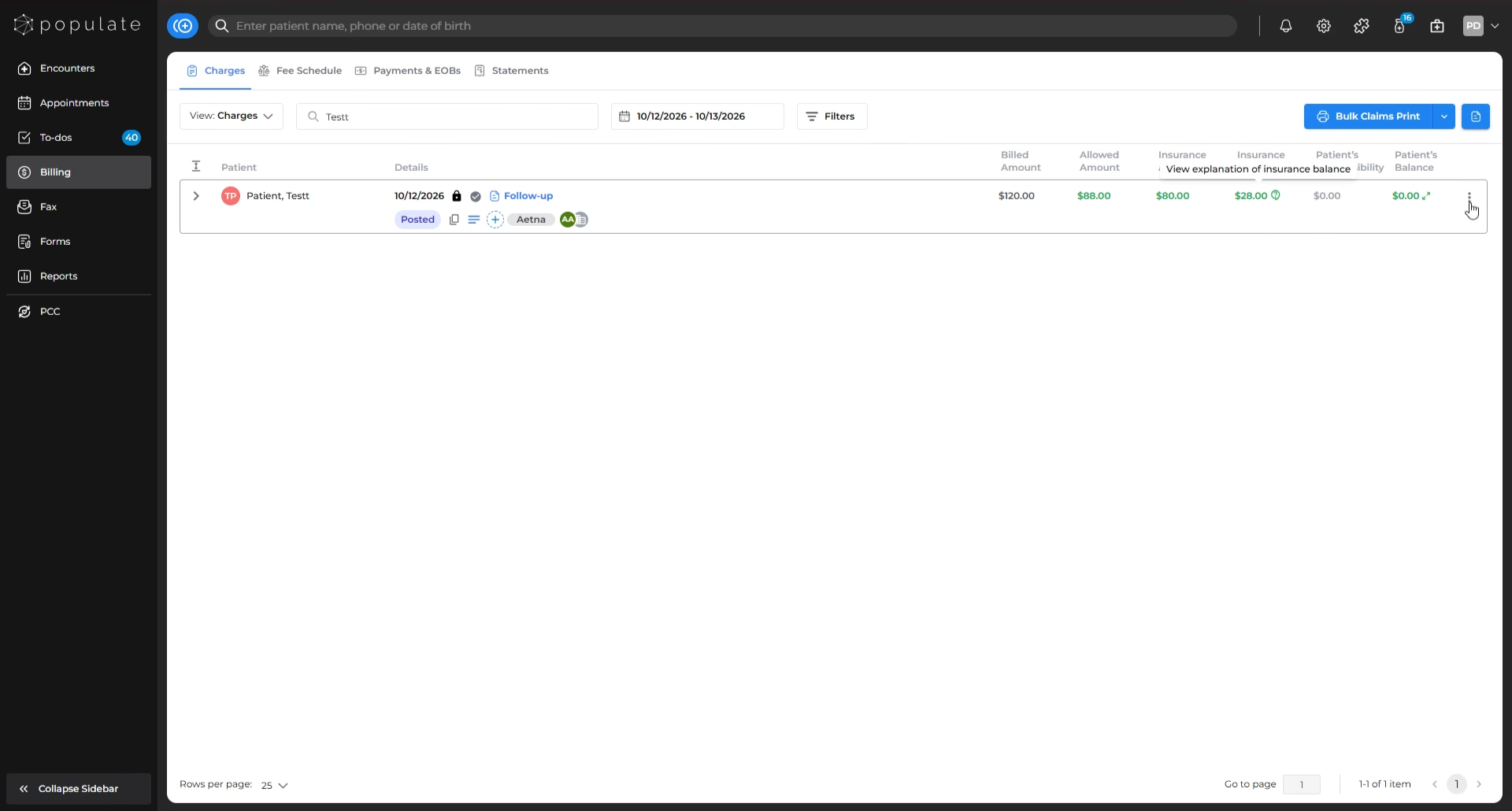
Select Resolve Insurance Balance from the menu.
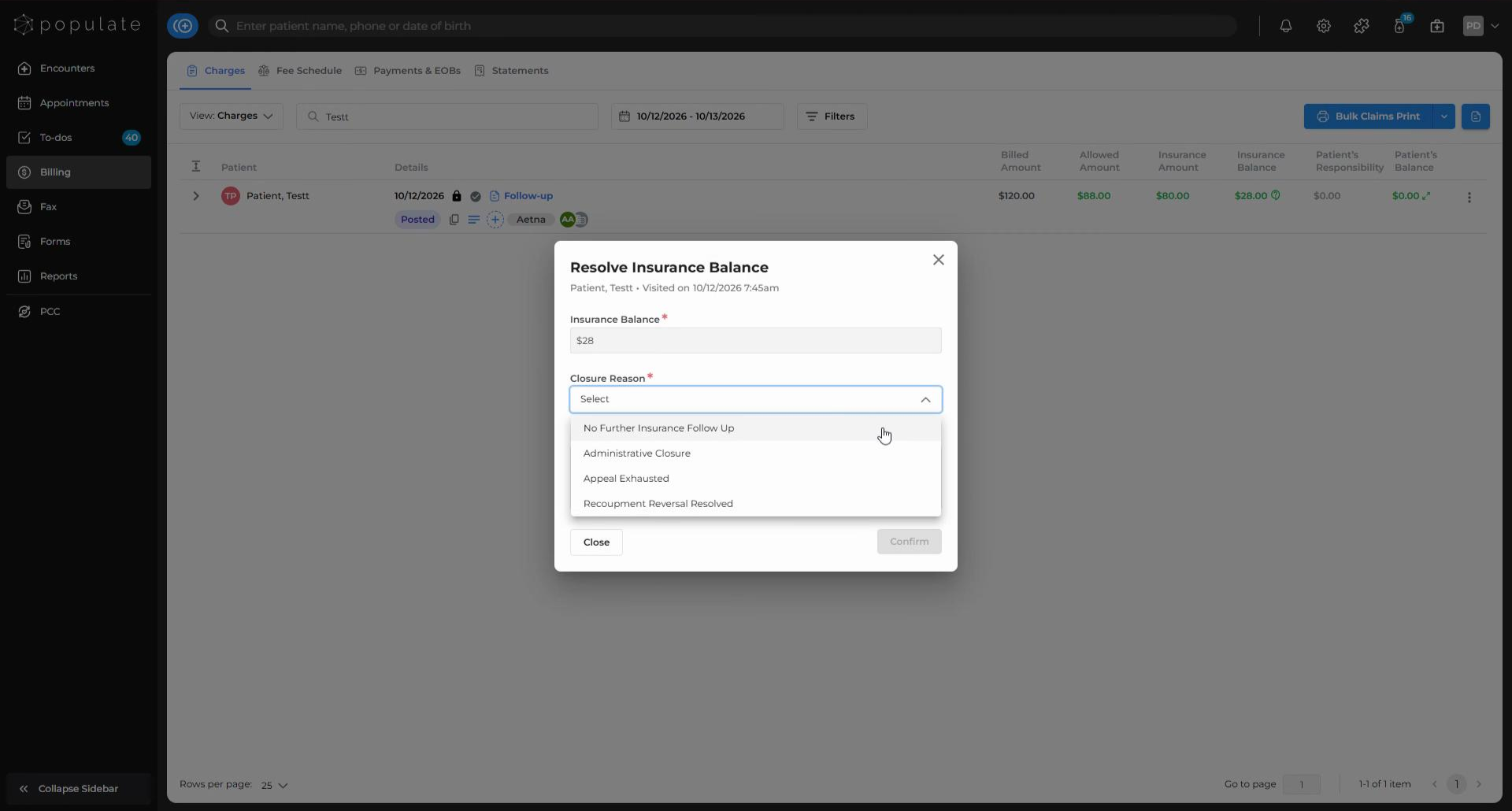
On the pop-up dialog box, choose a Closure Reason from the dropdown.
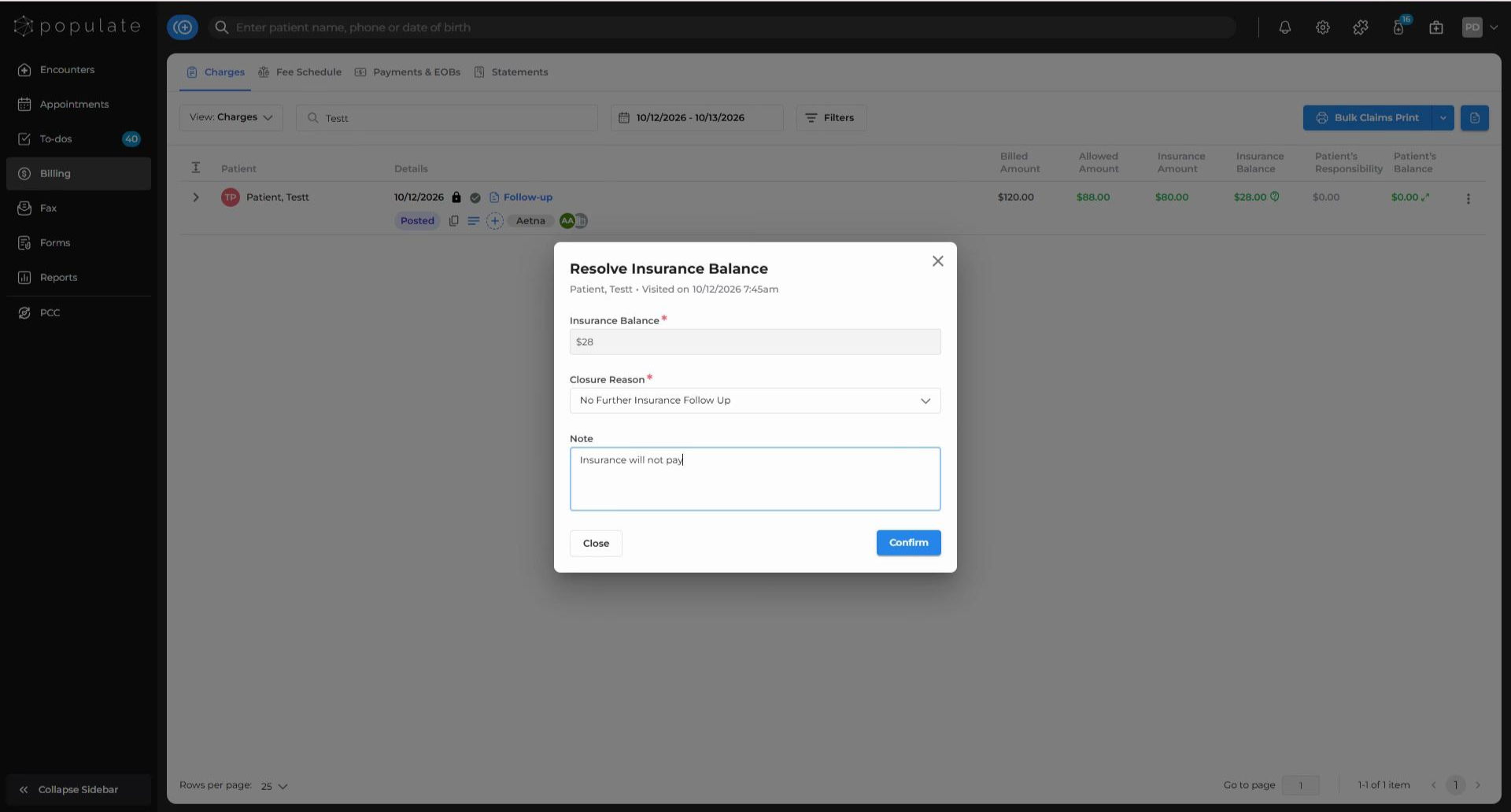
Add a note, if needed.
Click Confirm to complete the process.
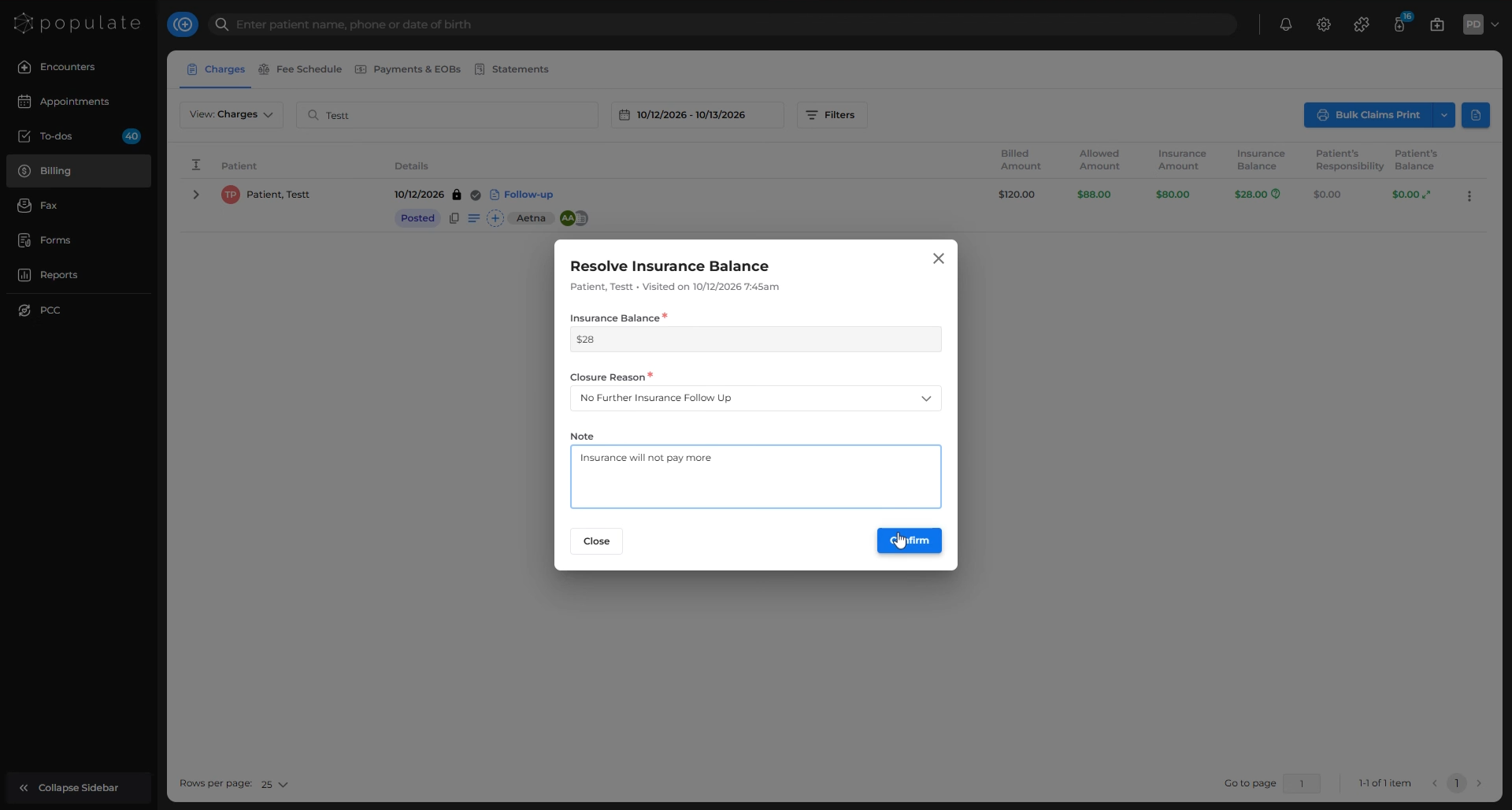
That’s it! Your insurance balance is now resolved.