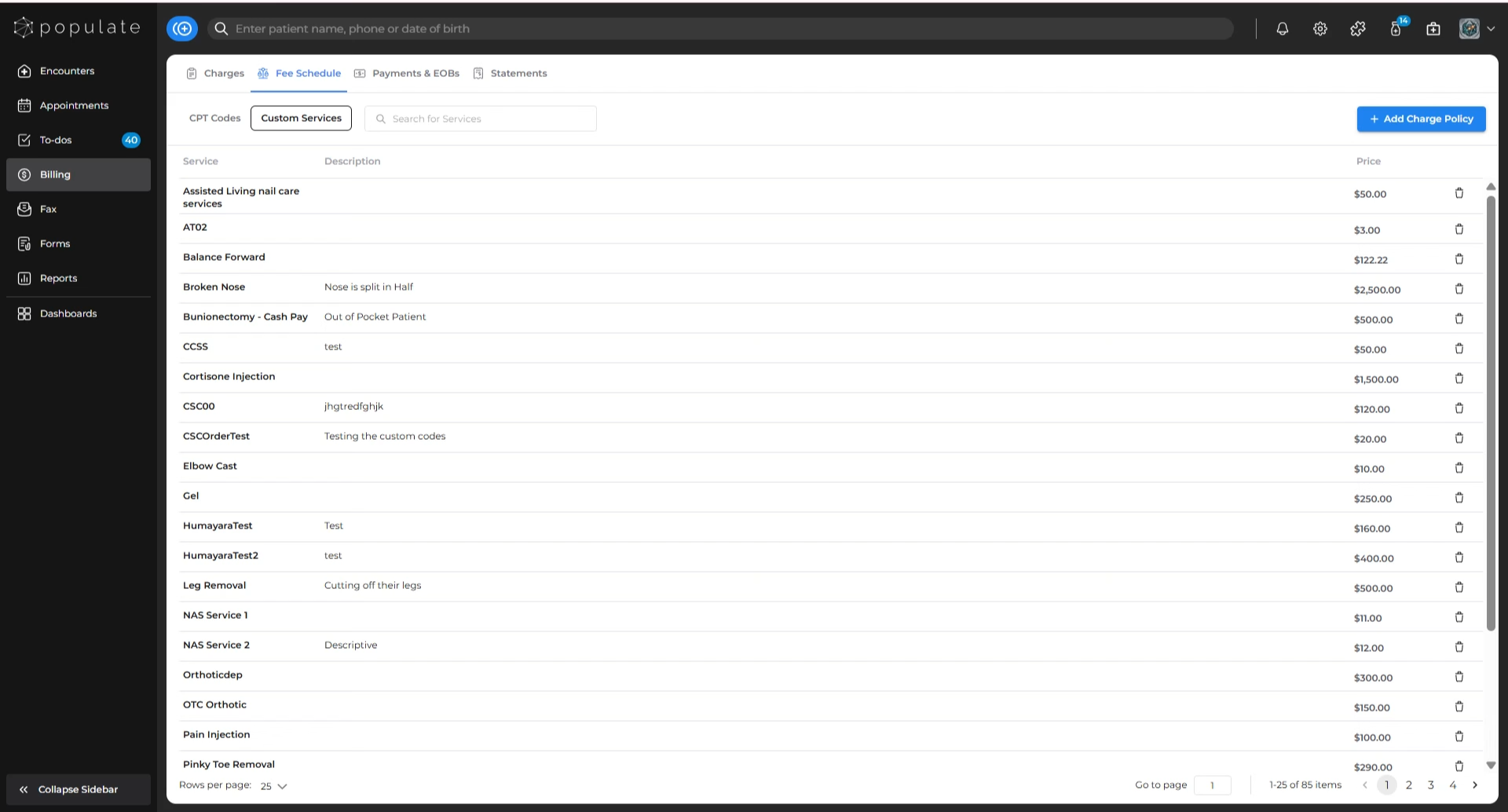
Navigate to the “Fee Schedule” tab under Billing, and go to the “Custom Services” section to get started.
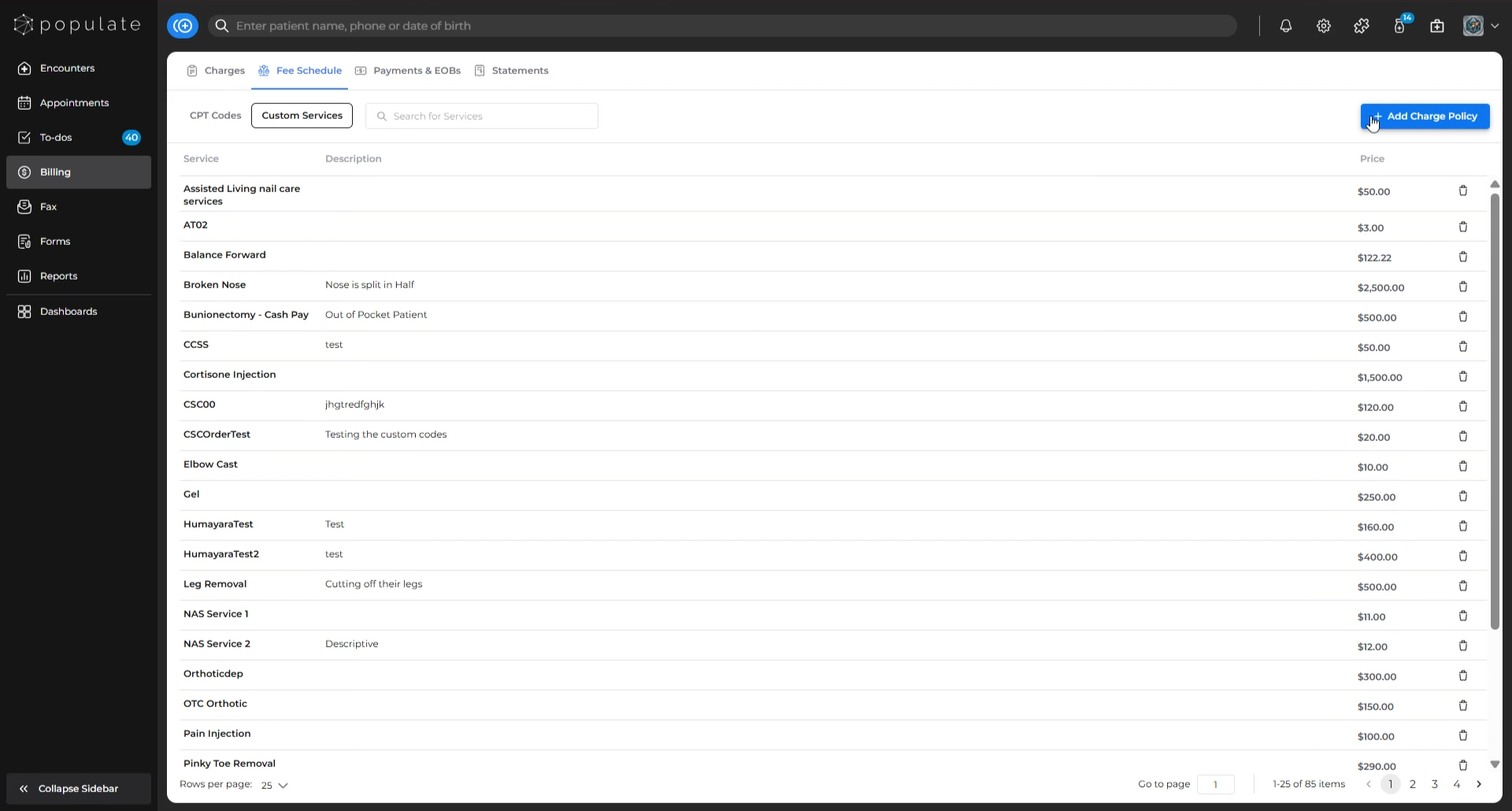
Click on “Add Charge Policy”.
In the “Service” box, enter the custom service code you want to create. If you need to, add a description in the “Description” box.
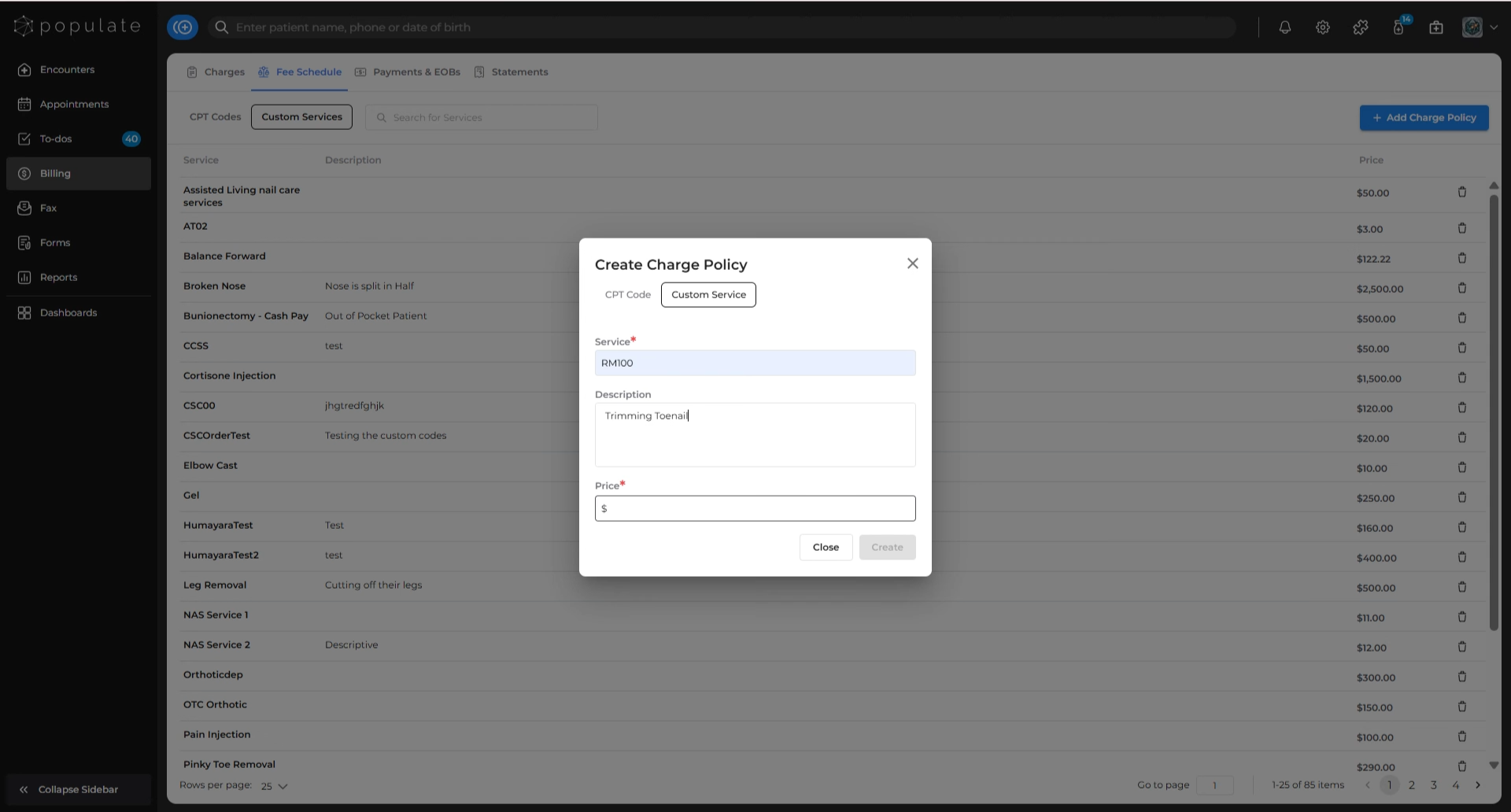
Enter the price you want to charge for the custom code.
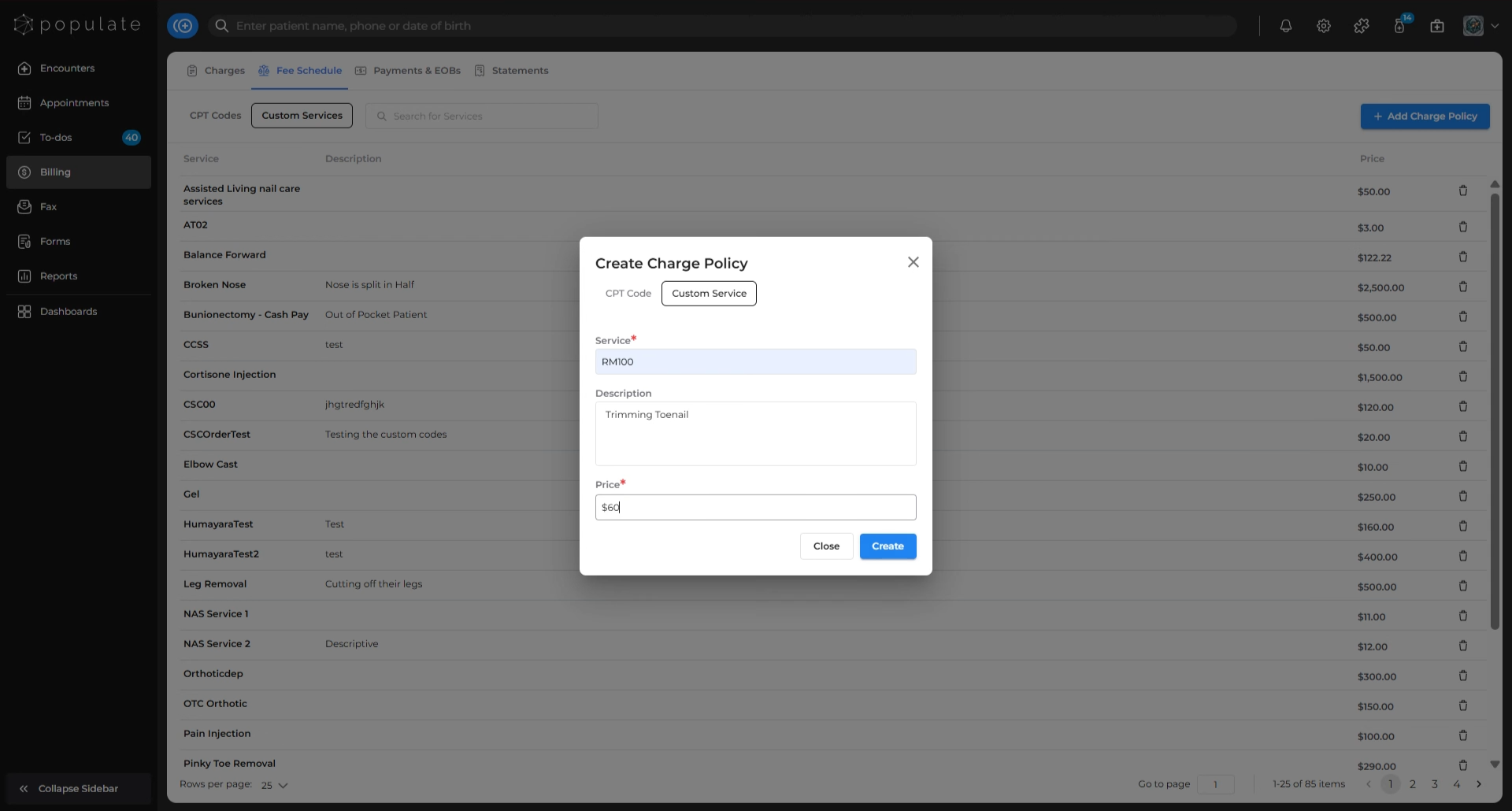
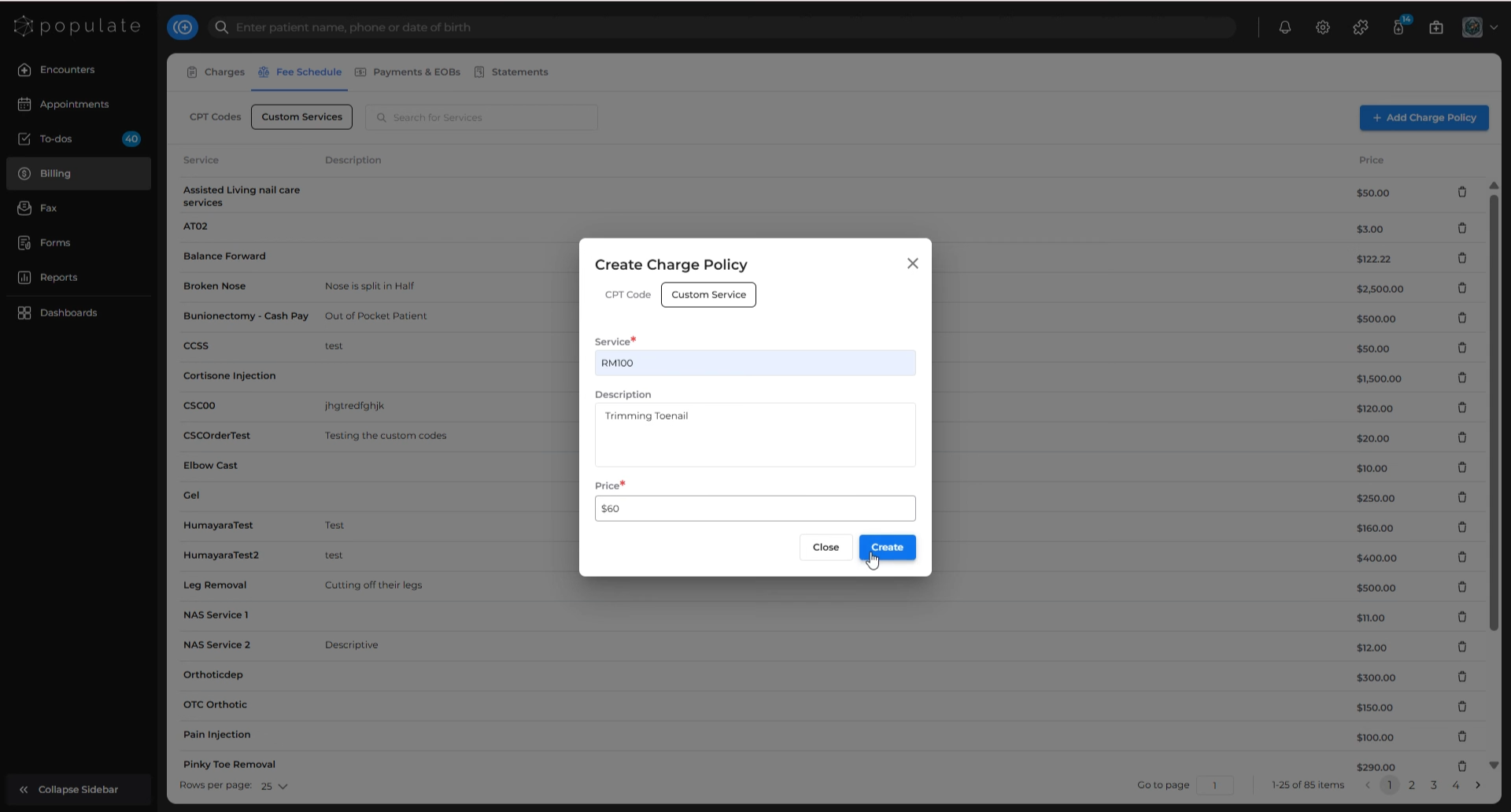
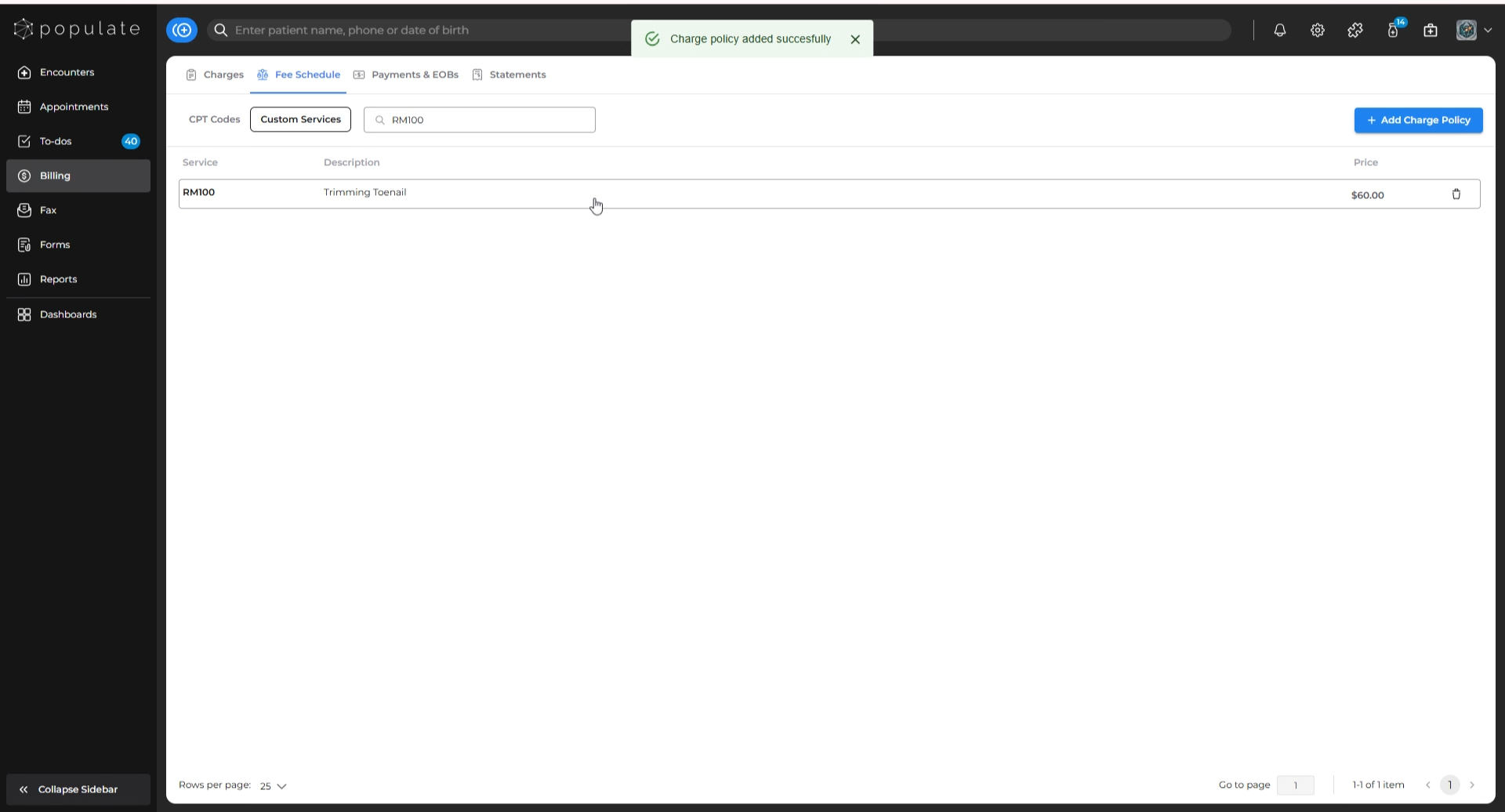
Click “Create”. The new service code will now appear in the Custom Services list.
To delete a custom service, click the delete icon next to the price of the service you wish to remove.
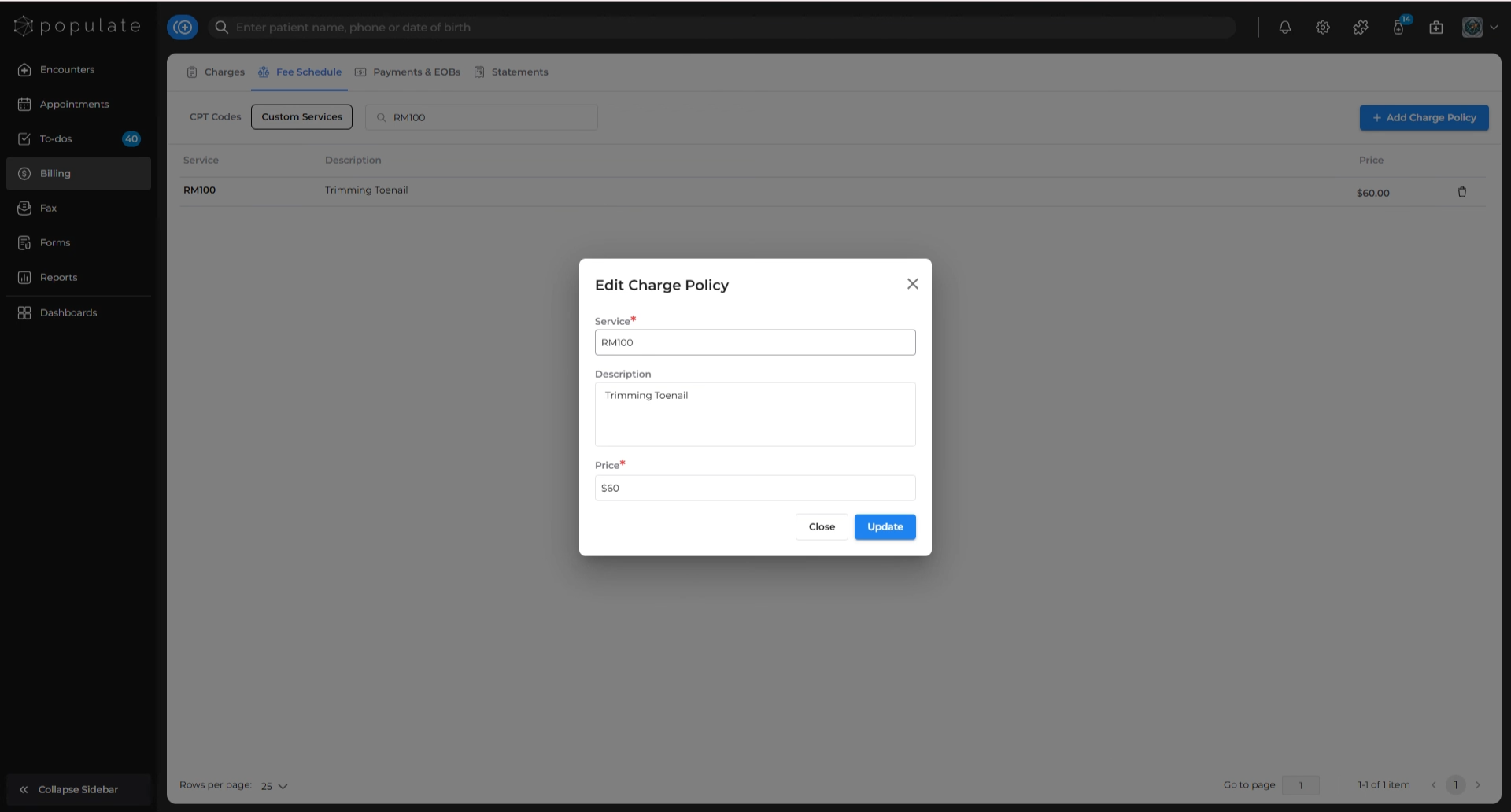
To edit a service price or details, click the service from the list, make any necessary changes, and click “Update” to save.
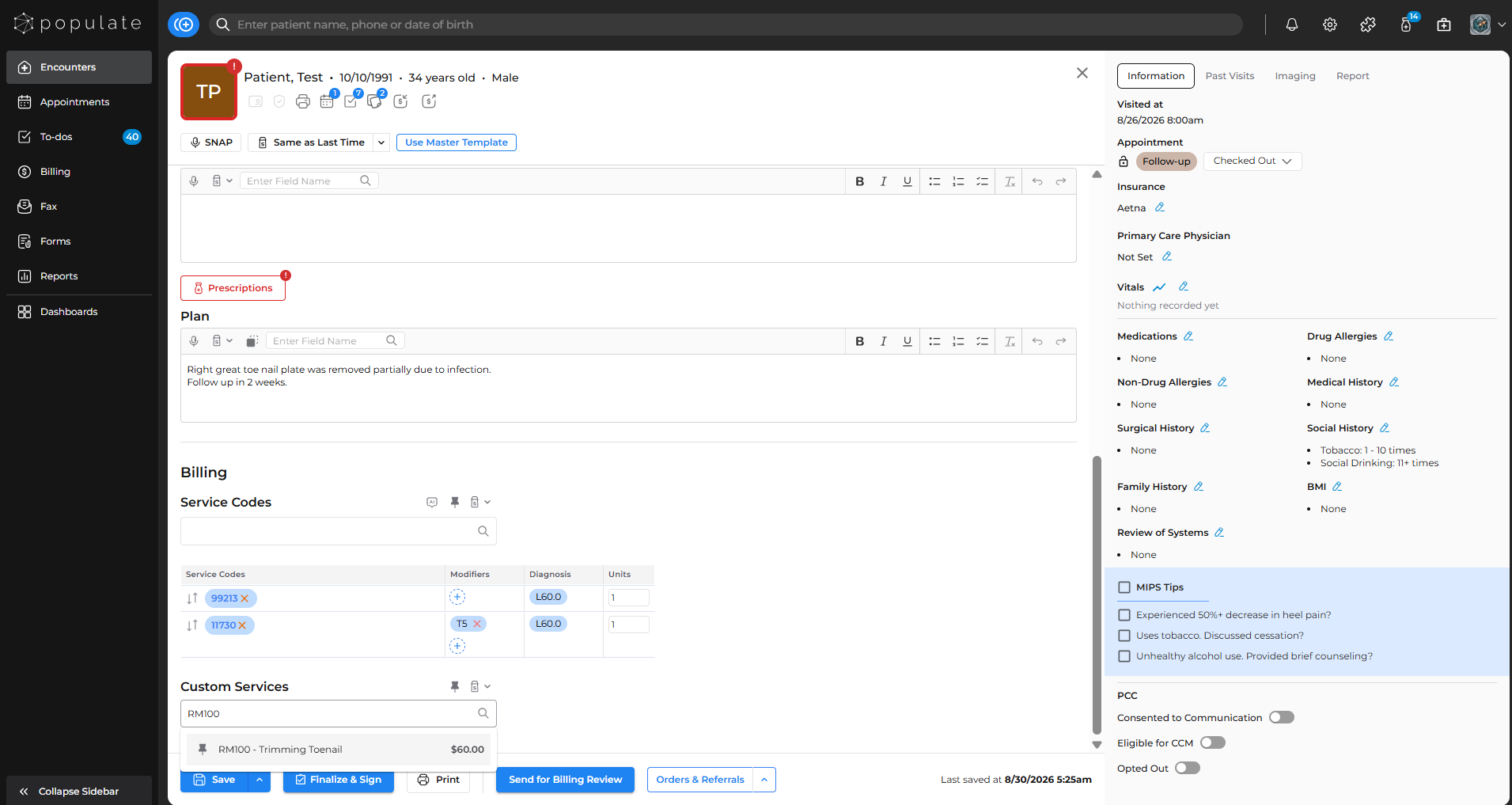
Once saved, you can then add custom codes to a visit note from the “Custom Services” section.