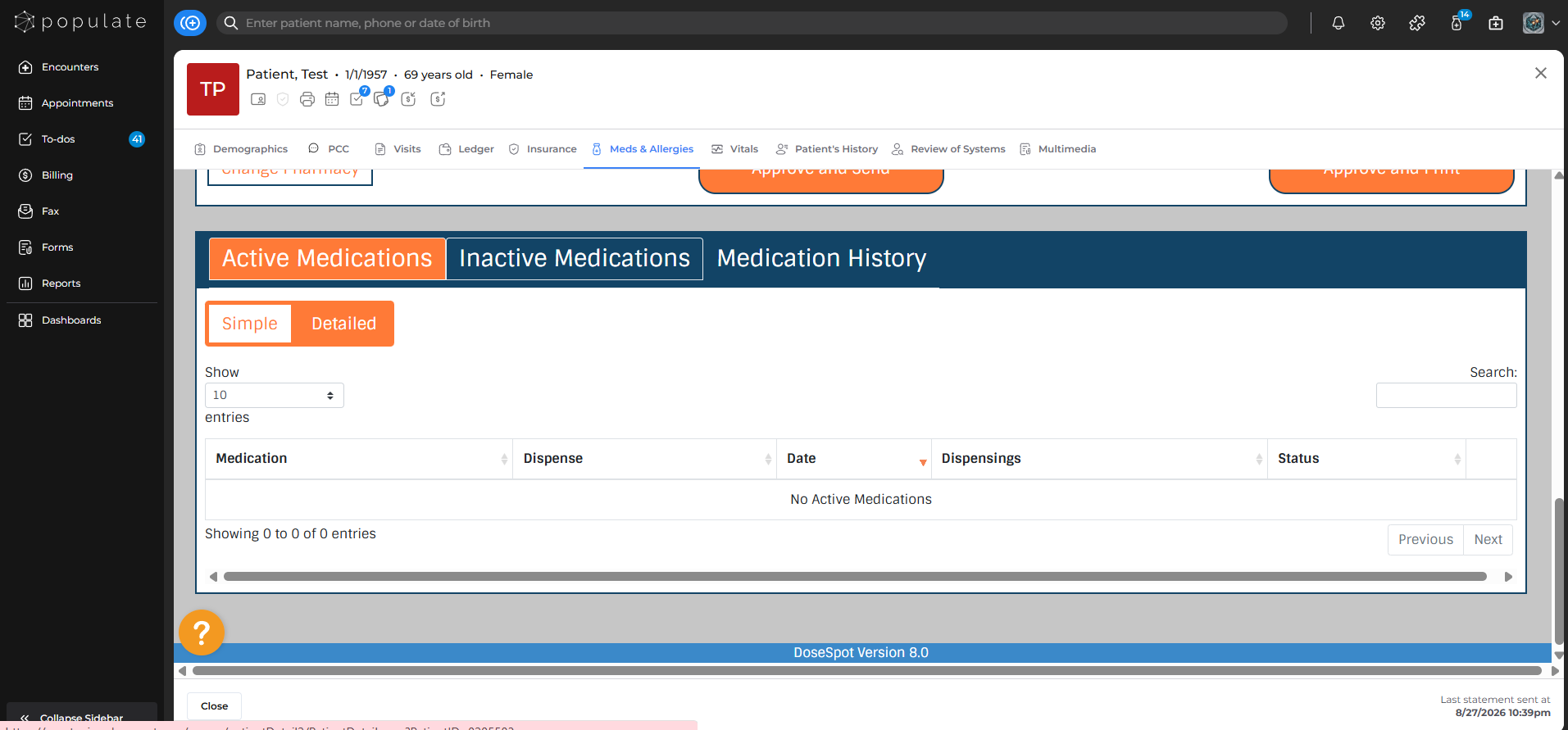
Navigate to the "Meds & Allergies" section in patient charts.
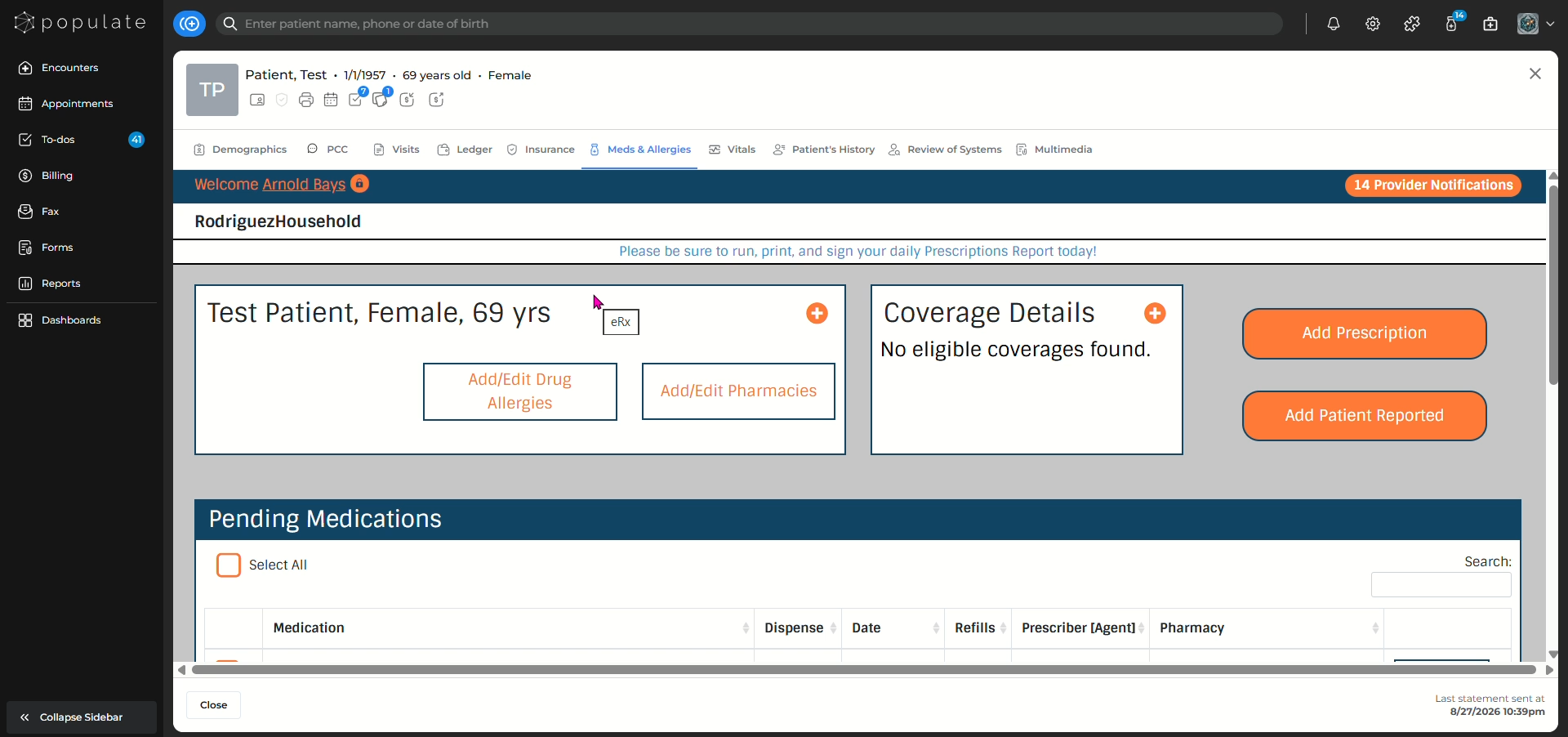
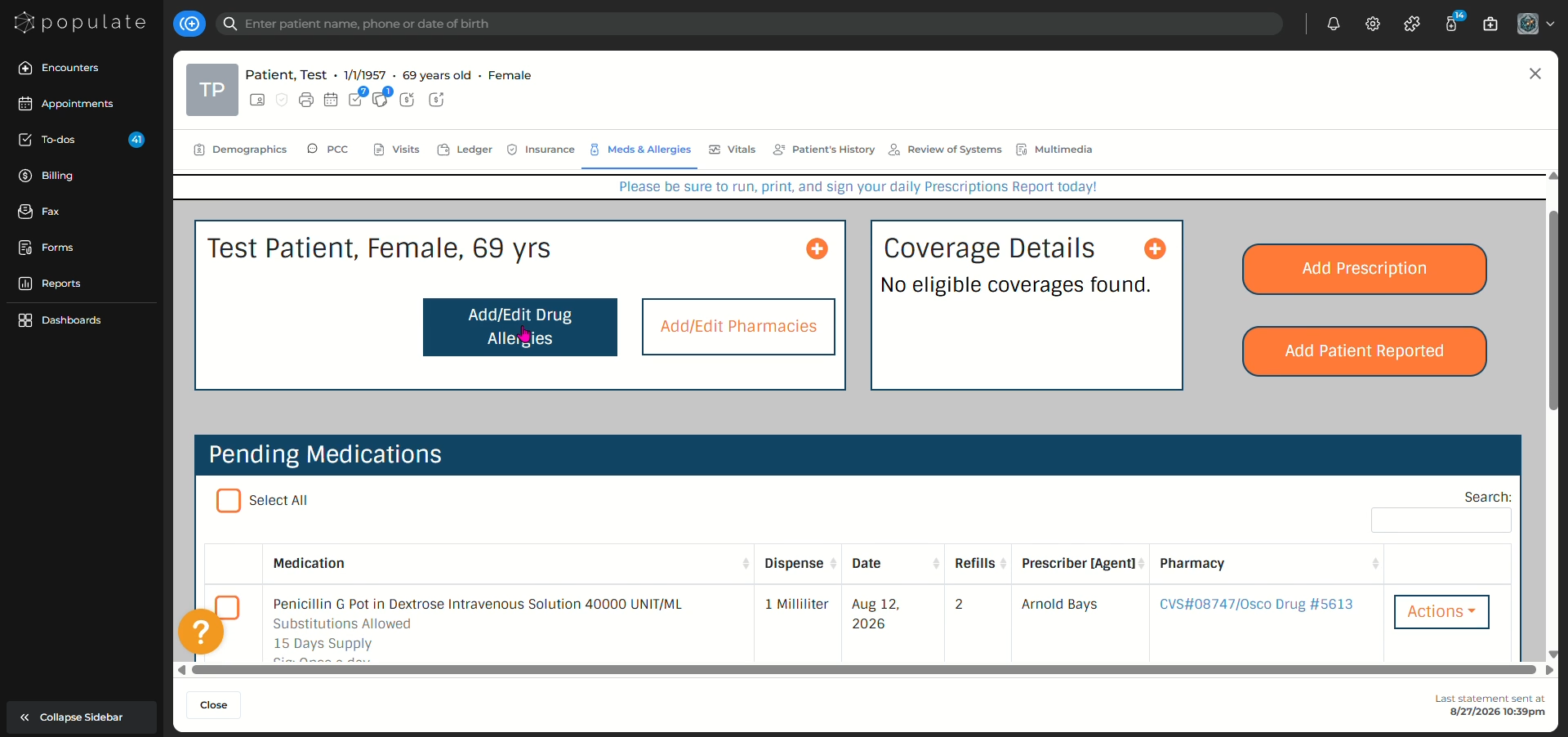
Click "Add/Edit Drug Allergies" to start listing any drug-related allergies the patient may have.
If the patient has no known allergies, then fill out the checkbox, otherwise search for the medicine the patient is allergic to.
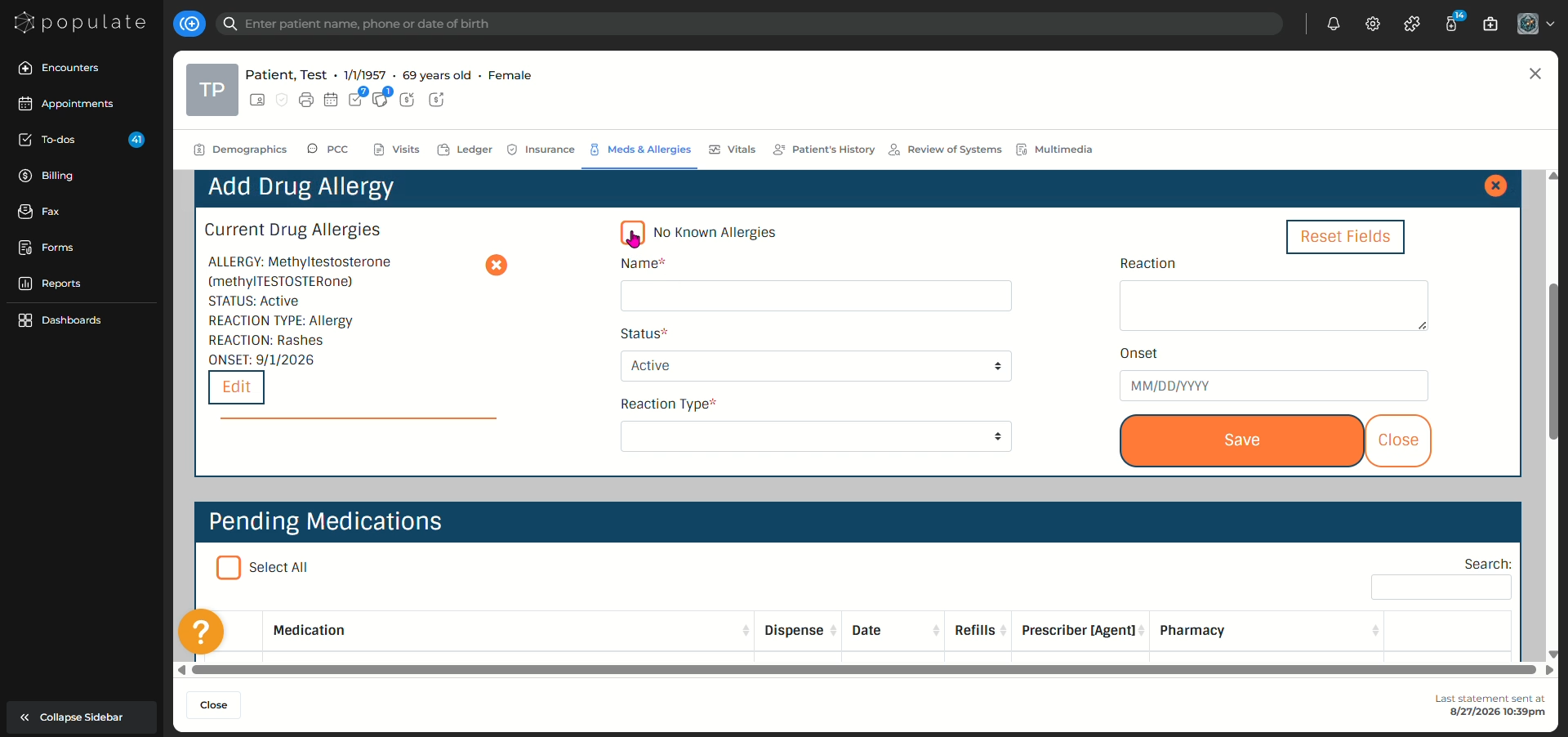
Select the reaction and describe the reaction the patient has to that medicine.
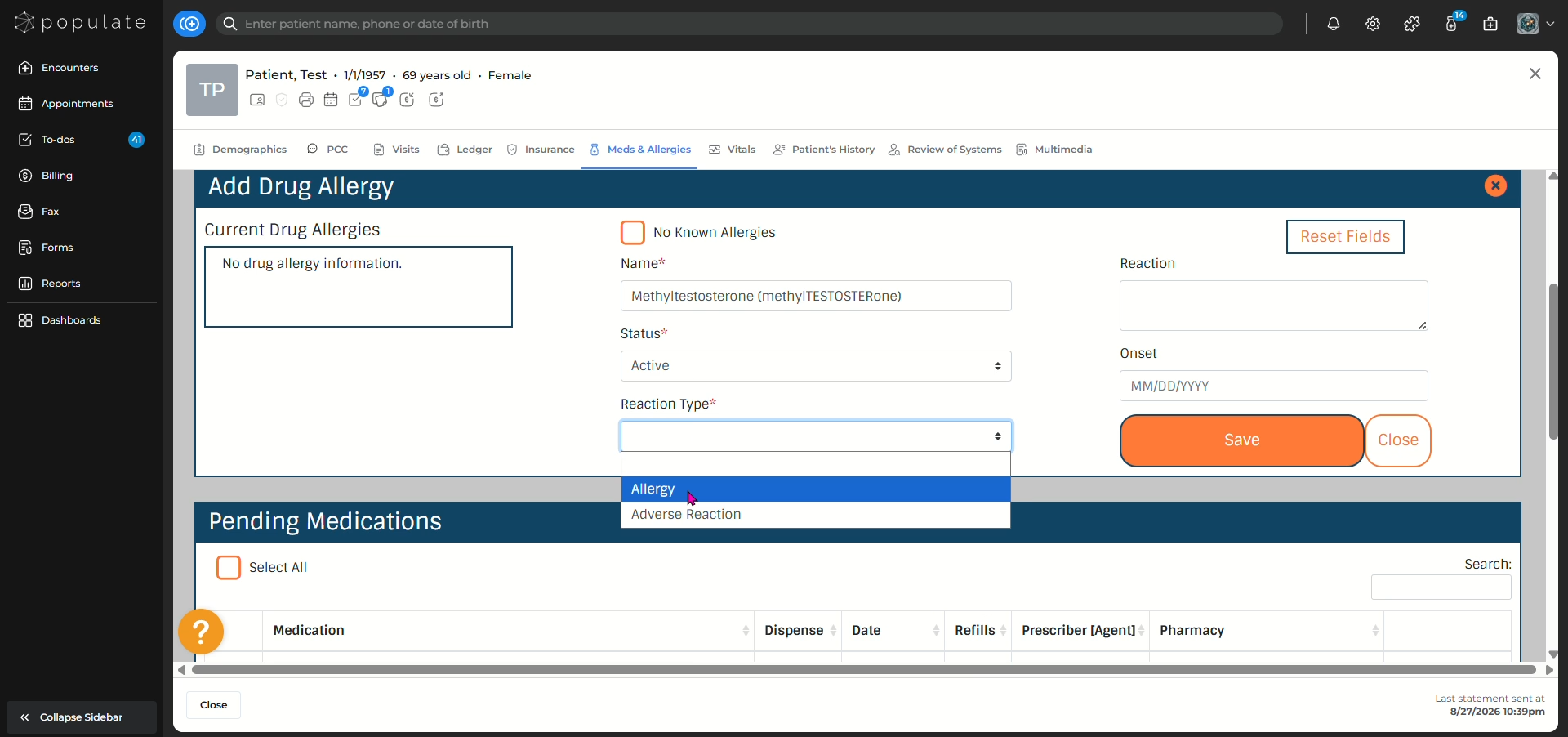
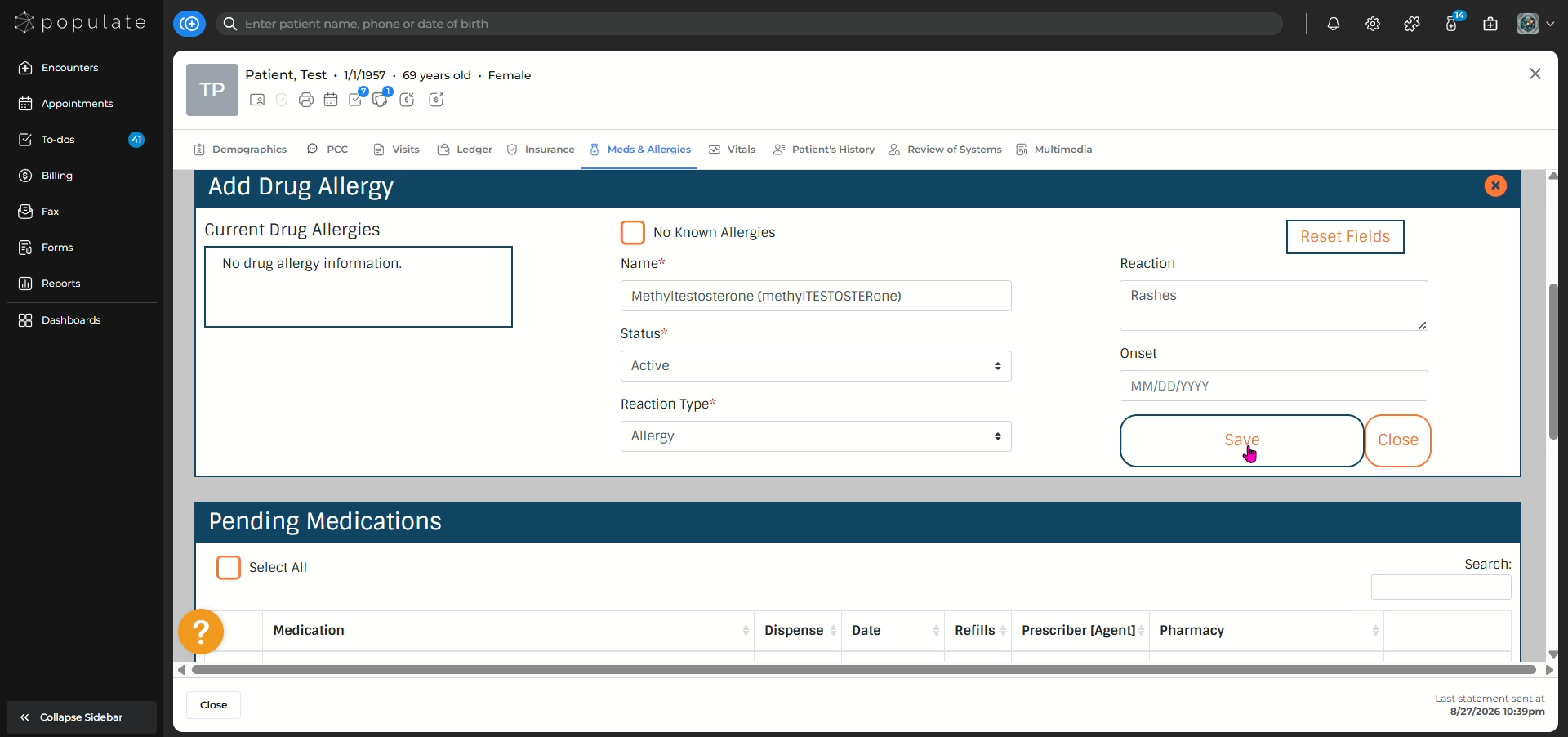
Add the allergy onset date and click "Save"
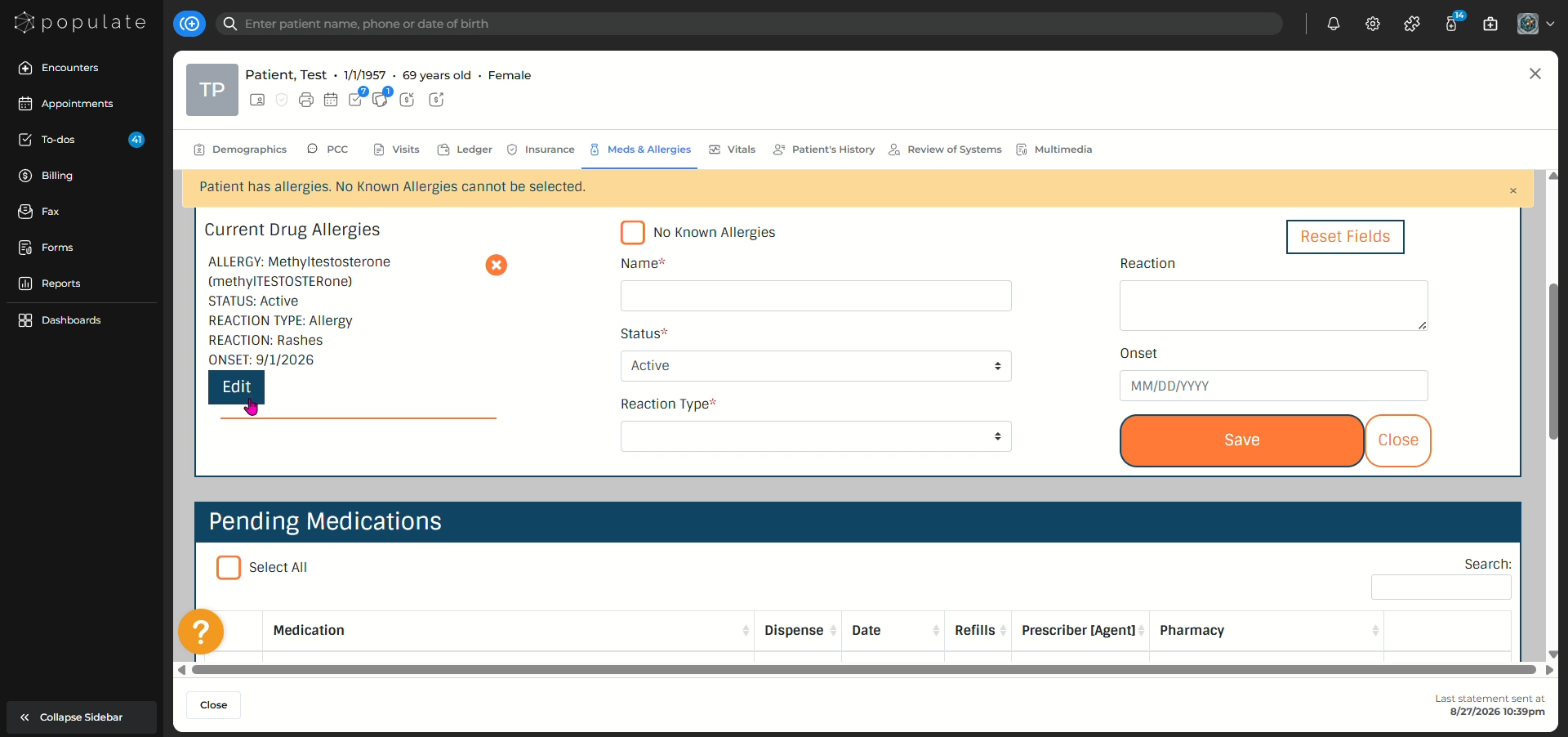
You can also edit existing drug allergies by clicking the "Edit" button.
You can also view active and inactive medications and medication history.