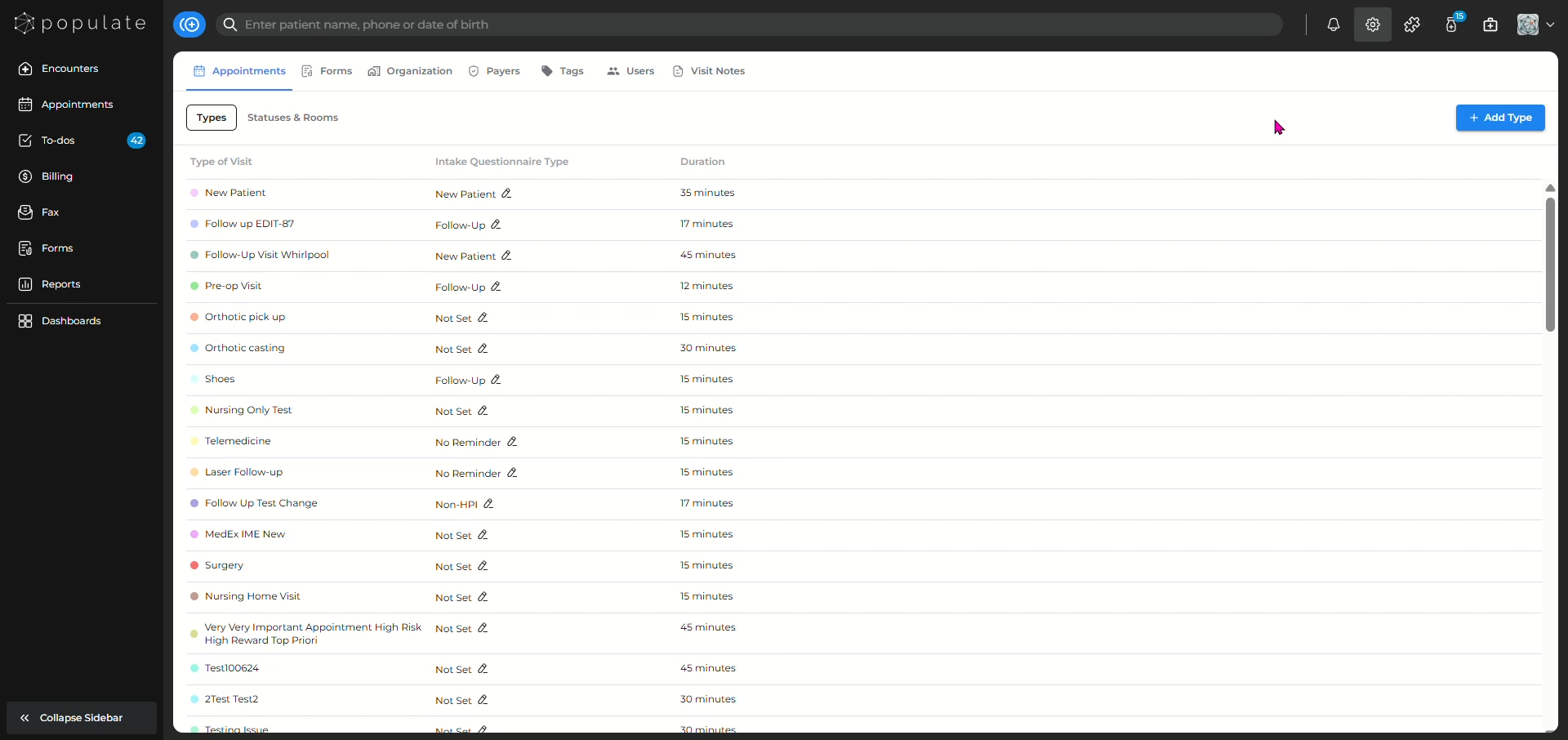
Navigate to the appointments tab from the settings page.
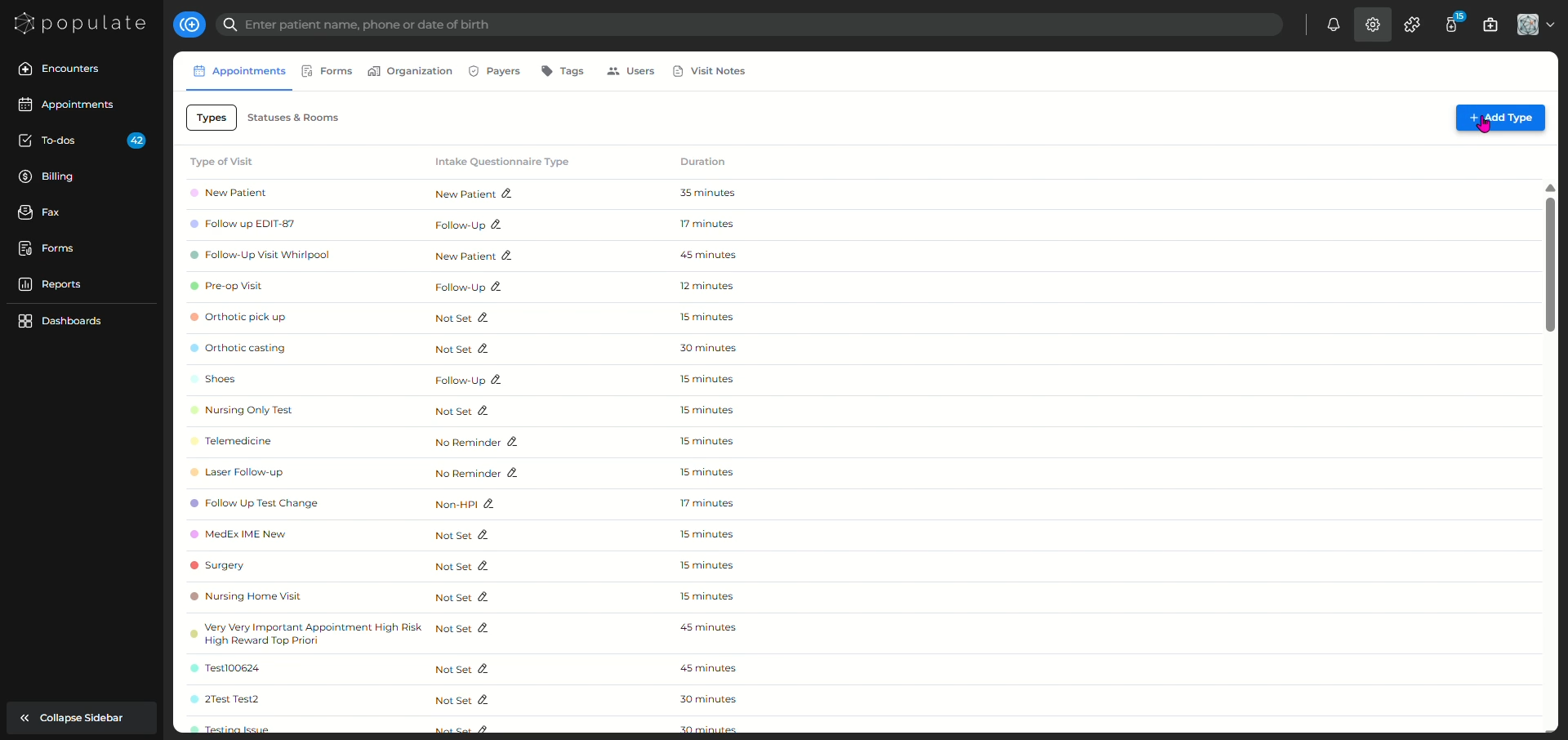
Click on "Add type" to create a new appointment type.
Name the "type of visit" you want the appointment to be as.
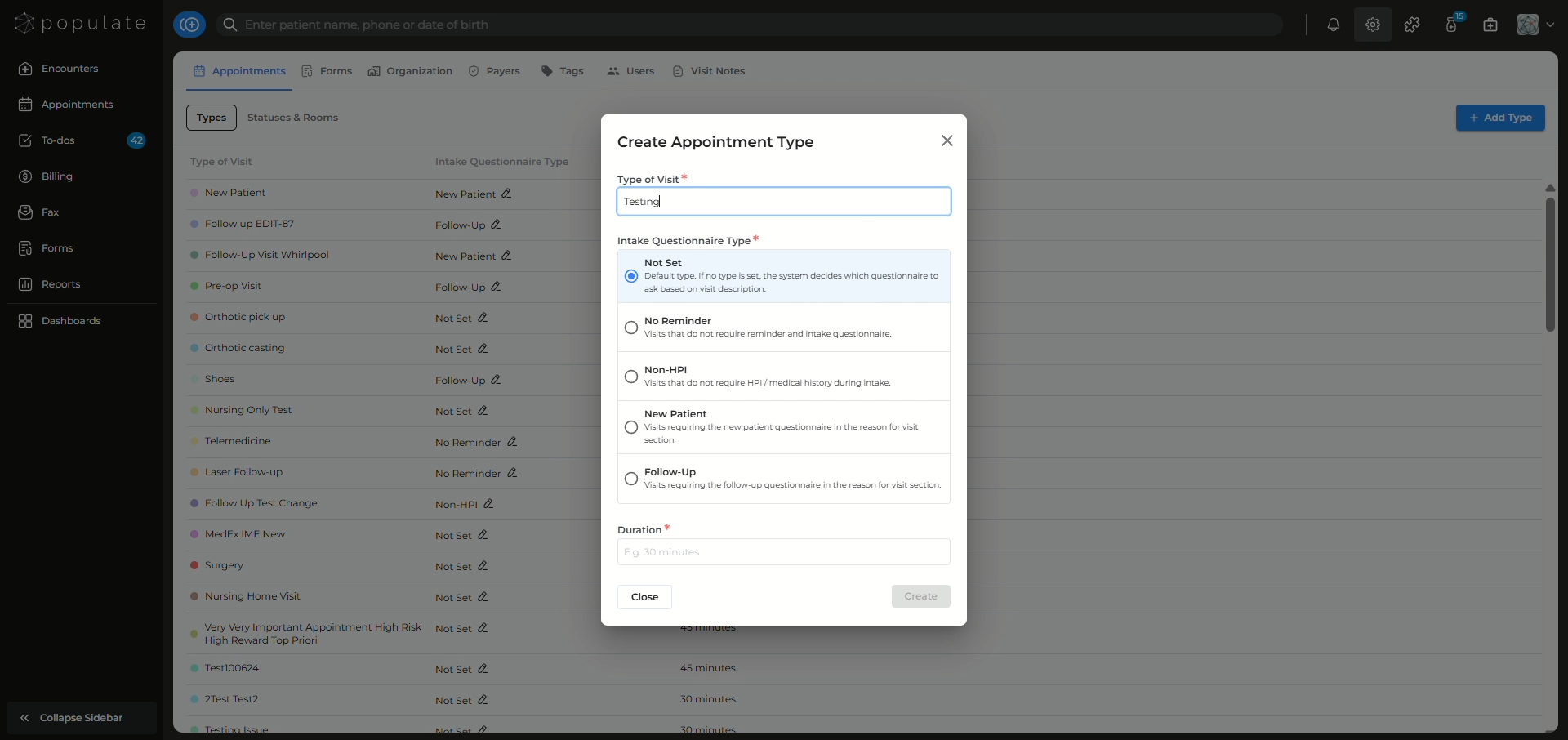
Select the type of questionnaire that will be sent to the patient based on the appointment type.
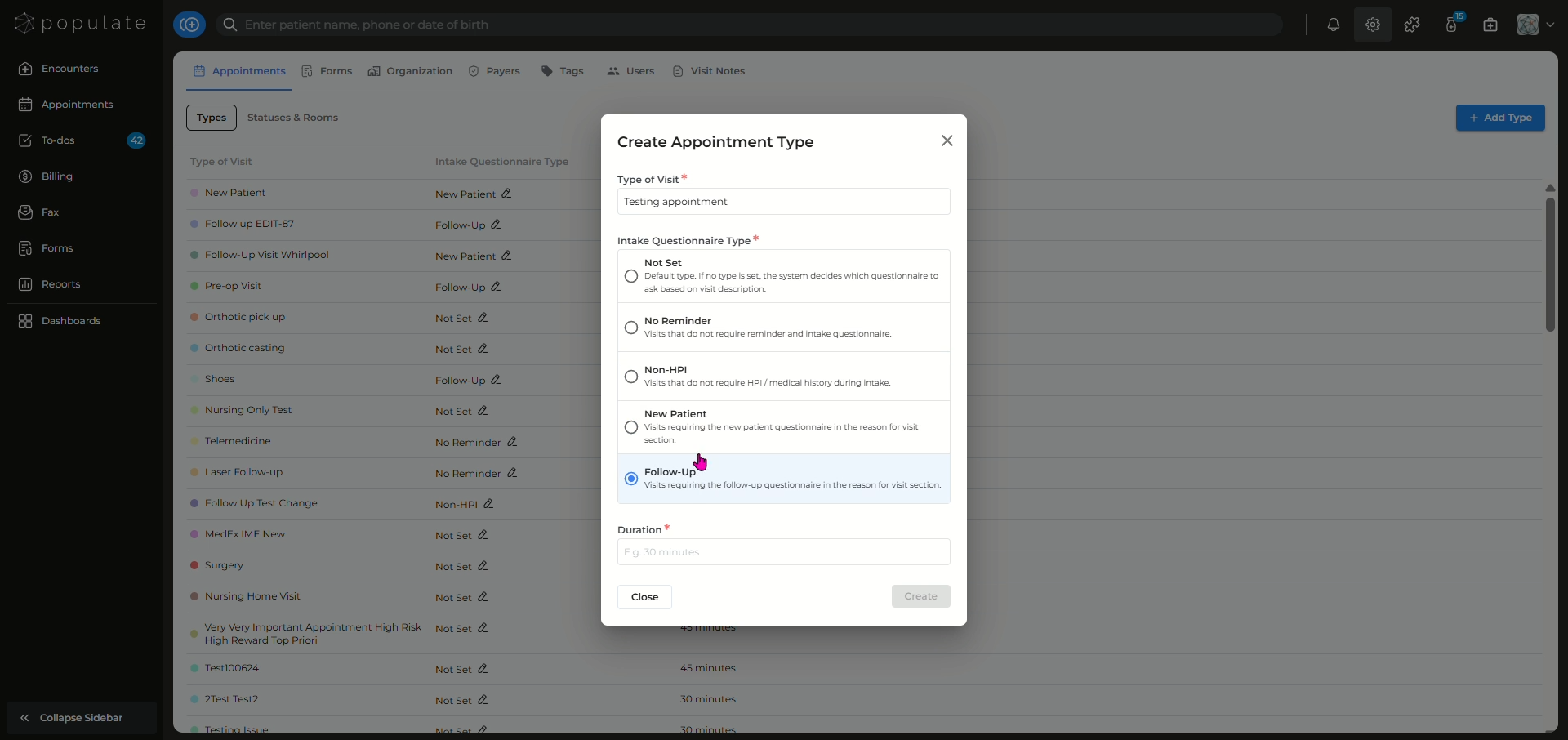
Add the duration for the appointment.
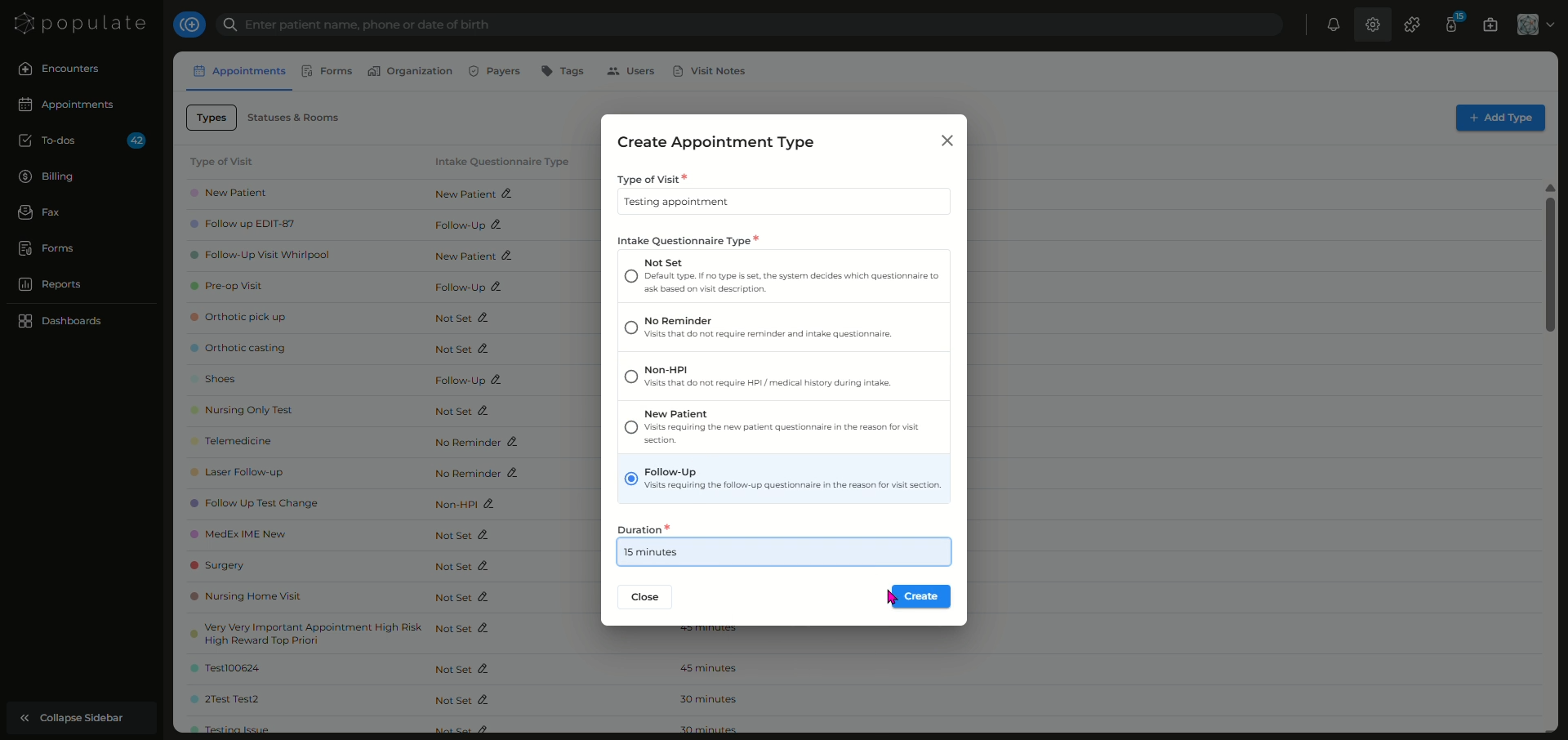
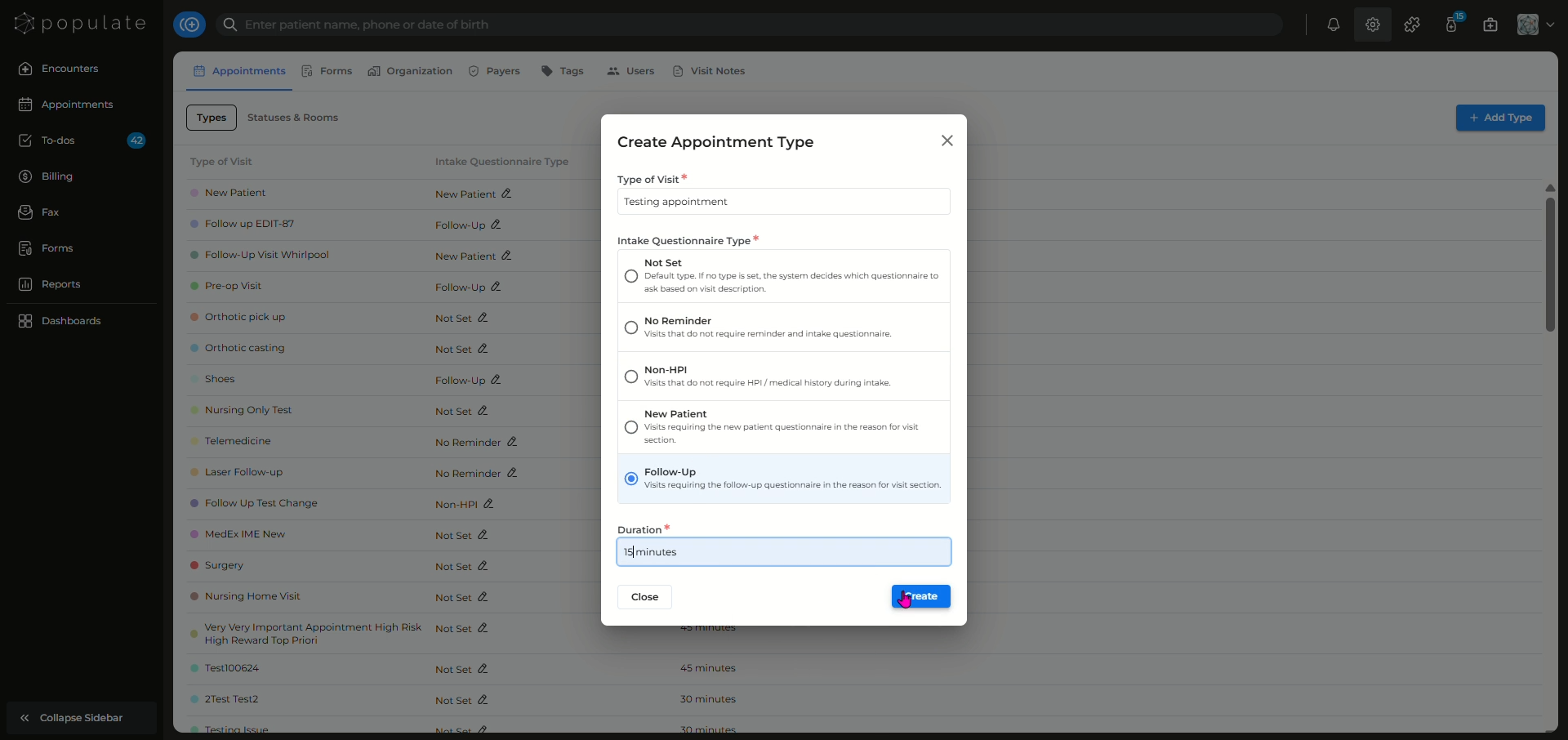
Click on create and you're done!
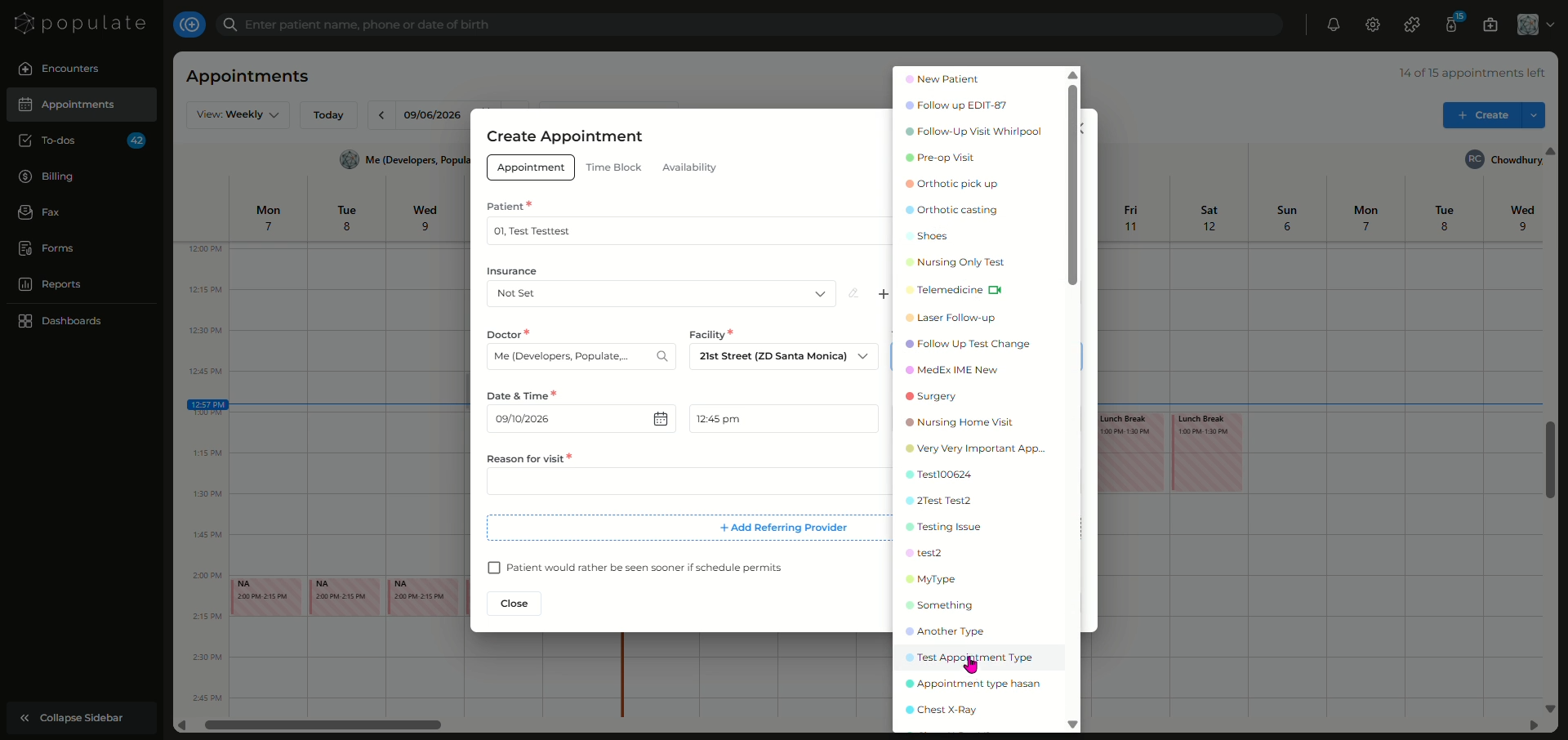
While selecting "Type of visit" for the patient, now you'll be able to select your newly added appointment type.
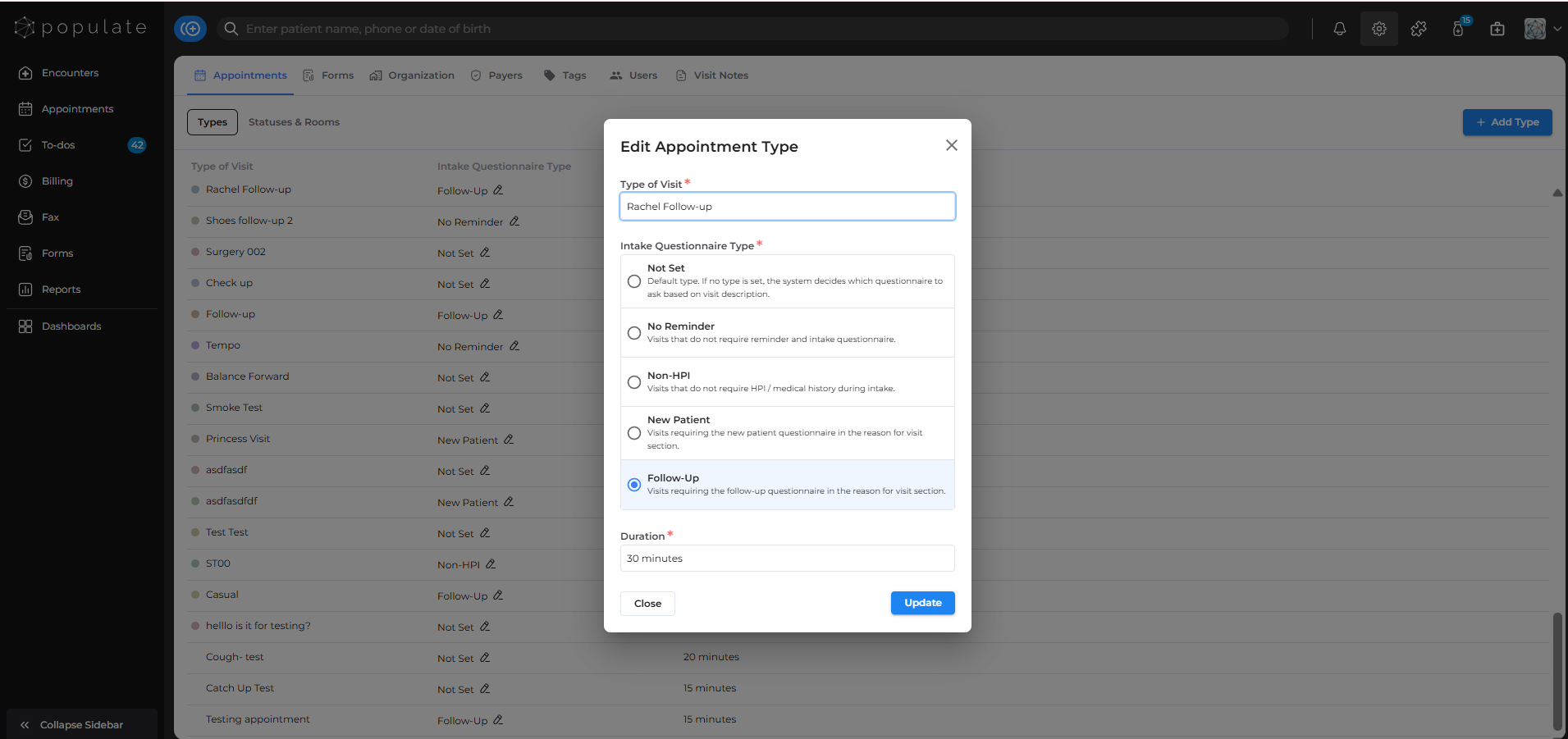
To edit an appointment type, simply navigate to the appointments tab from the settings module and click on the appointment type, and an edit appointment type panel will open. Edit as you please and click on update to save.