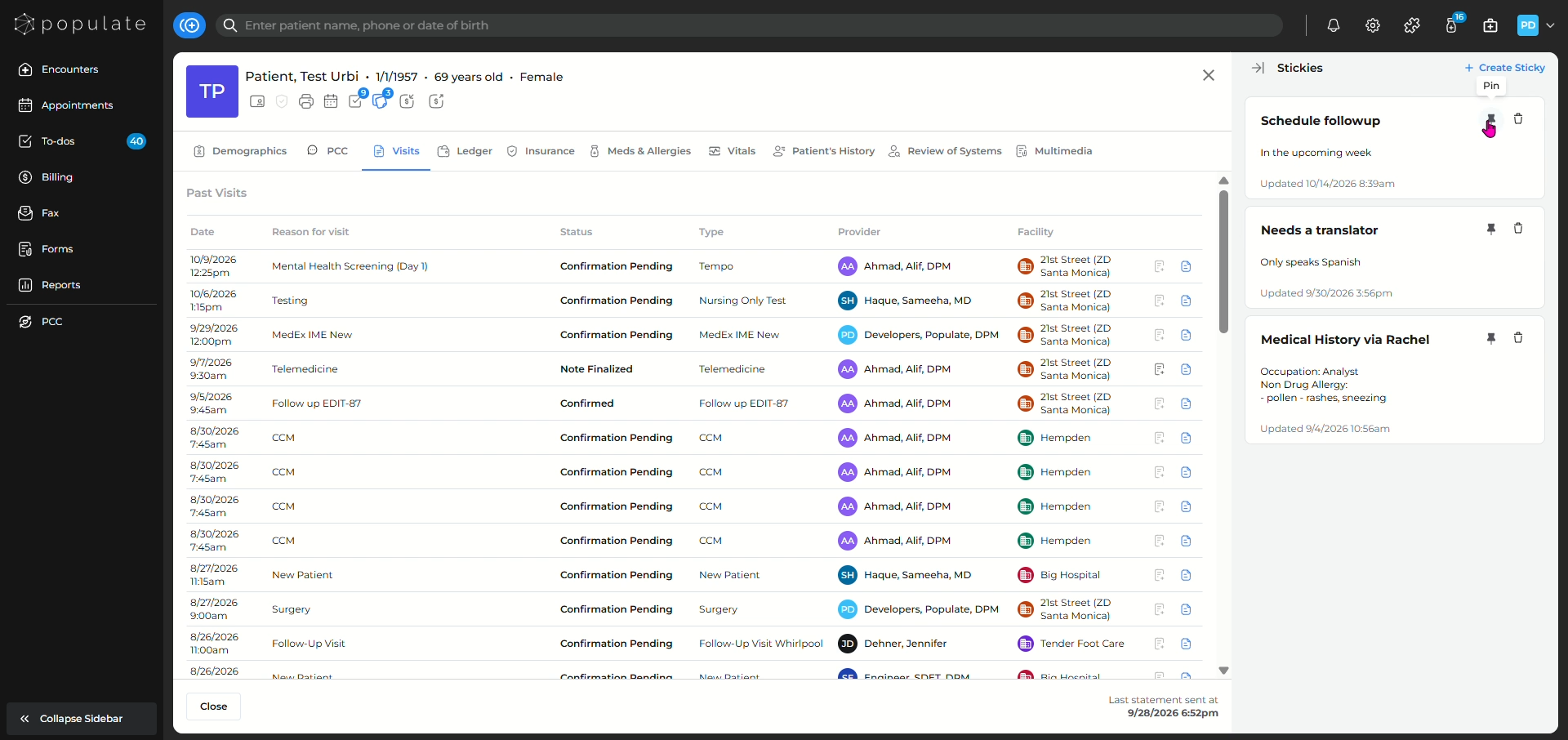
Navigate to the patient's chart for whom you want to add a detail/note.
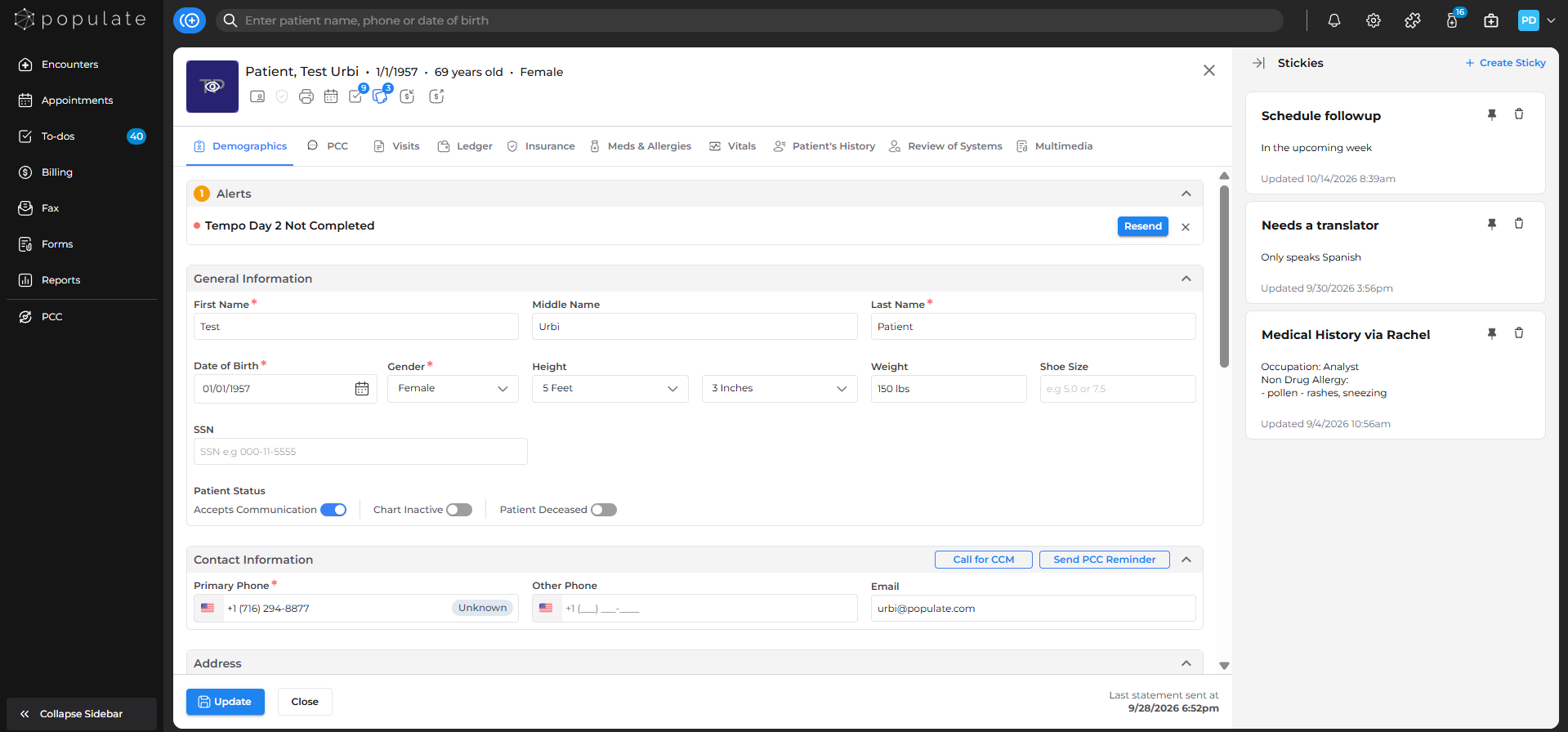
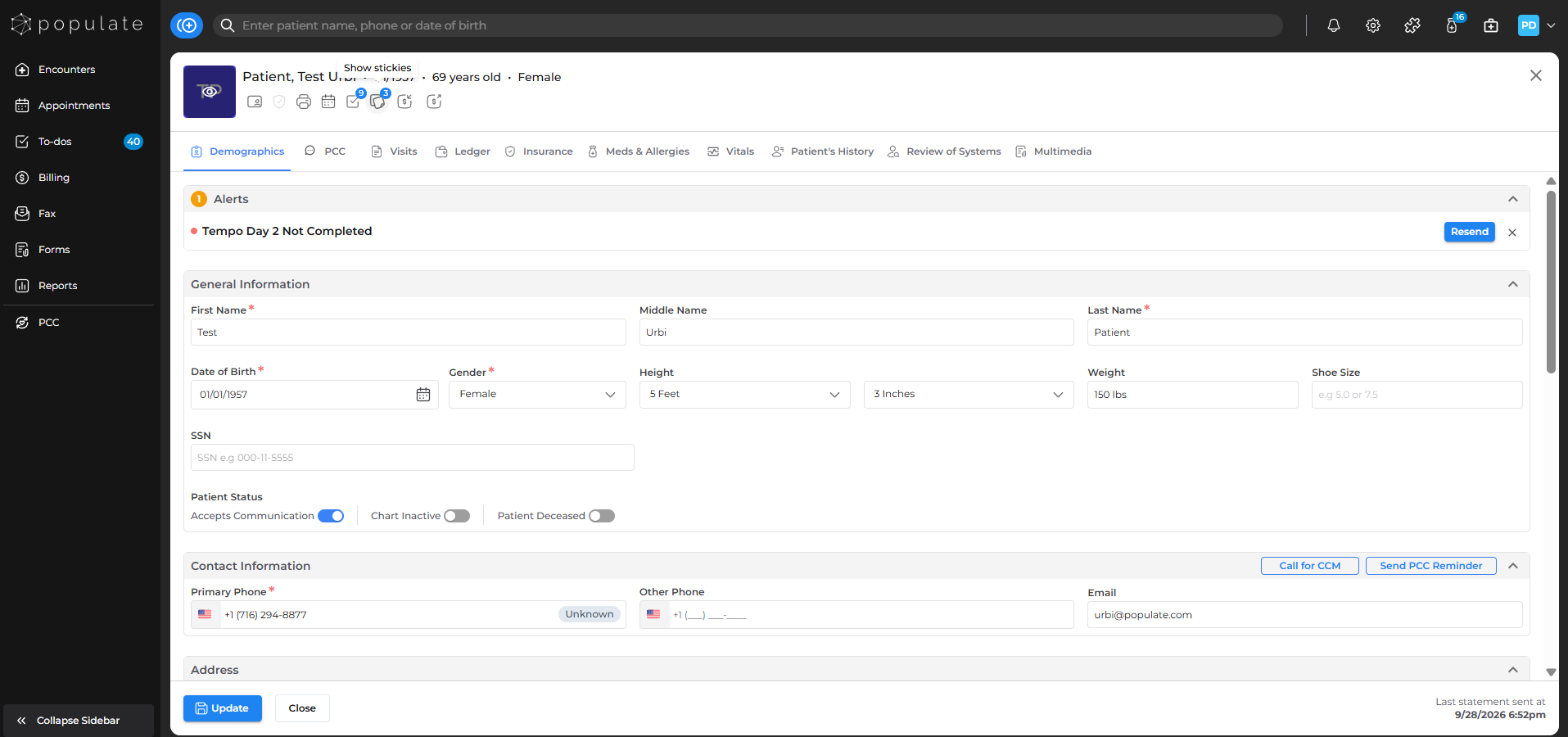
Click on the Show Stickies icon below the patient's age to open the stickies side panel.
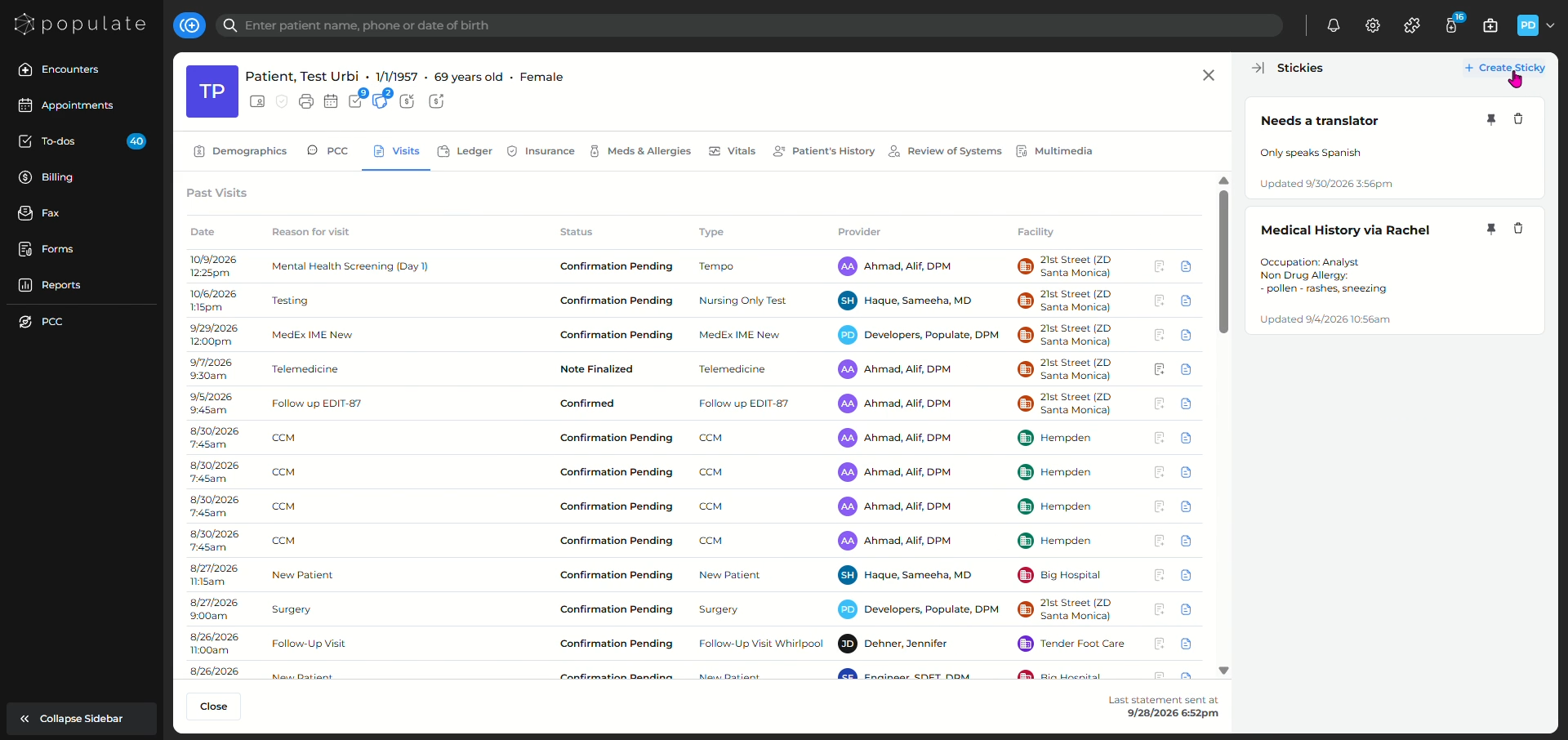
Click on +Create sticky in order to add a new sticky to the patient's chart.
Add a title to the note.
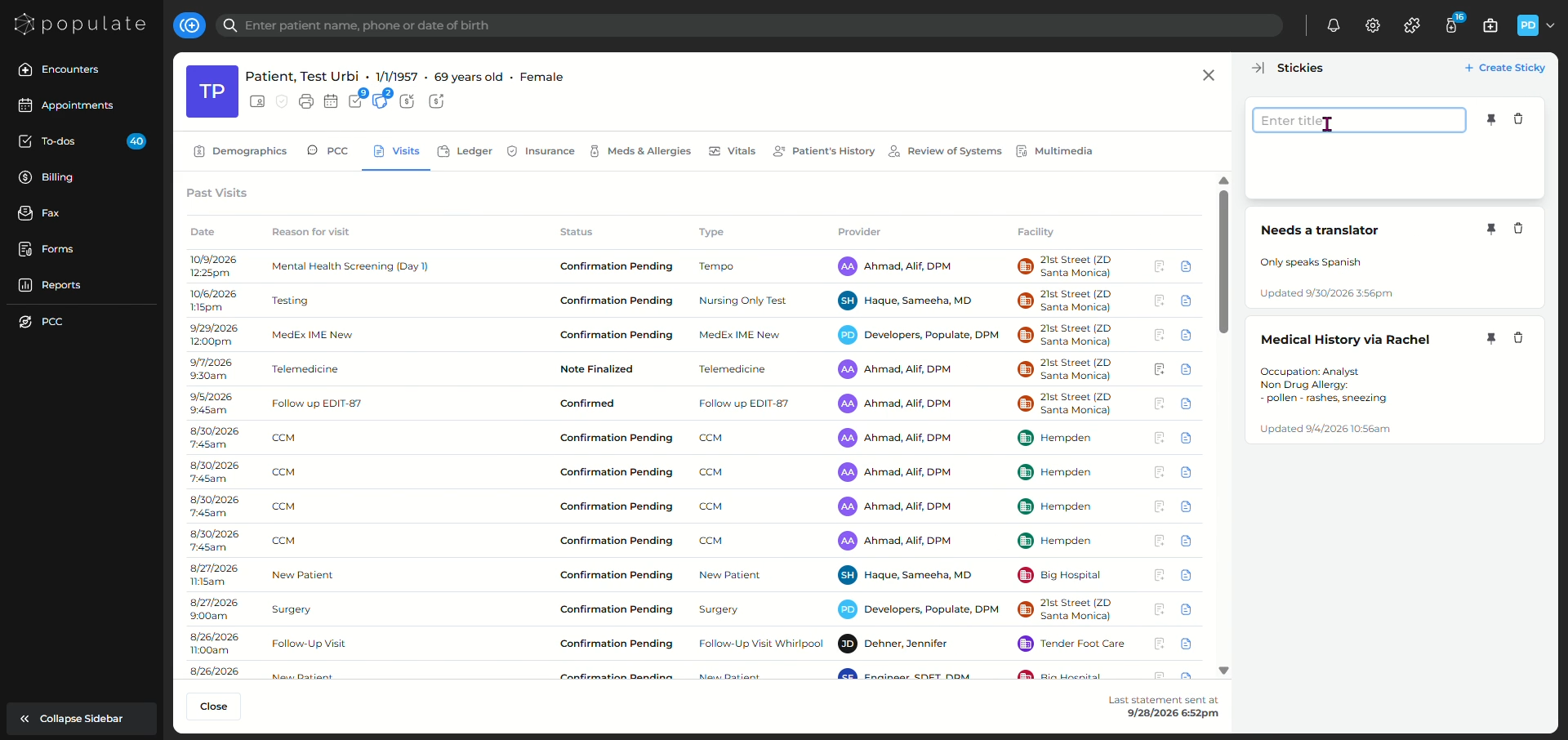
Type in more details if required. You can also format the note.
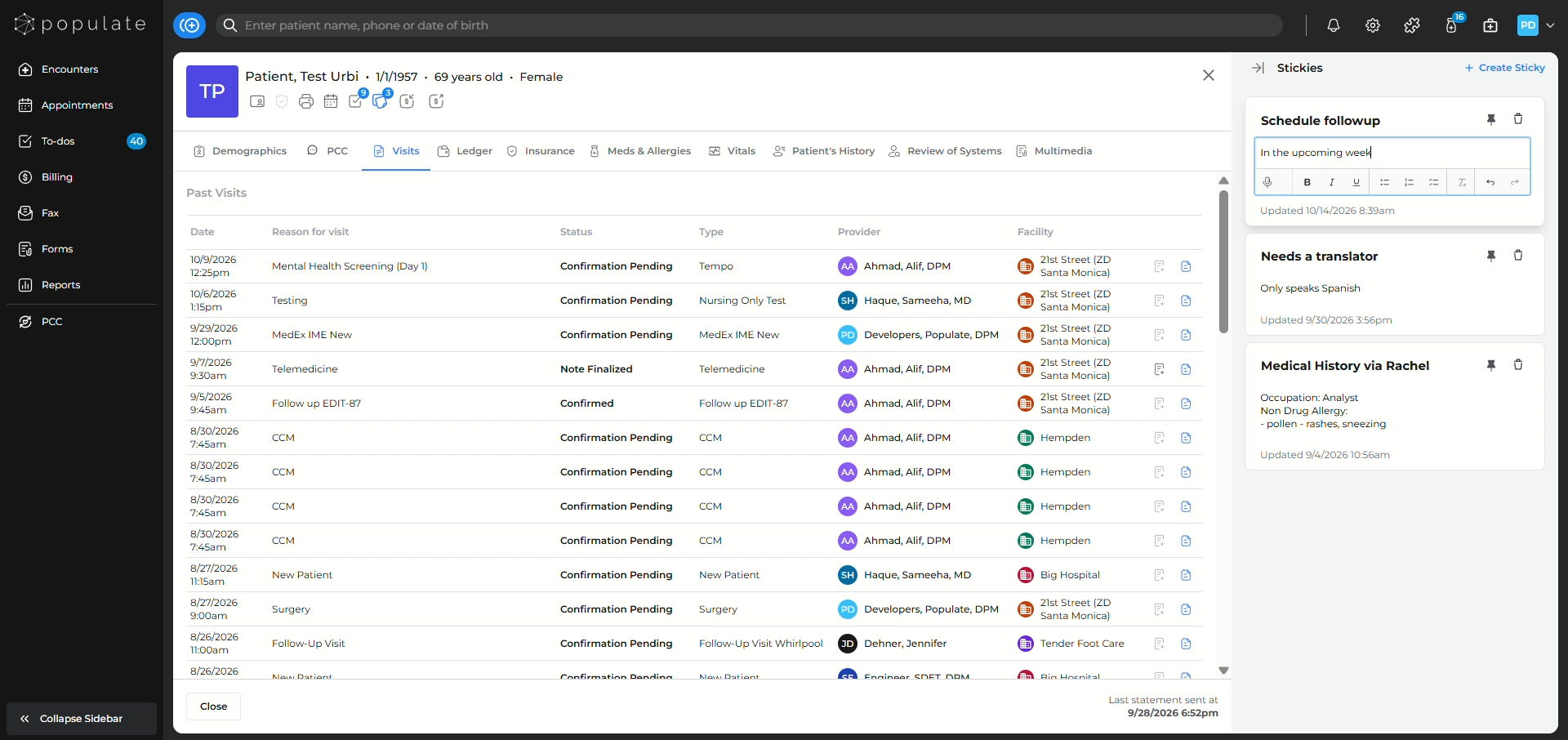
Clicking anywhere in the EMR will save the sticky.
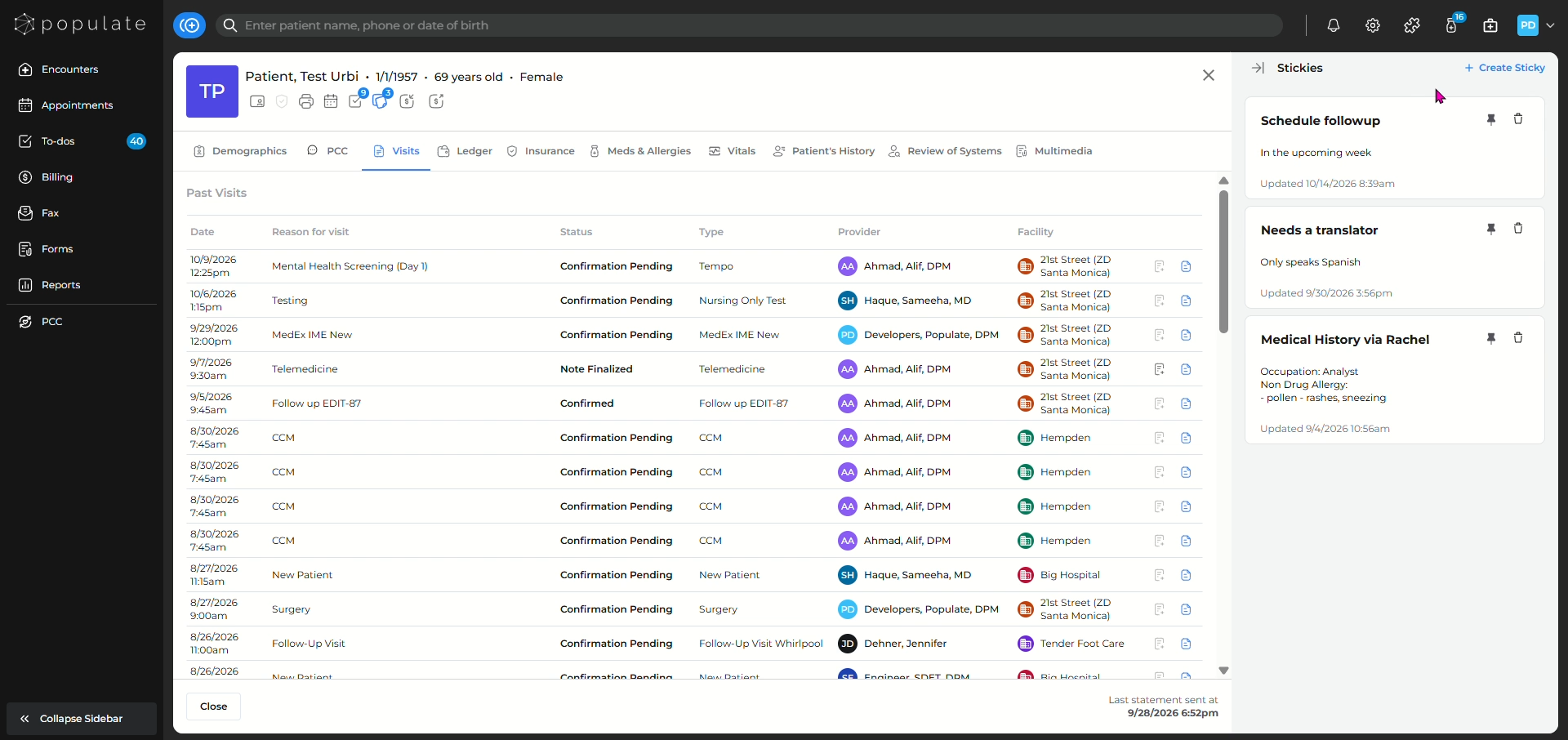
You can also pin/unpin the sticky using the pin icon.