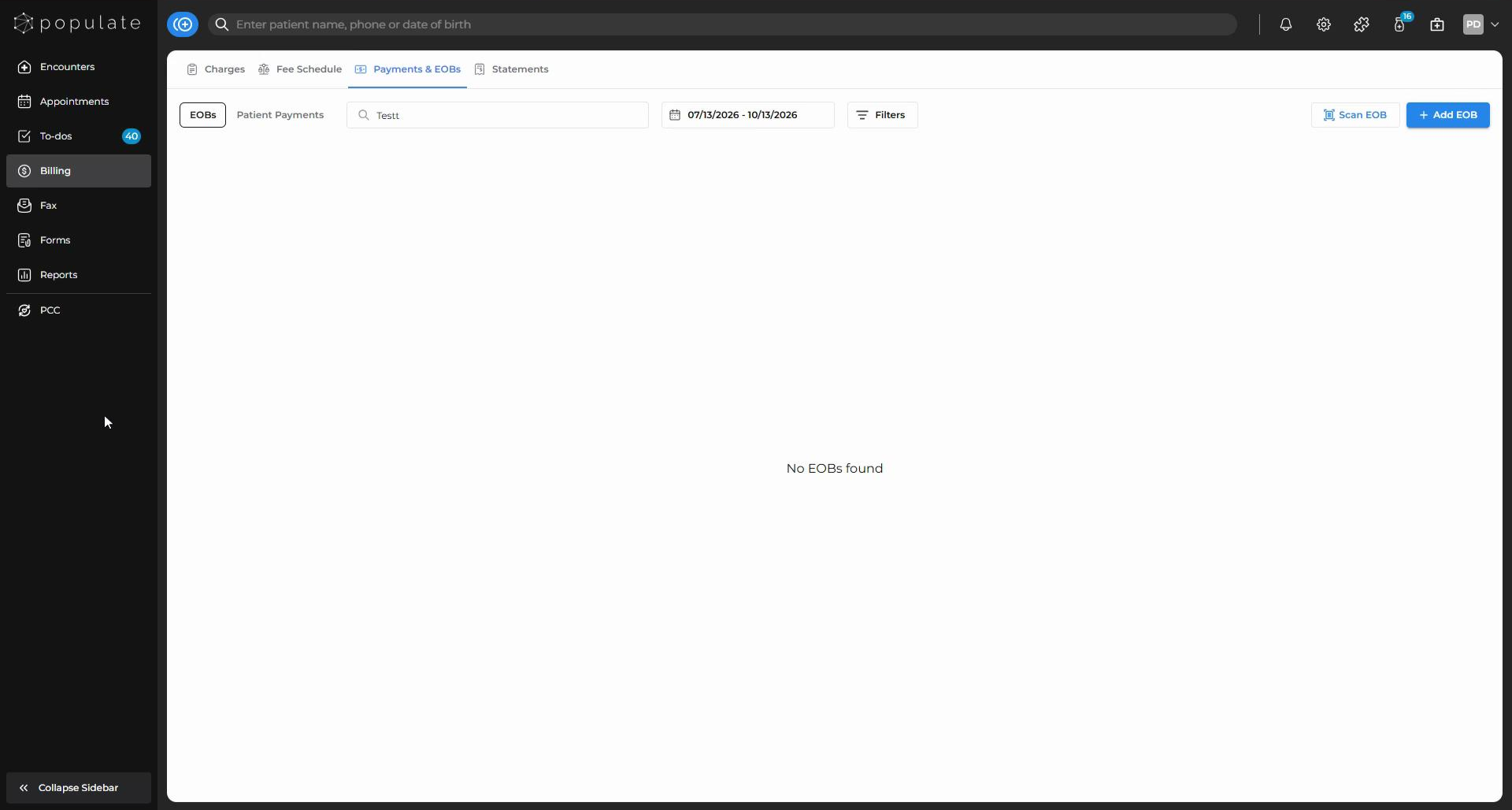
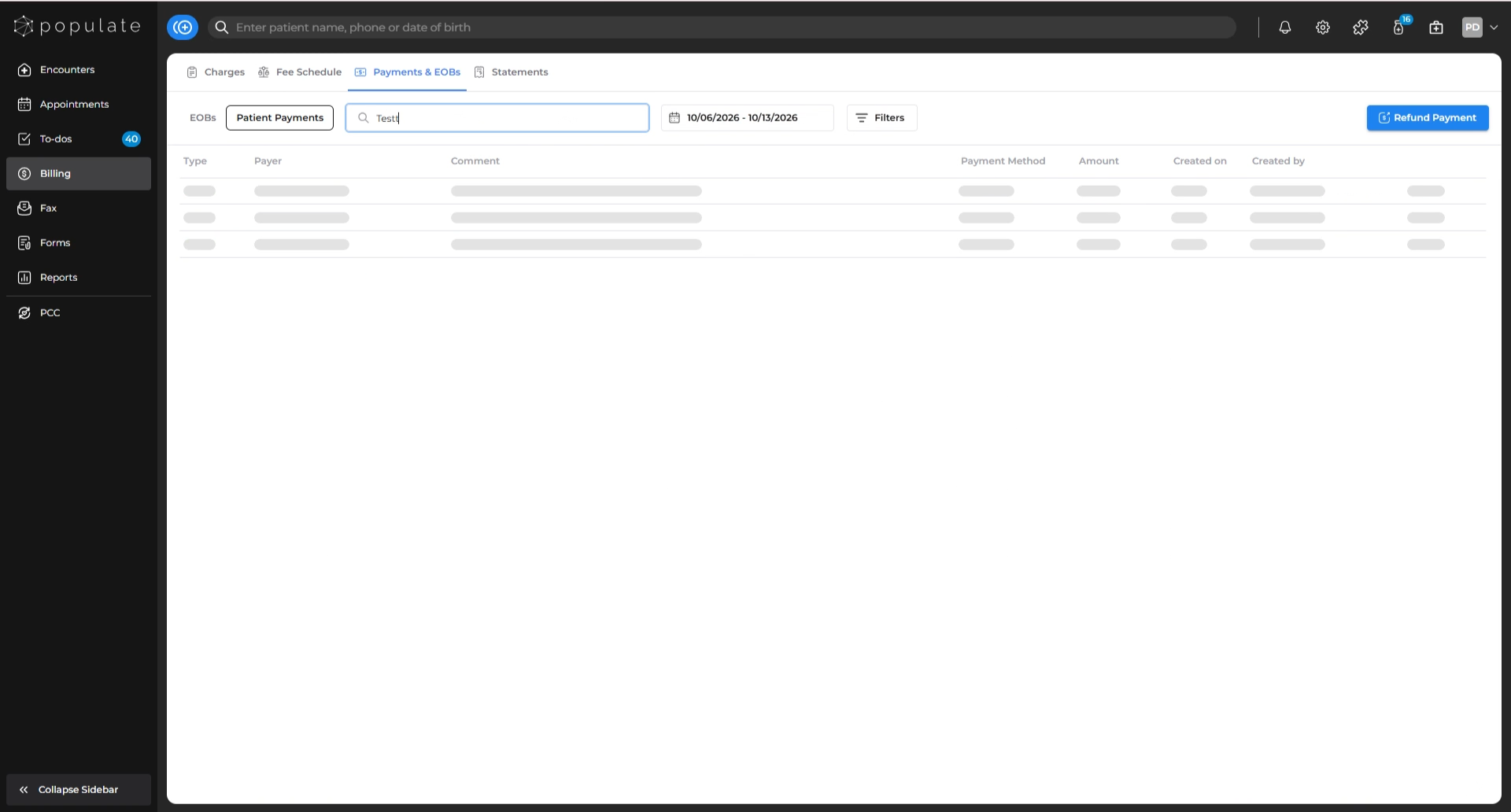
Navigate to Payments & EOBs under Billing.
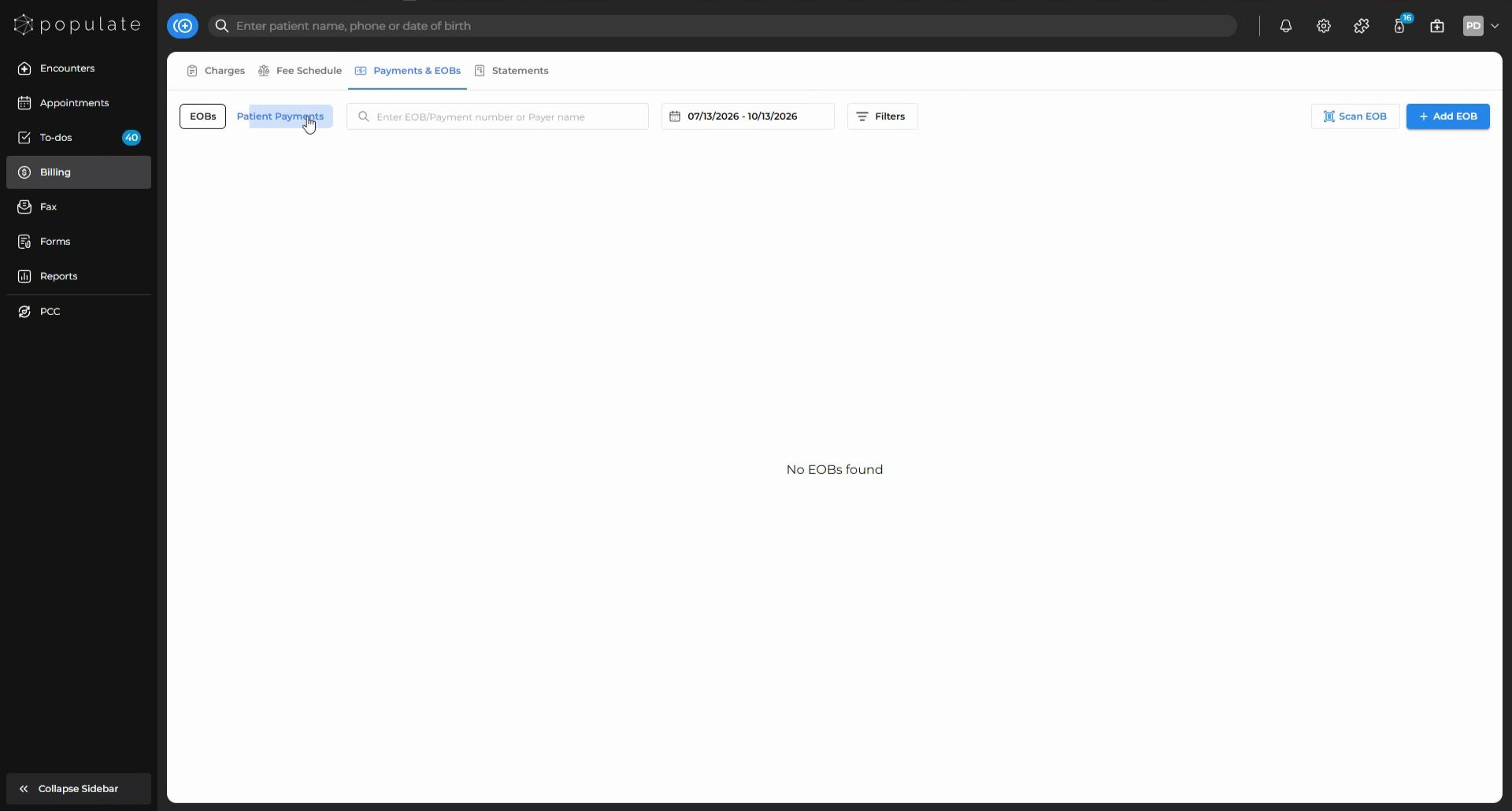
Go to the Patient Payments tab.
Use the search bar to find the patient by name, phone number, or date of birth.
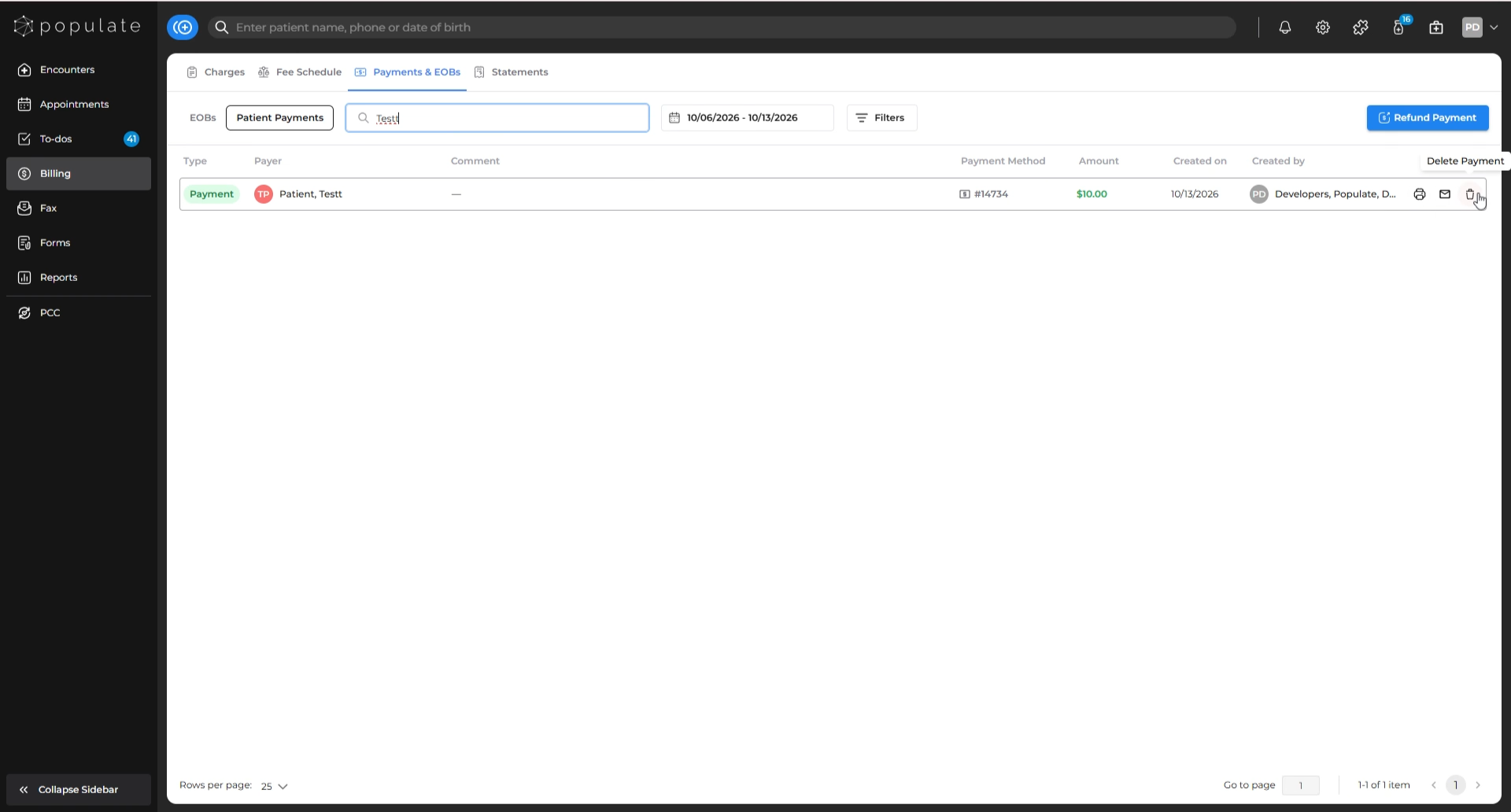
Once you find the payment you want to delete, look to the far right of the row for the Delete icon and click it.
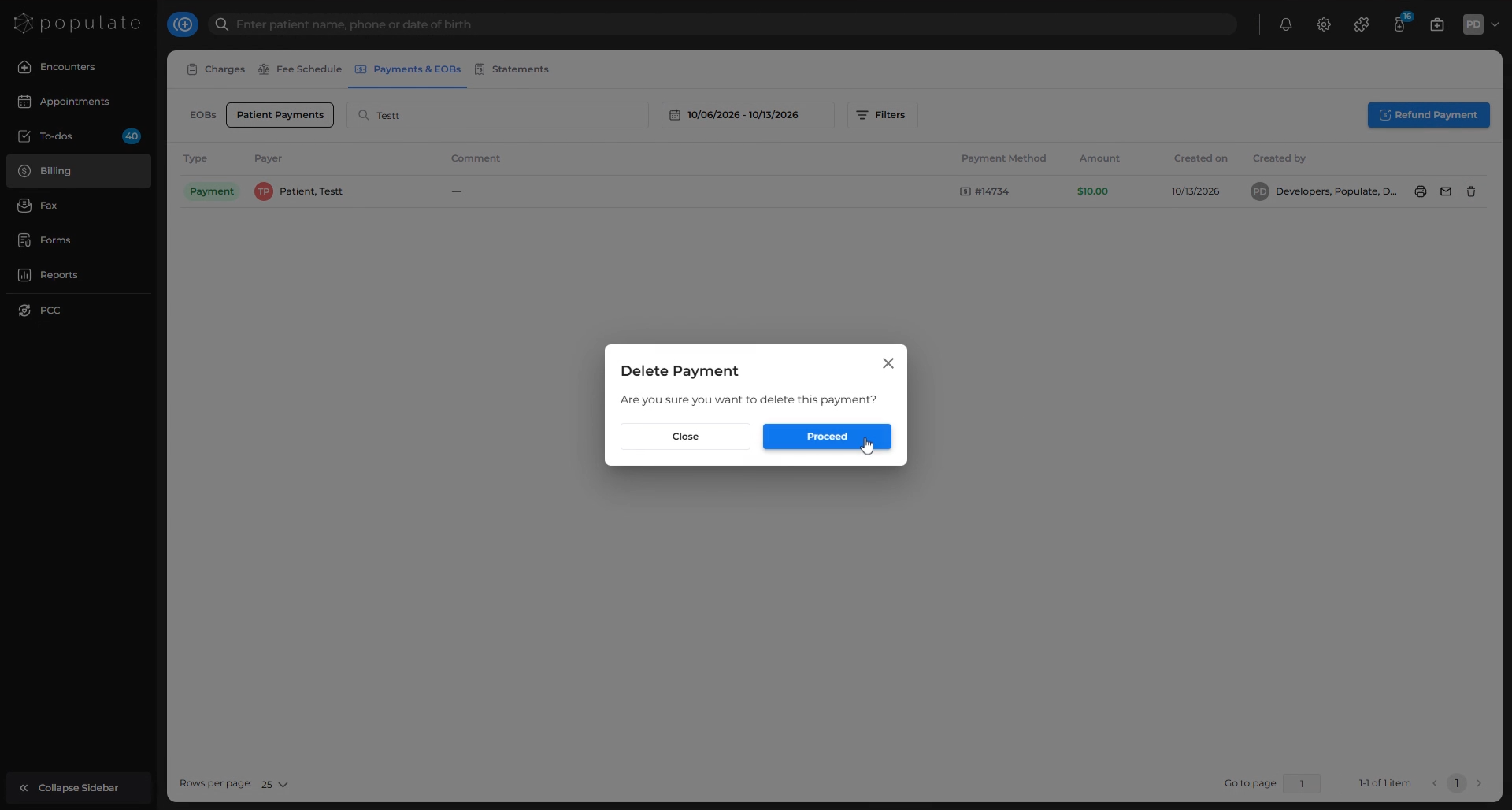
A confirmation prompt will appear. Click Proceed to confirm the deletion.
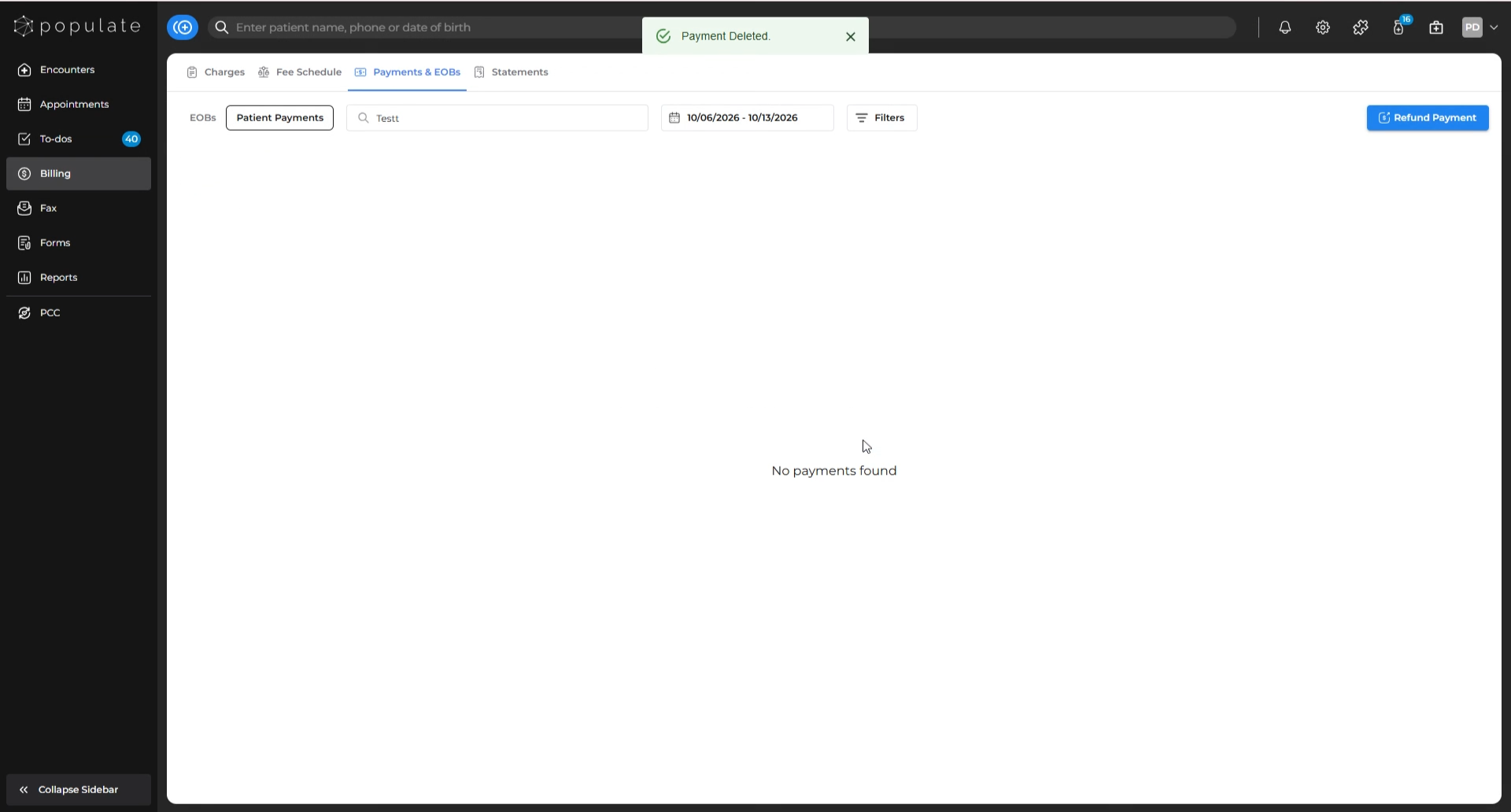
You will see a pop-up notification indicating that the payment was successfully deleted.