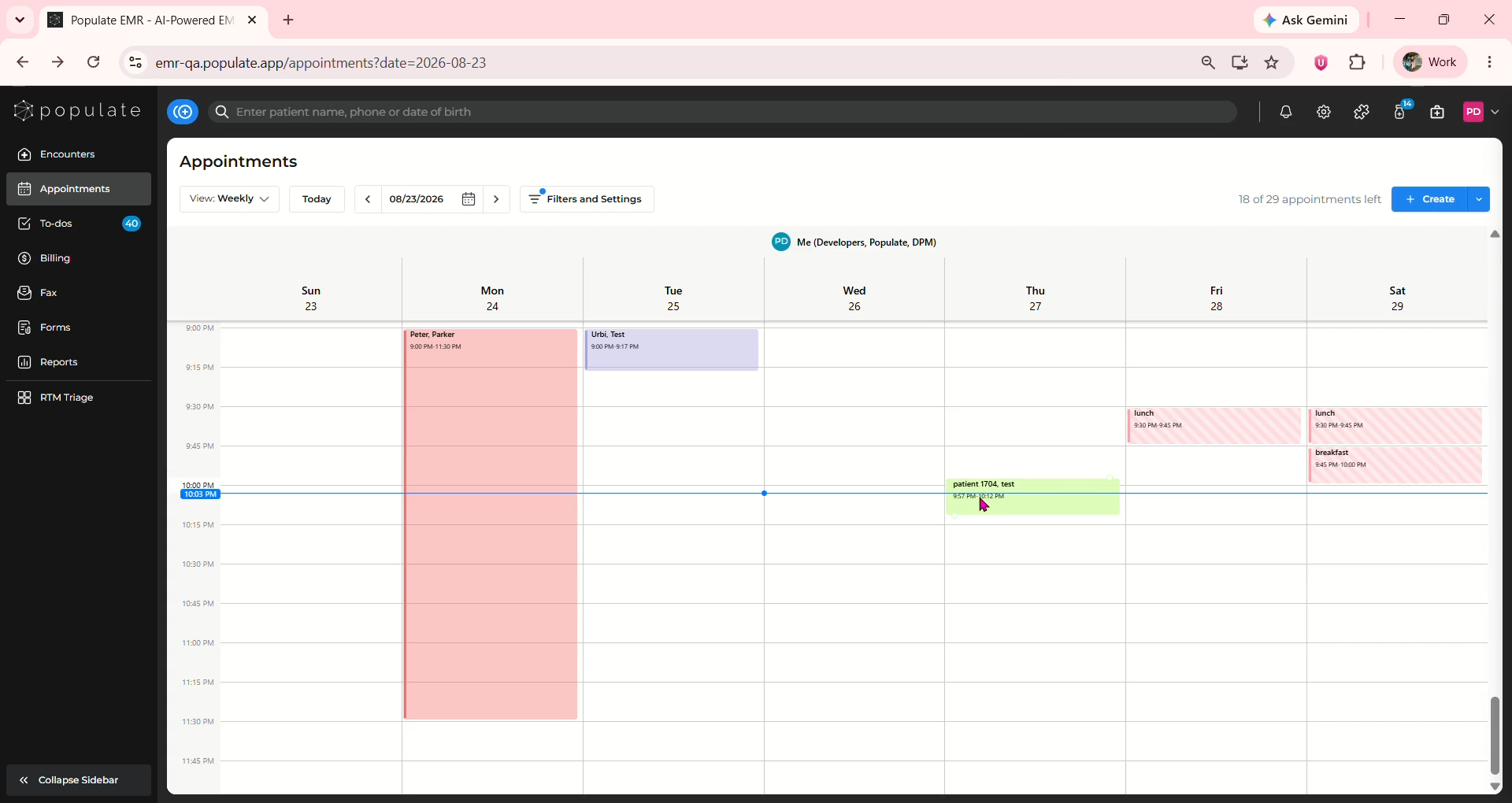
To check insurance eligibility from Appointments, click on the patient's appointment for which you want to check the eligibility to open the side panel.
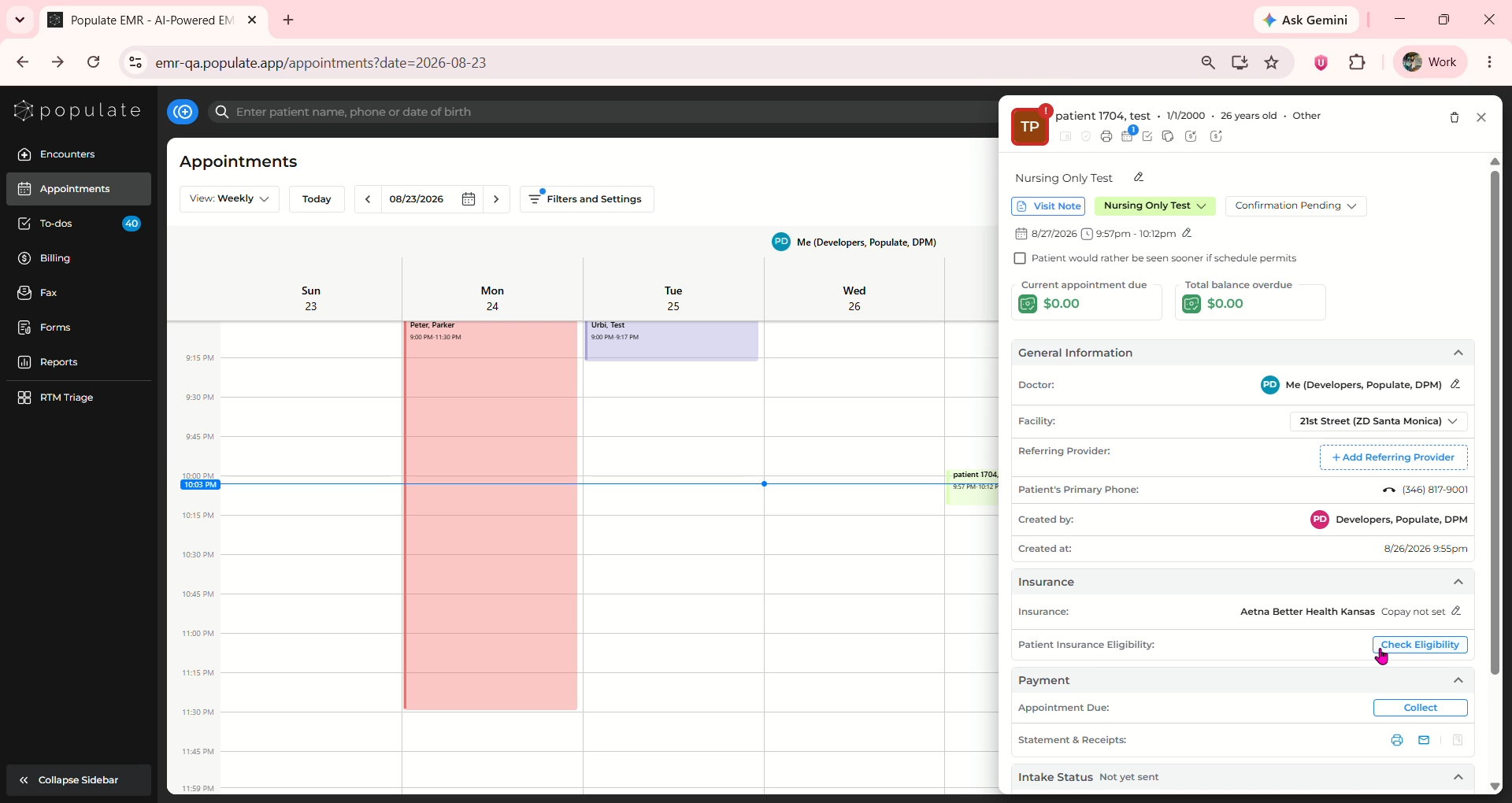
Under the Insurance section, click "Check Eligibility"
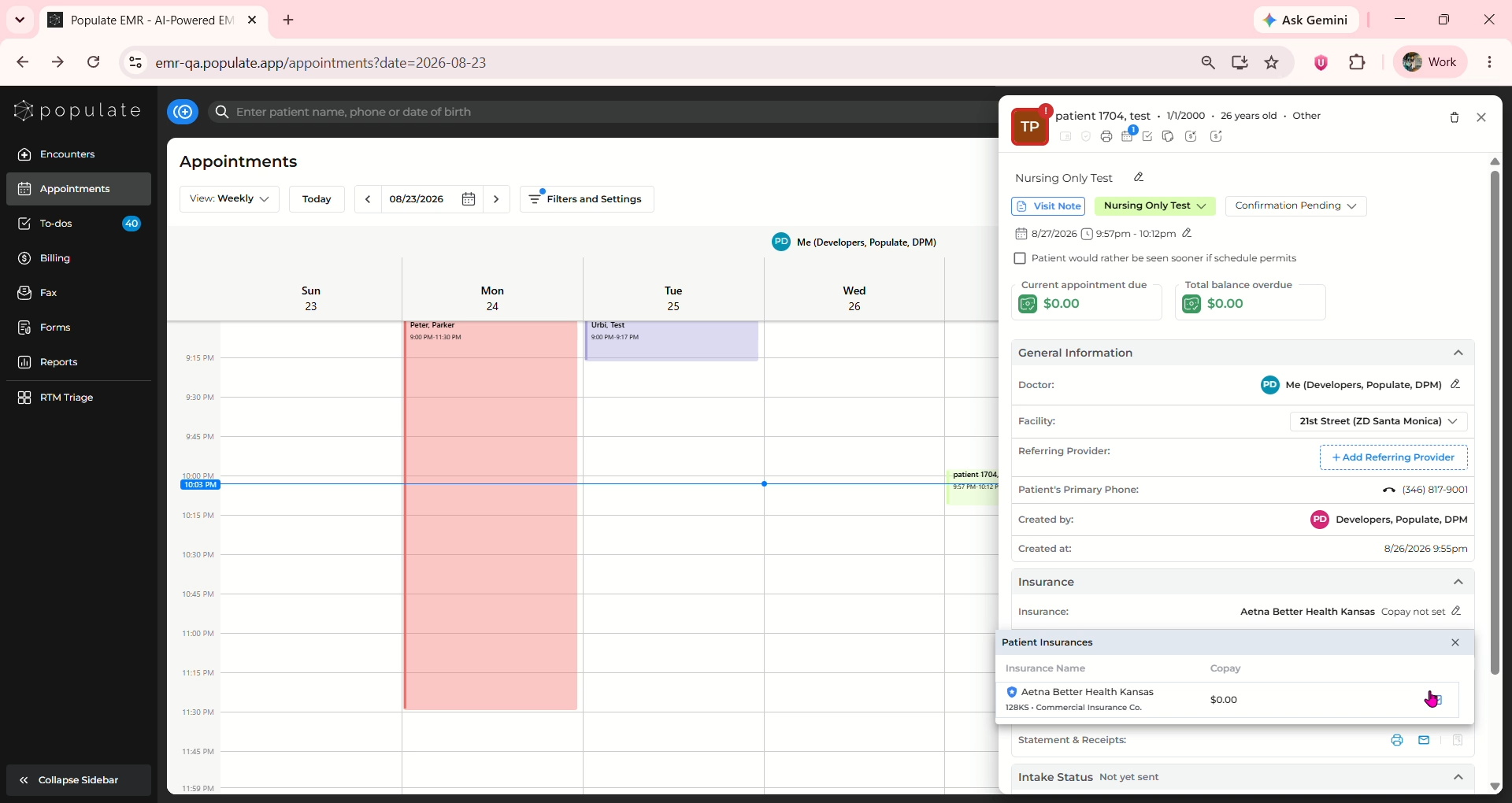
Click on the blue button to check eligibility of the required insurance
The details should appear in the format shown below.
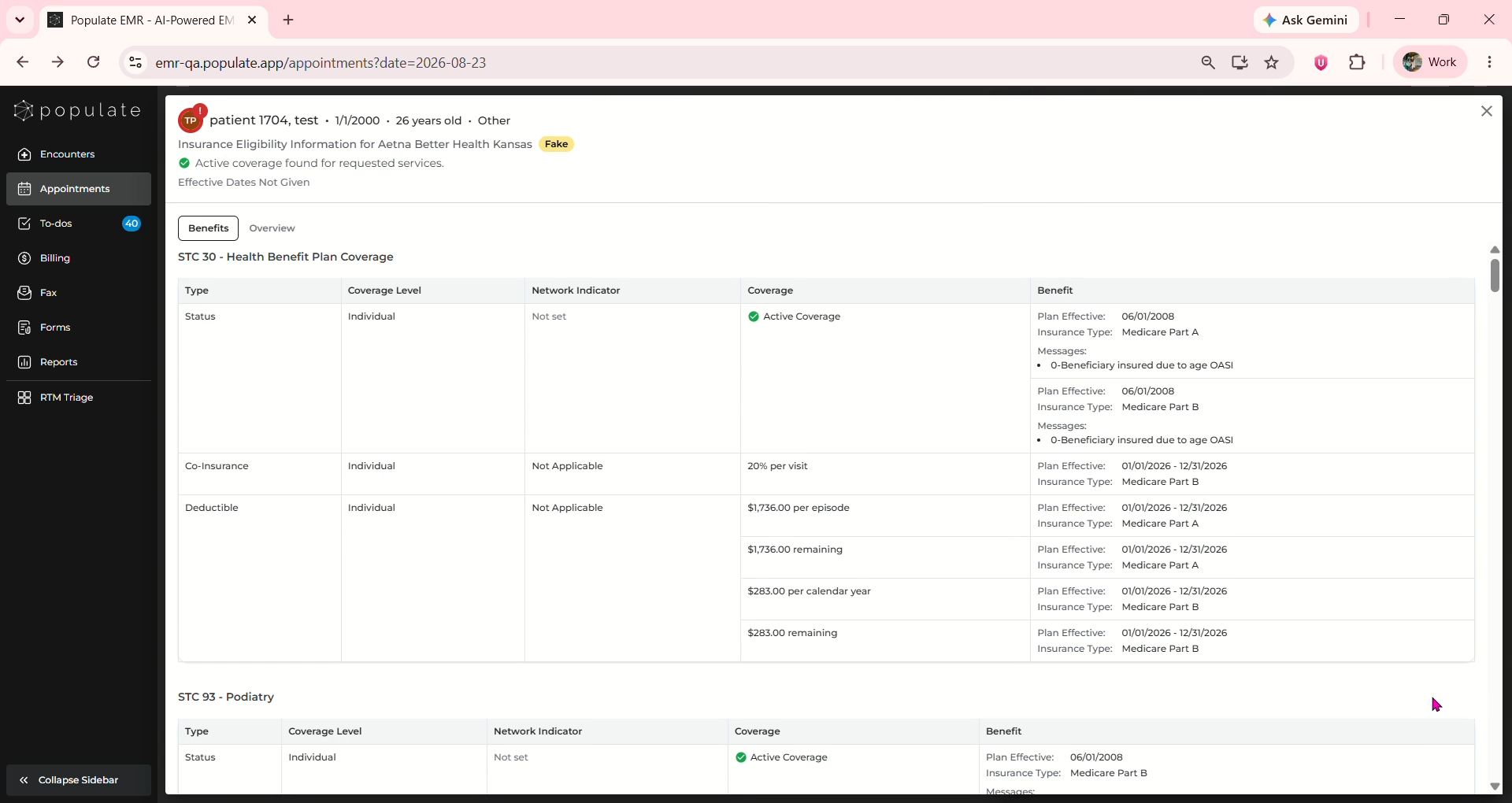
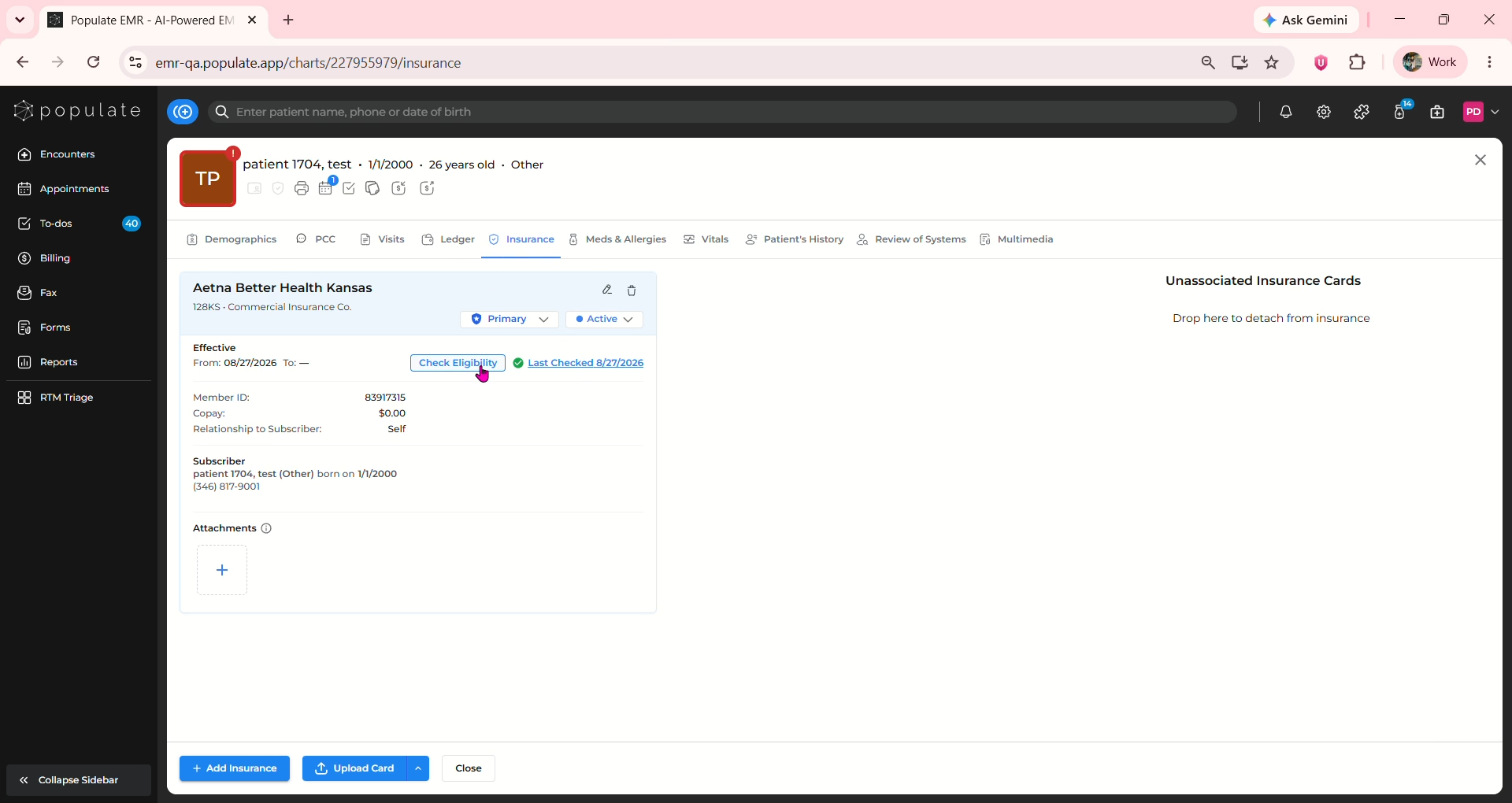
You can also check eligibility from patient charts, under the Insurance tab. There is a "Check Eligibility" button beside the effective date of each insurance, clicking on which will display the details as mentioned above.