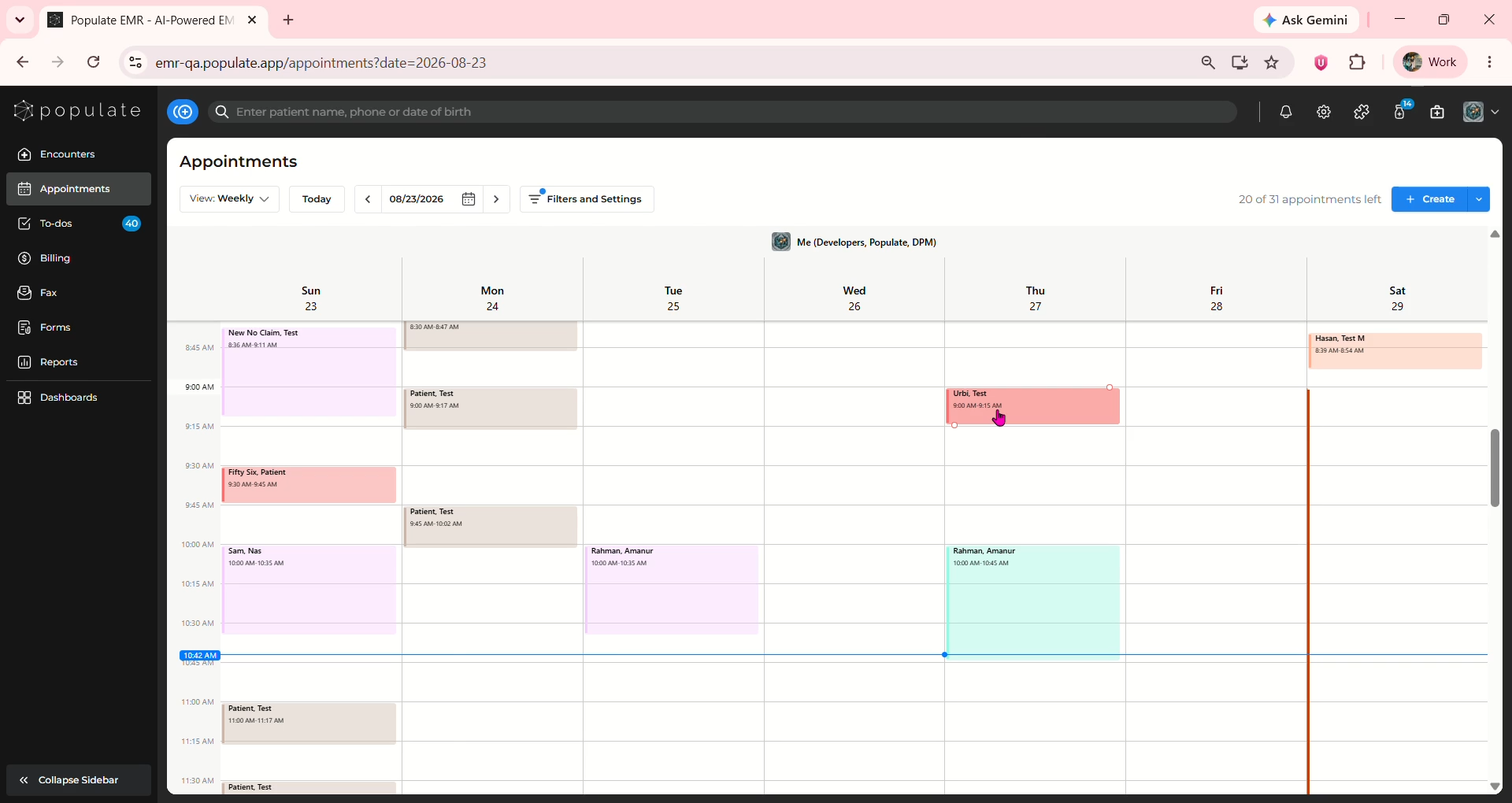
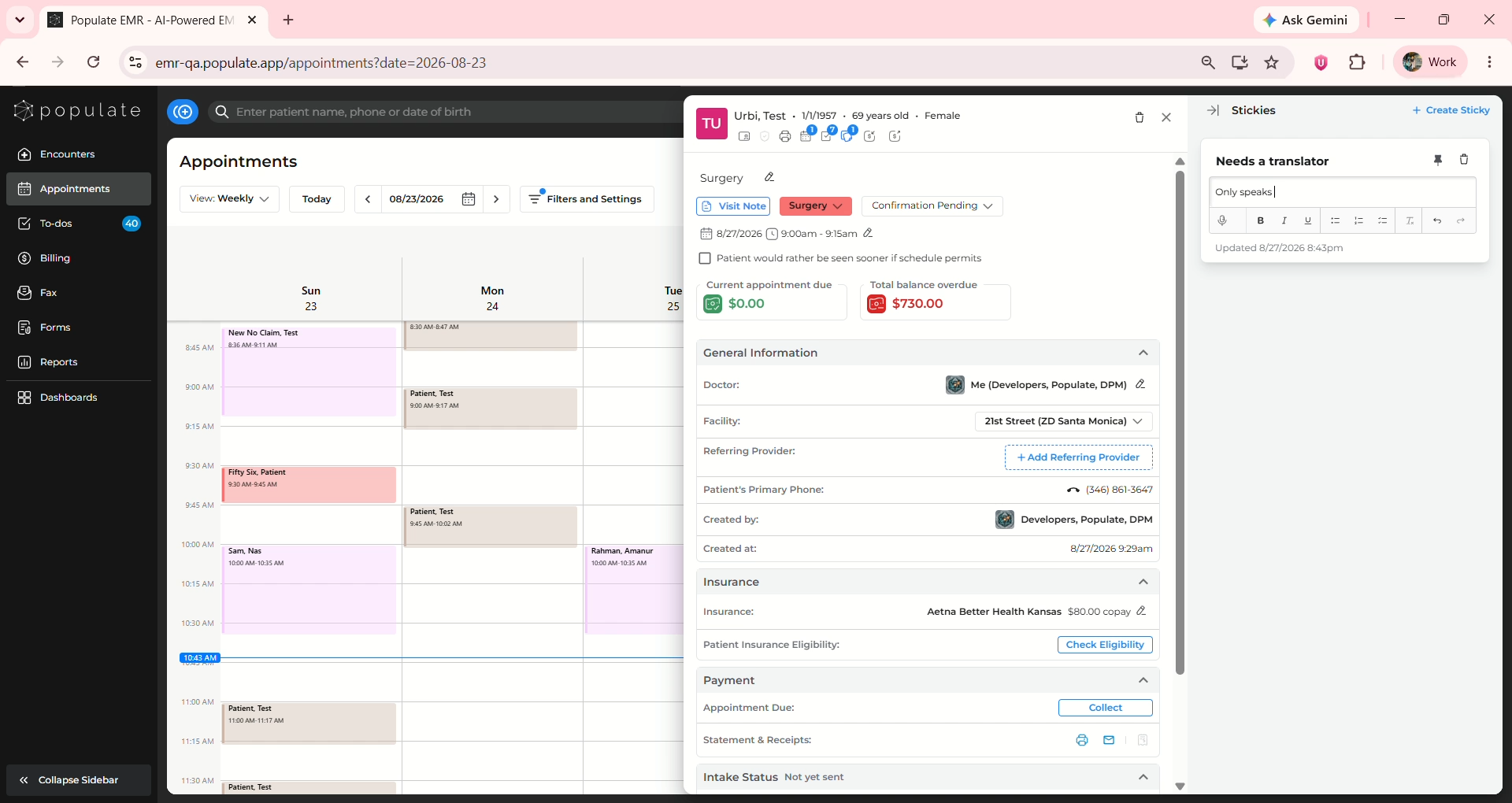
Click on the appointment to open the Appointment Details side panel.
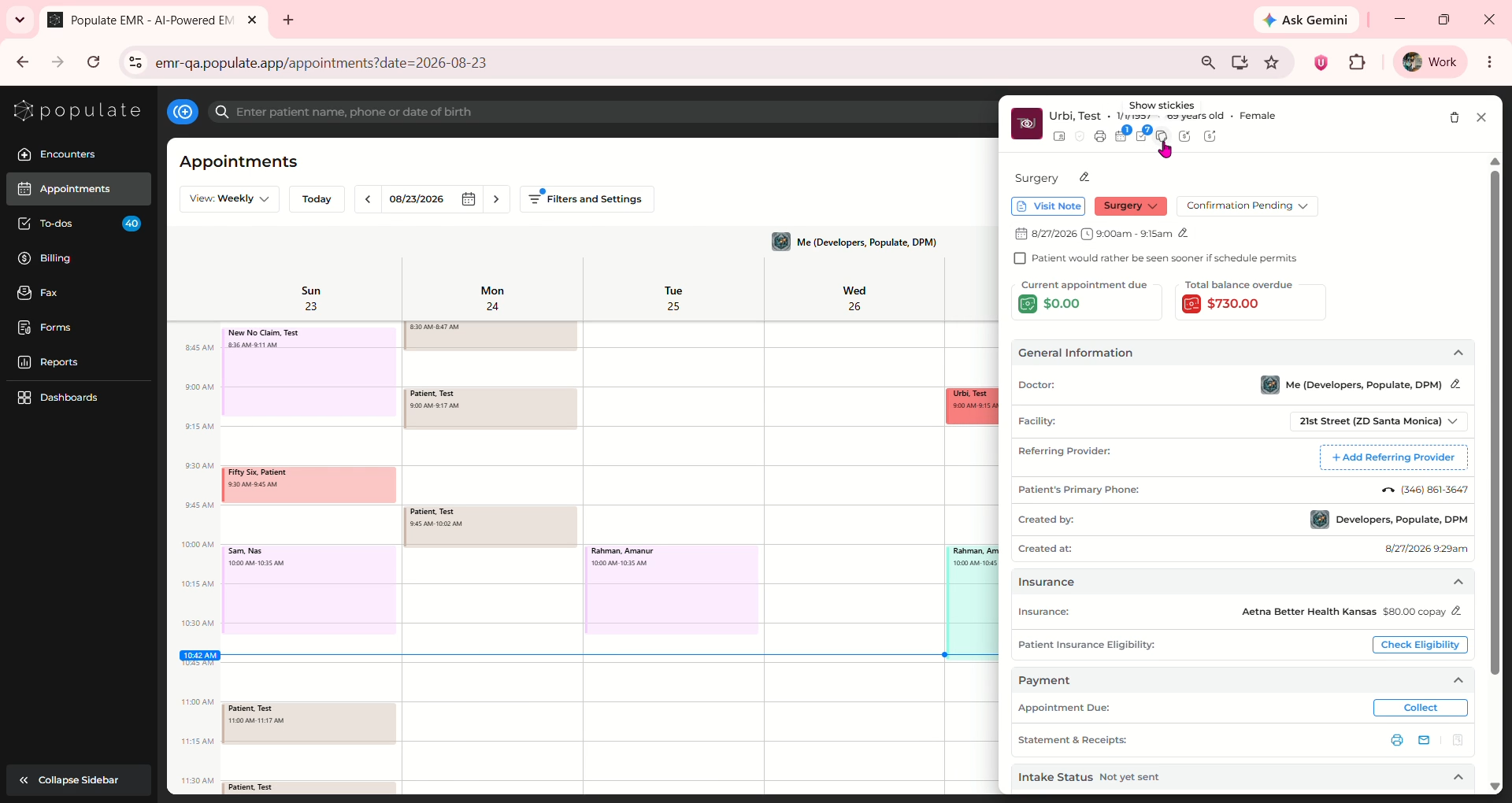
Click on the "Stickies" icon.
Click "Create Sticky"
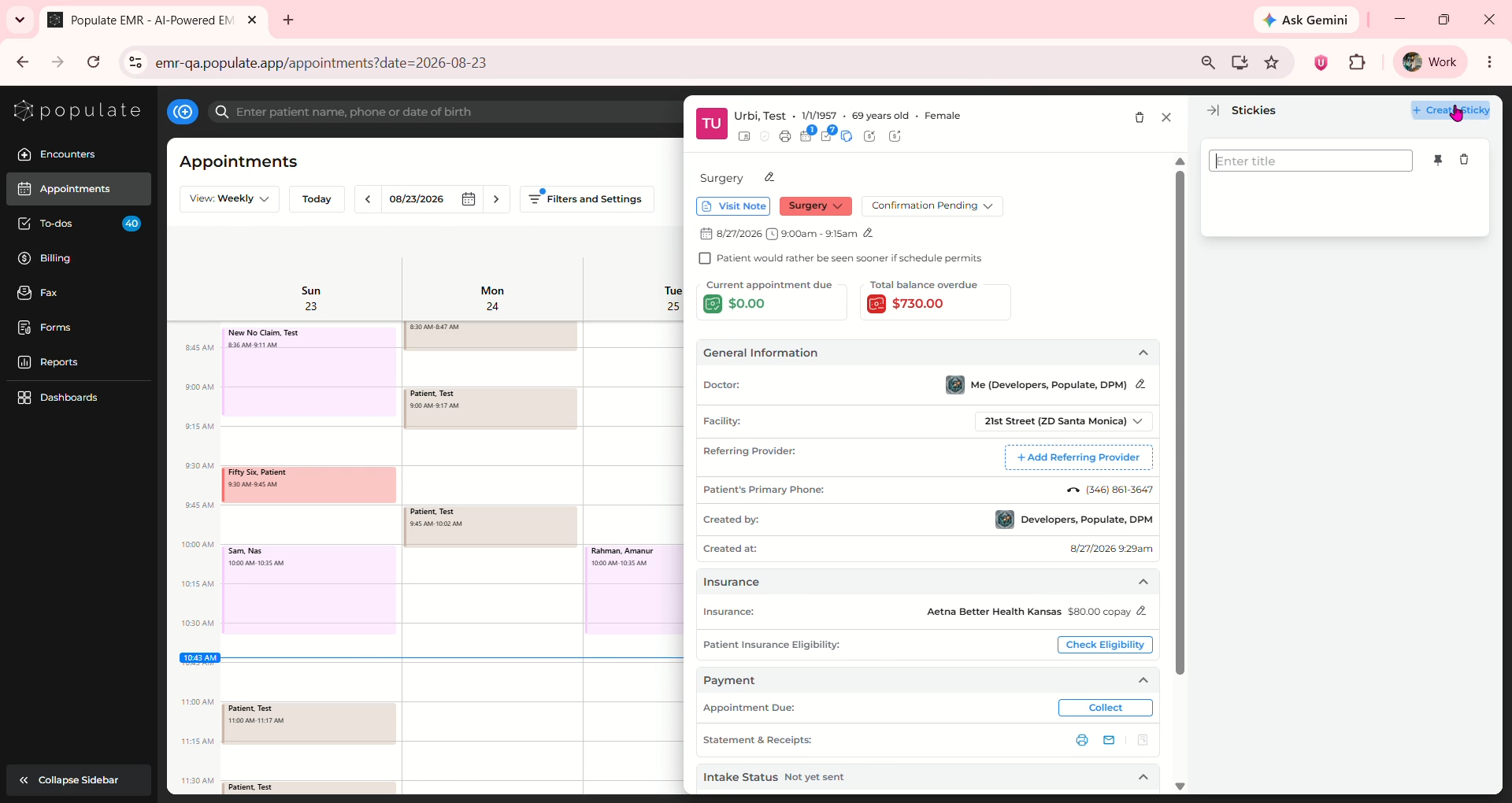
Enter a name and description for the sticky
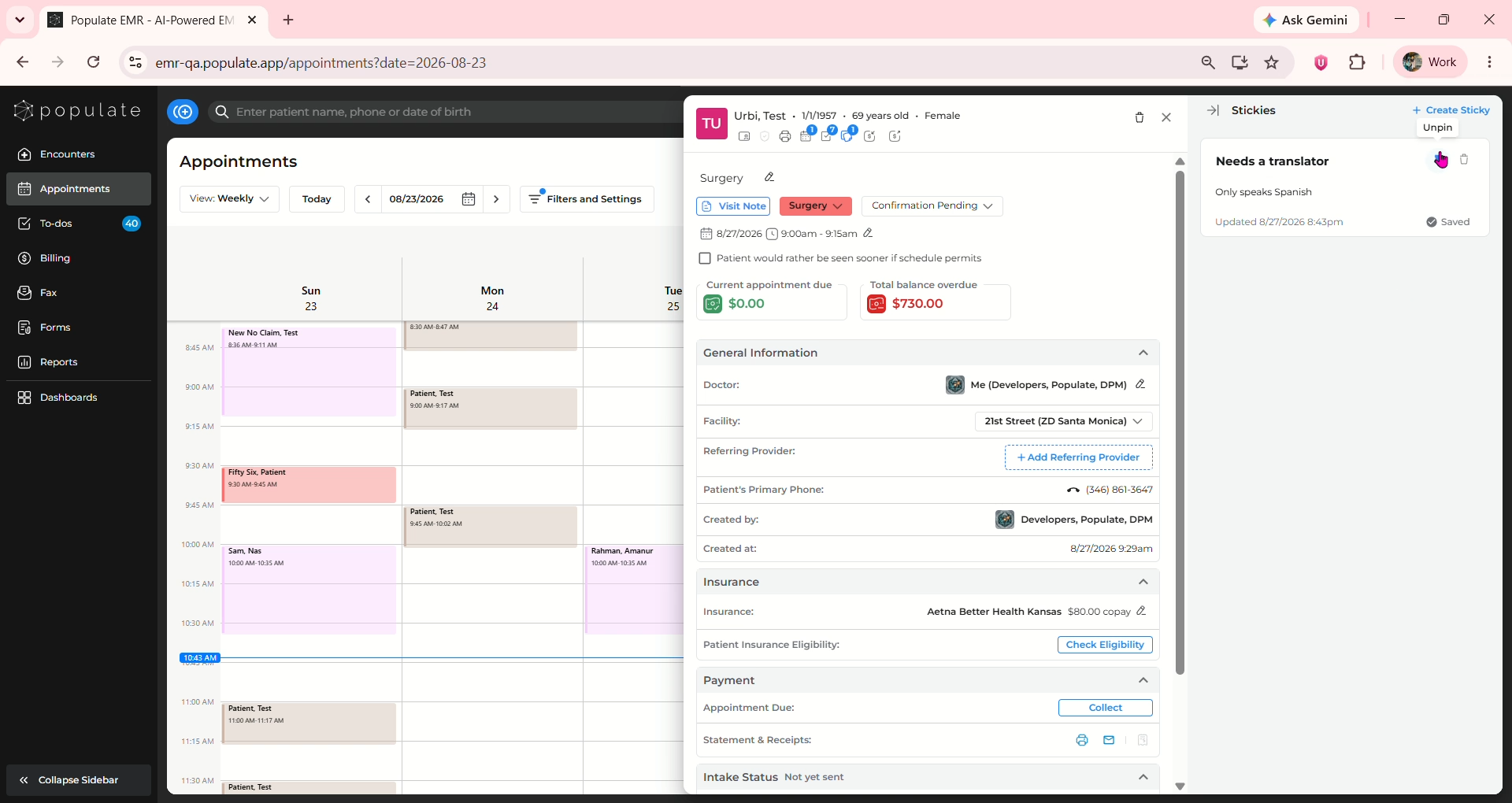
Click on the pin icon if you want to pin or unpin the sticky to the top and you're done!
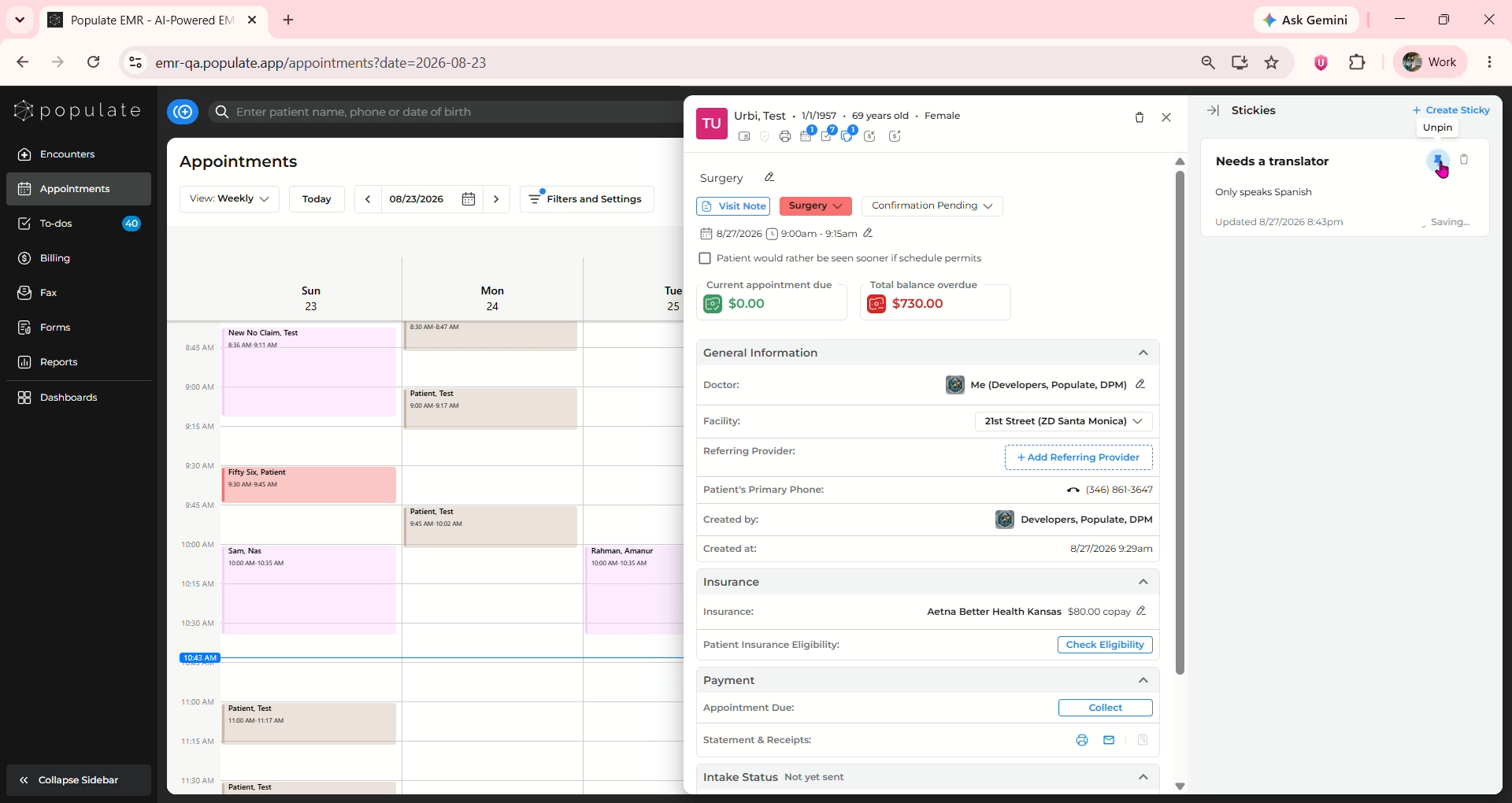
You will now be able to view the sticky every time you open the patient's appointment side panel.