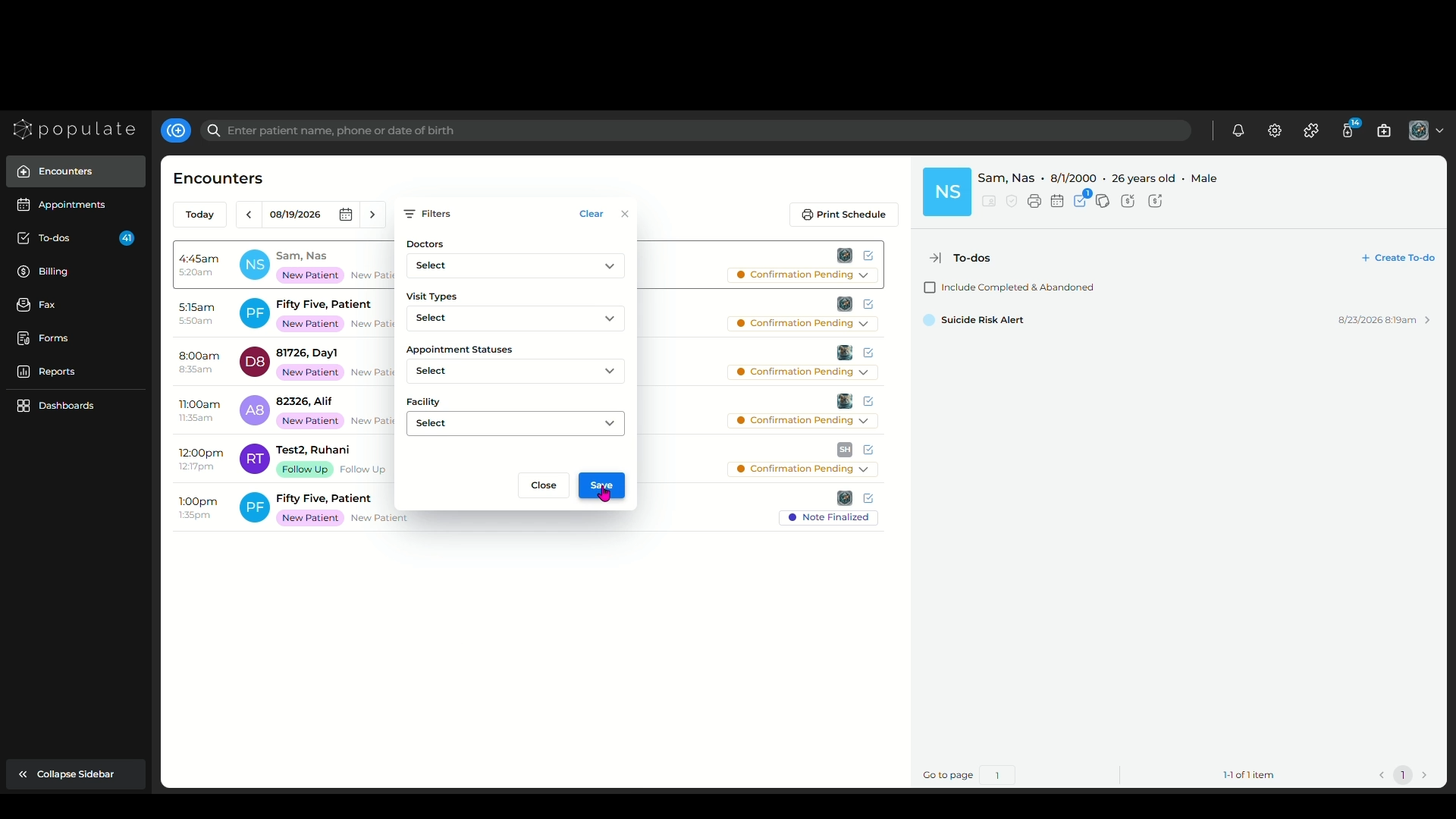
You can filter the encounters in two ways, by date and by adding separate filters for the different fields.
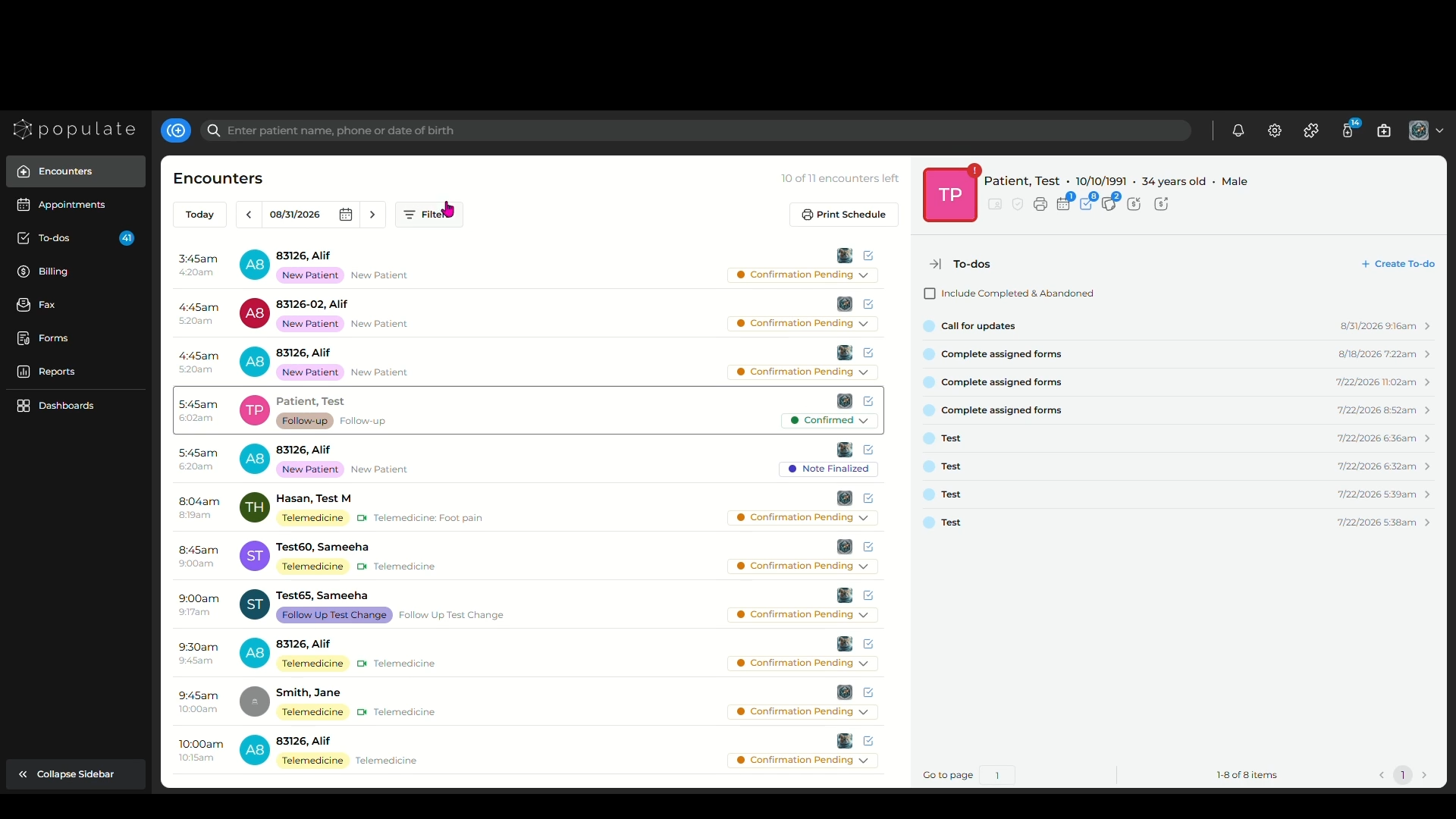
To filter the encounters by date, click on the calendar icon and set the date range.
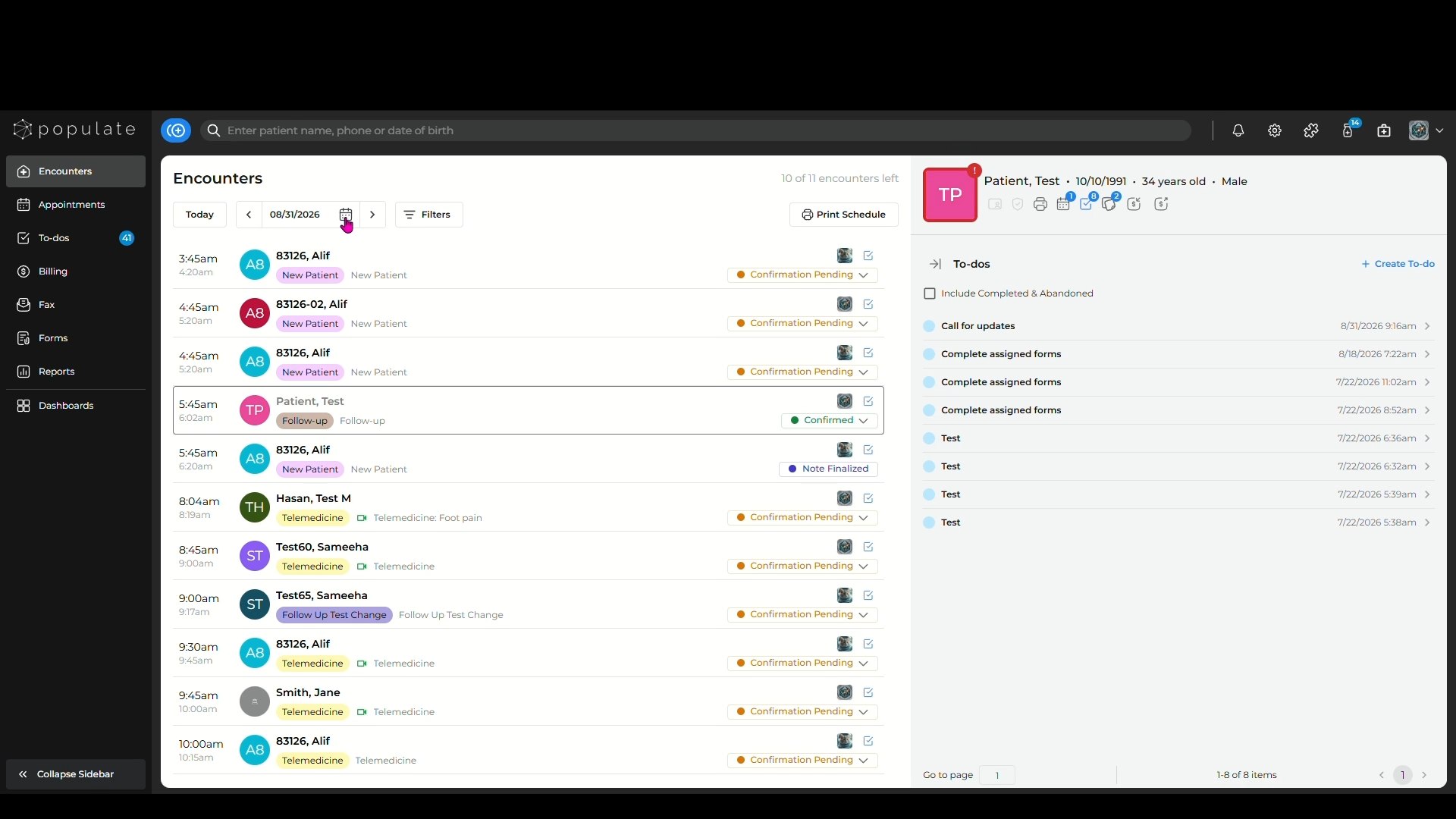
To apply separate filters, click on the "Filters" button and you'll see a list of all the ways you can filter the encounters.
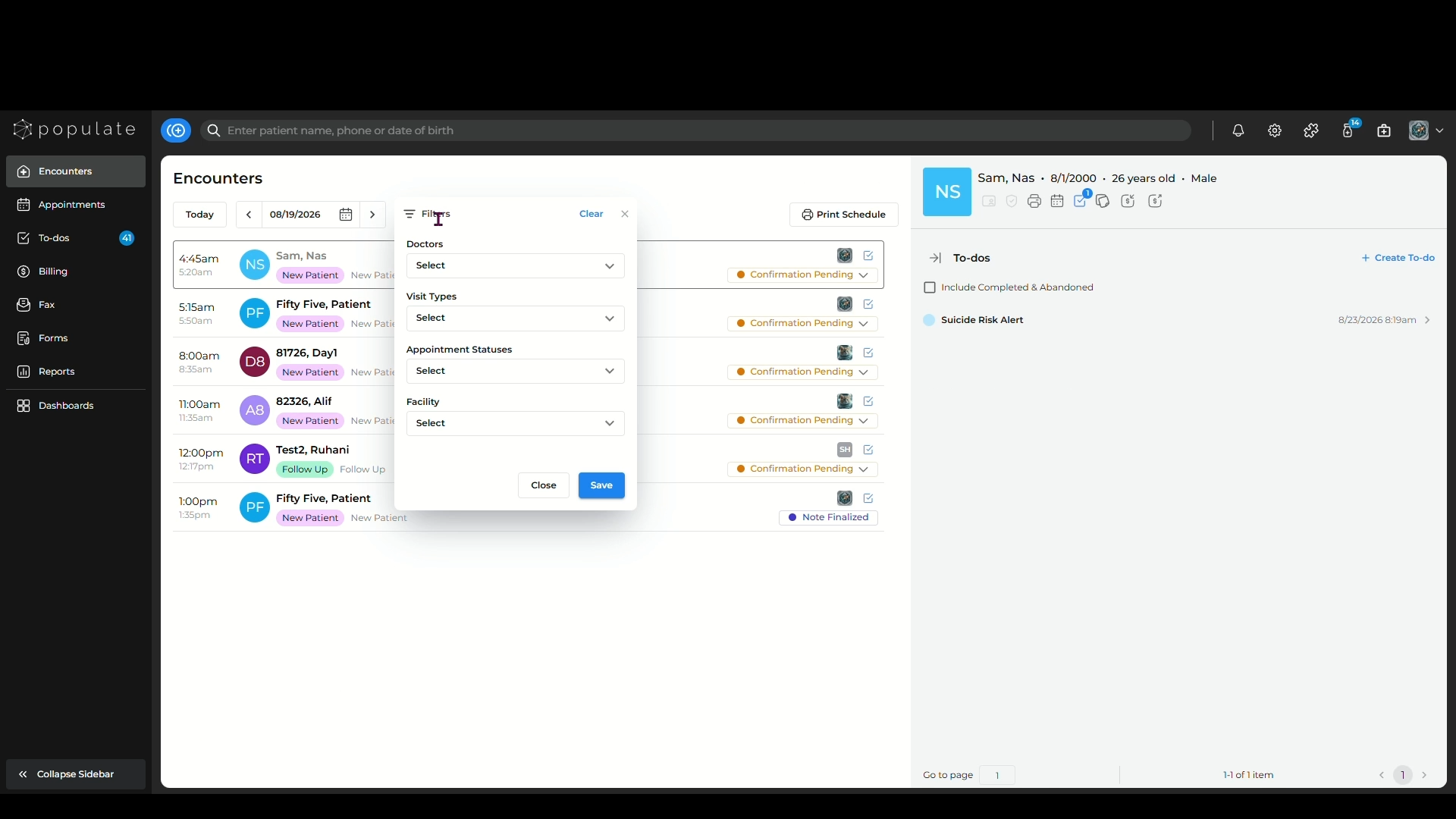
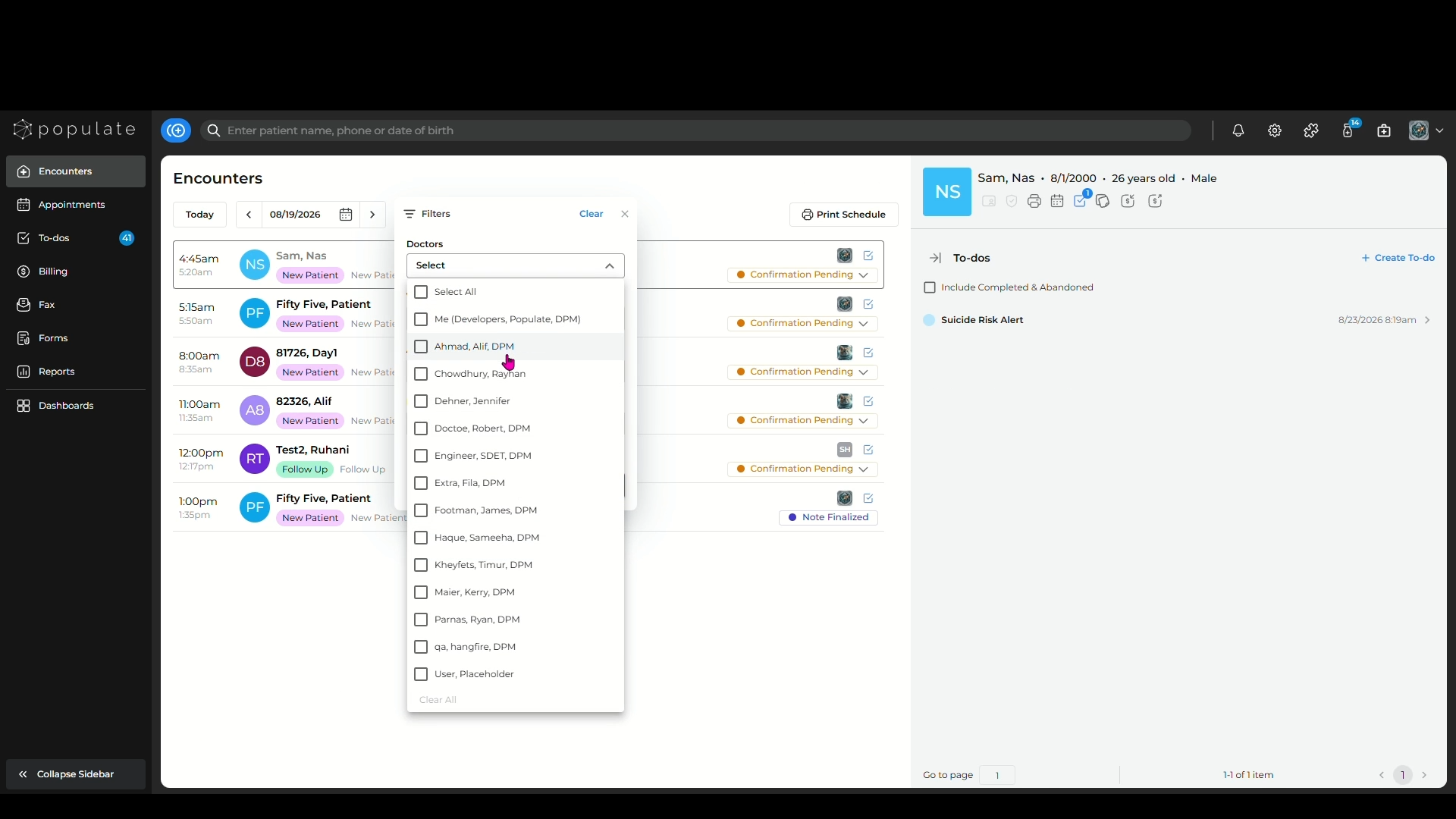
The first filter is "Doctors", which allows you to filter out the encounters for specific doctors within the practice.
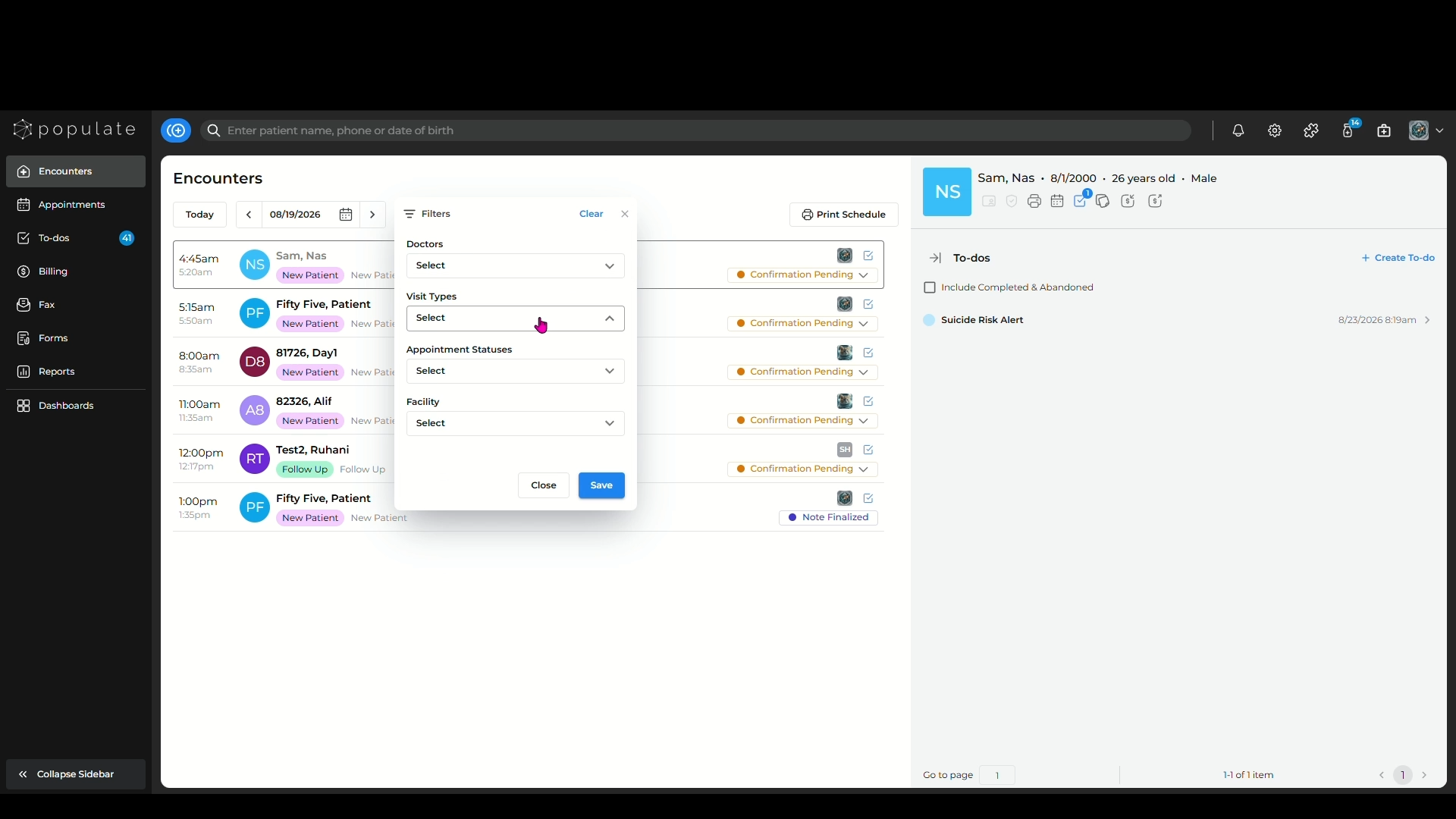
The second filter is "Visit Types", which allows you to filter out the encounters based on the type of visit.
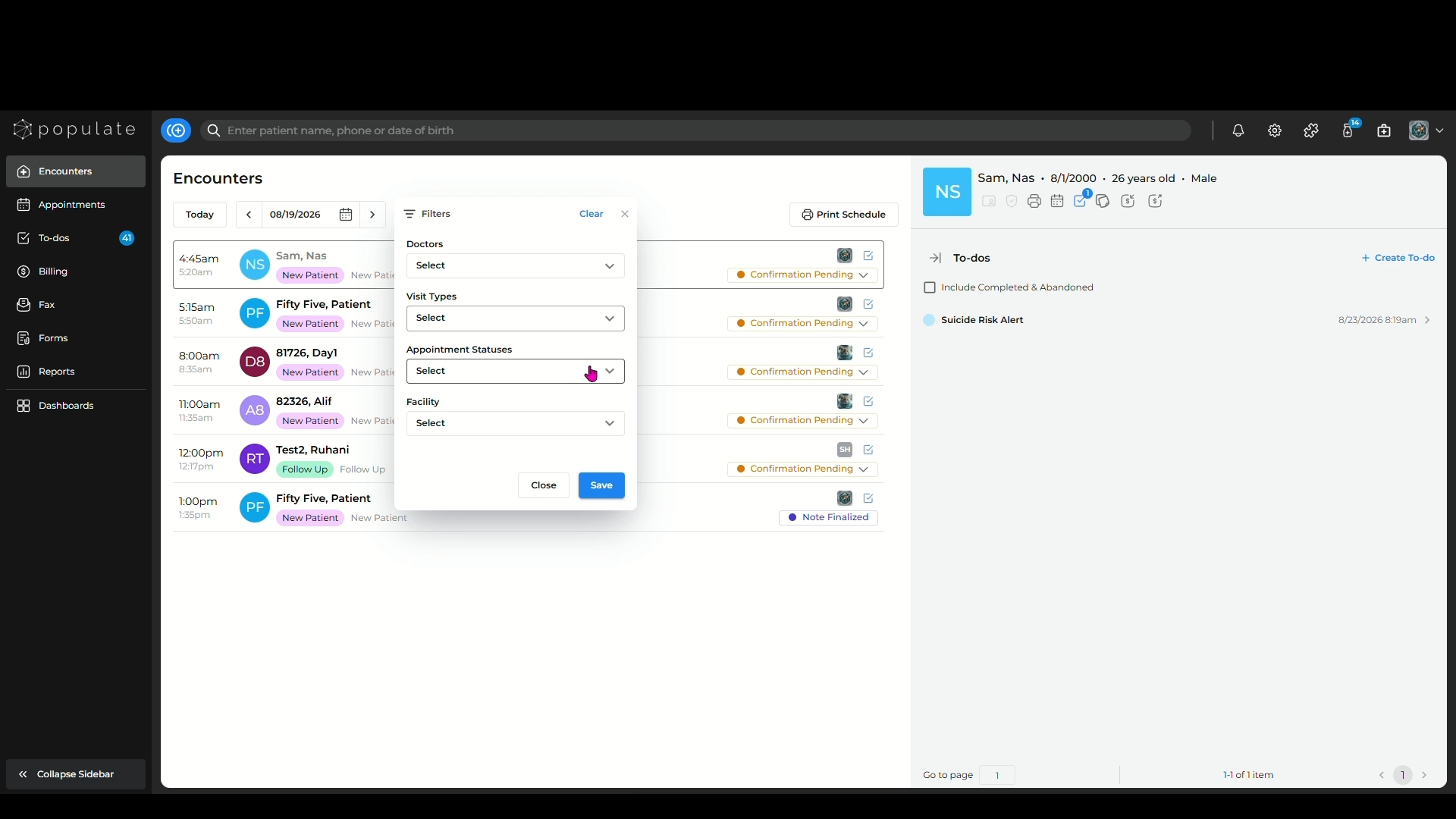
The third filter is "Appointment Statuses", which allows to filter out the encounters based on the appointment status.
The last filter is "Facility", particularly useful for practices with multiple locations. This allows you to filter out the encounters based on practice location.
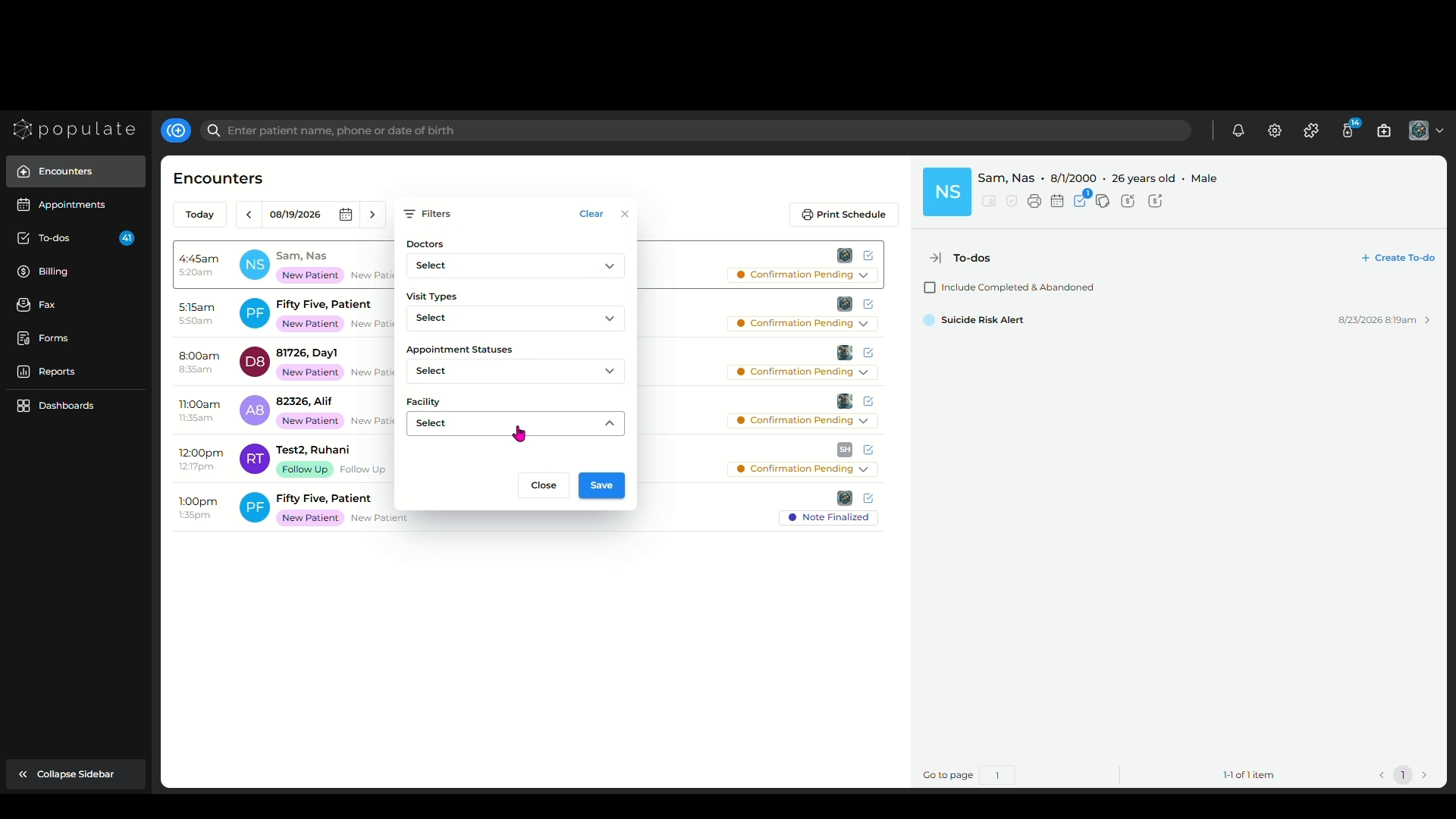
Click "Save" once you've selected all your desired filters and your encounters will be sorted based on the applied filters.