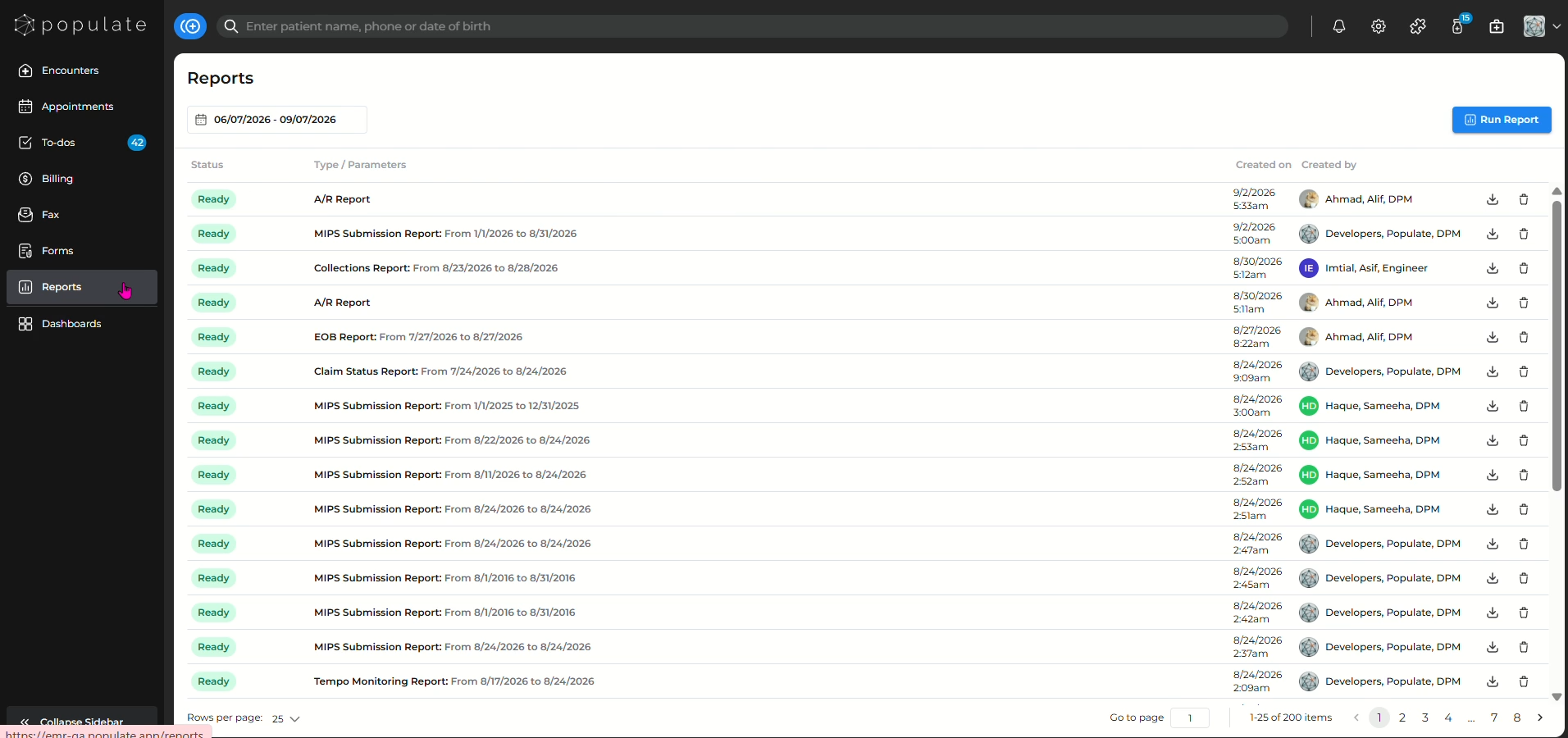
Navigate to the "Reports" tab from the left panel.
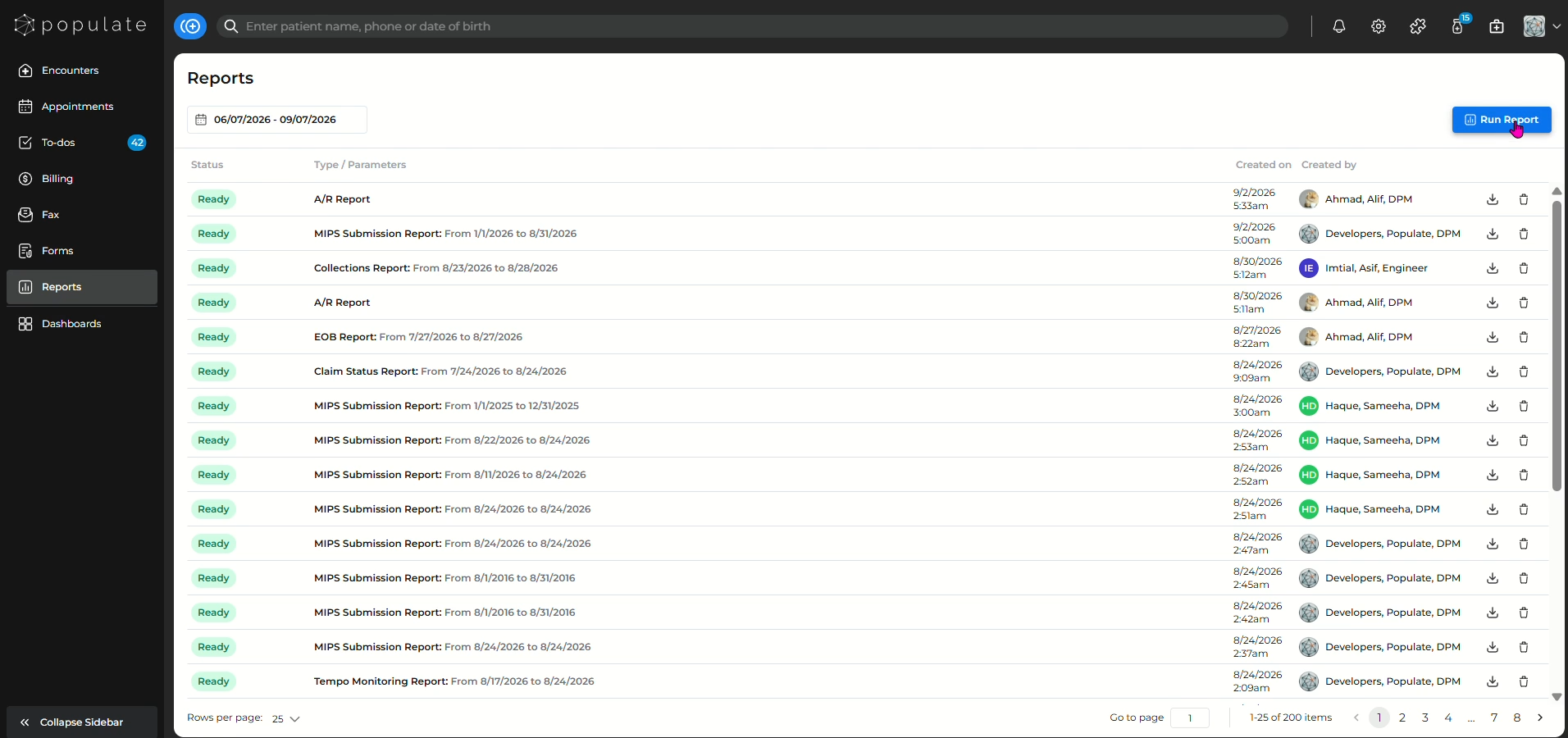
Click "Run Report" to get started.
Select the report type you want to run from the categories.
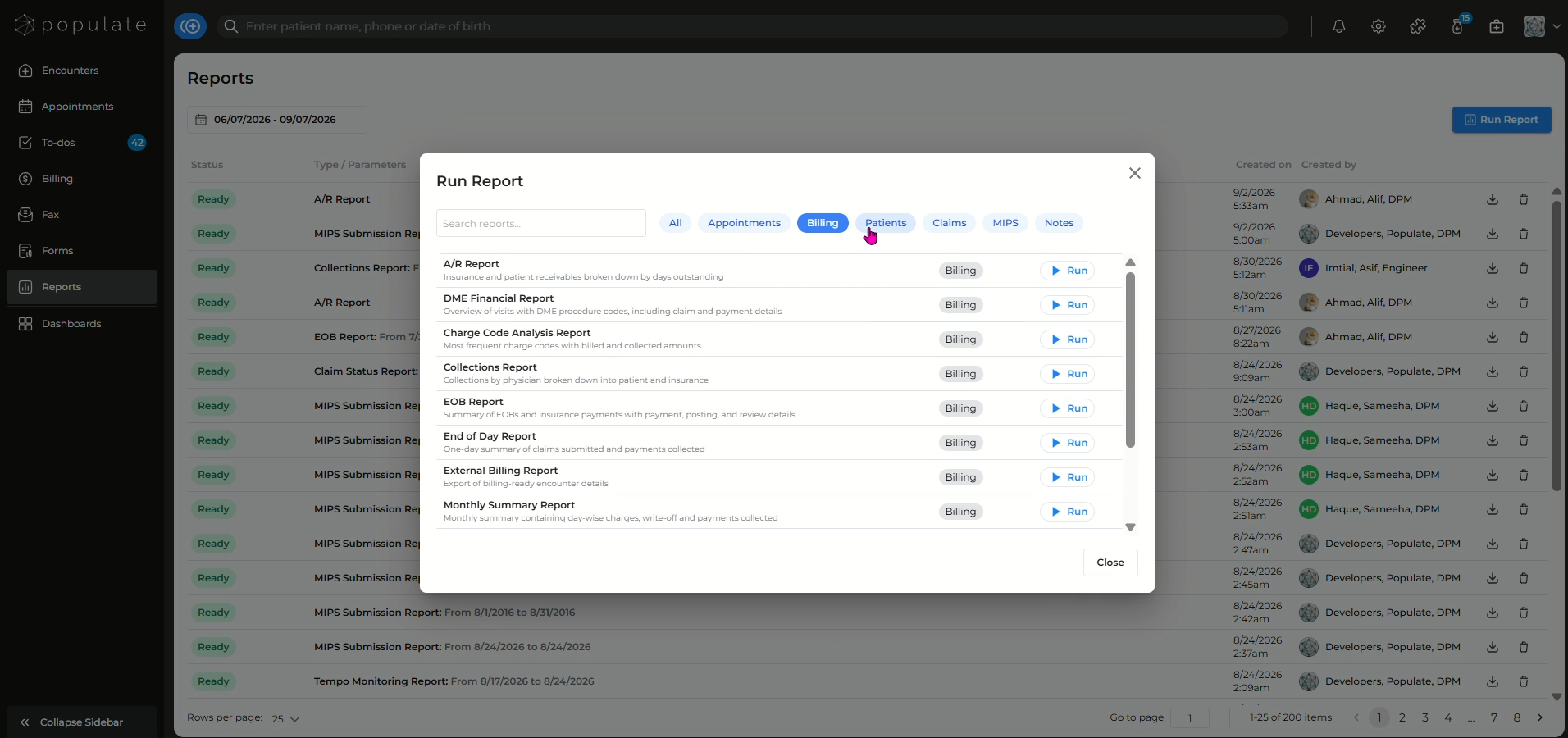
Select the report you want to run.
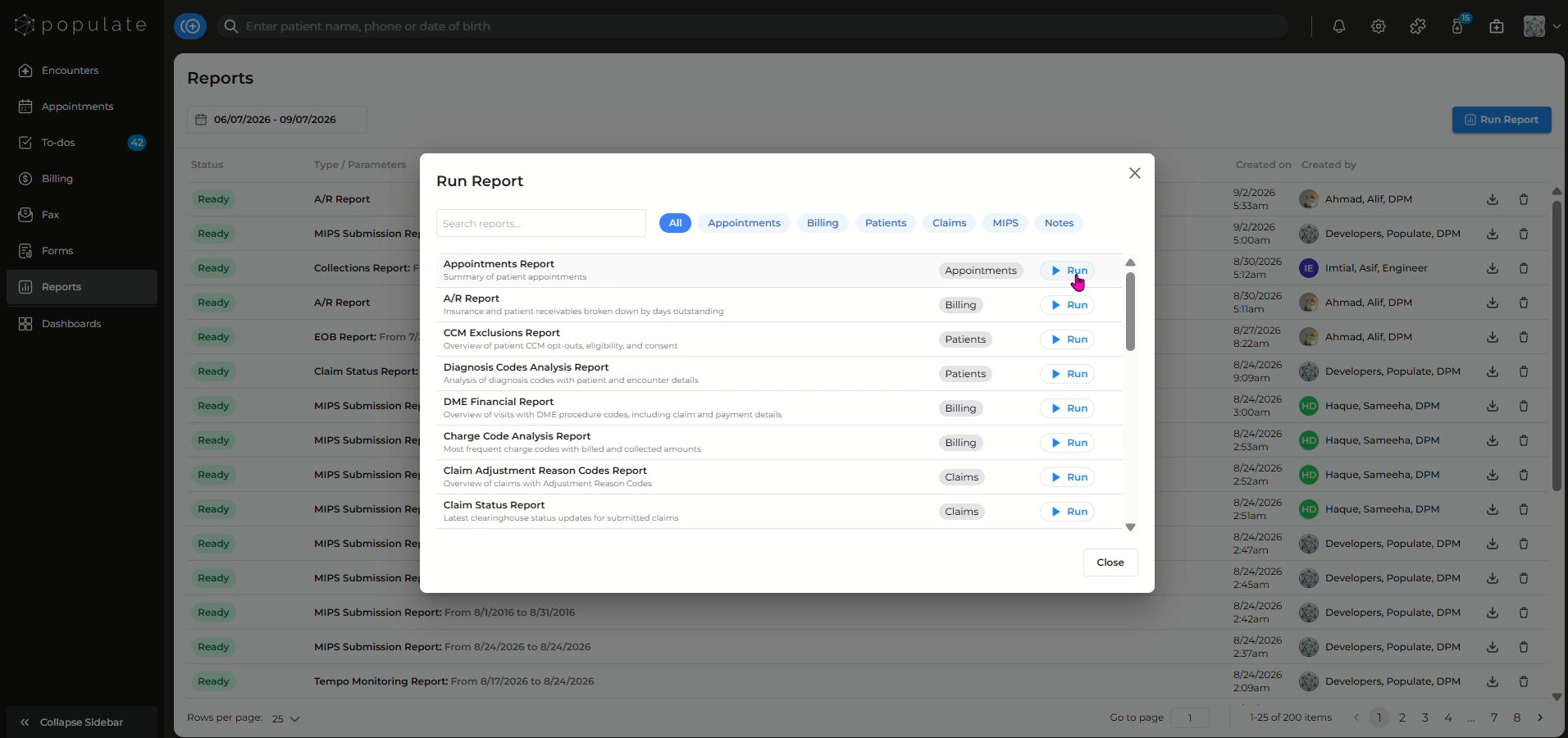
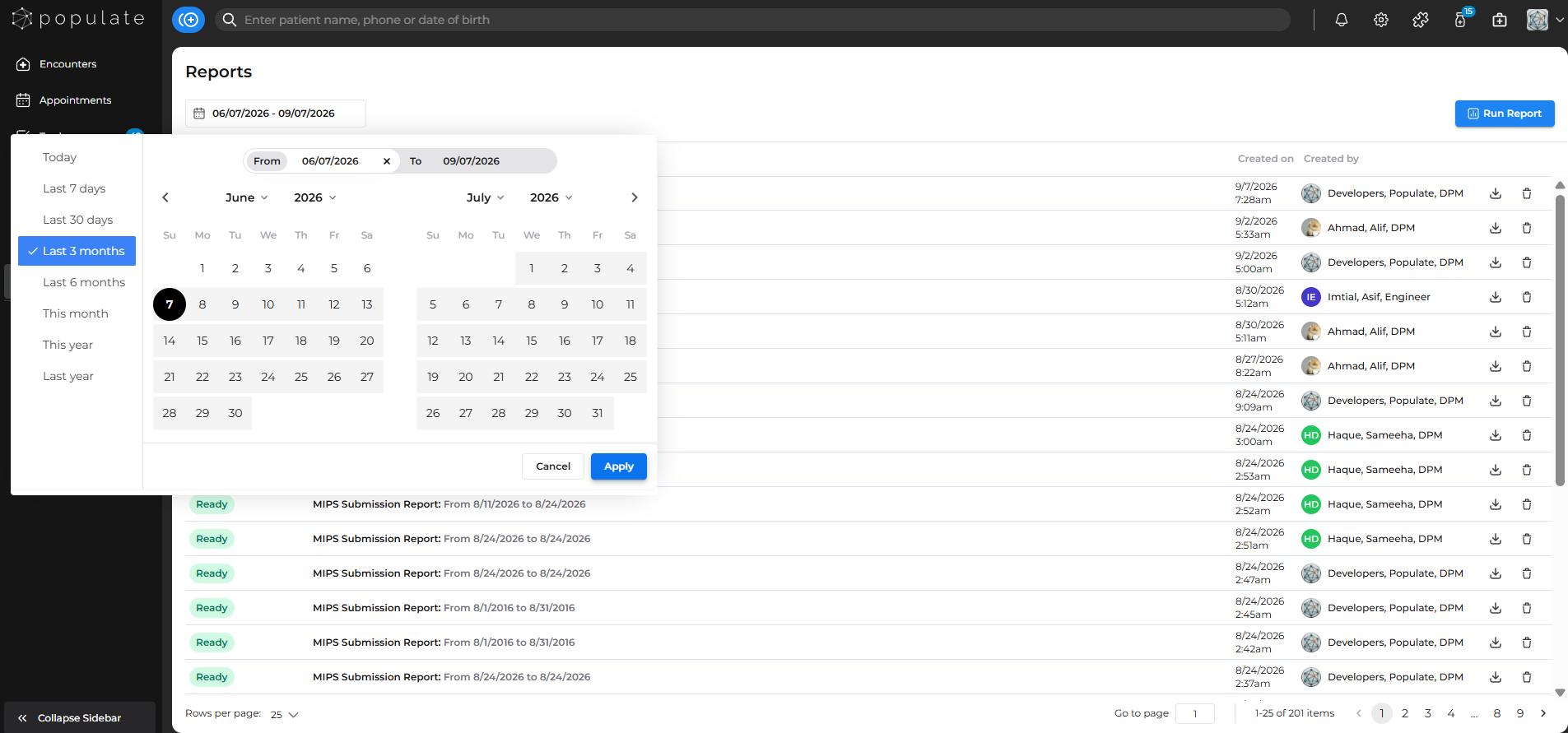
Add the date range for the report.
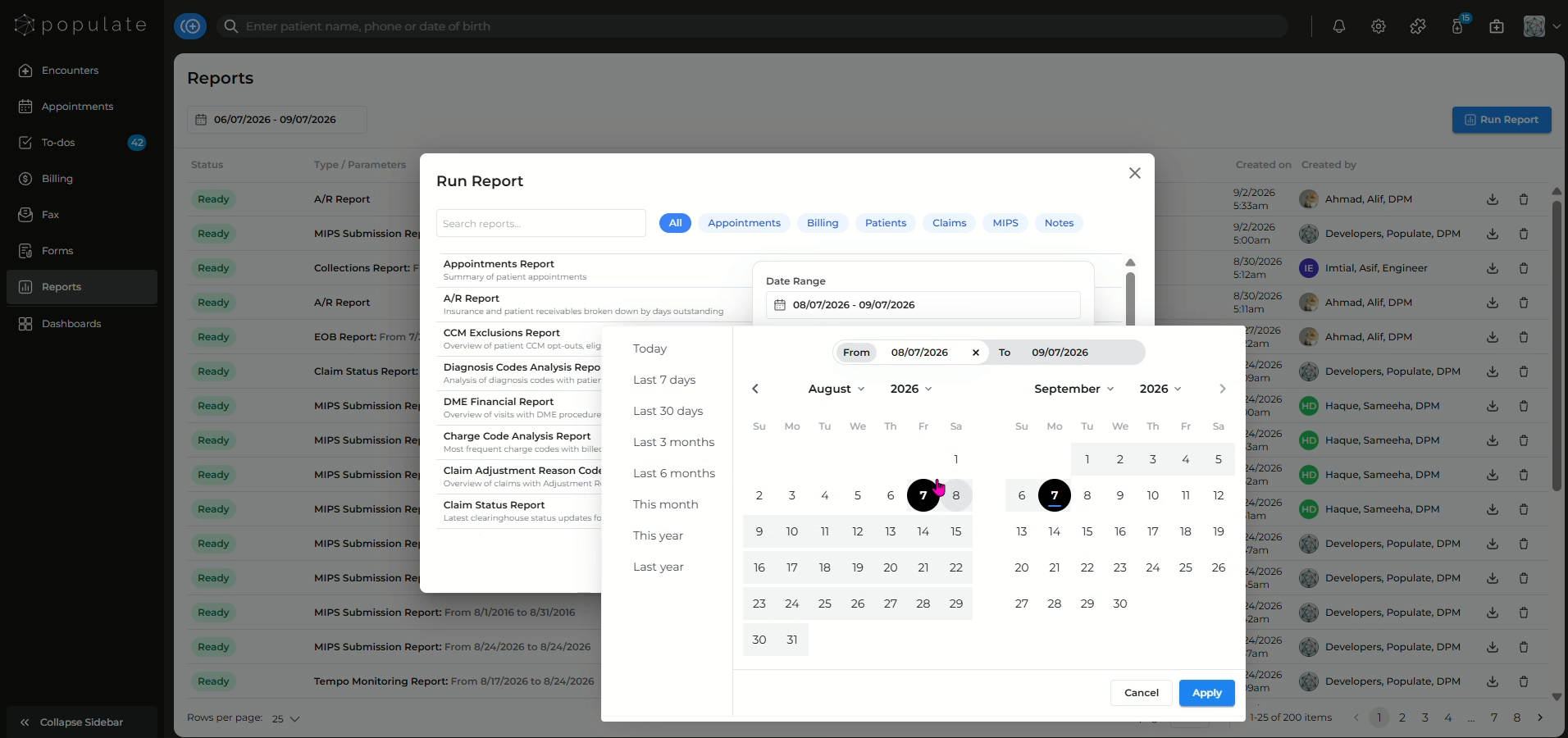
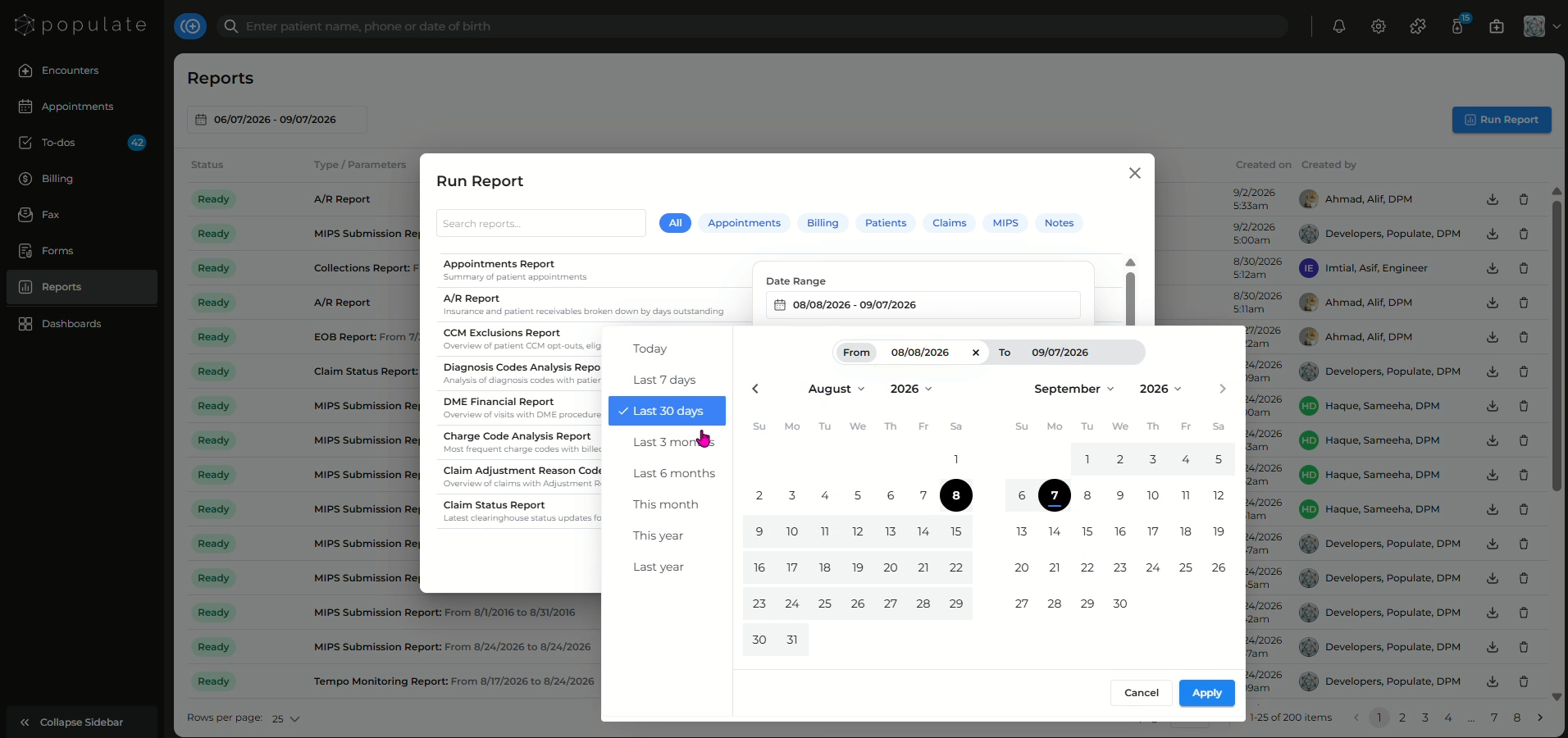
You can also select a date range from the provided timeframes.
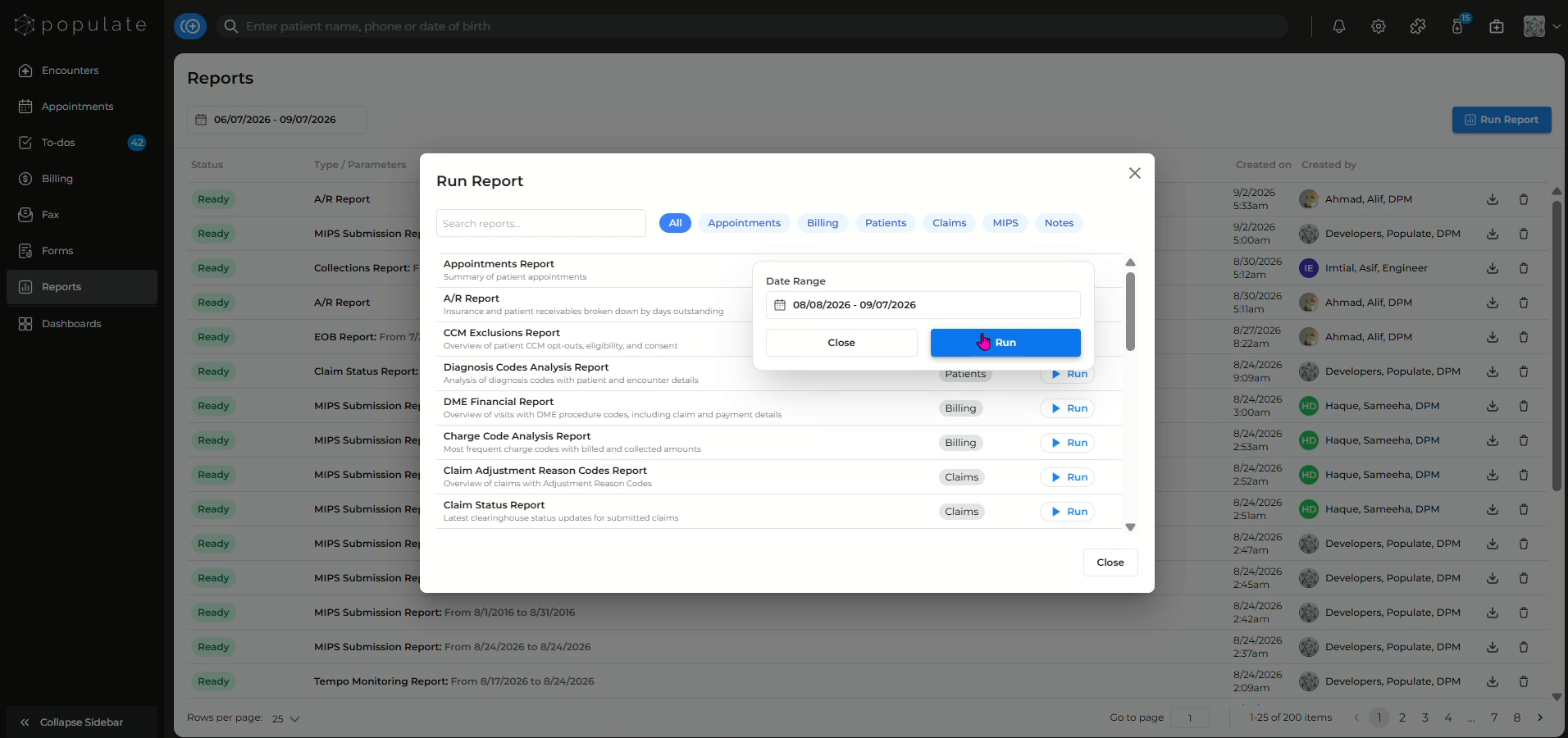
Click "Run" and your reported will be generated!
Once the report is ready, you can download the report in Excel format. Click on the icon beside the "Created By" field to download the report to your computer.
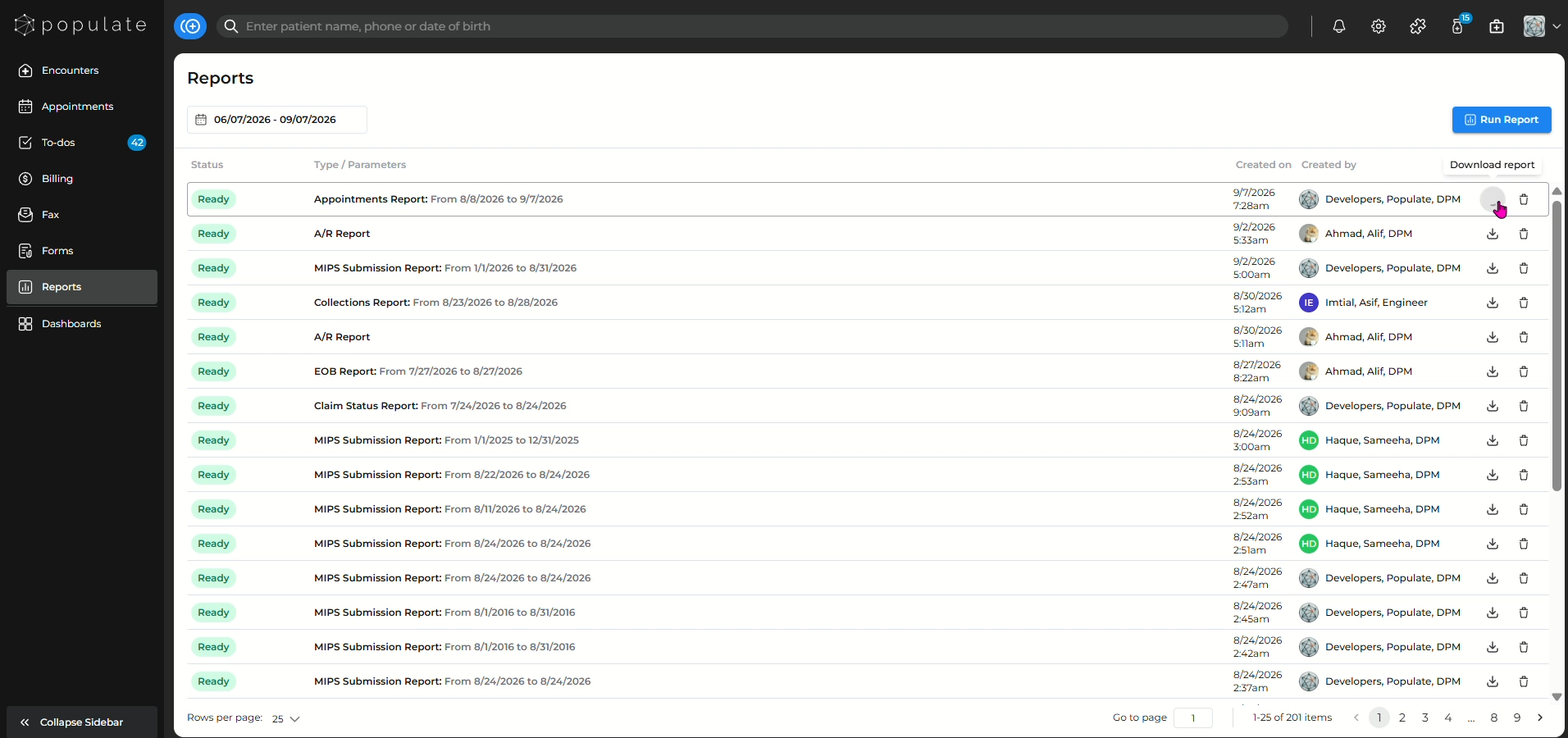
You can also view the reports created earlier by using the date filter, selecting your desired range and clicking "apply"