
Navigate to the Reports section of the EMR.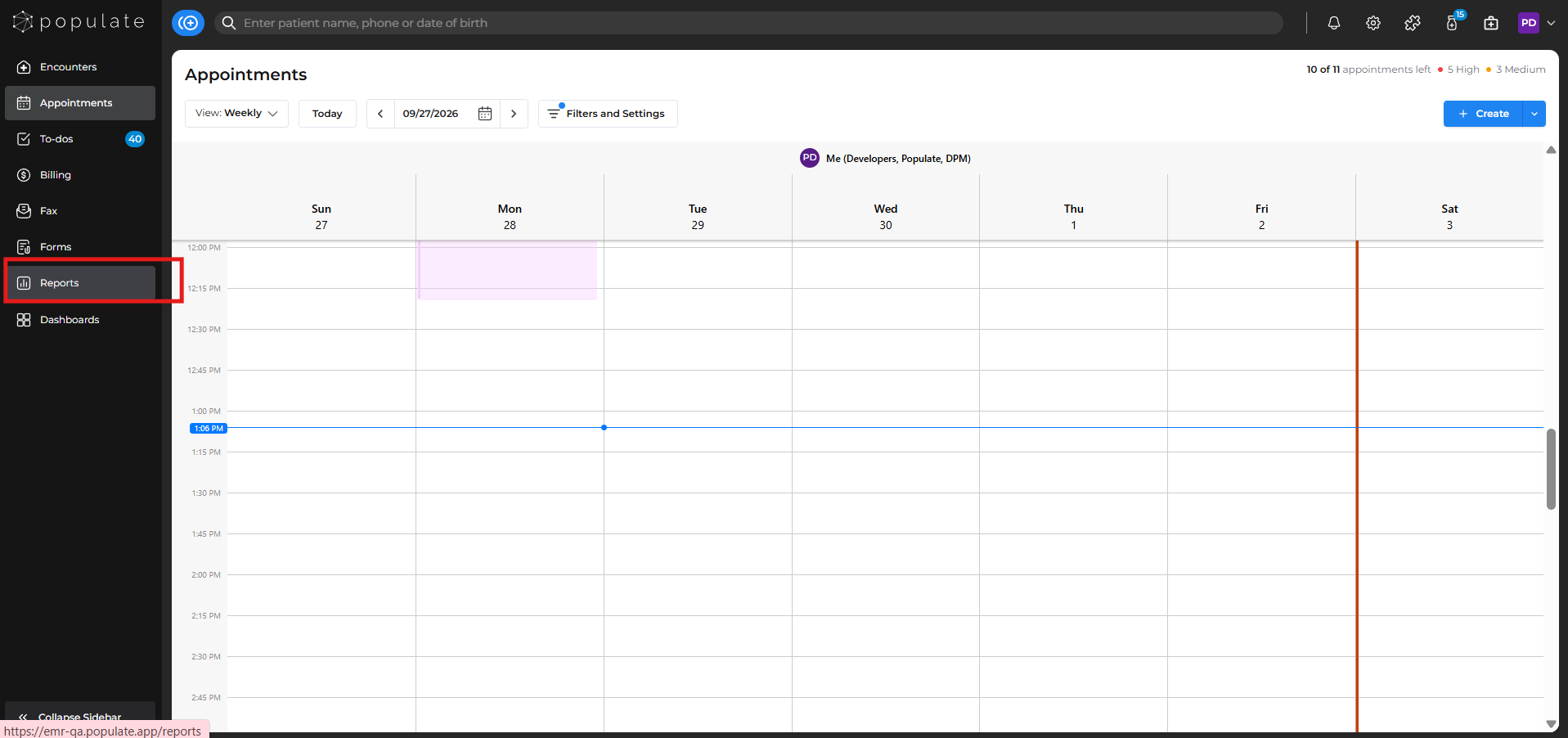
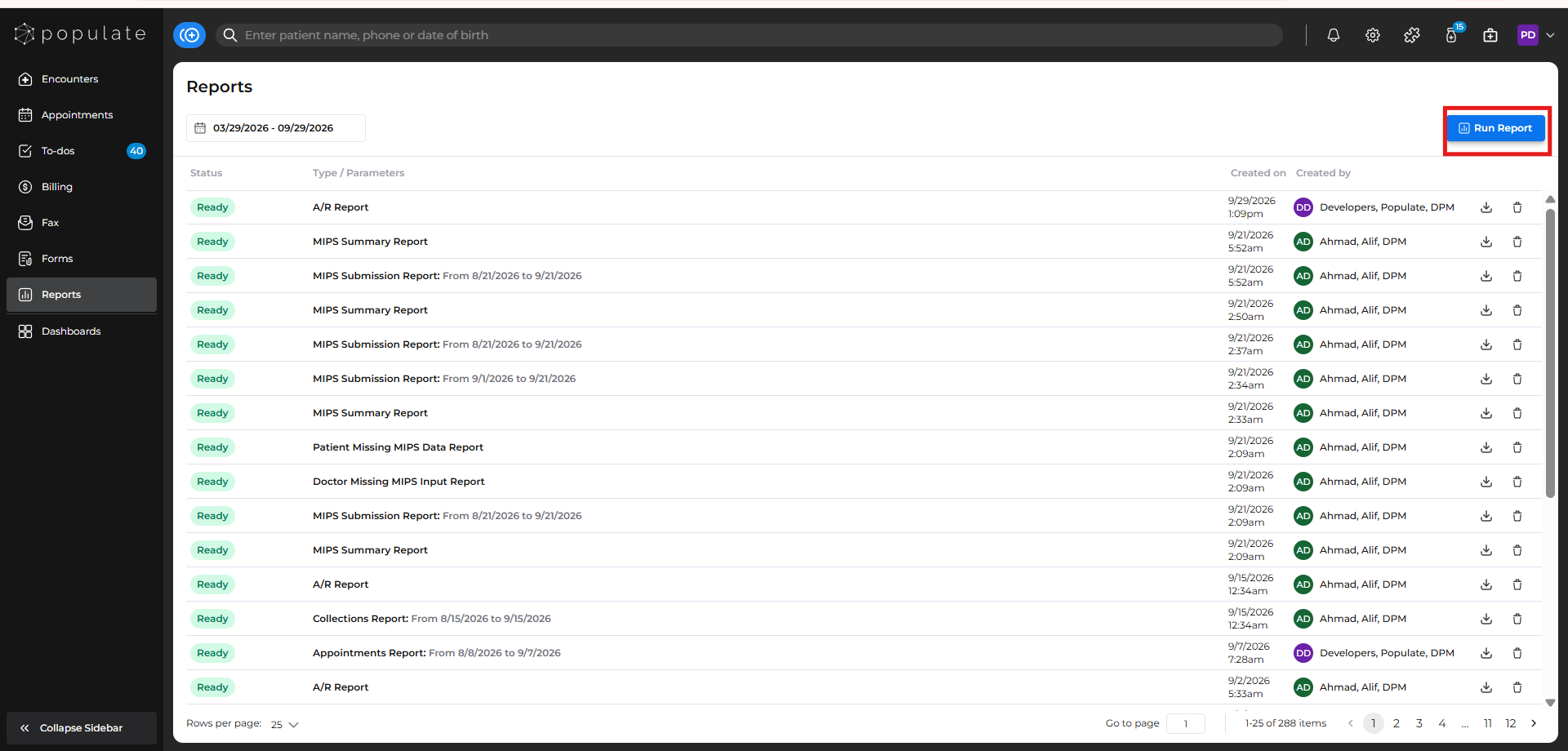
Generate the desired report by clicking on the RUN Report button. Depending on the information you are looking for, one report may not always contain everything you need. You may need to download multiple relevant reports and review or filter their data to find the desired information.
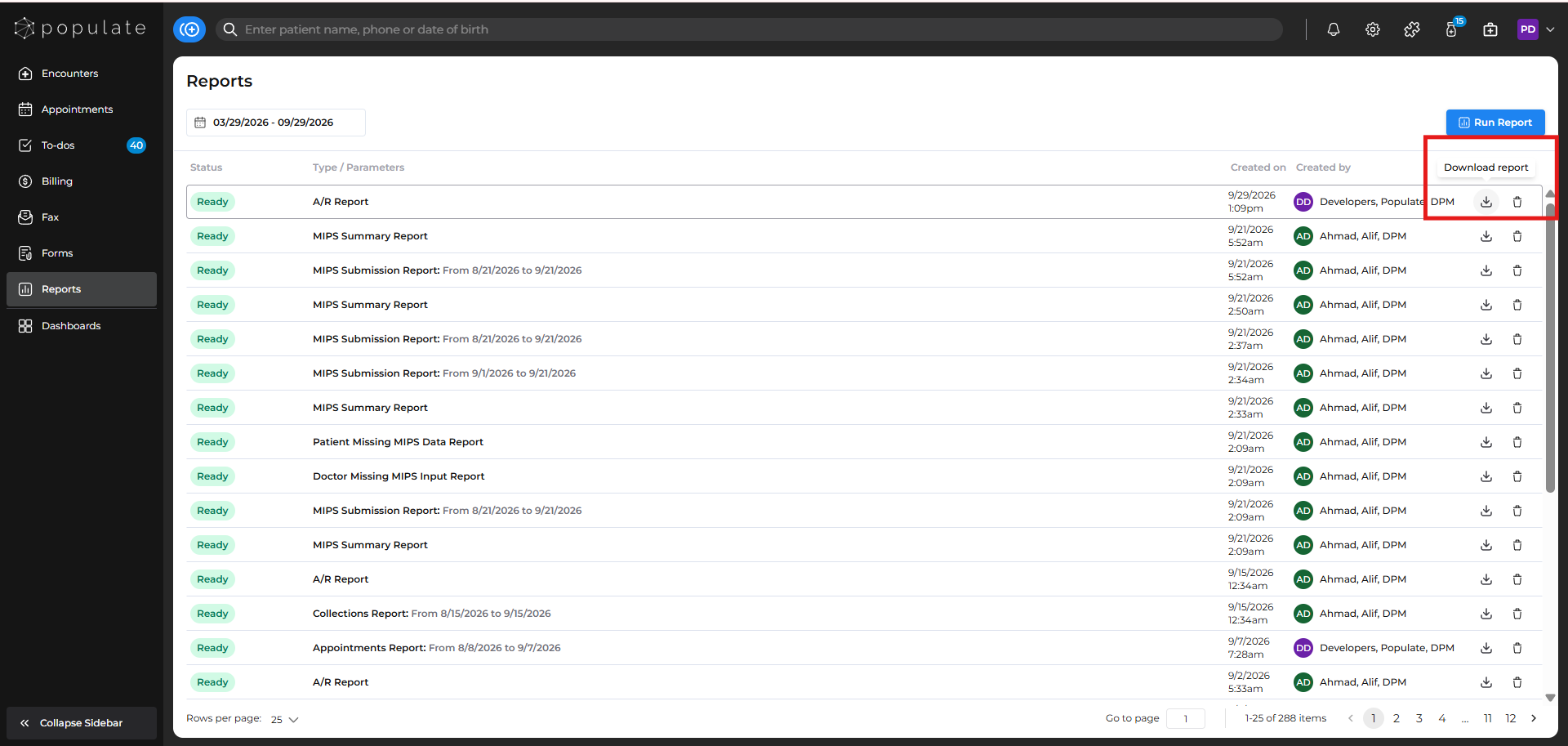
Click on the Download icon to download the generated report.
Open the downloaded report in Microsoft Excel. Click Enable Editing at the top of the spreadsheet. This will allow you to filter, hide, and otherwise manipulate the report.
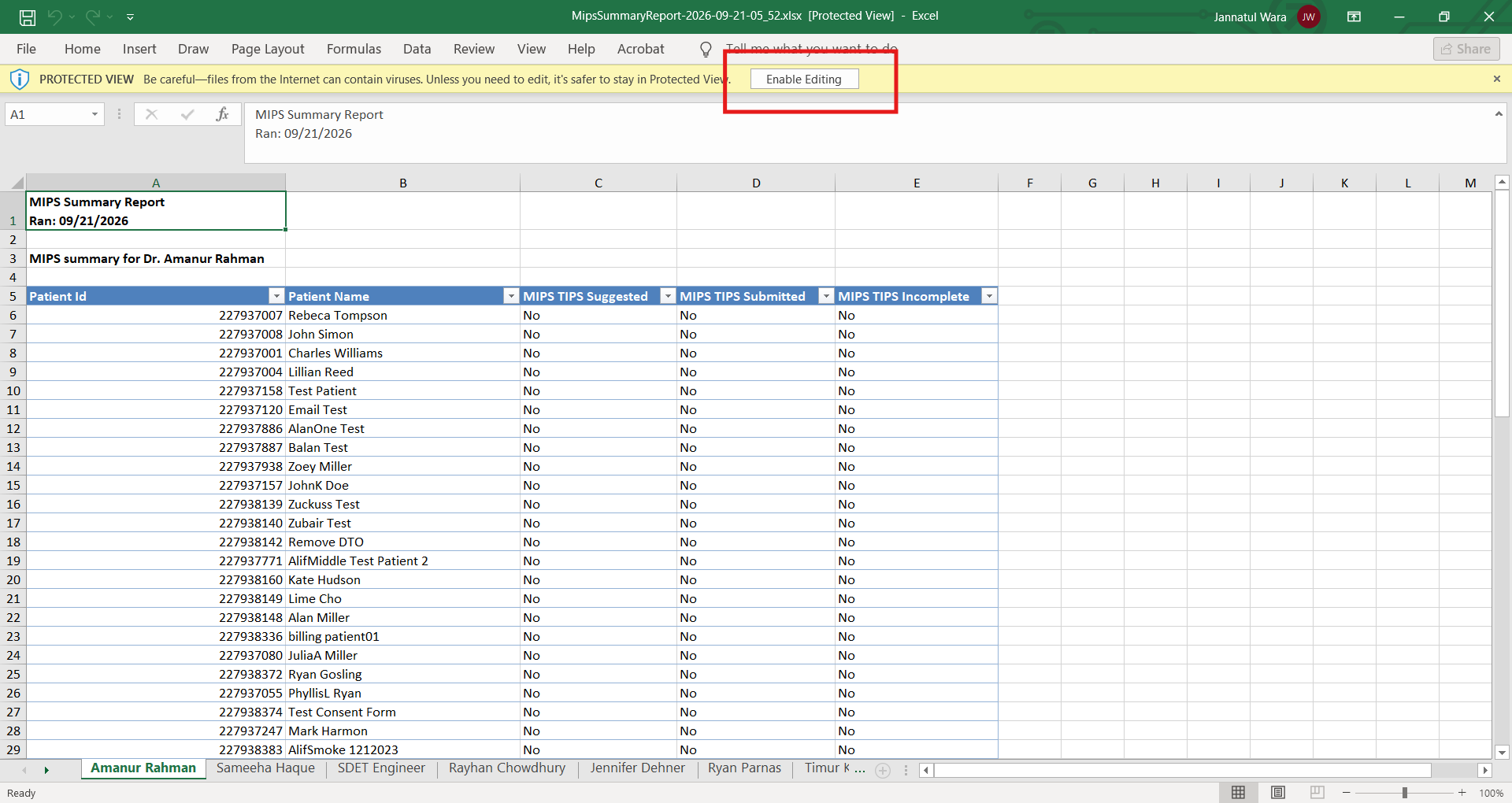
Each column in the report contains a dropdown that can be used to filter the data.
- Locate the column you want to filter.
- Click the dropdown arrow in the column header.
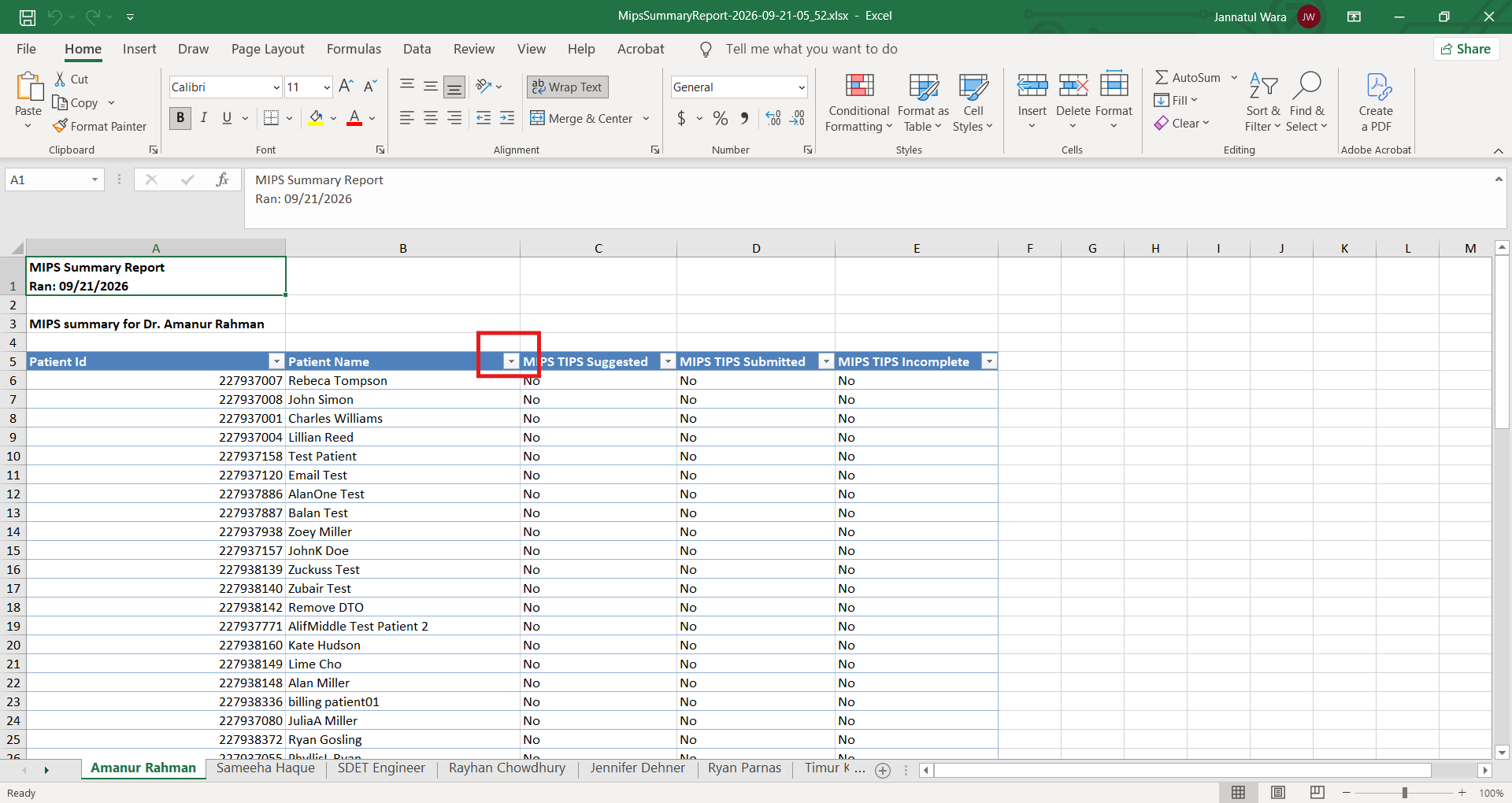
Review the available options and select or deselect the appropriate checkboxes, then click OK to apply the filter.
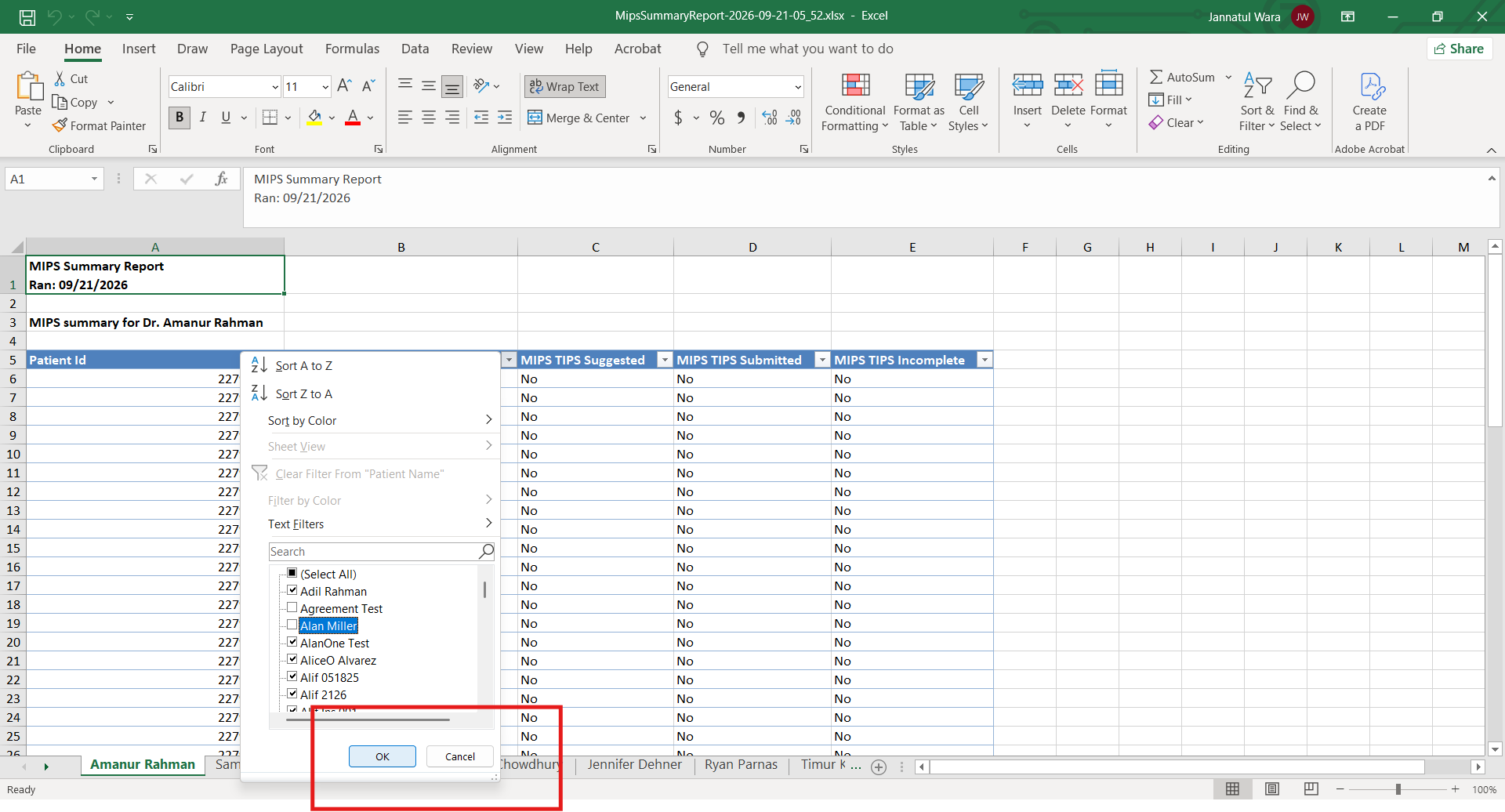
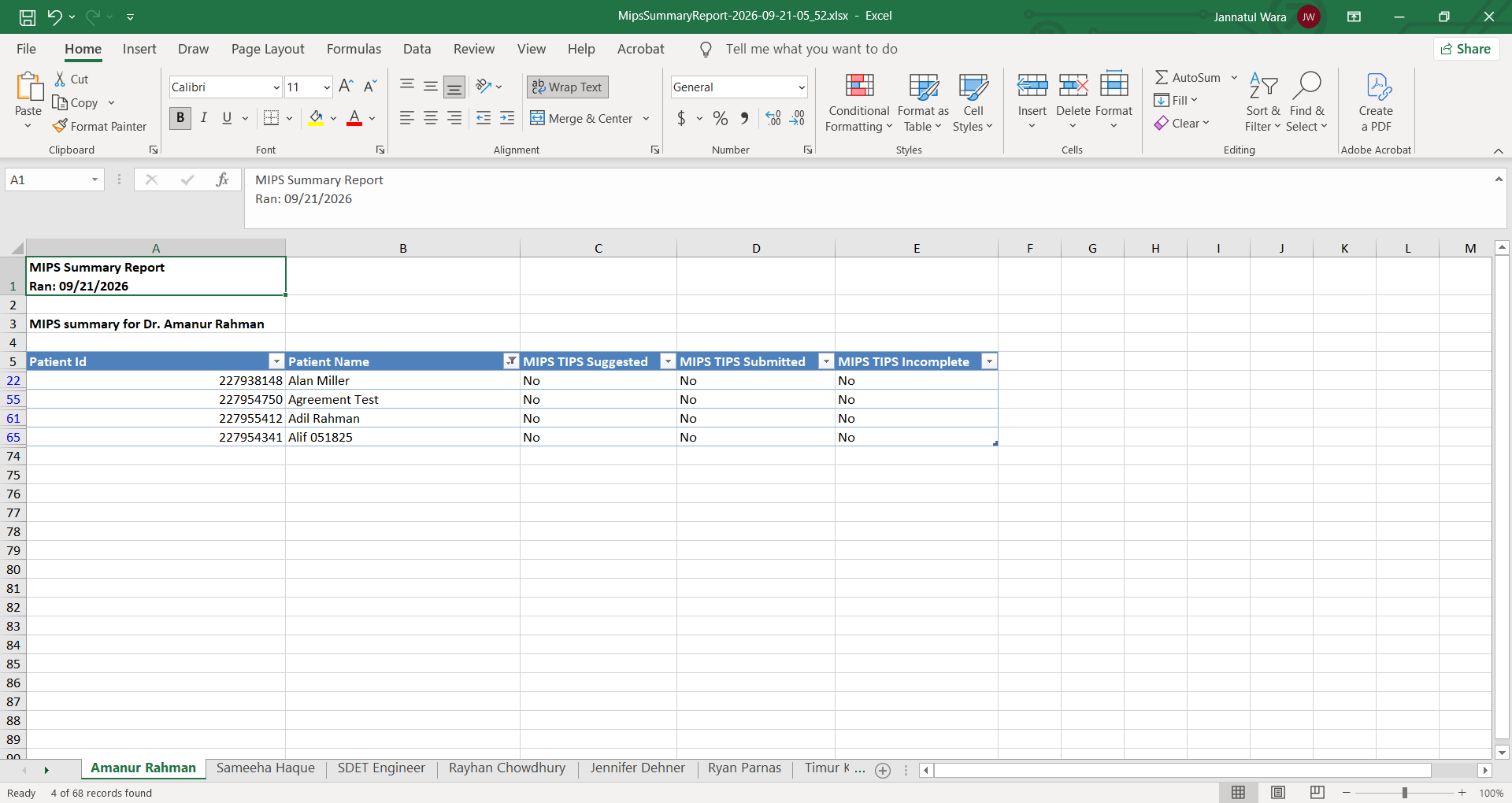
Excel will then display only the rows that meet the selected criteria.
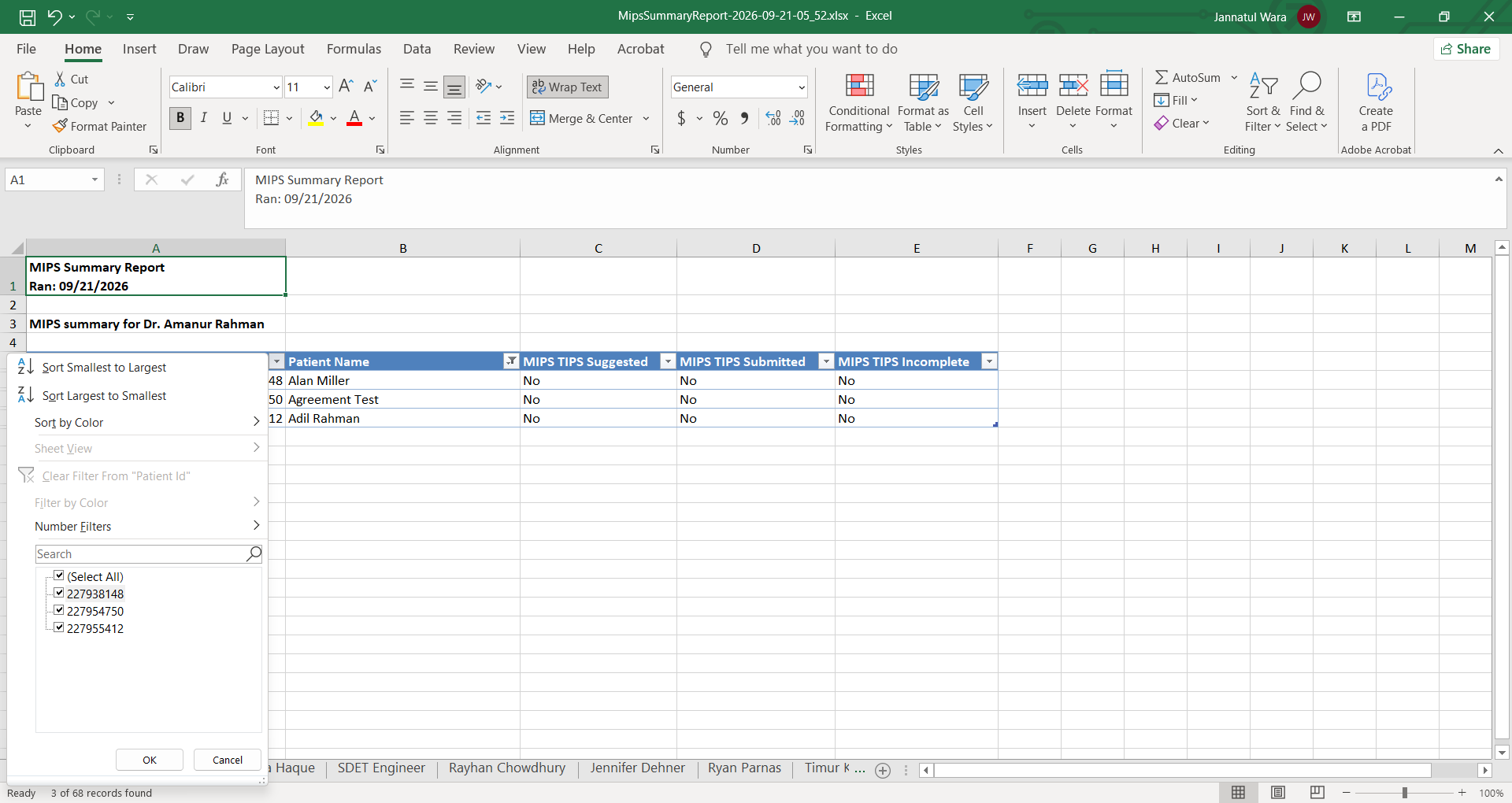
You can apply filters to multiple columns at the same time to narrow the report down further.
If the report contains columns you do not need, you can temporarily hide them to make the relevant information easier to review.
Select the column or columns you want to hide.
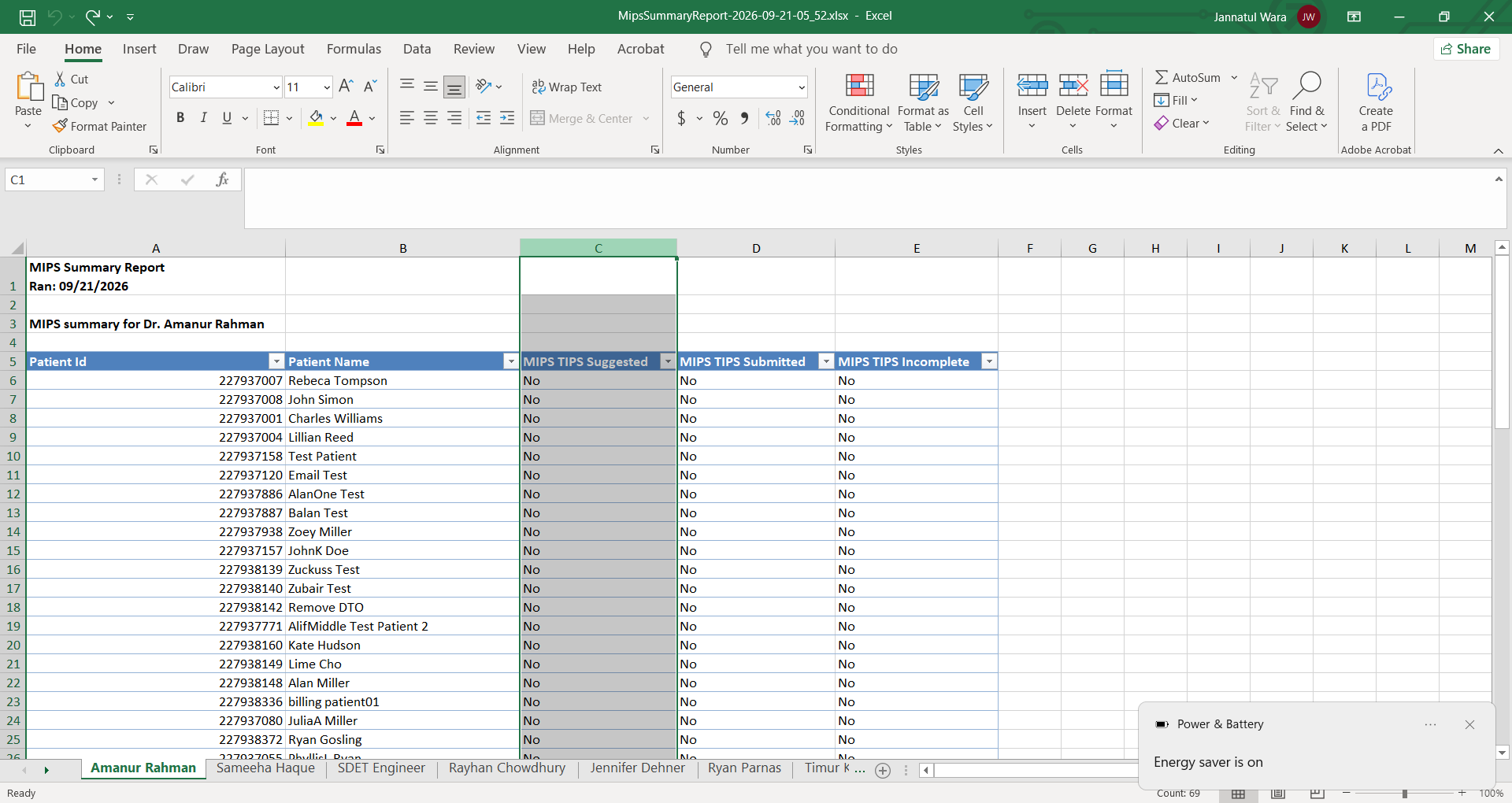
Right-click the selected column header.
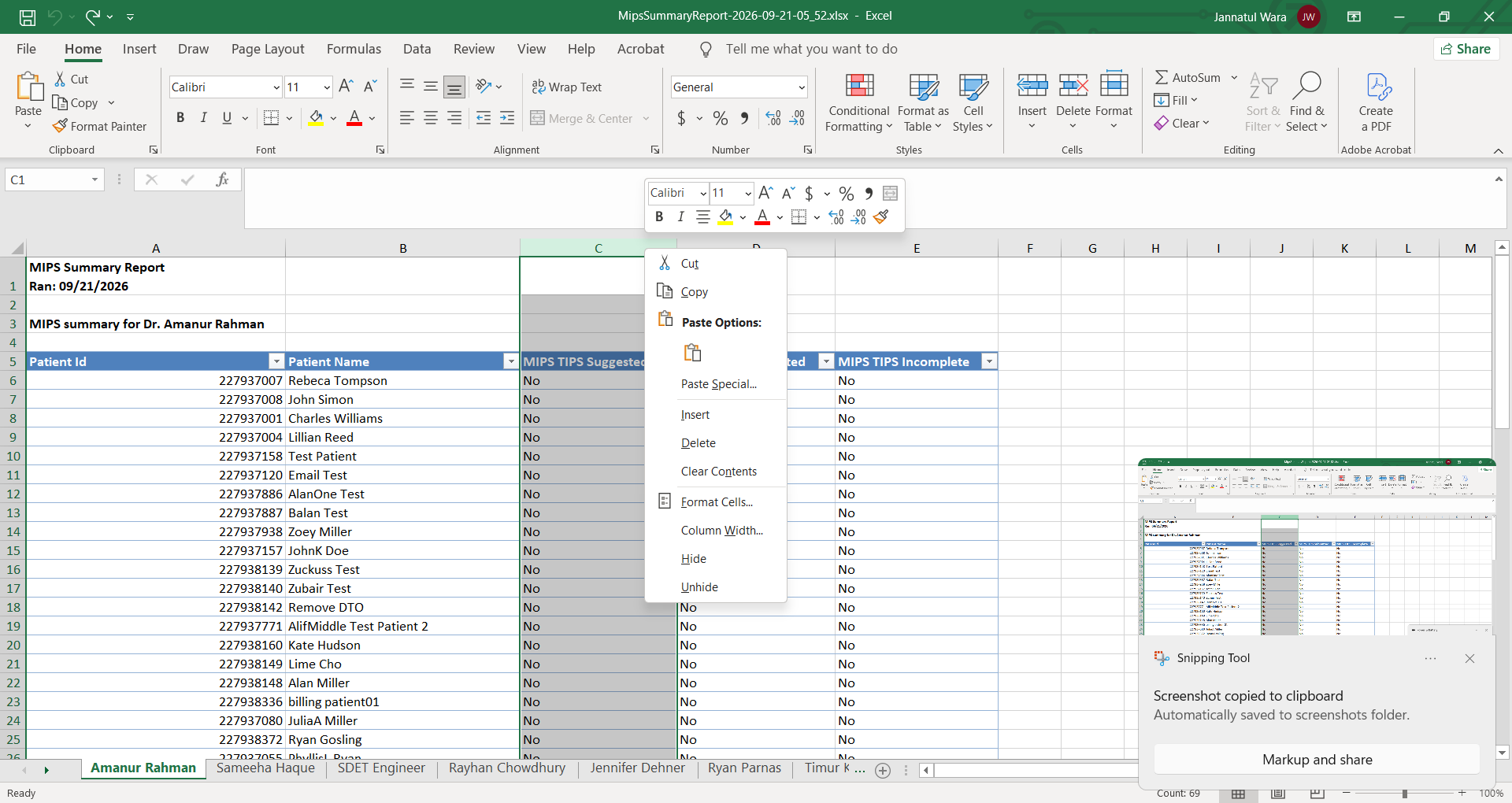
Select Hide. The columns will disappear from view but will not be deleted from the report.
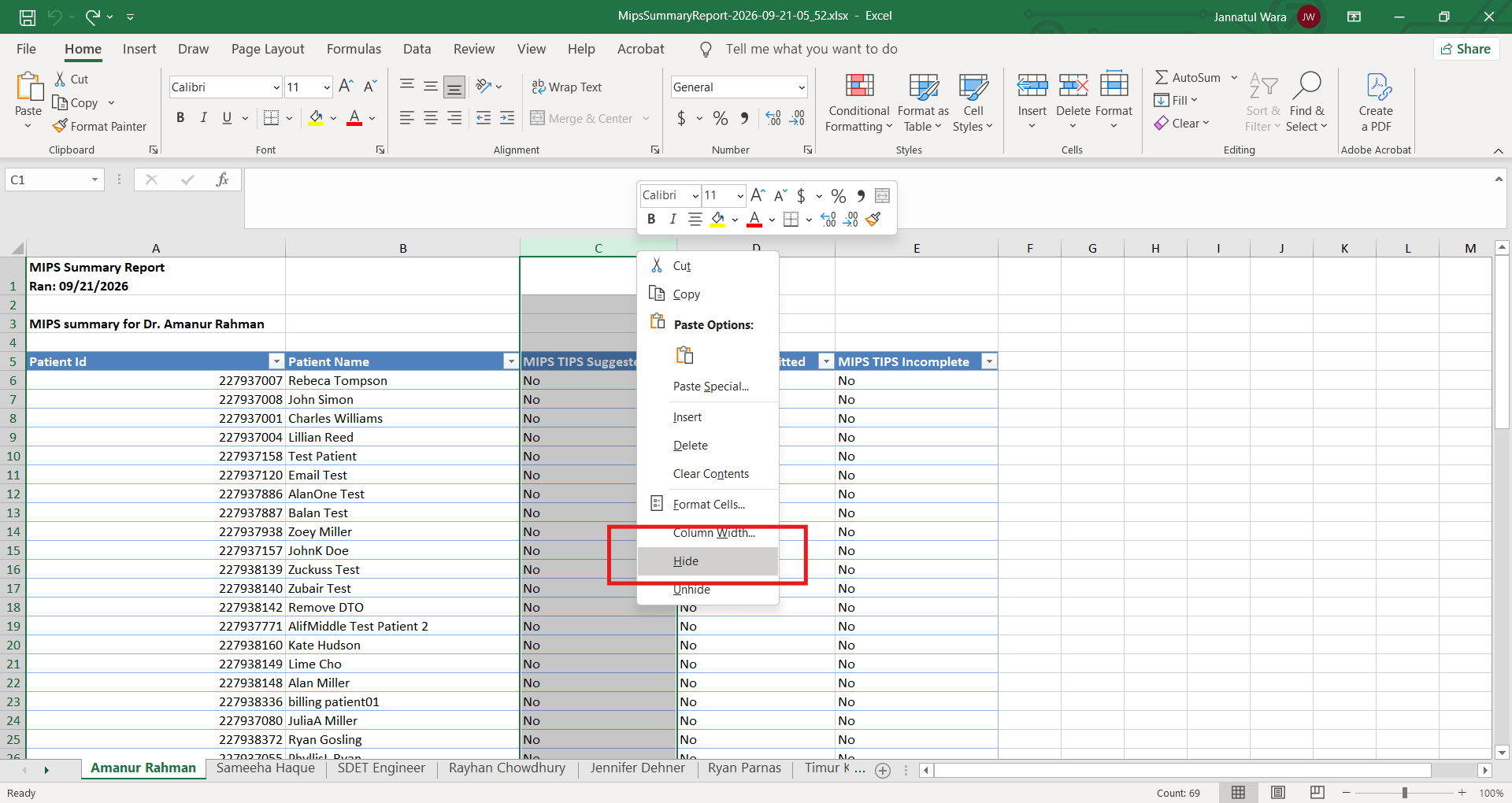
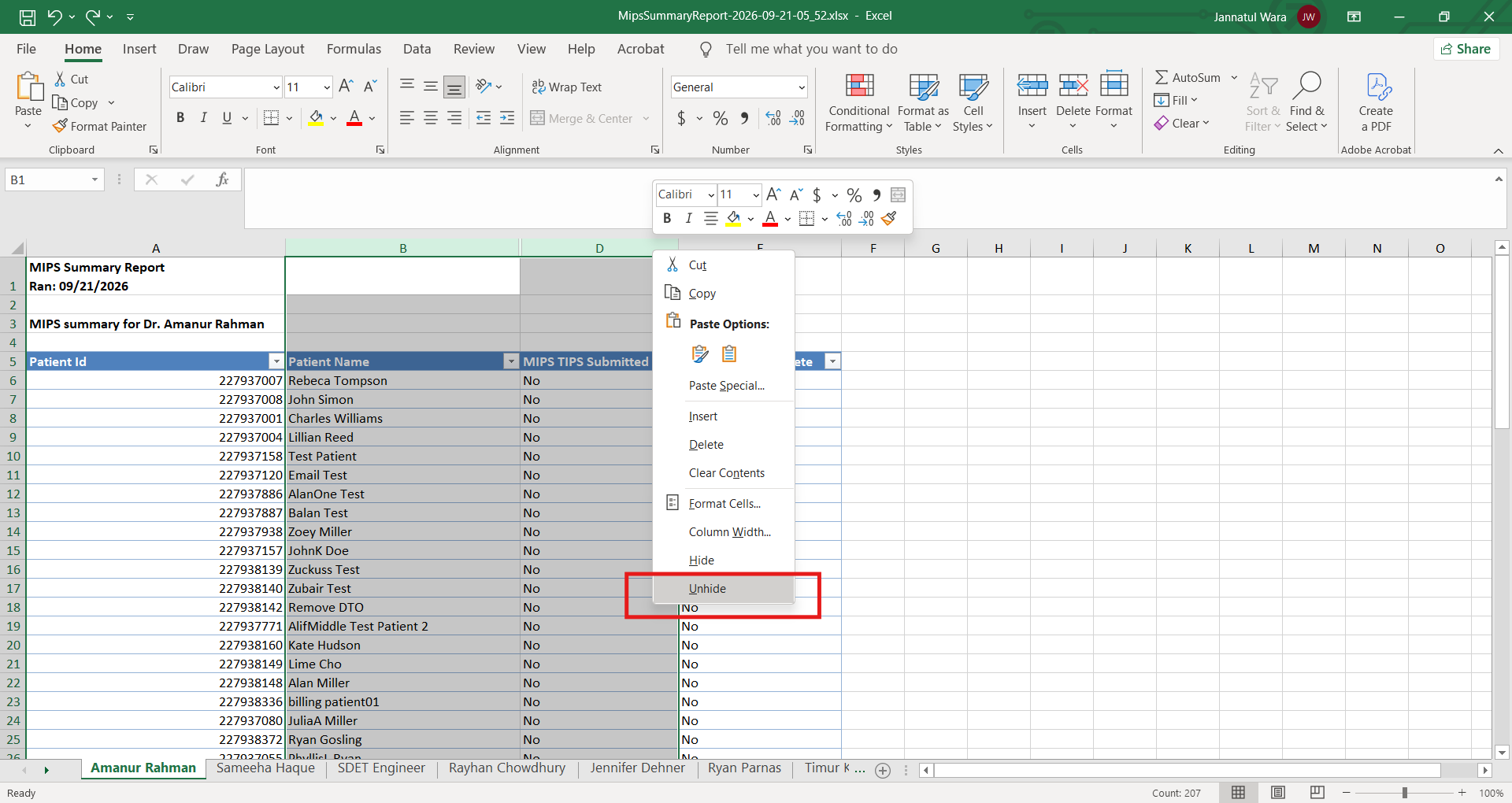
To display a hidden column again, select the columns on either side of the hidden column.
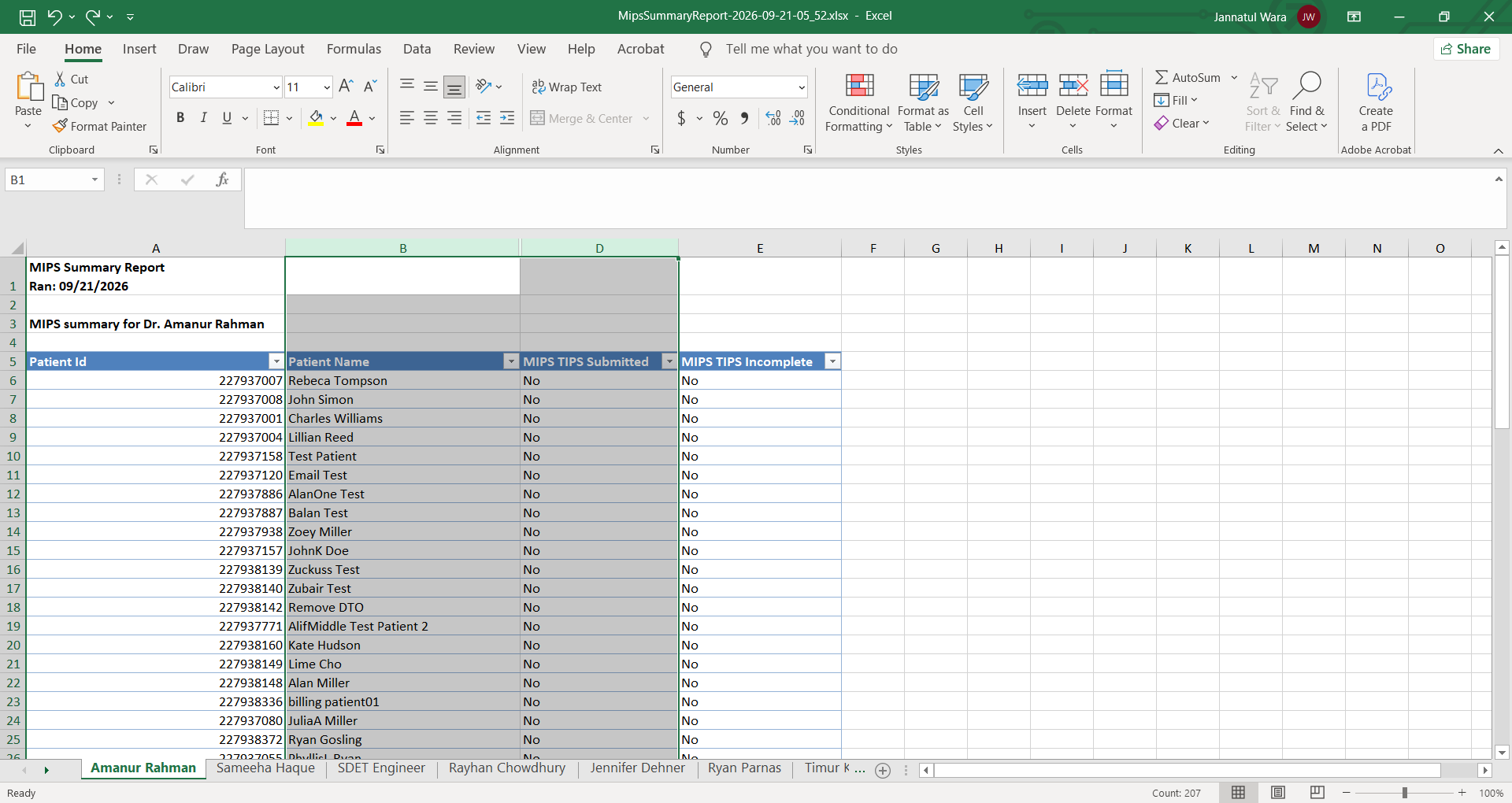
Right-click on either of the selected column headers, and select Unhide.
By using Excel's filtering and column-management features, you can customize existing Populate EMR reports and narrow large datasets down to the specific information needed for your practice.