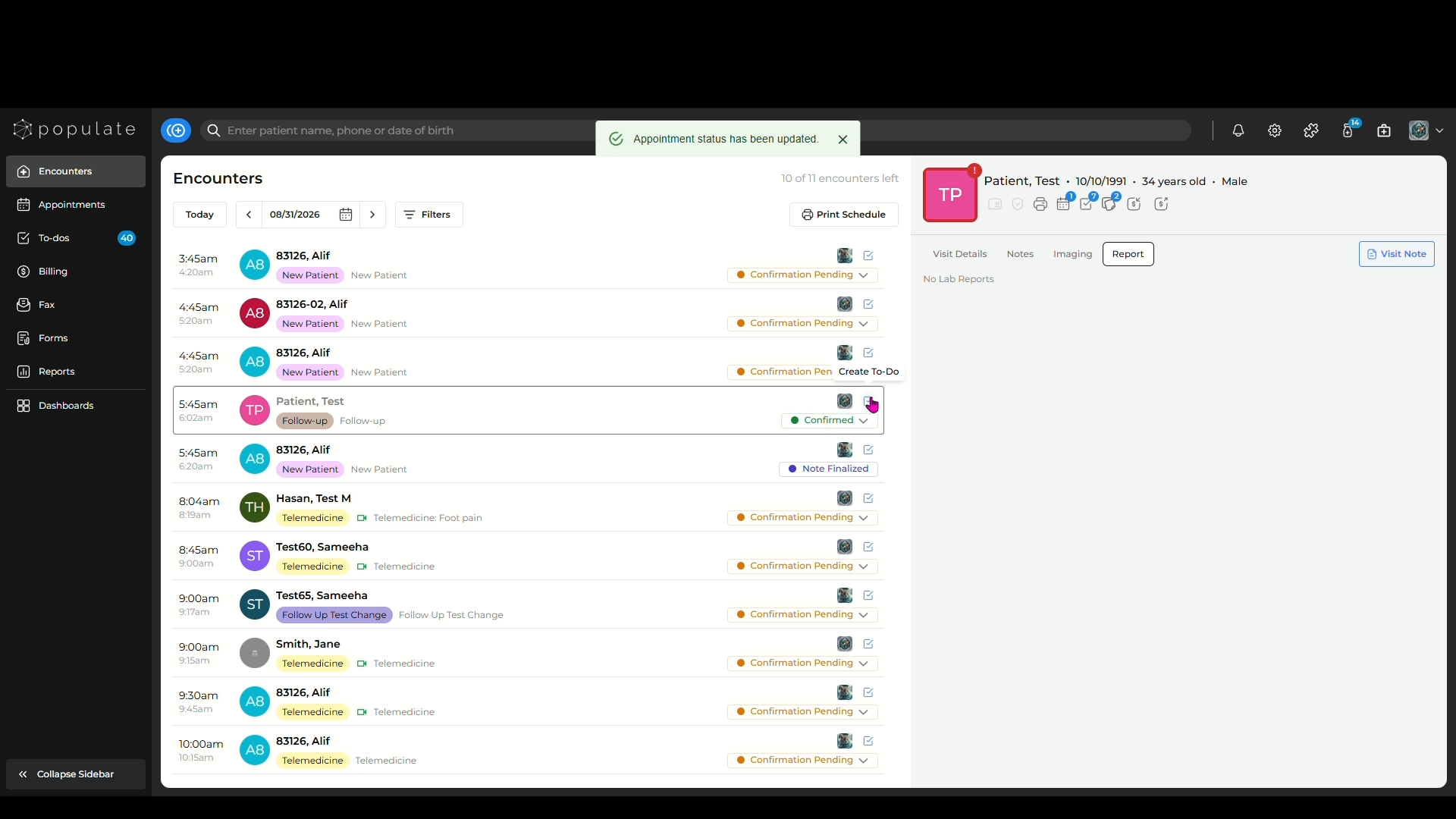
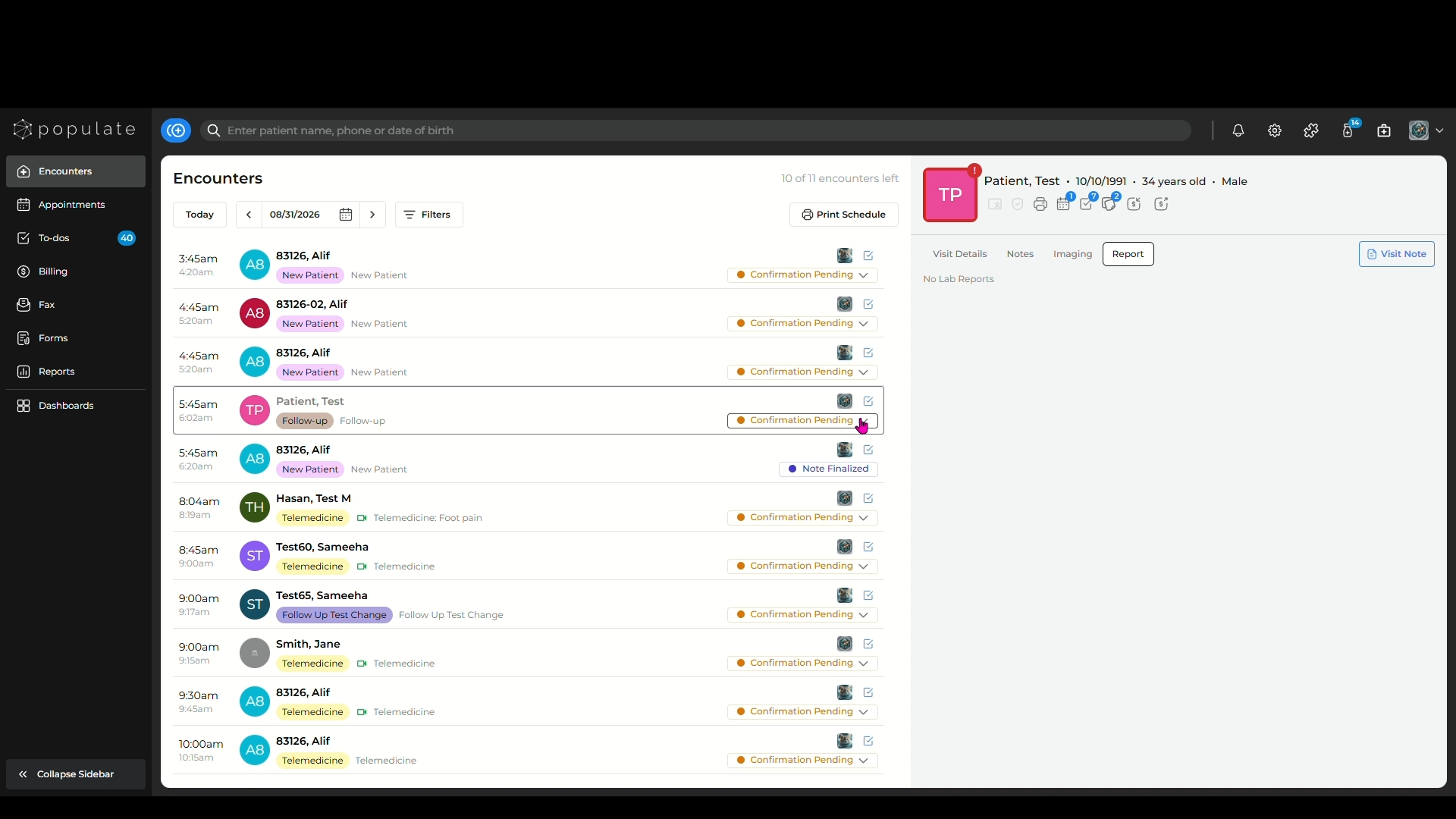
Navigate to the side panel and click on "Encounters" to open the Encounters Page.
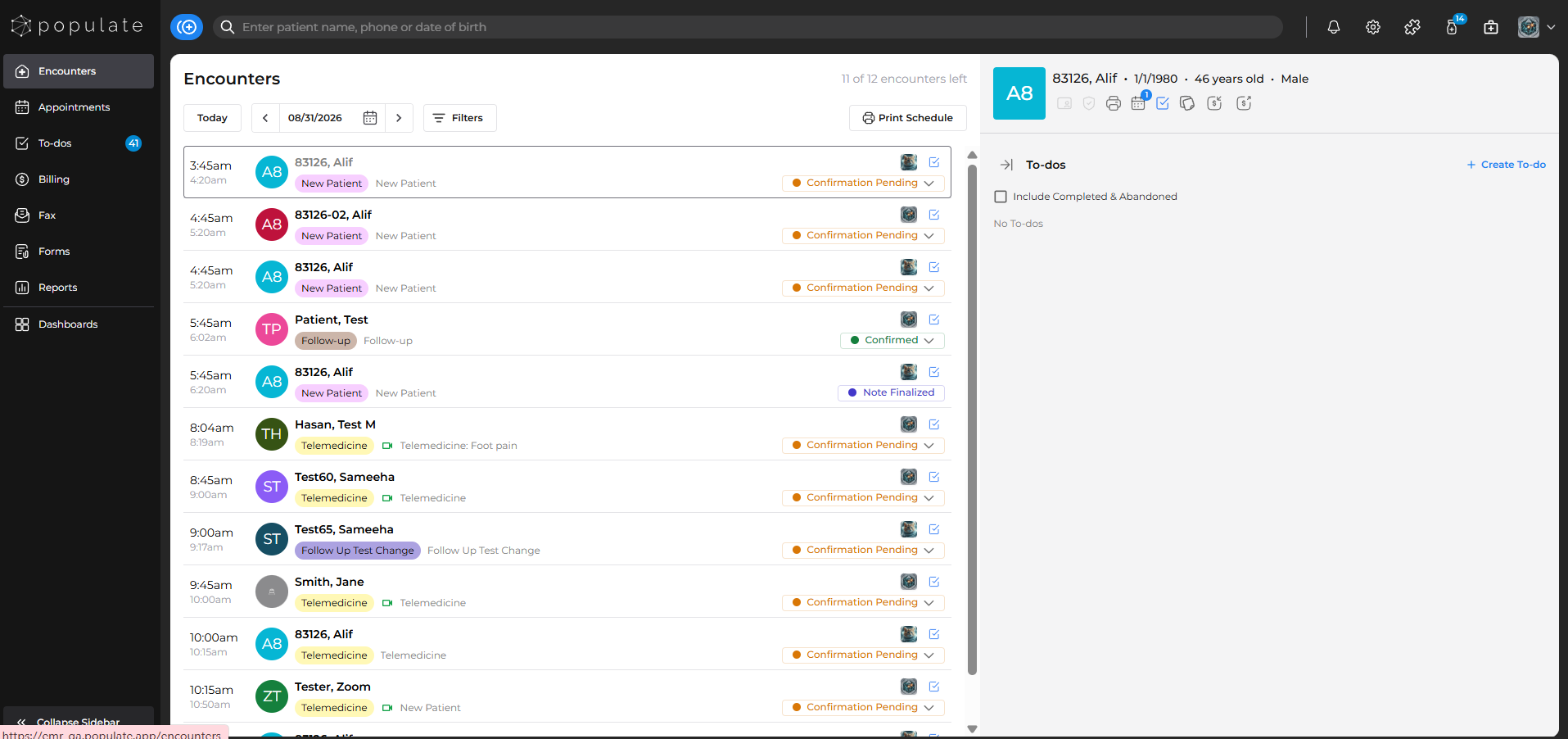
On the Encounters page, select the patient whose encounter details you want to view,
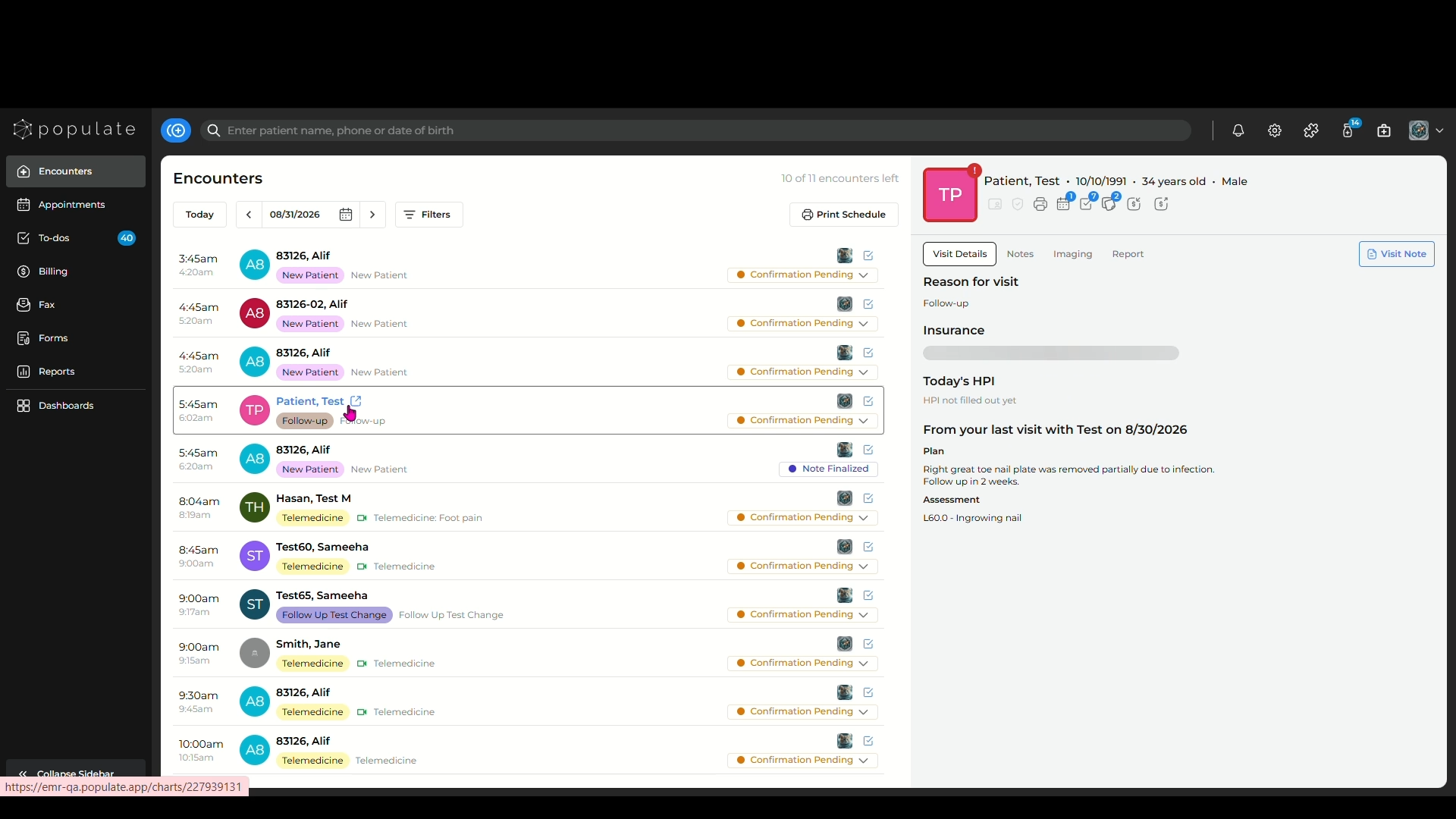
Upon selecting the patient, the Encounters side panel will open and the first tab you'll see is "Visit Details".
Here you will find the patient's History of Present Illnesses (HPI) information for that encounter. You will also be able to see the visit note from the last visit, if any.
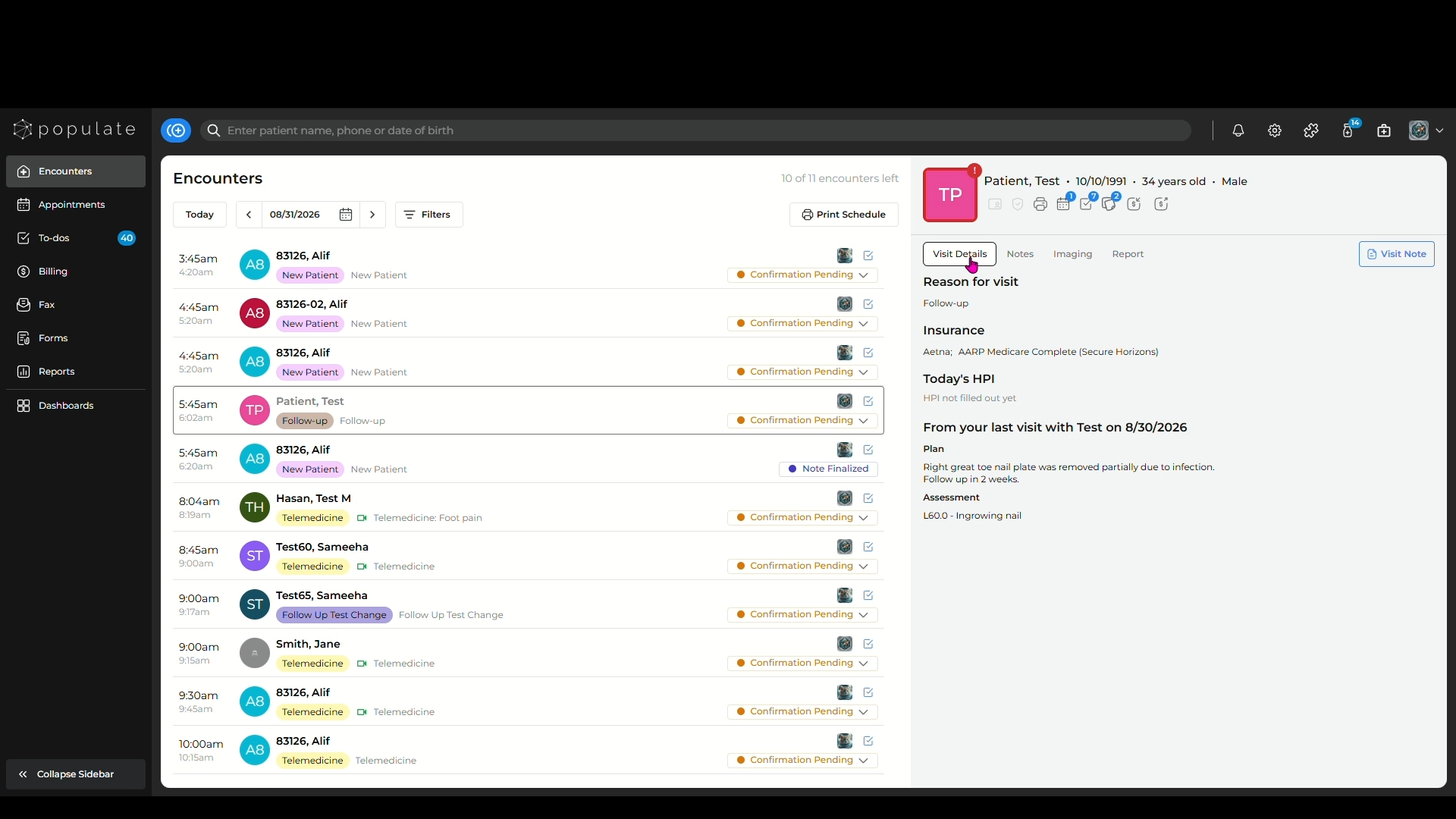
The next tab is "Notes" where you'll find all the past visit notes for that encounter, making it easy for you to access the patient's visit history. You can view any of the visit notes from here by clicking on it.
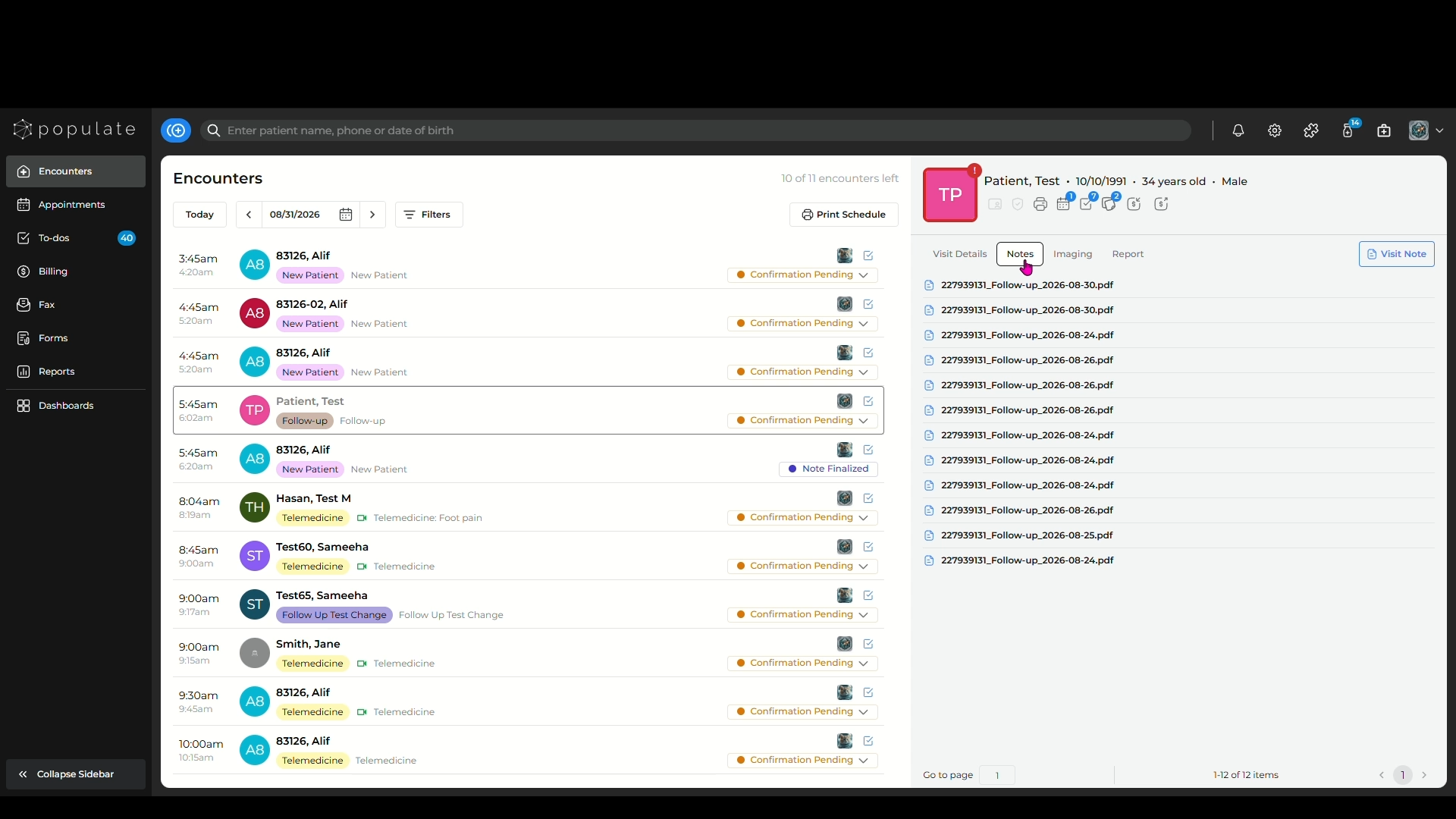
Next comes "Imaging", that shows all the images that have been uploaded during the past visits.
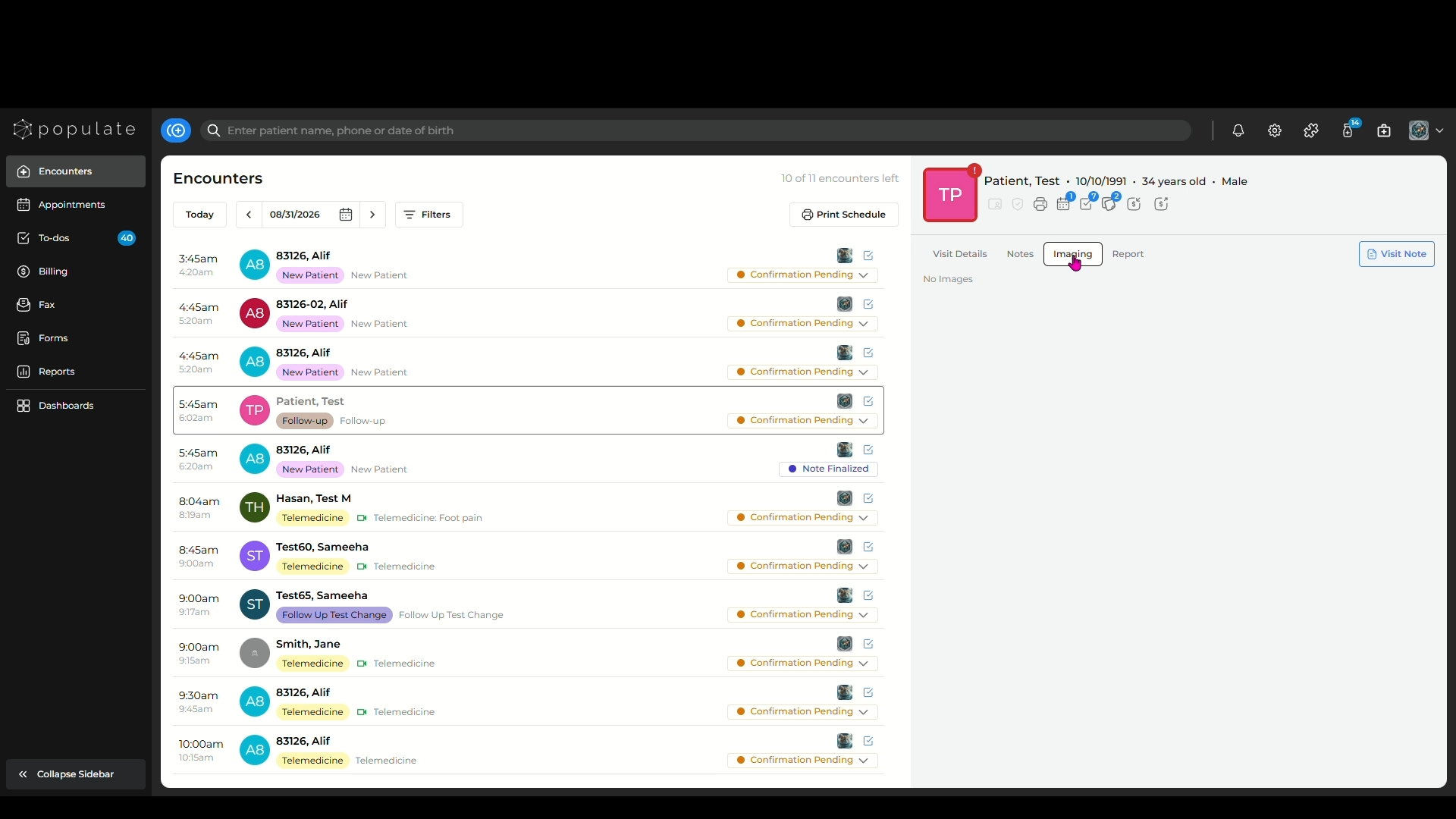
The next tab is "Reports" which contains the patient's lab reports.
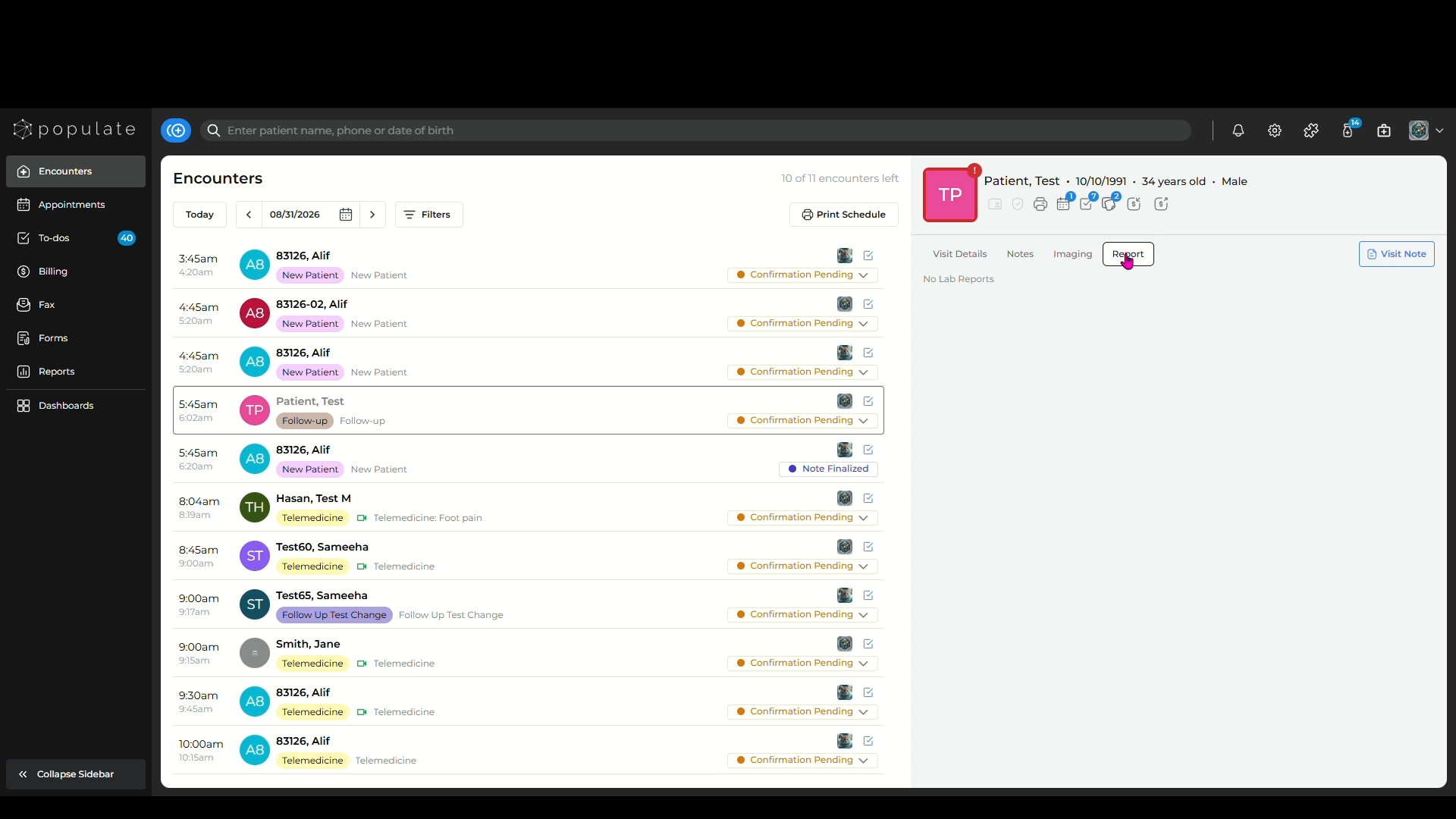
The last tab is the "Visit Note" which will take you to the last visit note created for the patient.
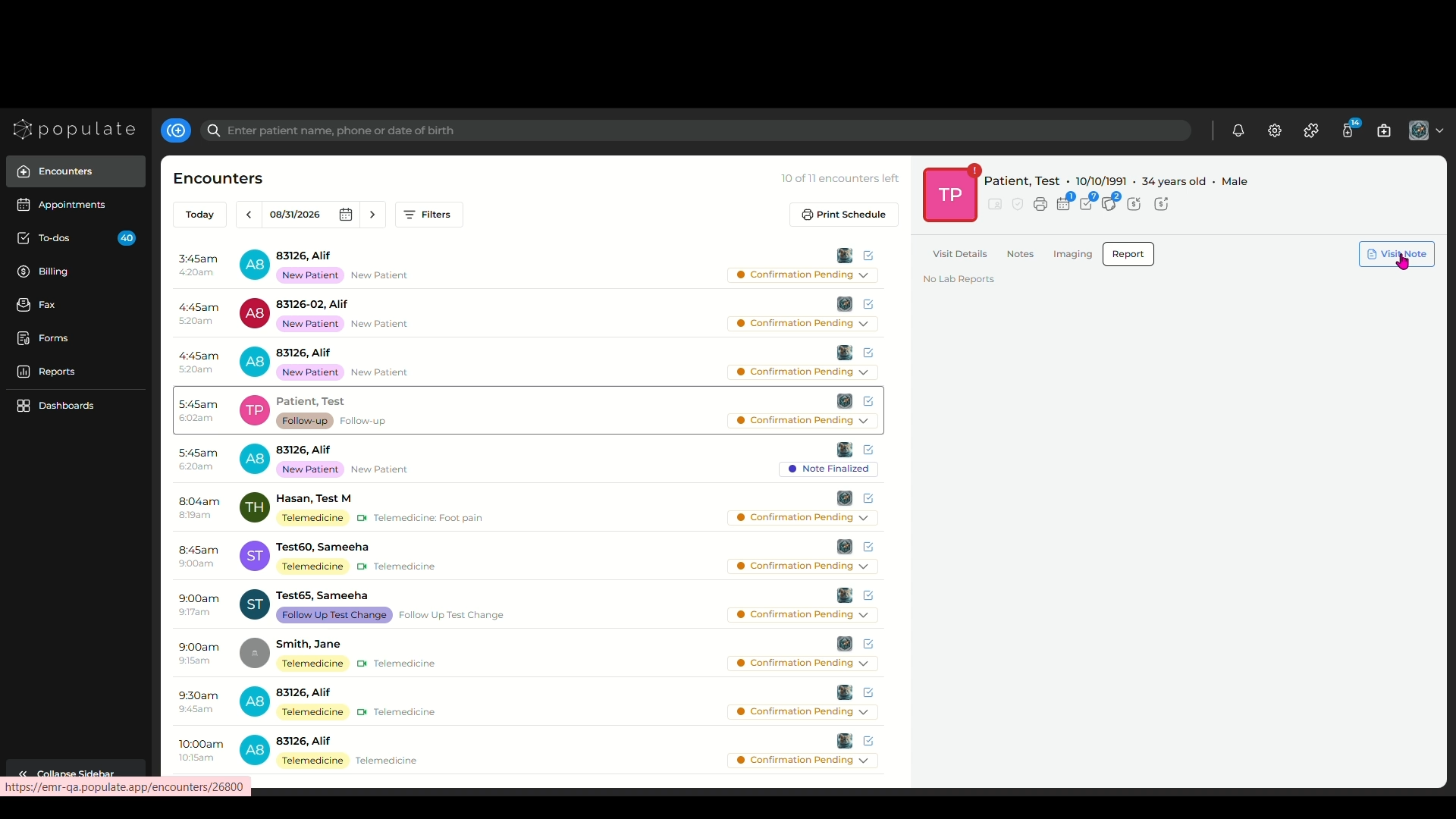
You can also change the appointment status by clicking on the dropdown and updating the status from the list.
You also have the option of creating a to-do from the encounter by clicking the "Create To-do" icon above the appointment status.