
Navigate to Encounters from the side panel.
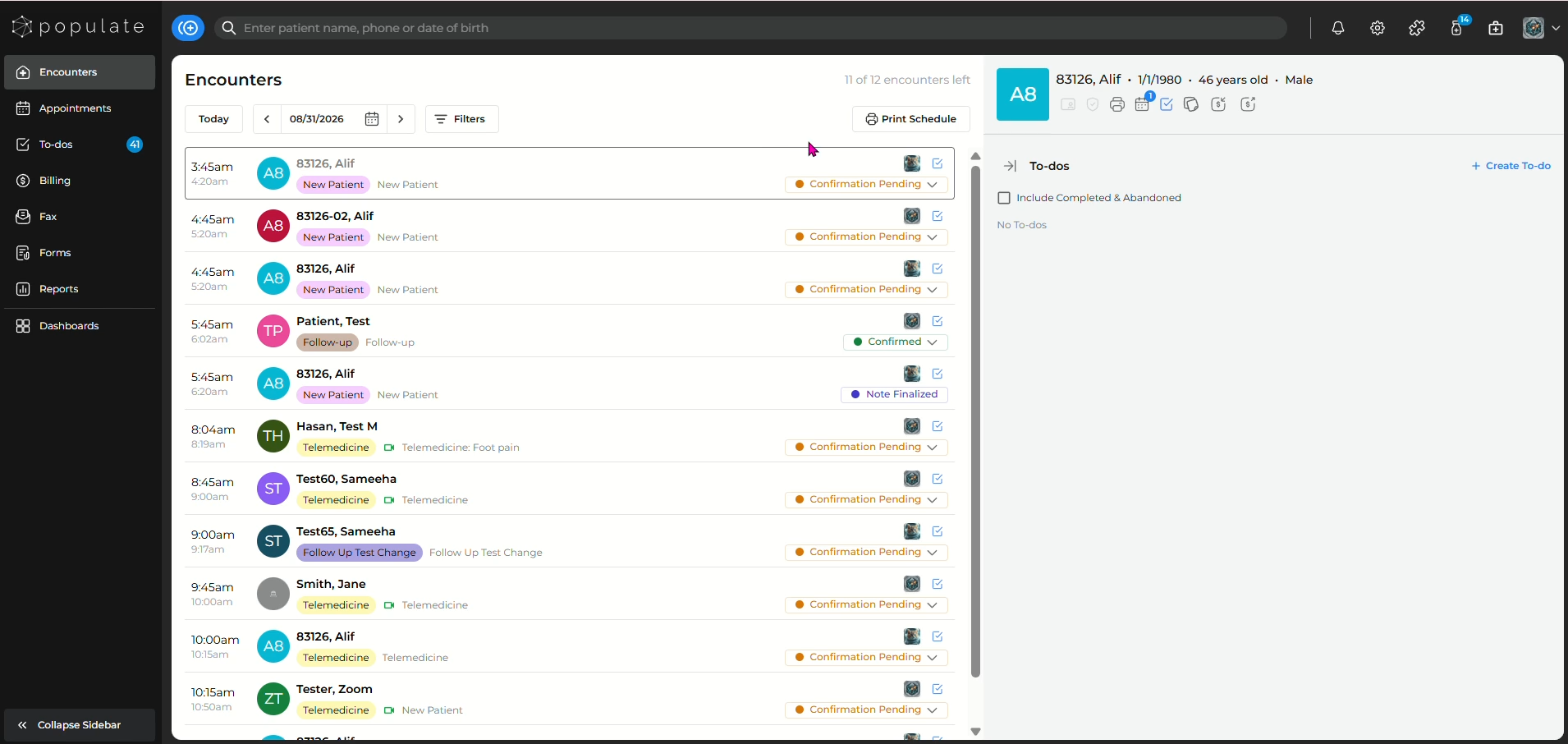
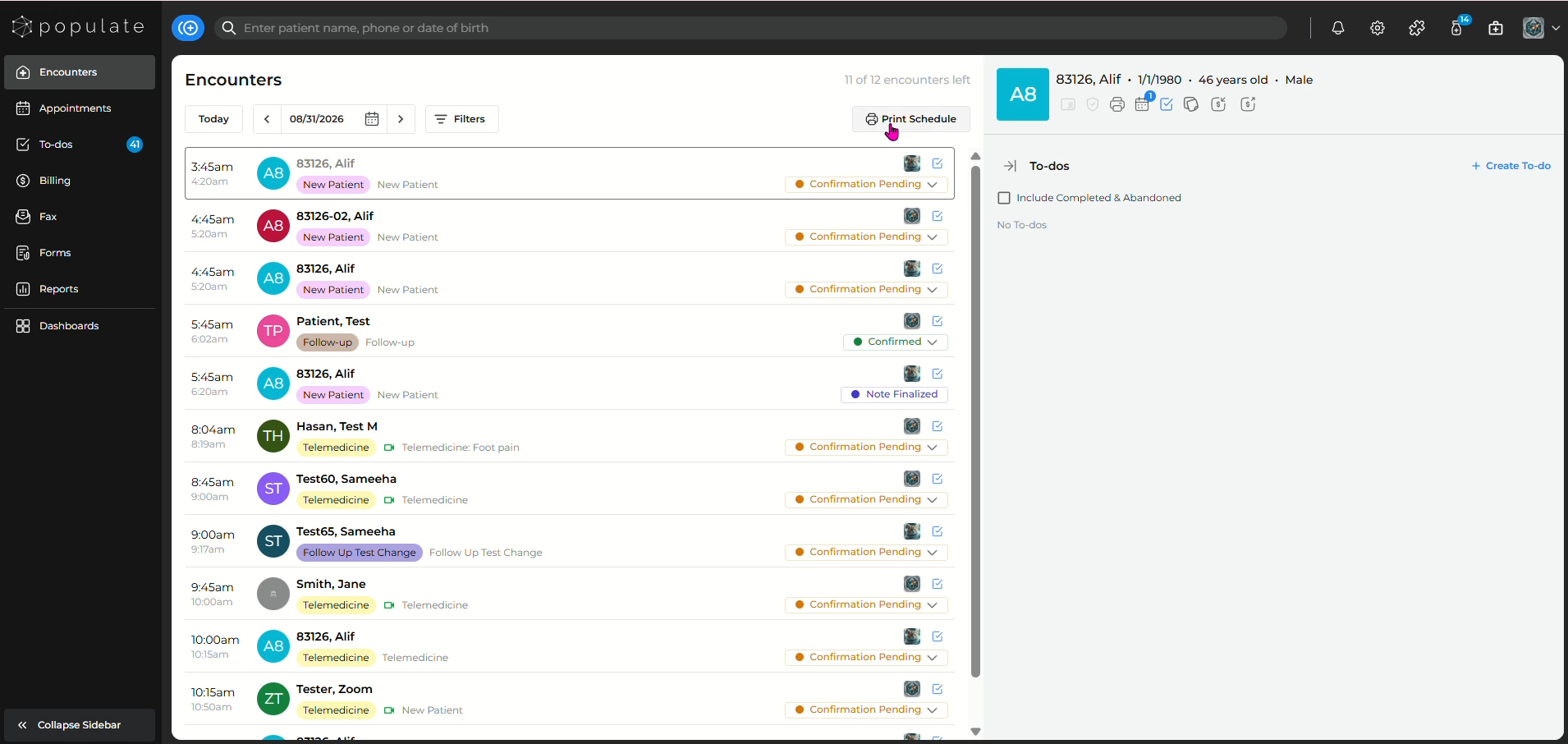
Click "Print Schedule"
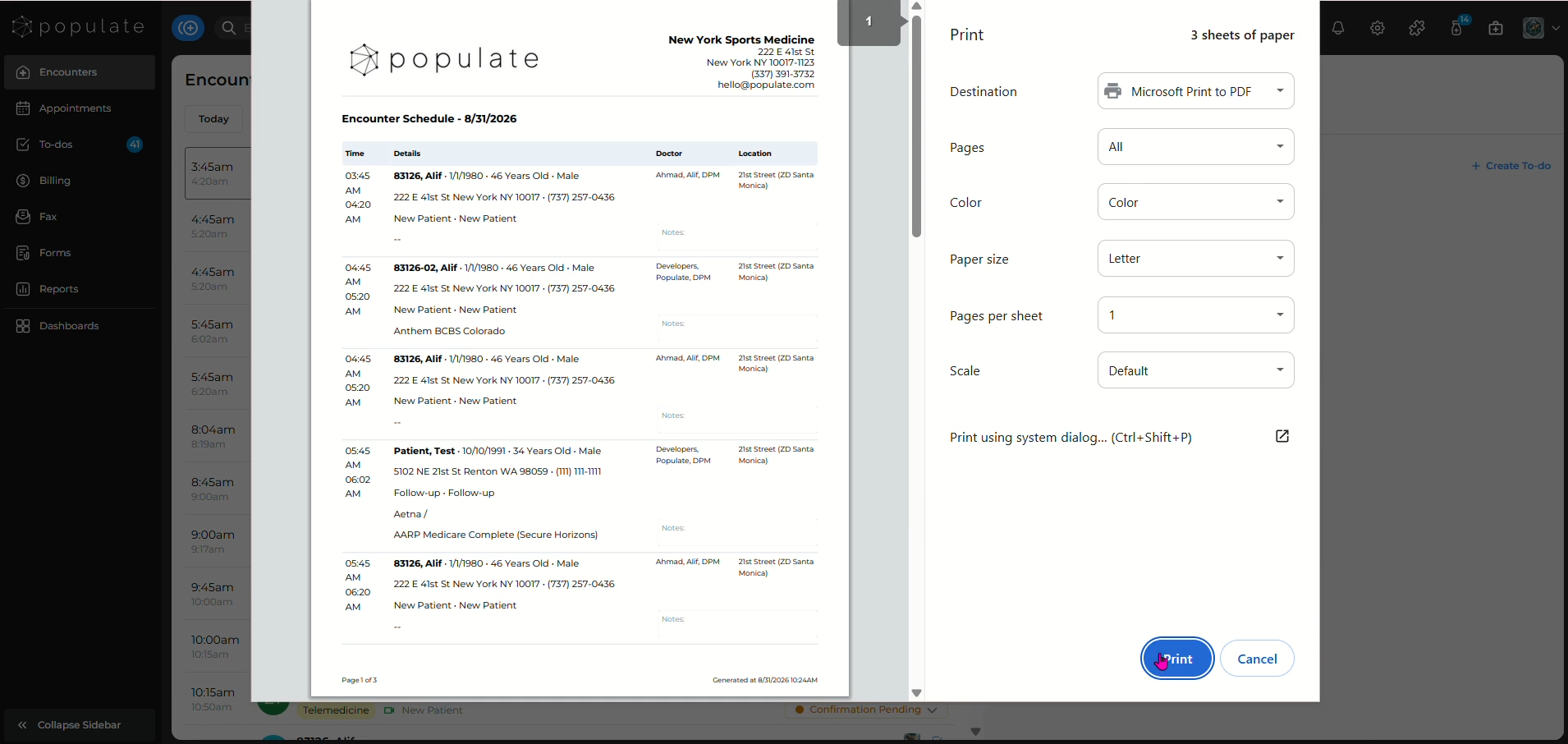
Click "Print"
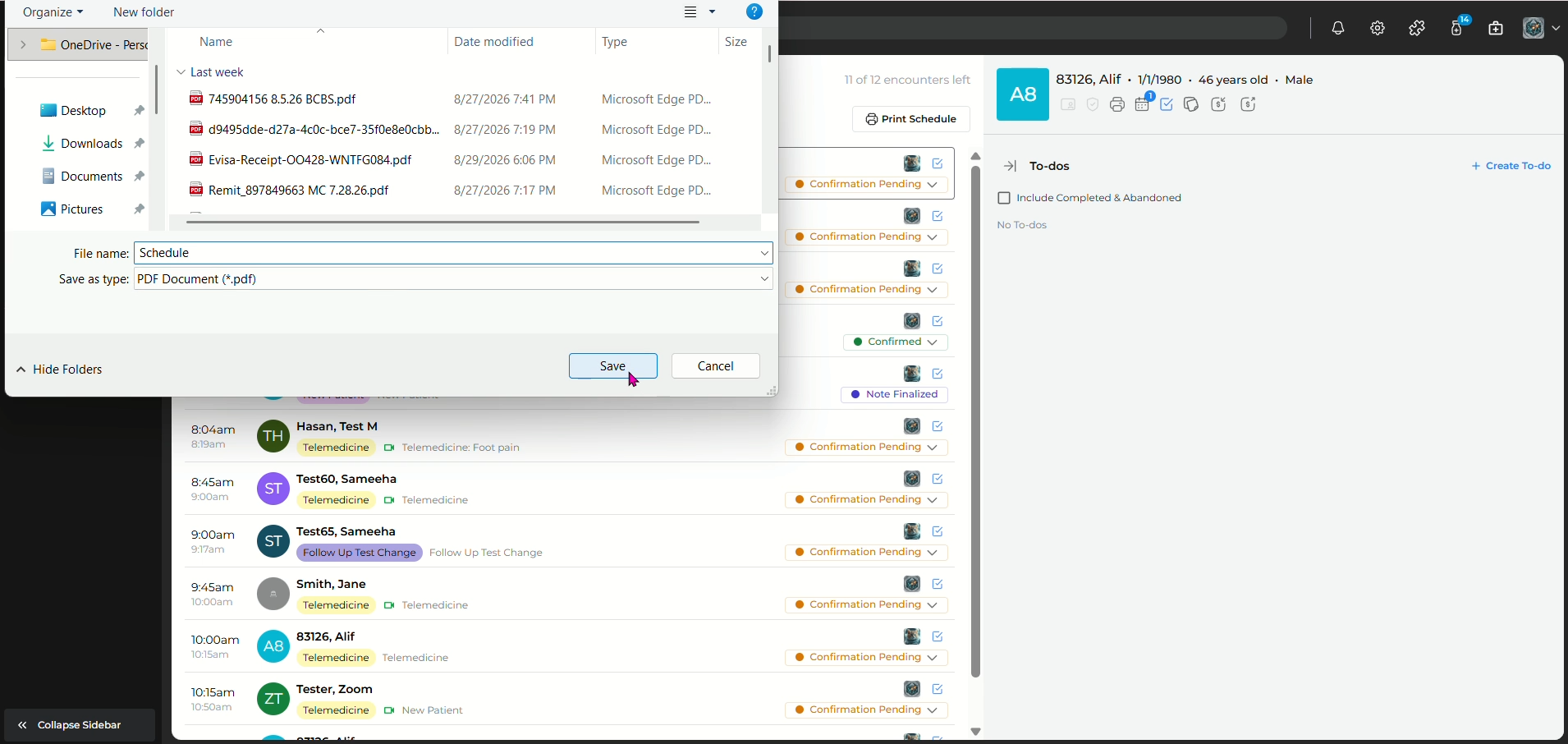
Save the schedule to your computer and you're done!
Navigate to Encounters from the side panel.
Click "Print Schedule"
Click "Print"
Save the schedule to your computer and you're done!