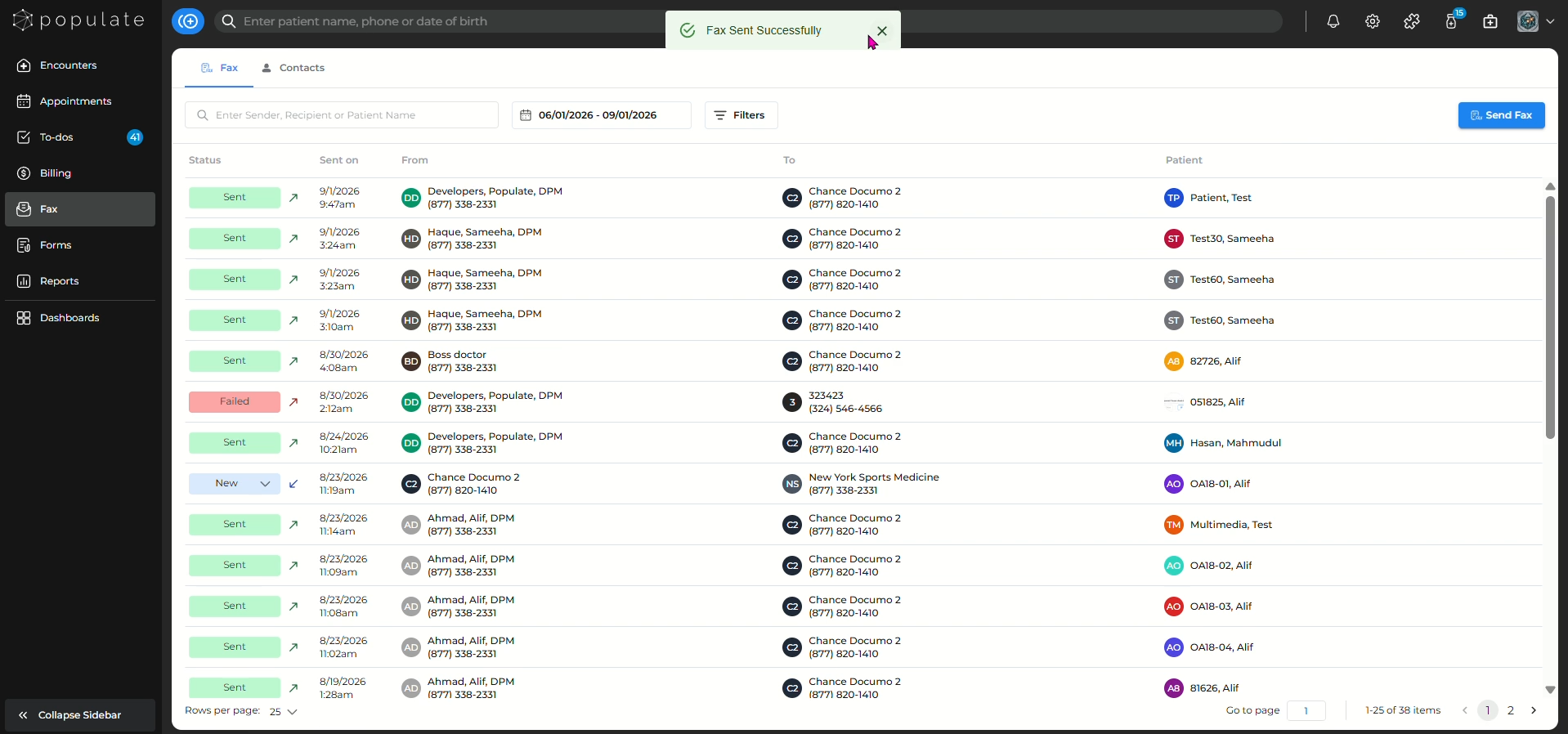
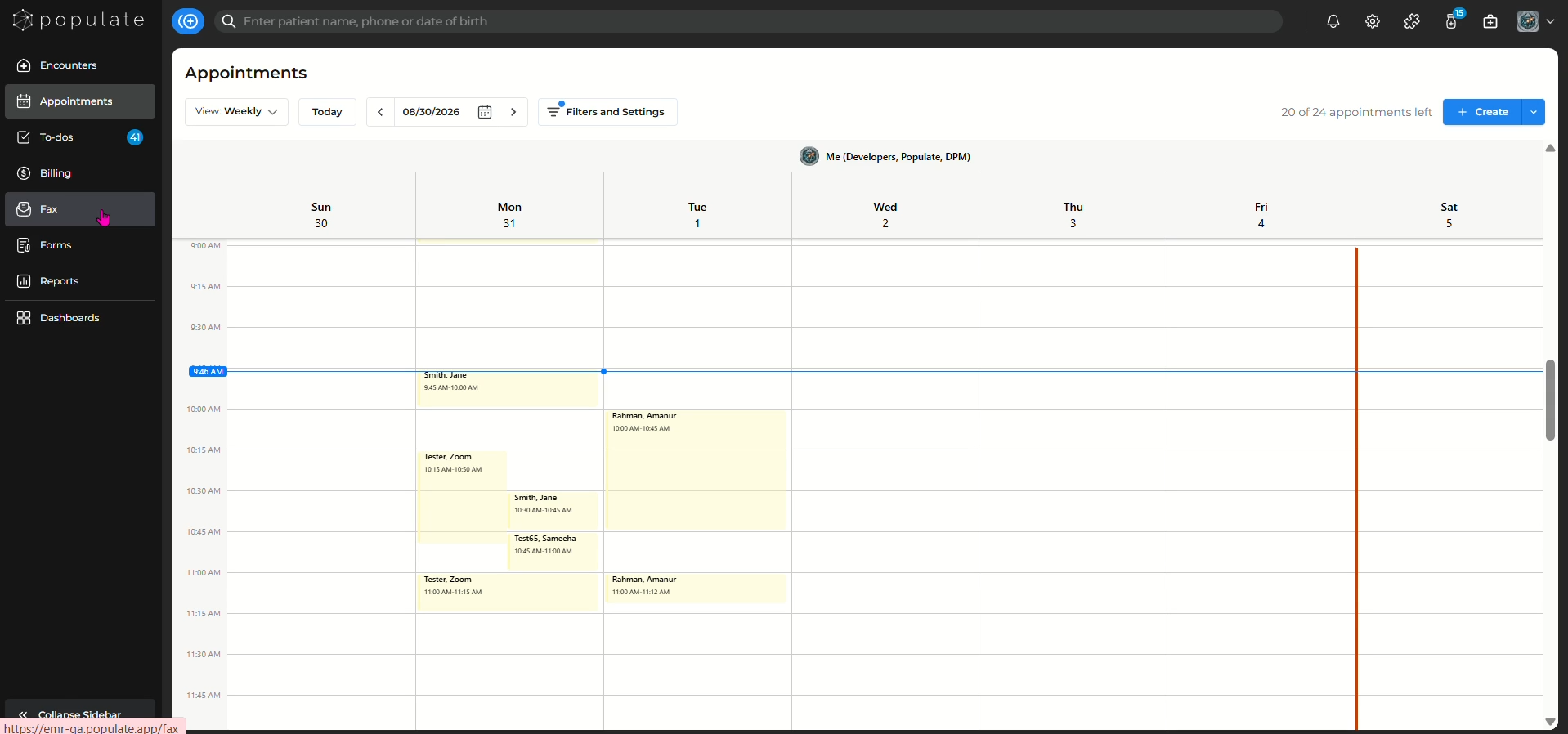
Navigate to the "Fax" tab from the side panel.
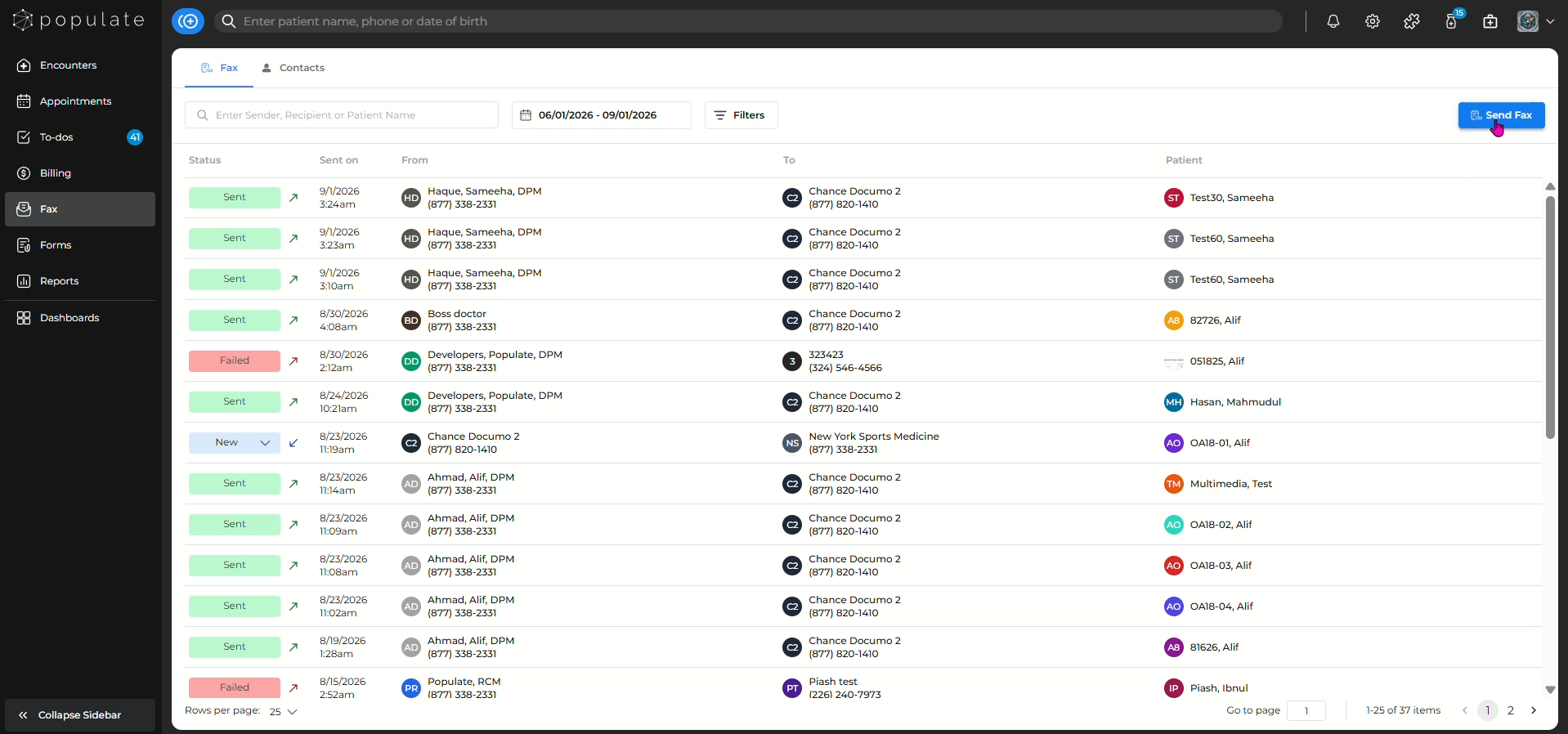
Click "Send Fax"
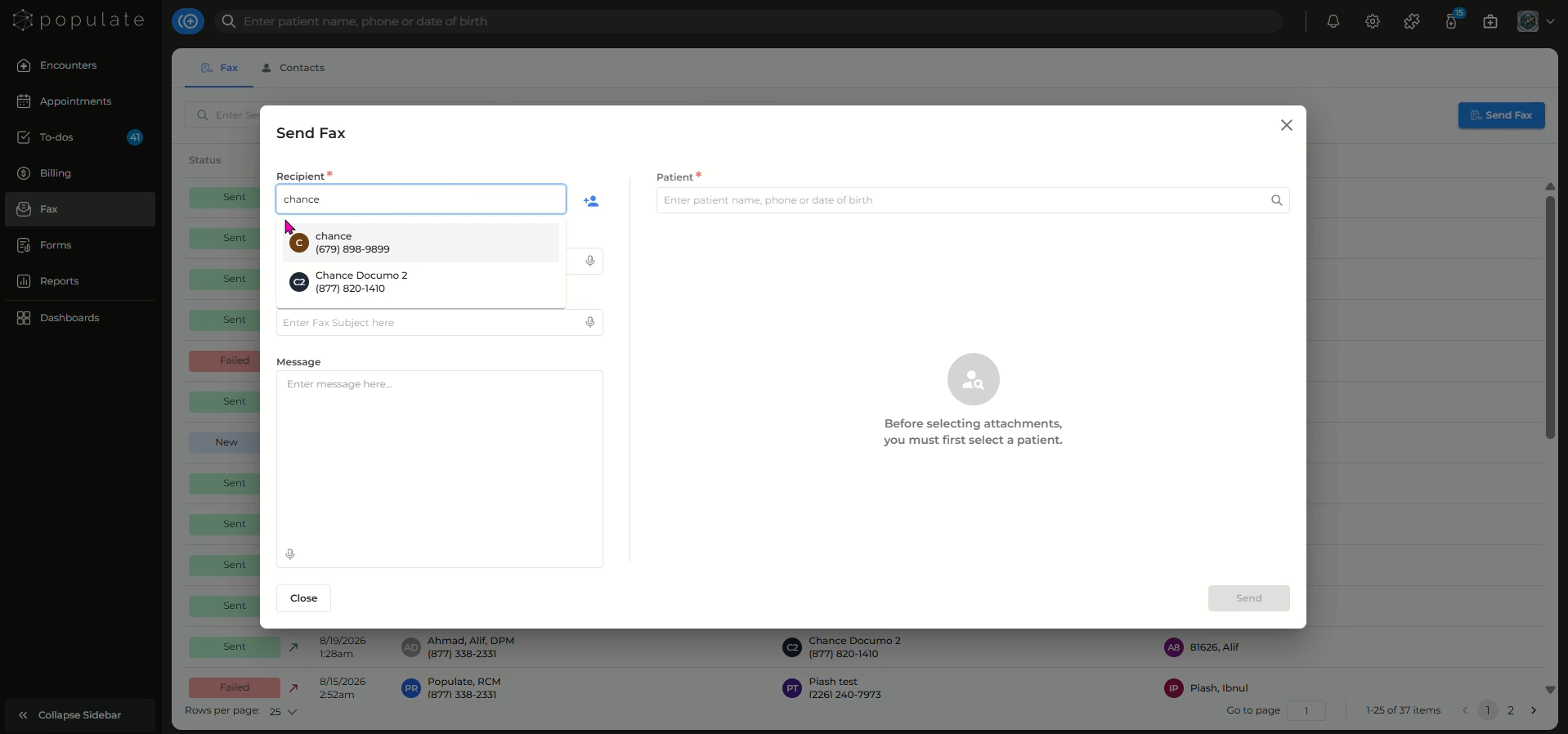
Search for the recipient from your contact list or add a new contact by clicking the "Add Contact" icon.
Add a subject and the message you want to send.
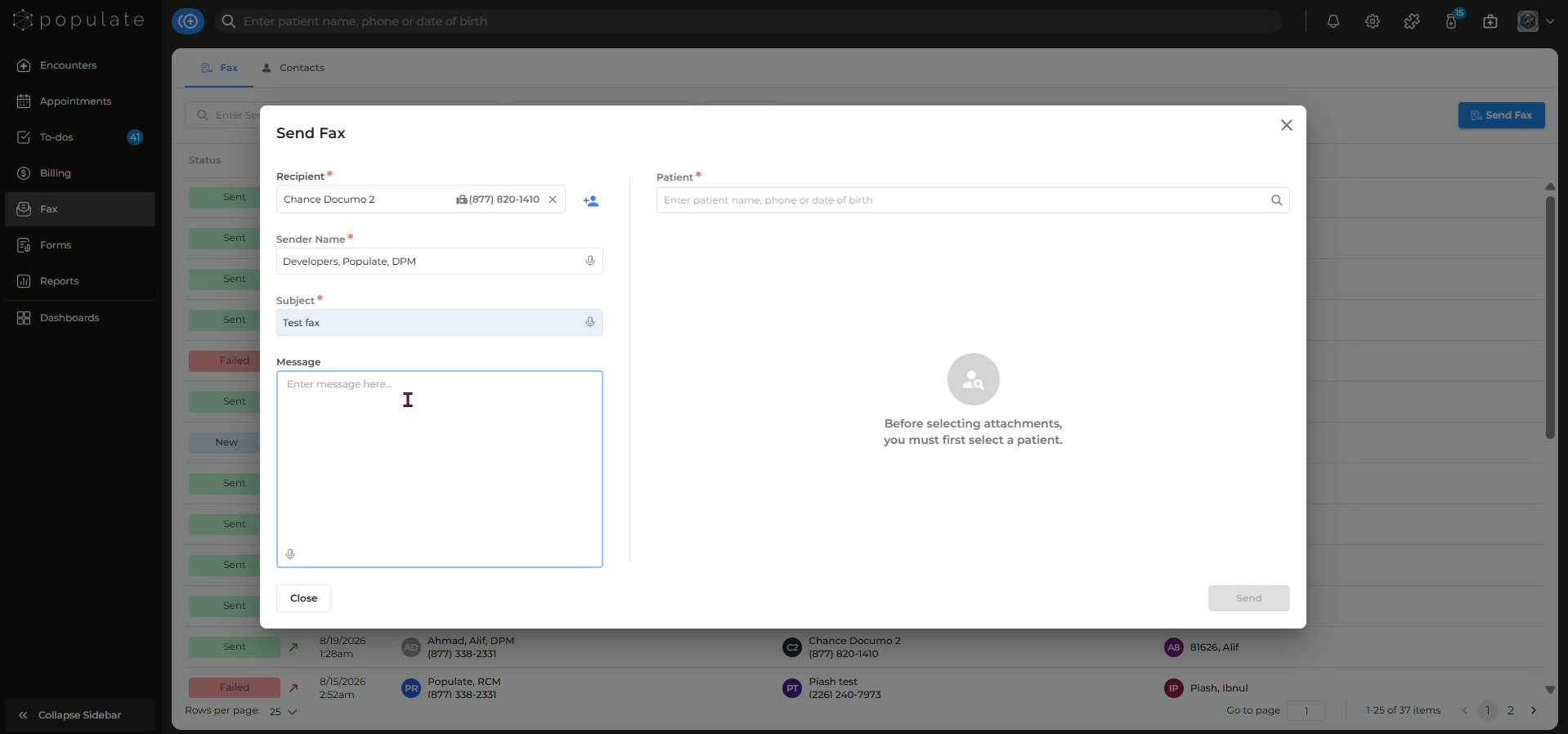
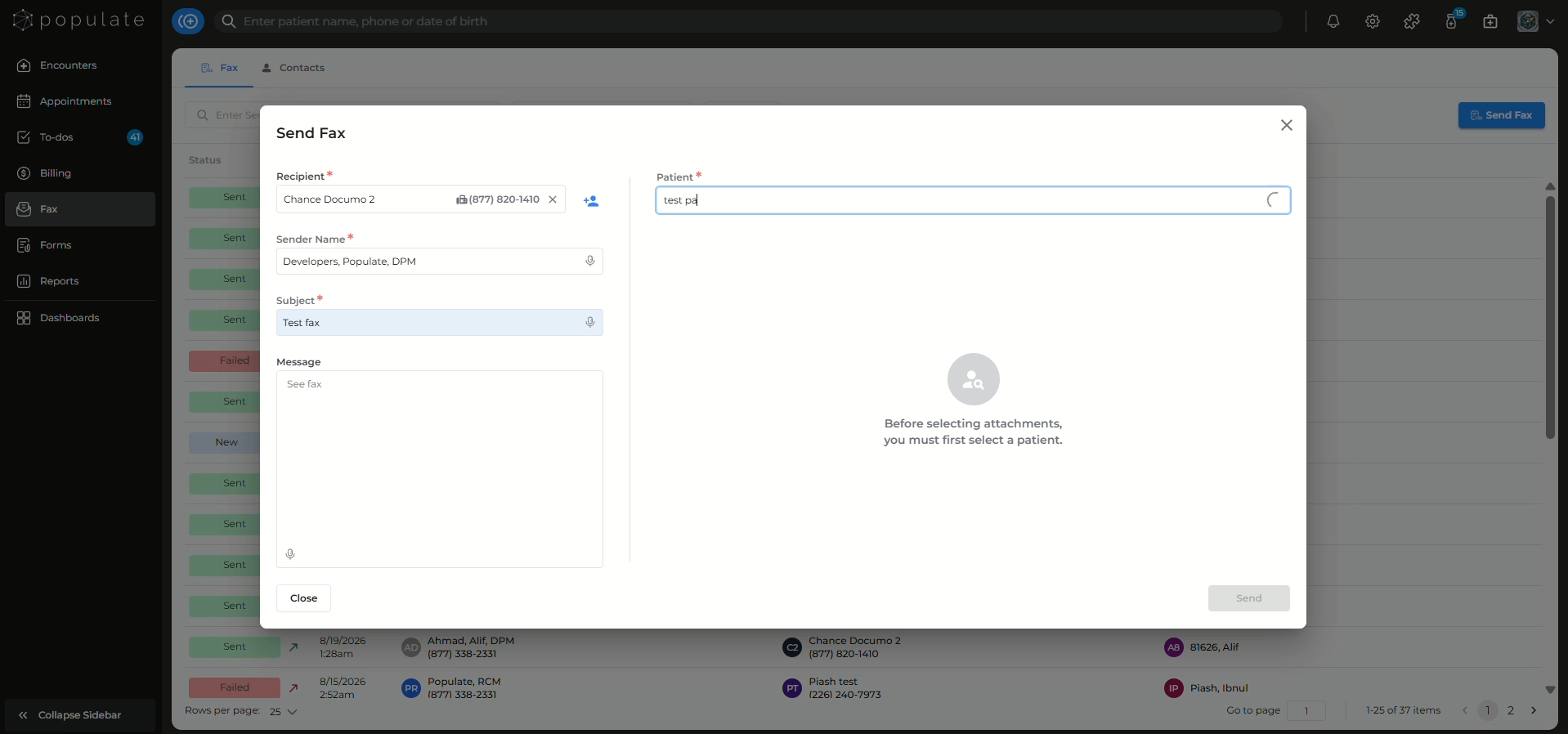
Enter patient name, phone or date of birth here to select the patient.
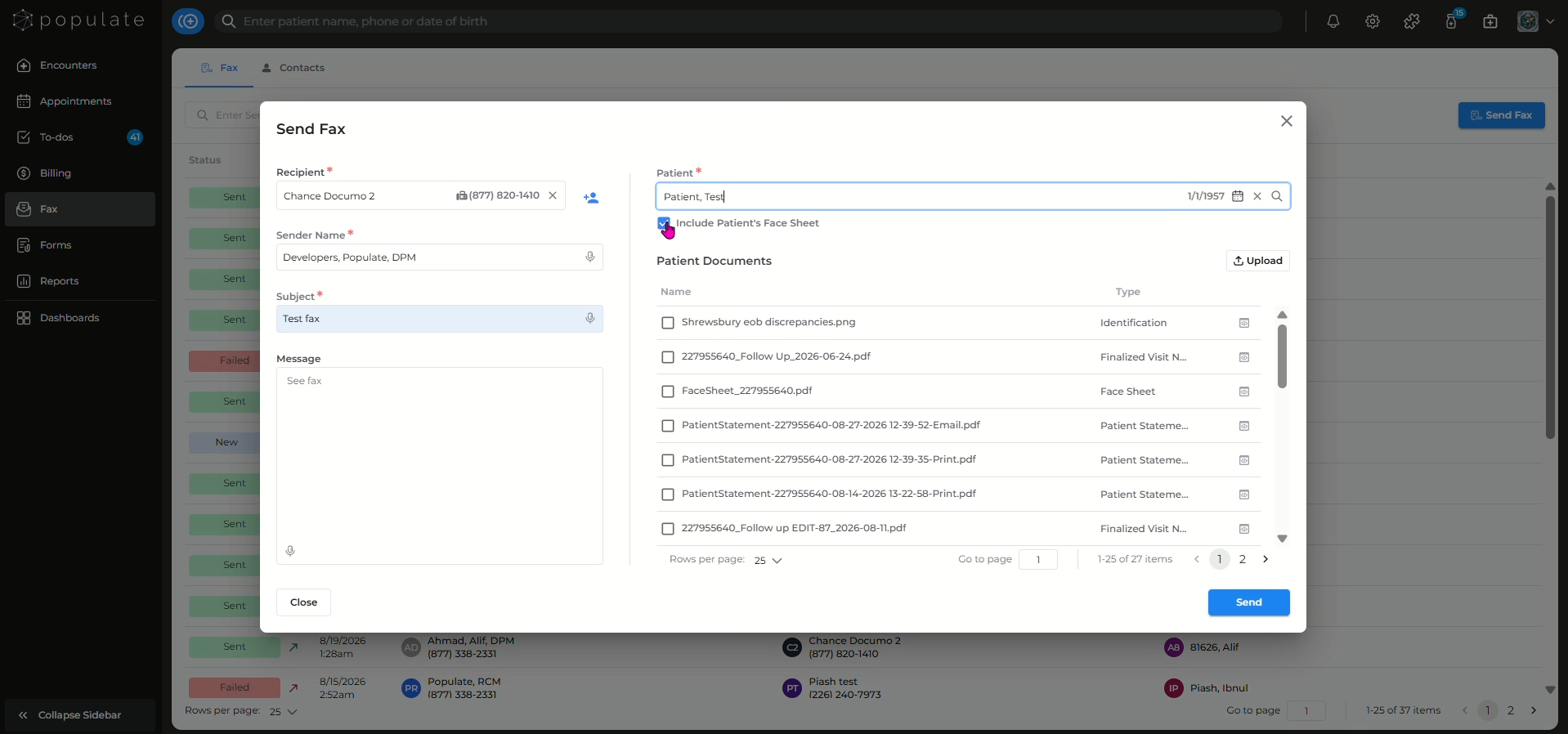
Click the "Include Patient's Face Sheet" field if applicable.
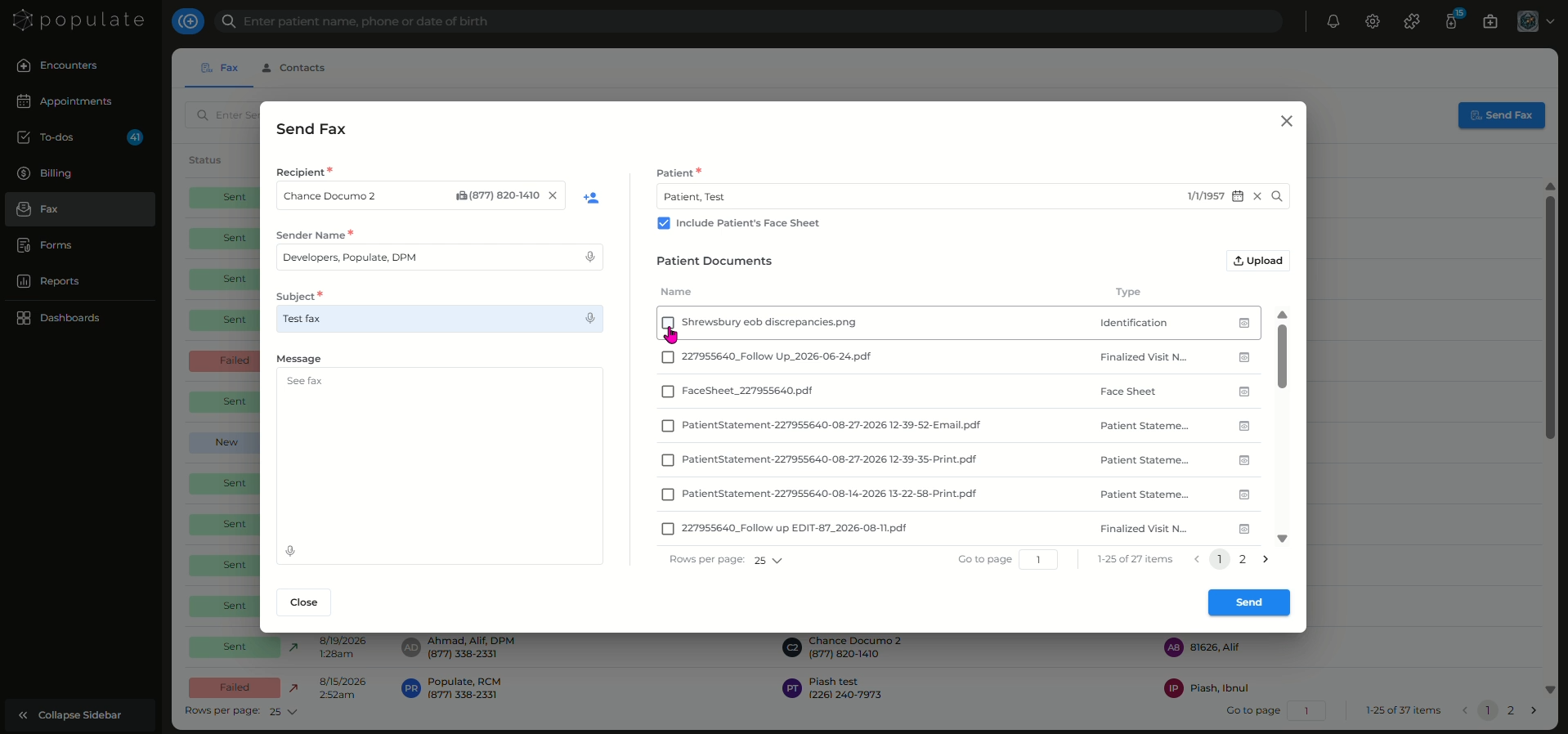
Click this checkbox.
Click the "Upload" icon to attach the supported files to the fax.
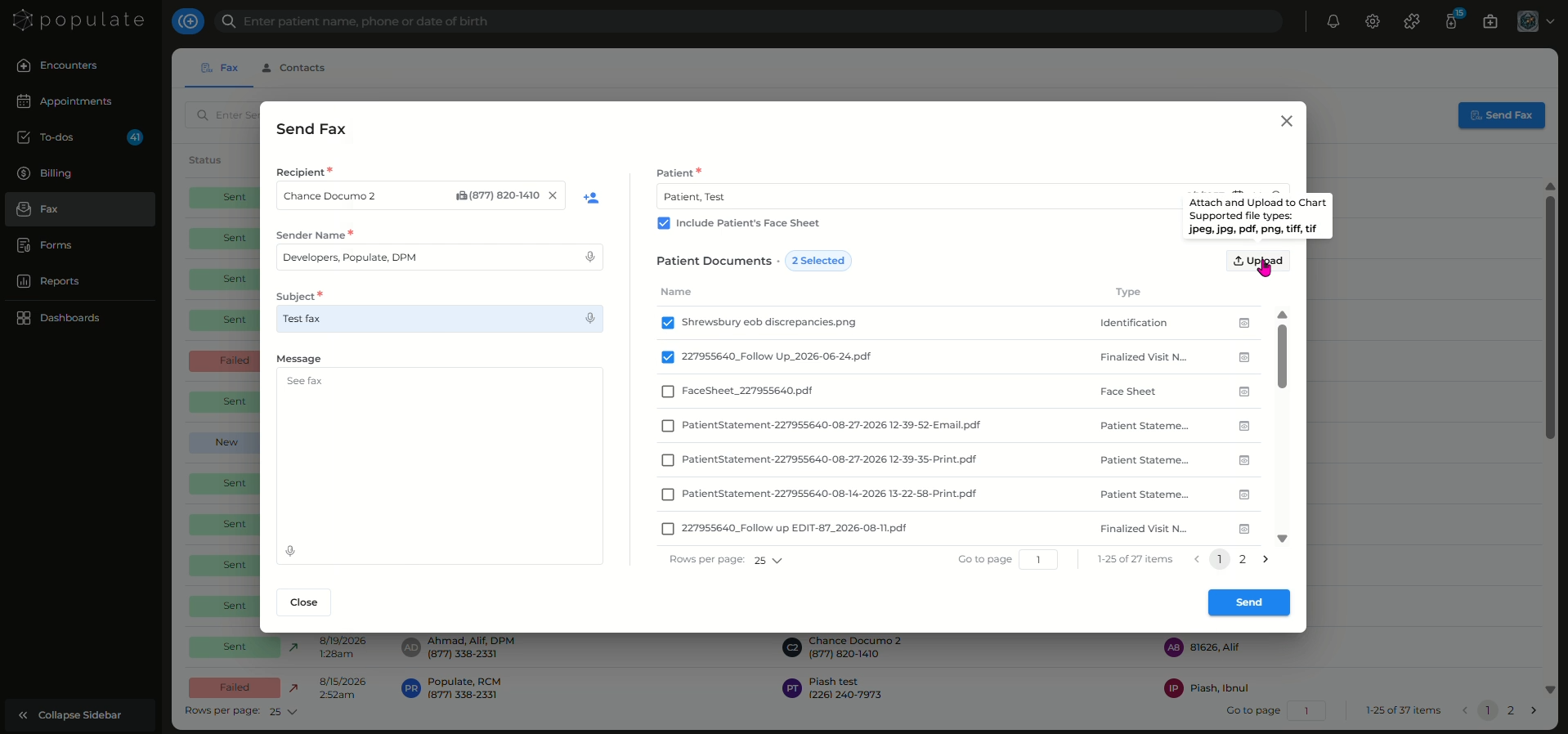
Select the files you want to attach from the list and click "Send".
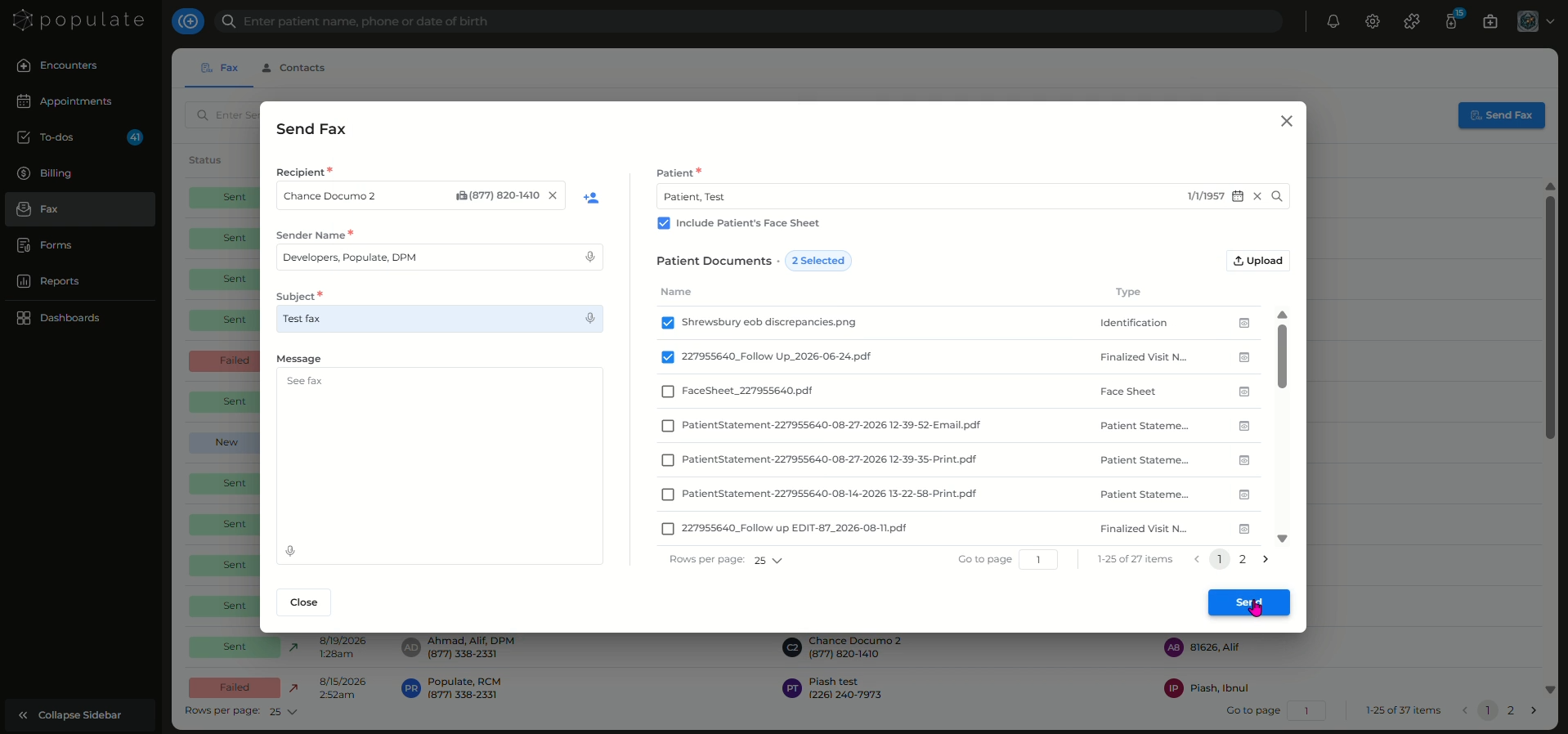
The "Fax Sent Successfully" message will confirm the status of the sent fax.