Navigate to the Global Create button in the upper-right corner of the screen.
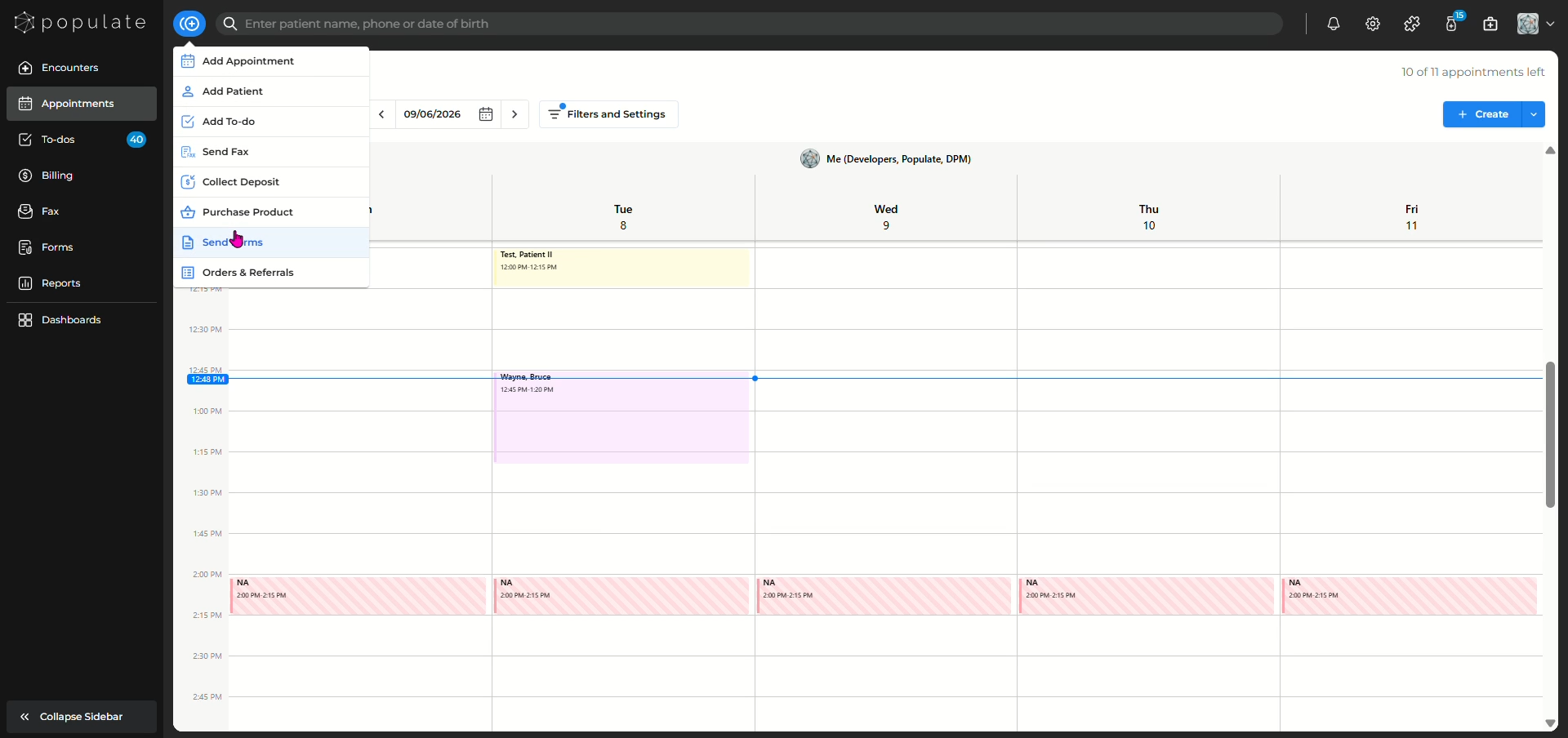
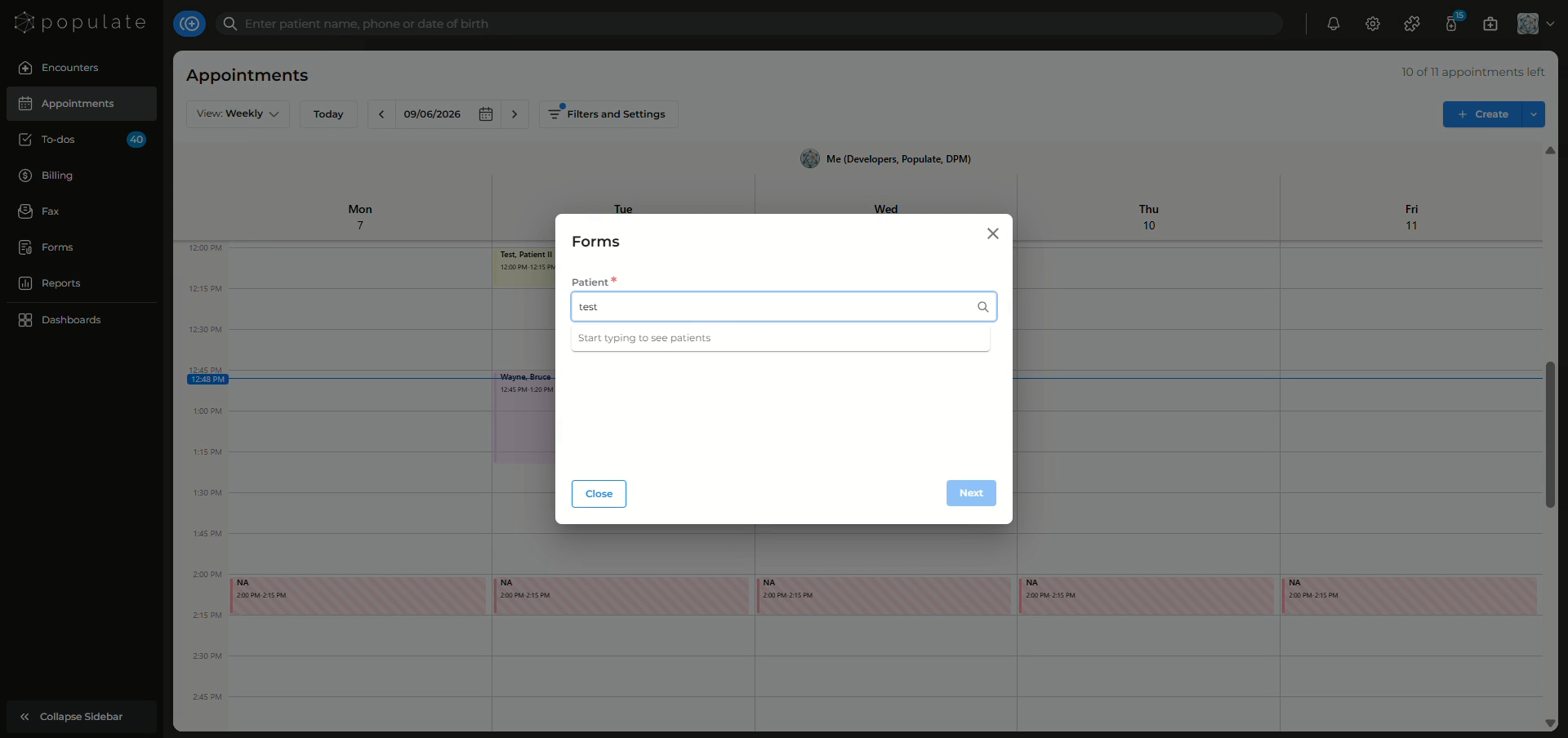
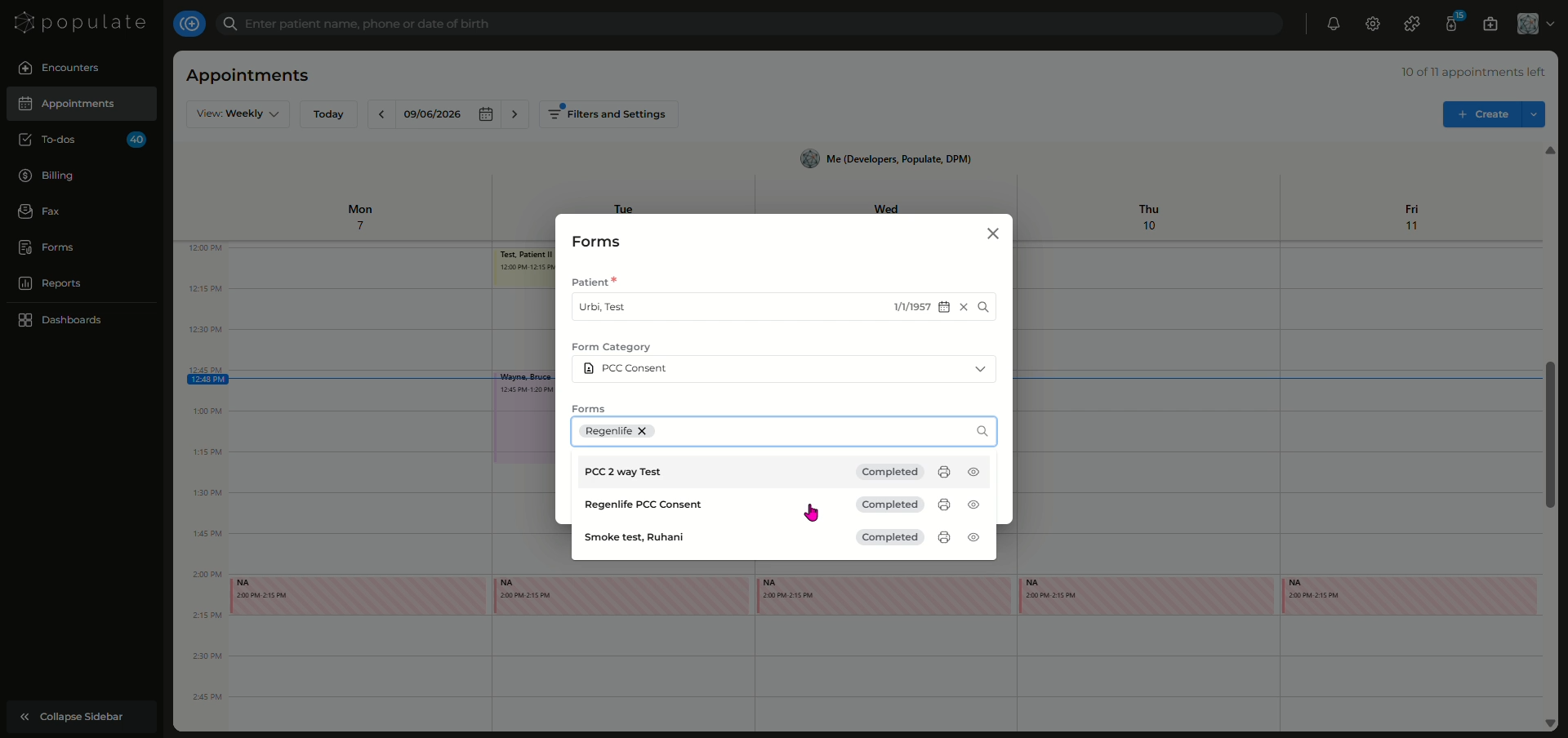
In the Forms window, click the Patient field and search for the patient you would like to send the form to.
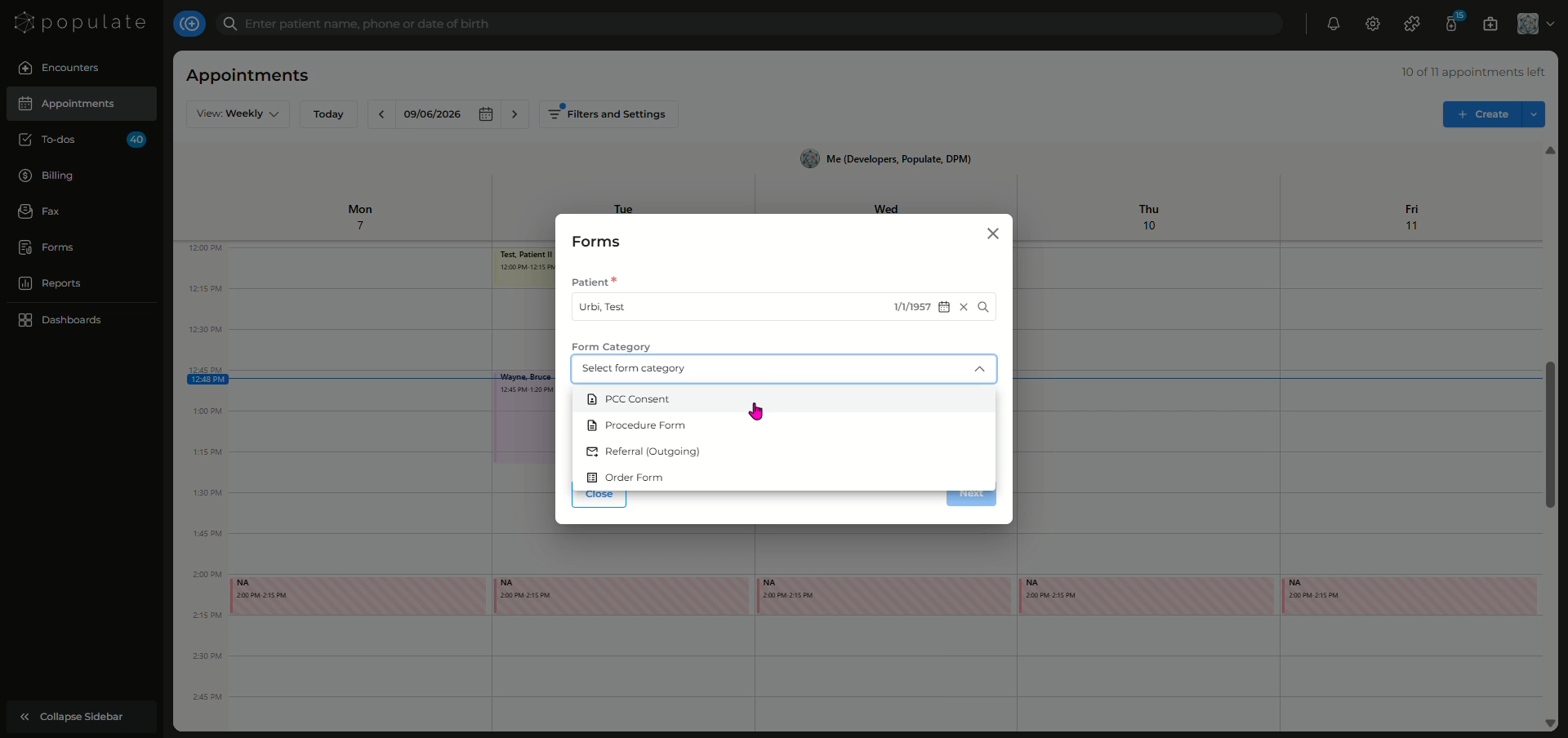
Click the Form Category field to view the available form categories.
Click the Form field to view the available forms.
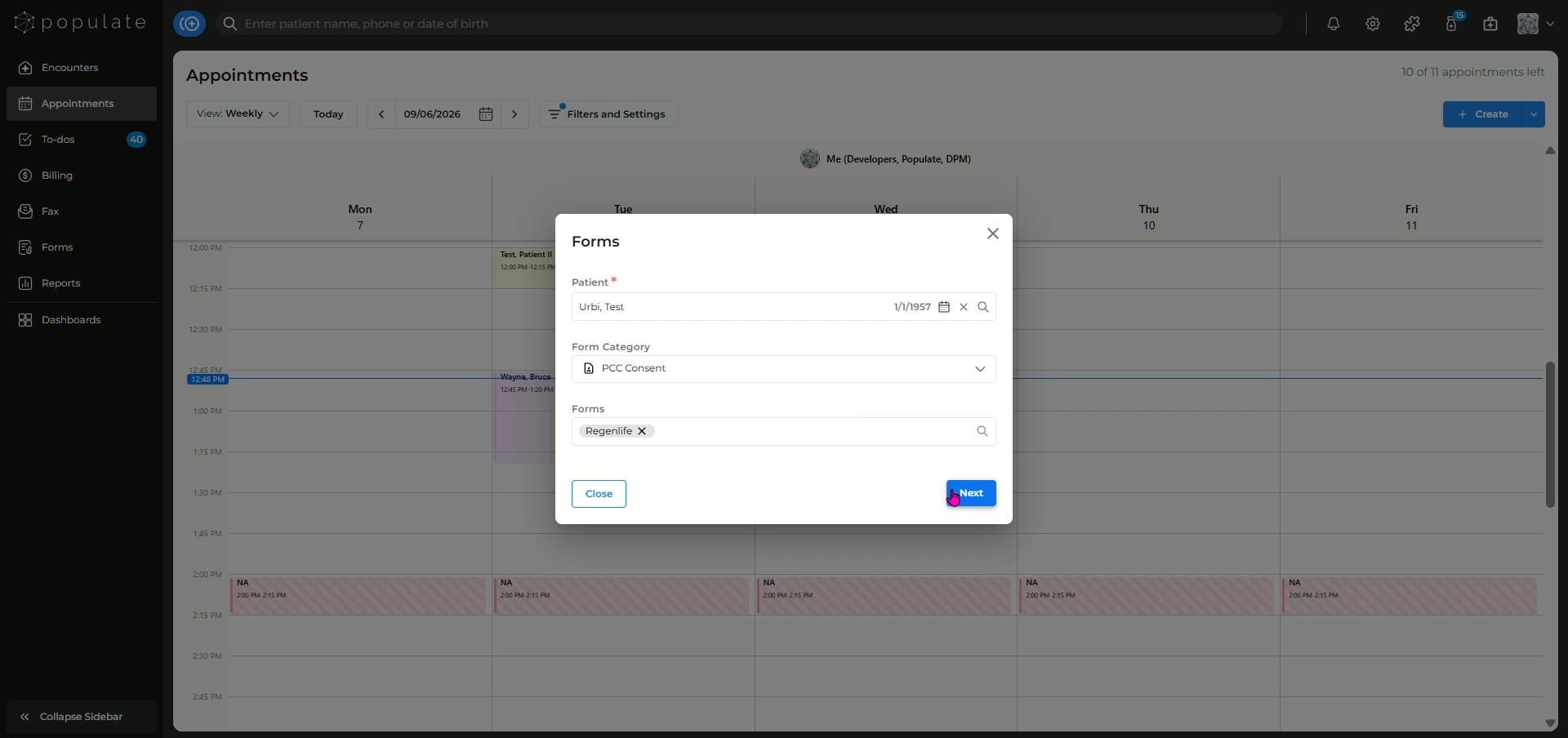
Click Send in the bottom-right corner of the window.
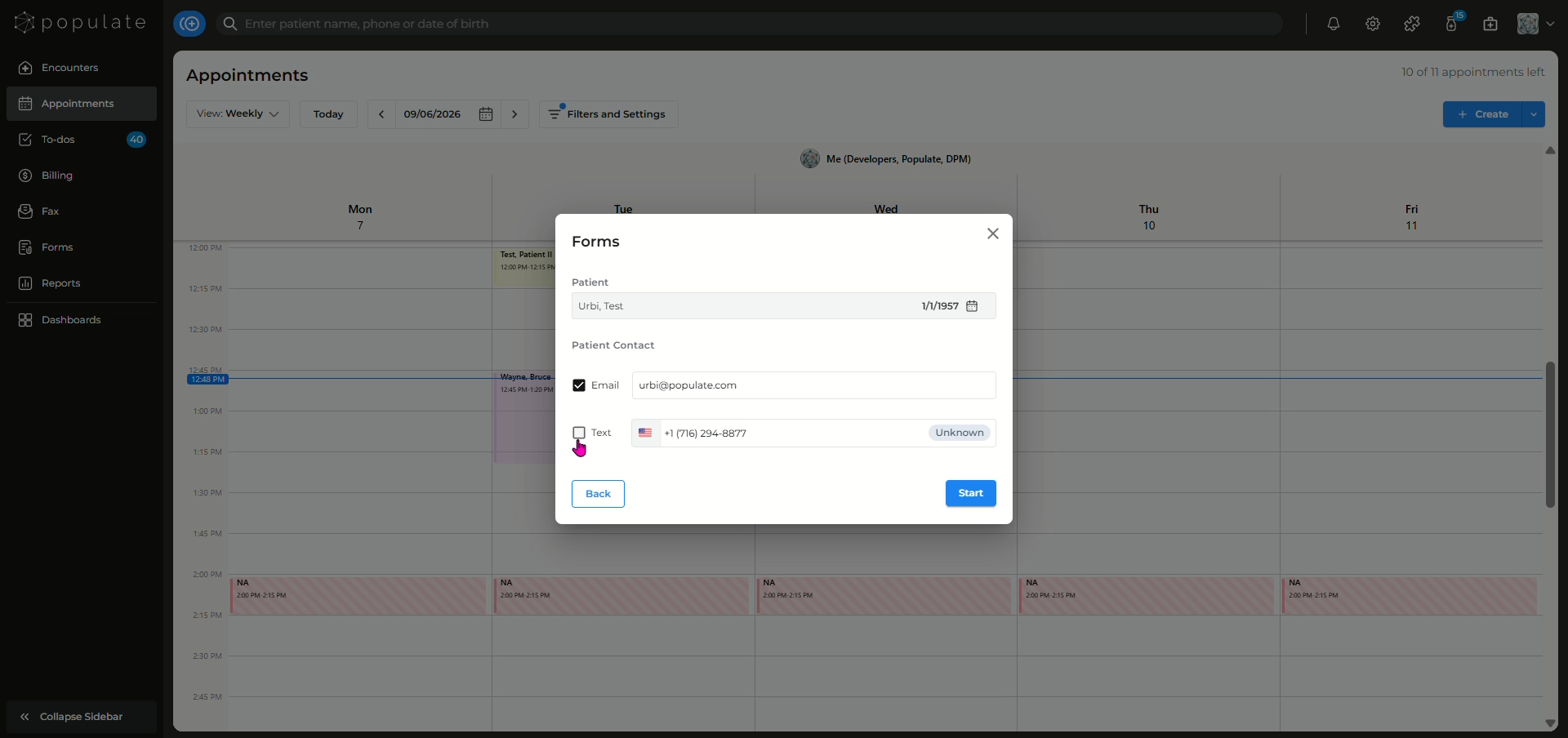
Select how you want to send the form to the patient by selecting the checkboxes.
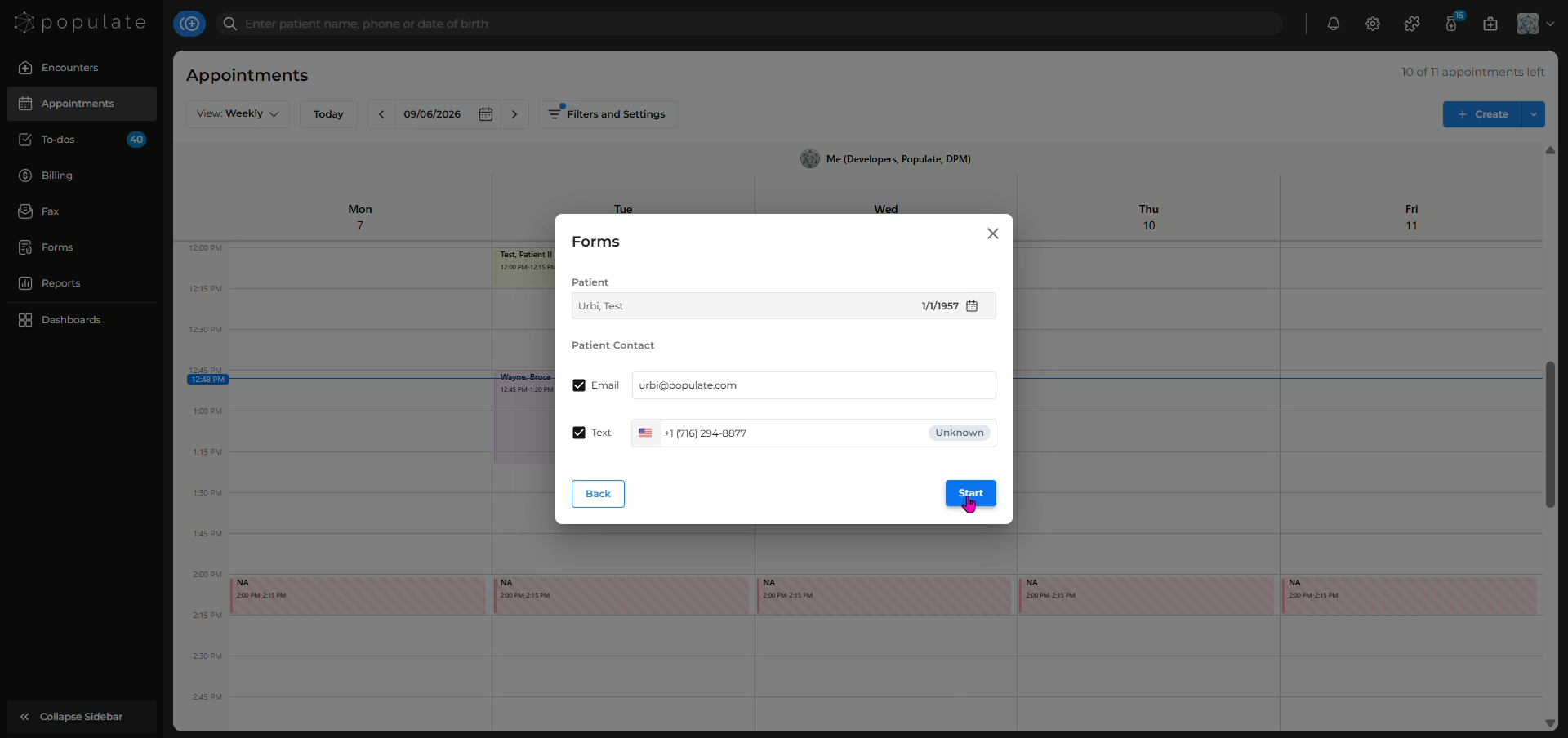
Click "Start" to send forms to the patient.
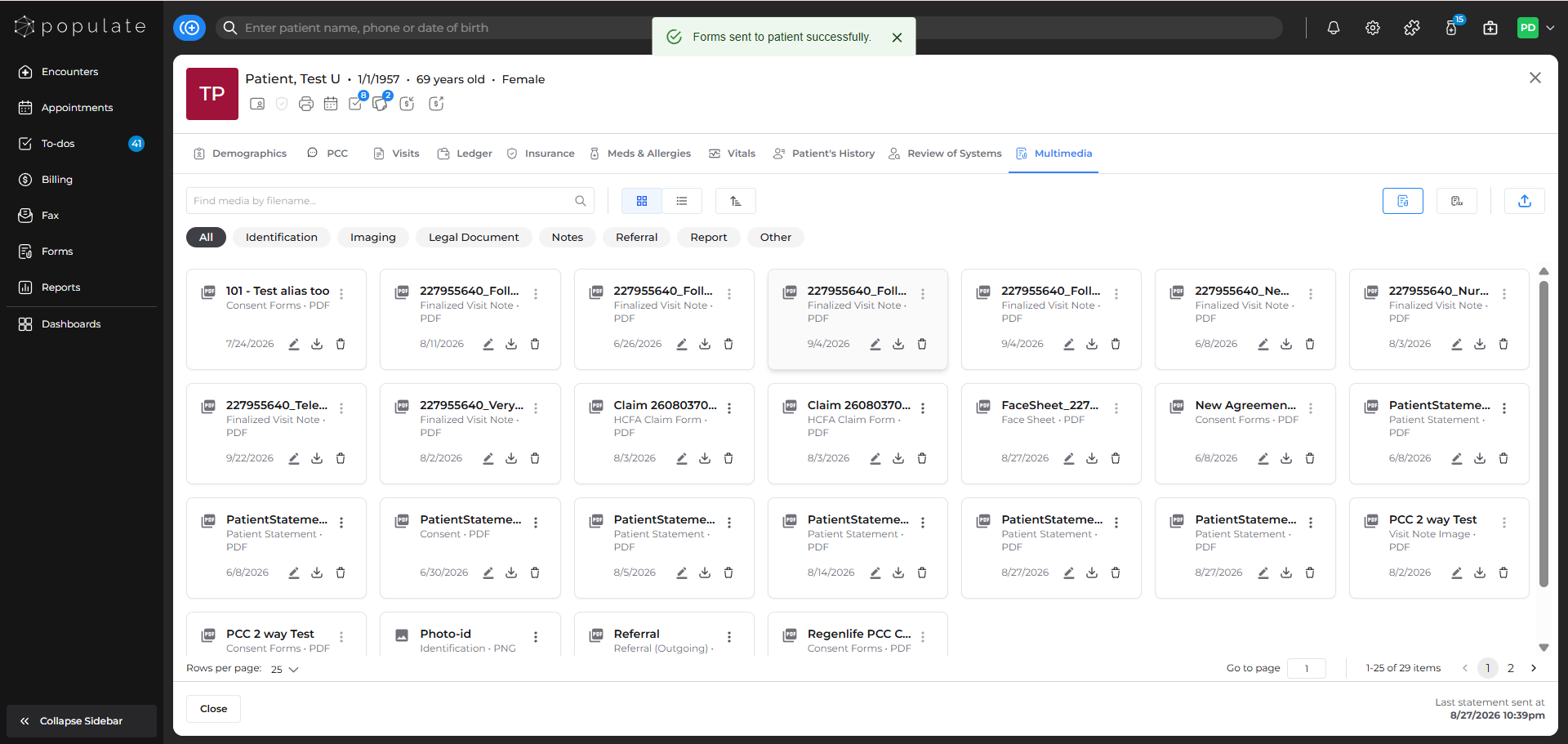
You'll get a notification saying that the forms have been successfully sent to the patient.
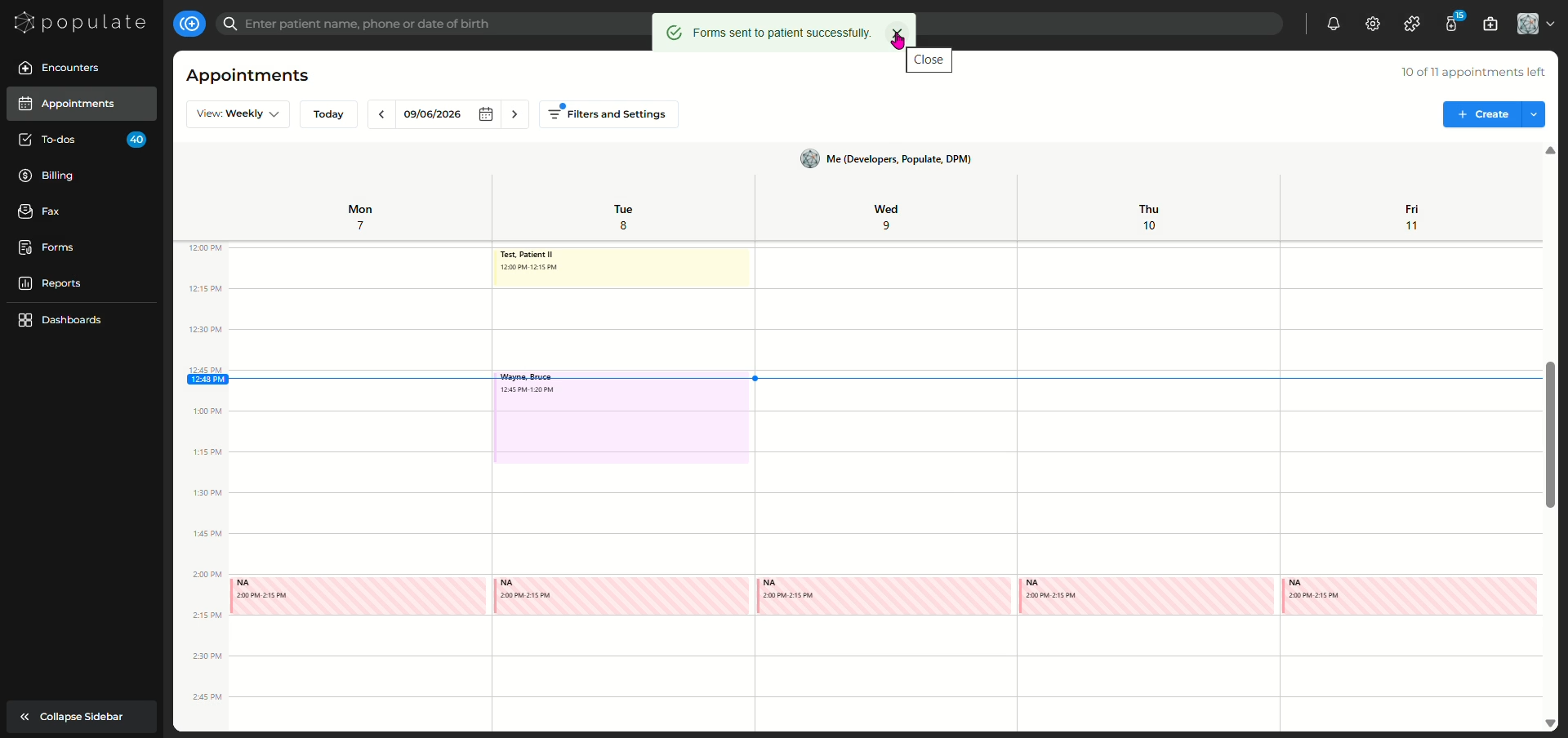
You can also send forms by navigating to the Multimedia tab for the patient.
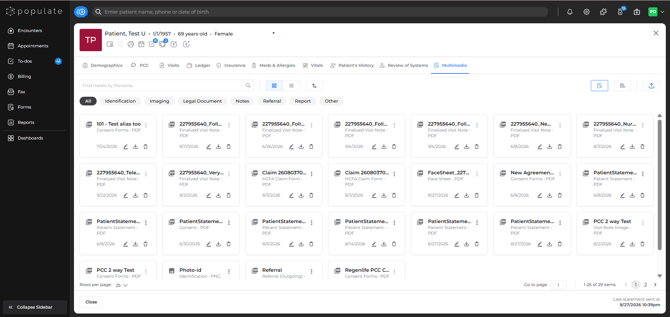
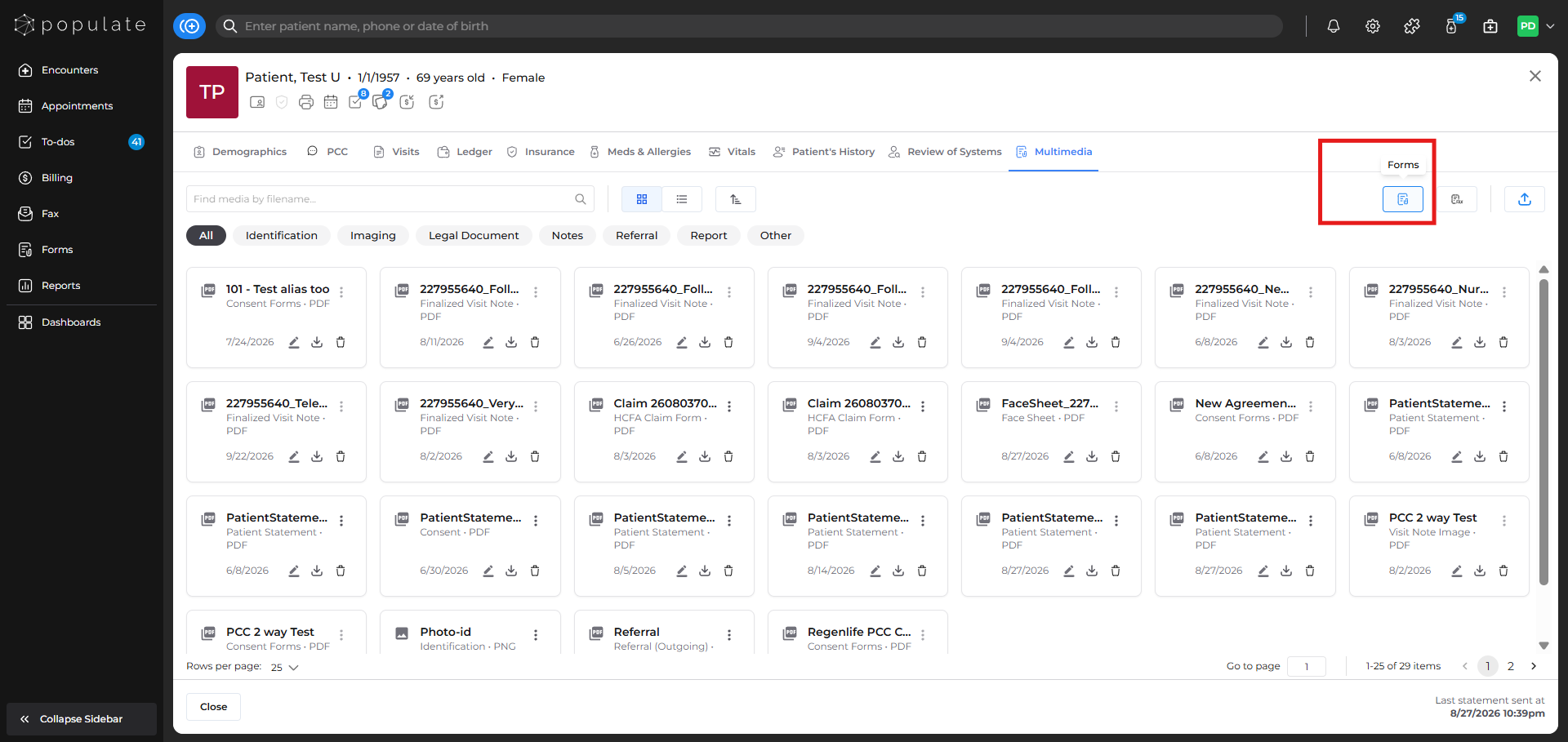
Click on the Forms icon to get started.
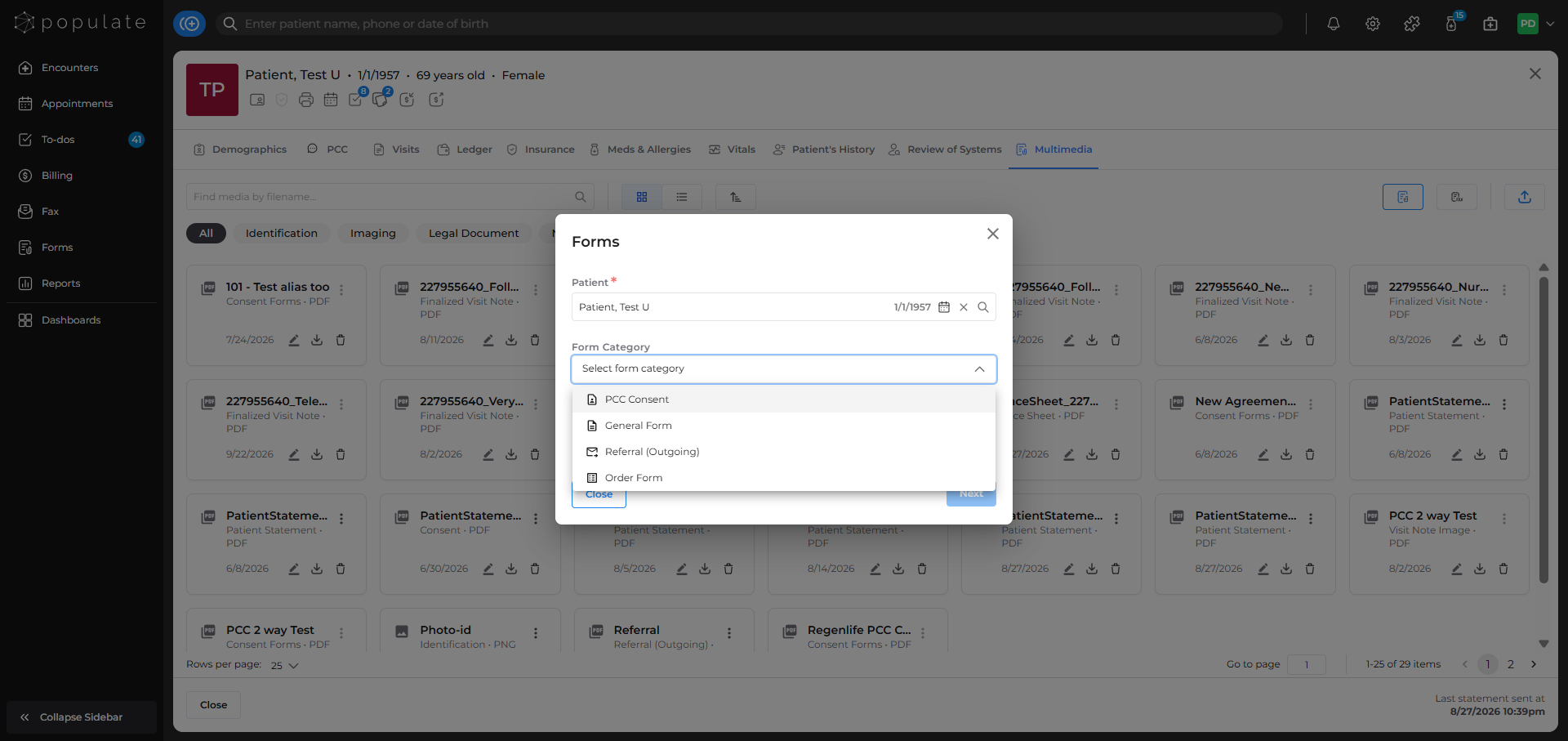
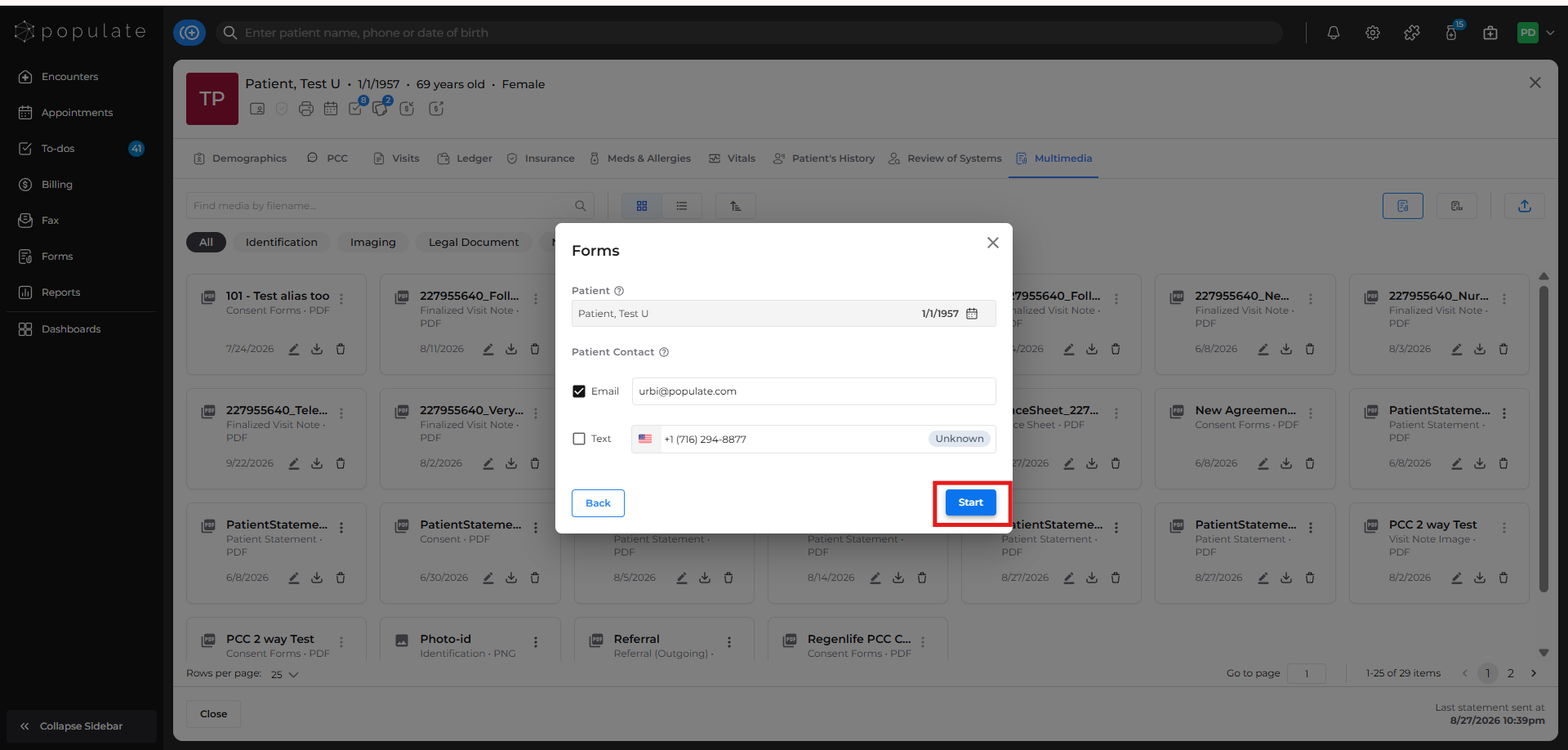
Select how you want to send the forms to the patient. While sending the forms from the patient's charts, you can see that the patient's name is automatically set.
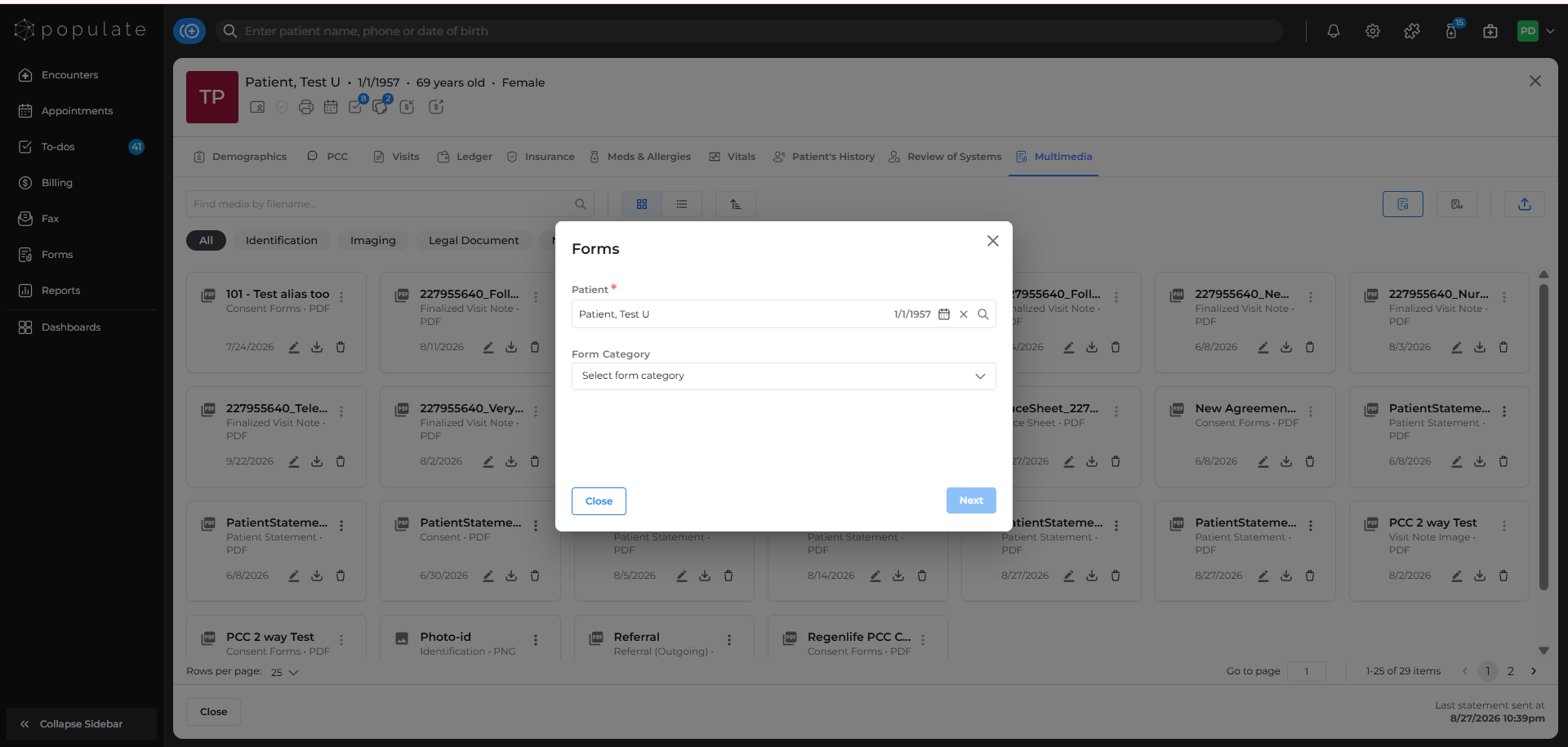
Select Form Category.
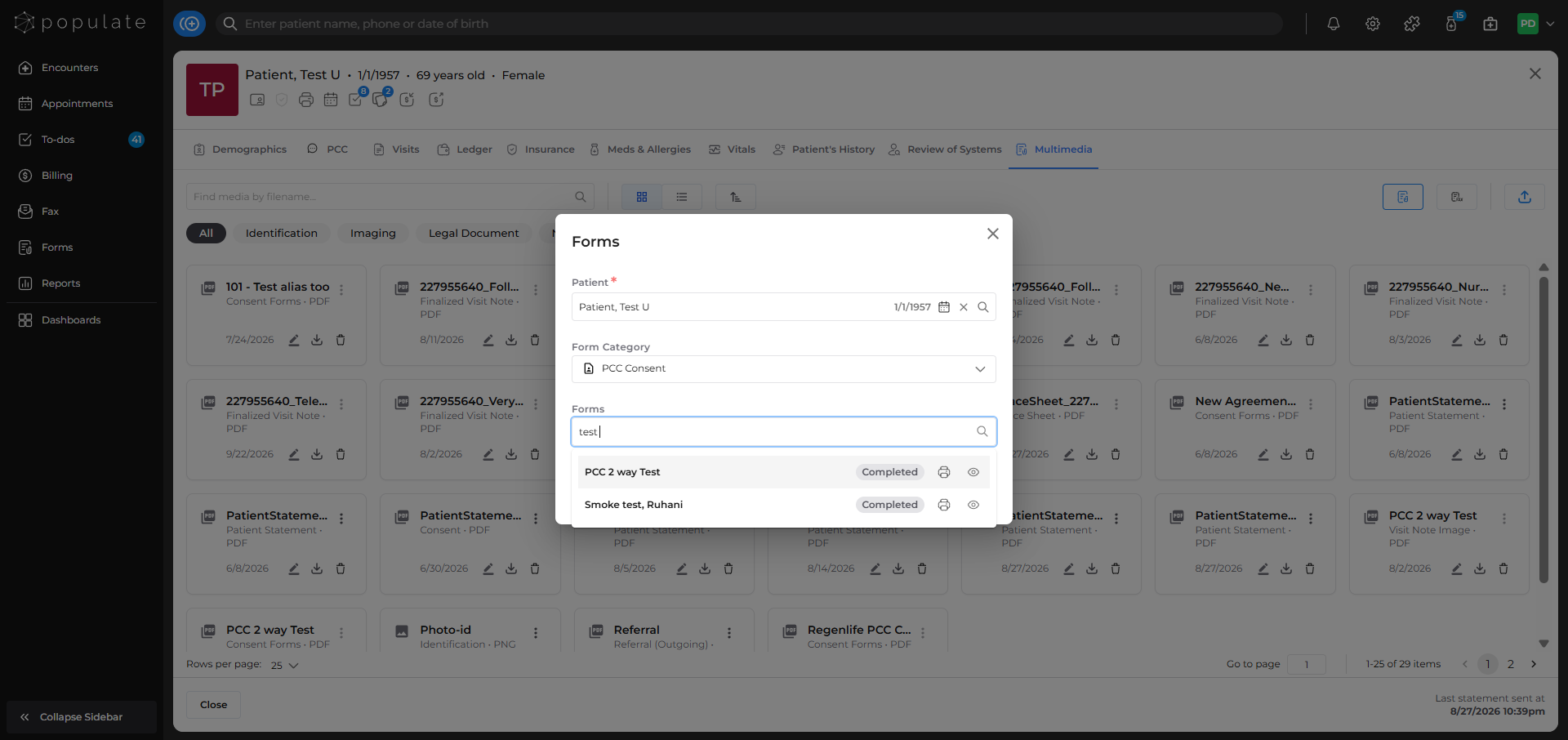
Search for the forms you want to send by typing the name in the Forms field
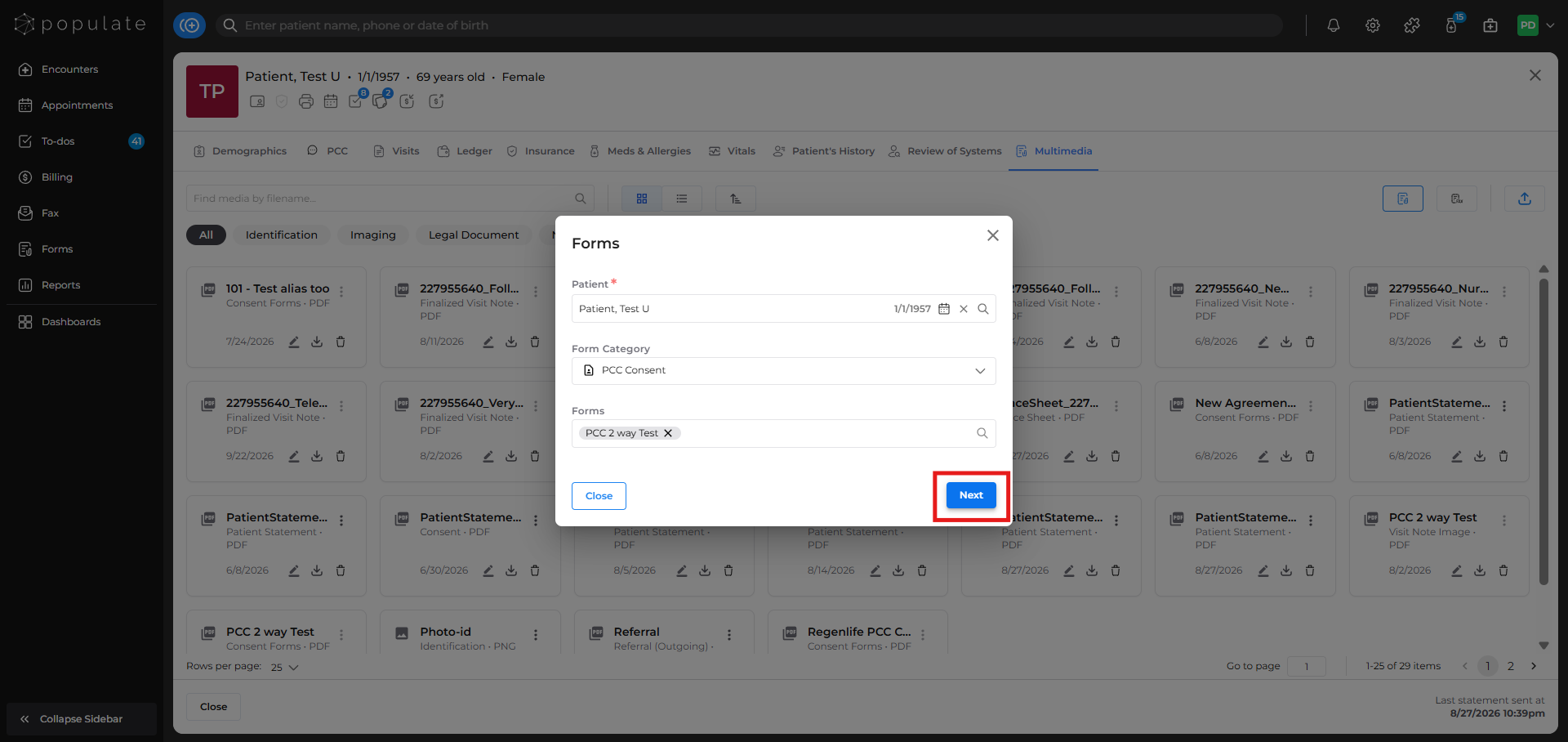
After selecting the desired form, click on the Next button.
Select how you want to send the form to the patient by selecting the checkboxes.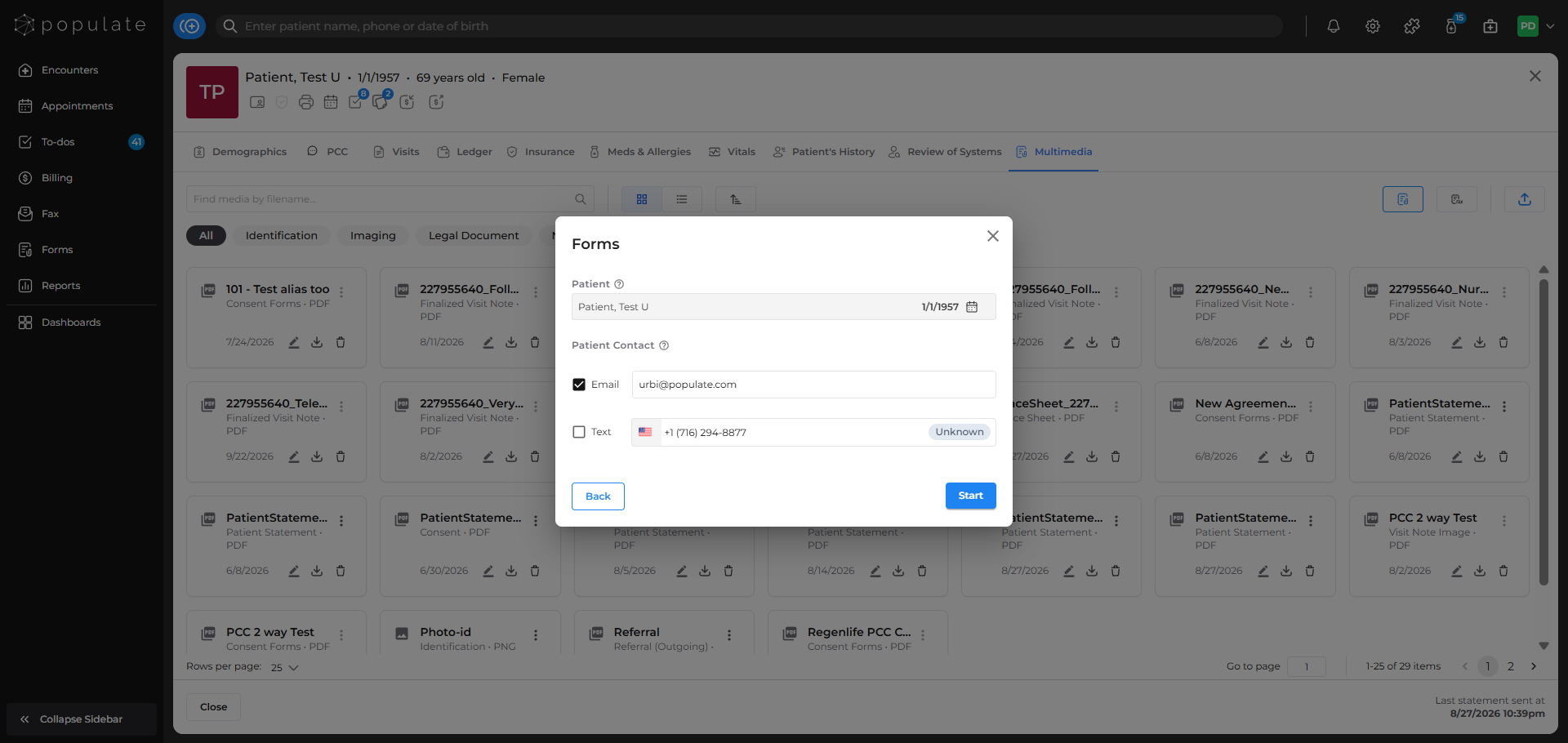
Click "Start" to send forms to the patient.
You'll get a notification saying that the forms have been successfully sent to the patient.