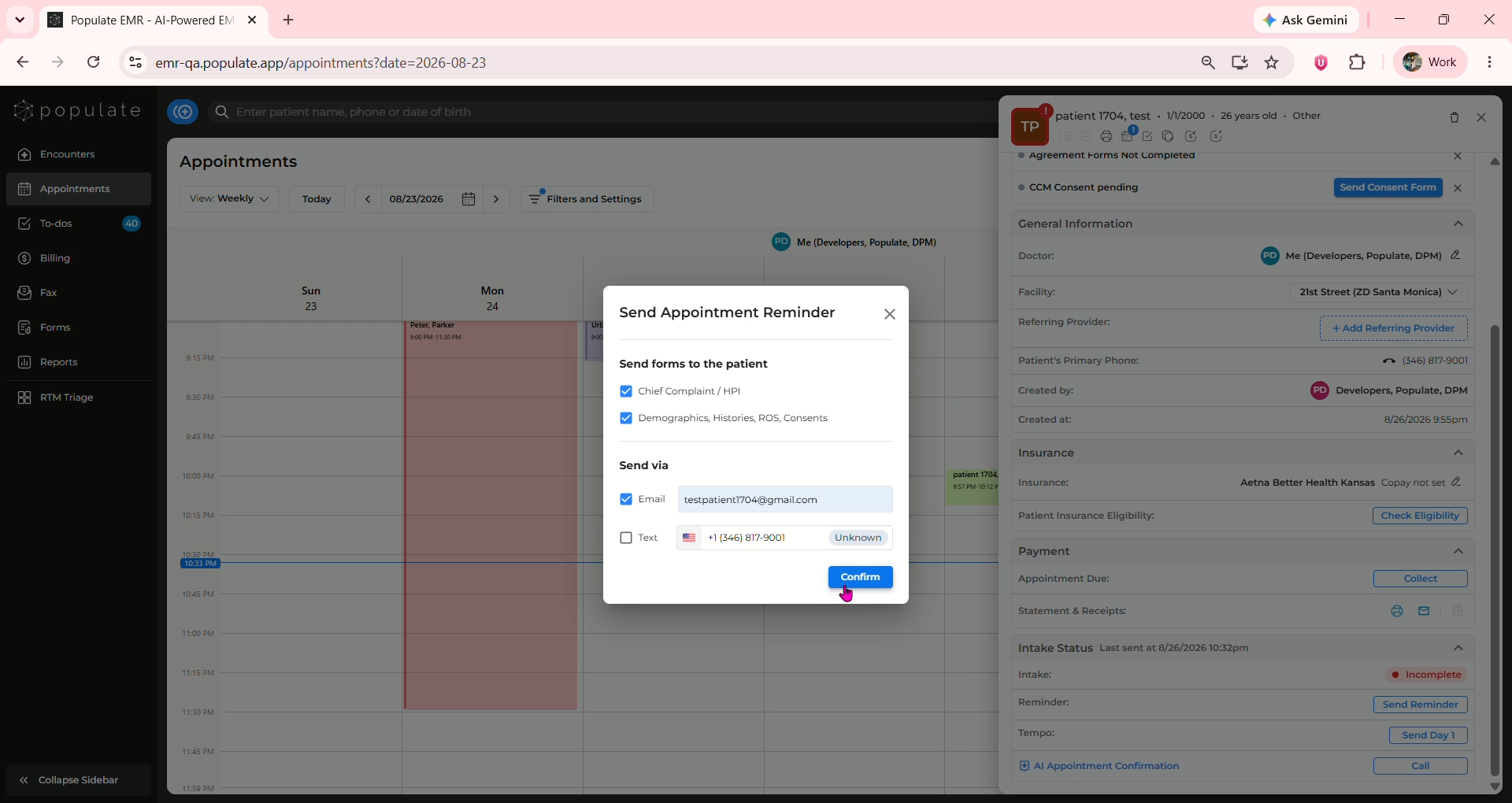
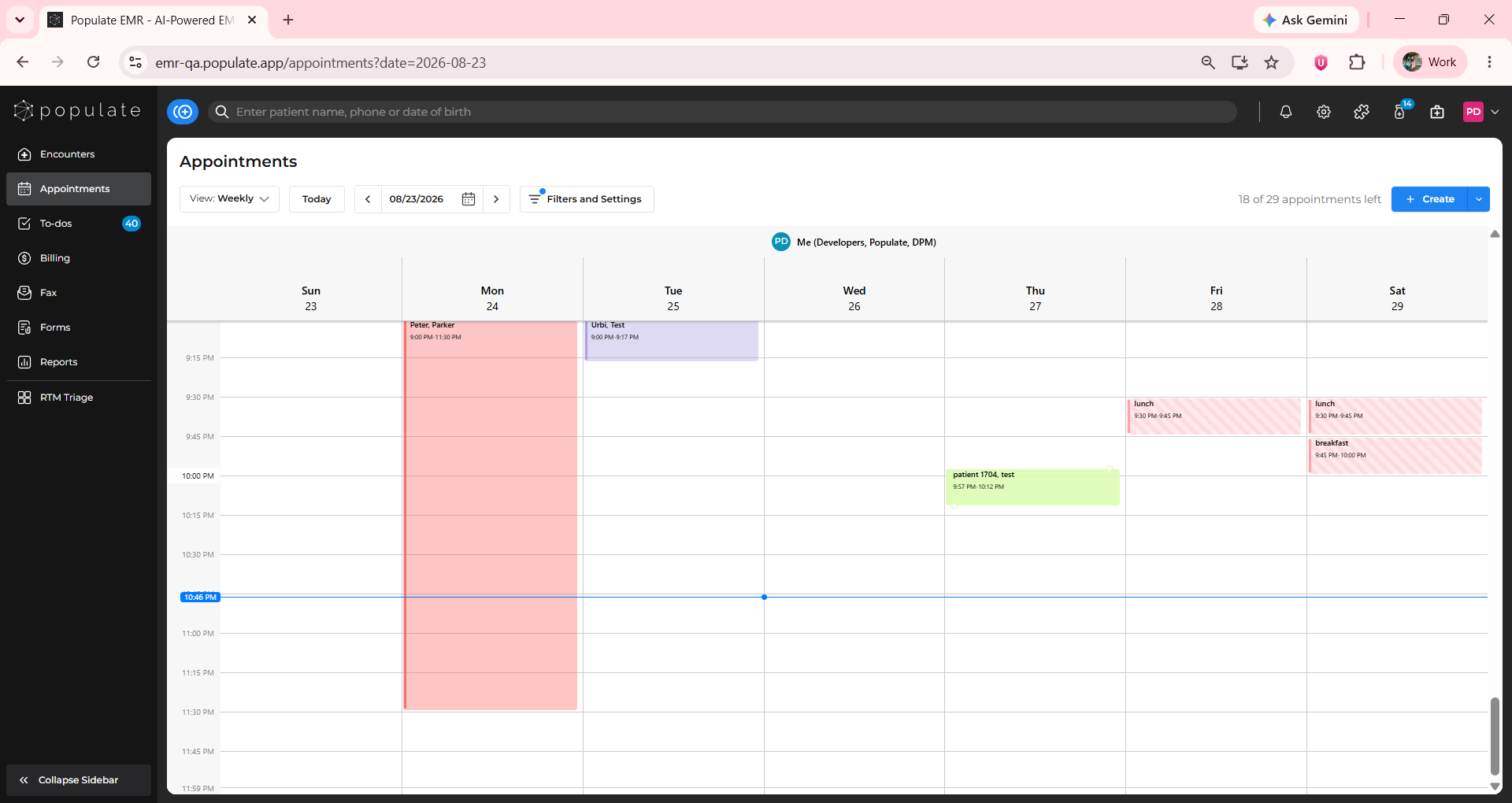
To send an appointment reminder, click on the appointment to open the side panel.
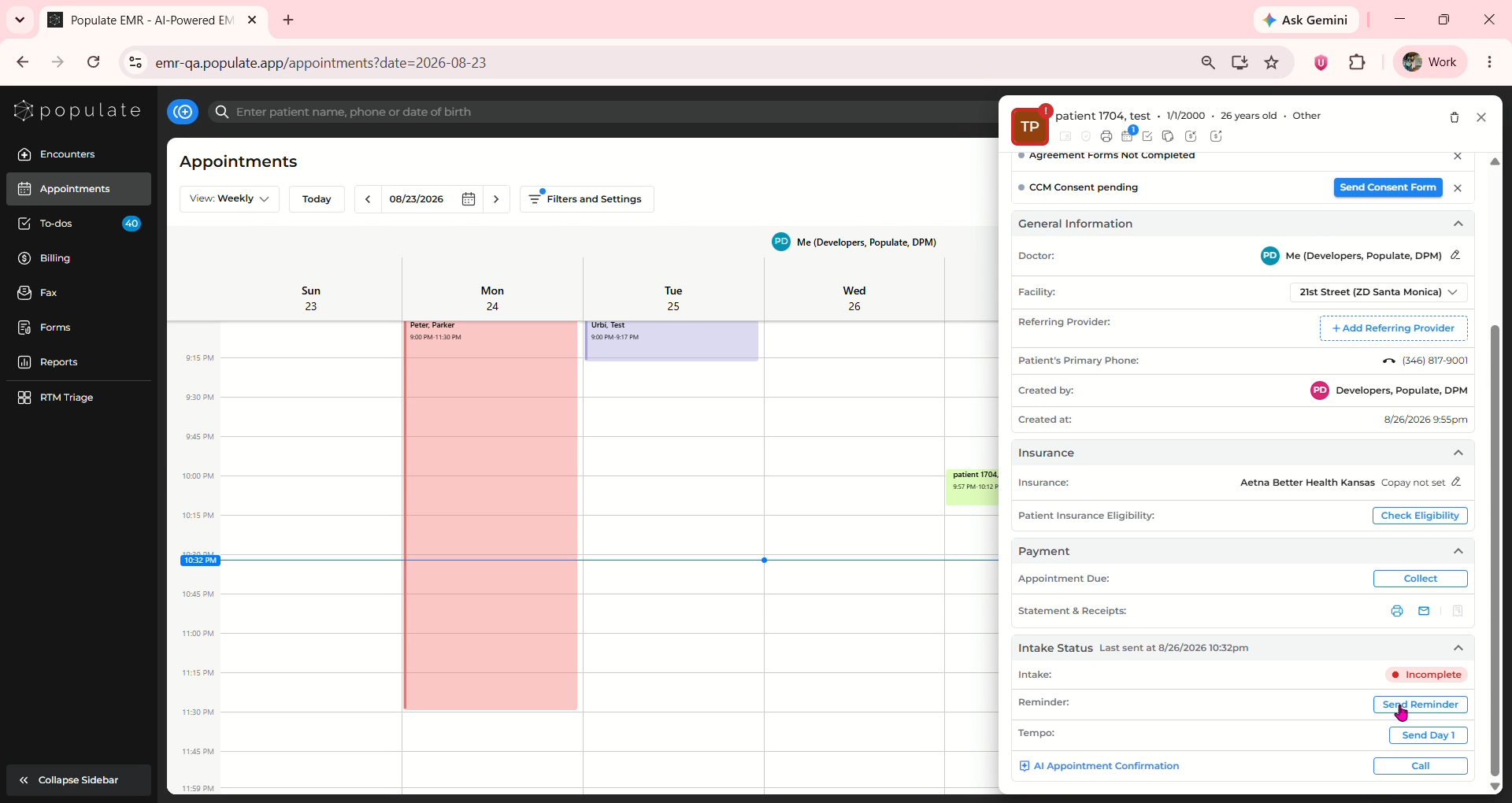
Under Intake Status, beside Intake you will be able to see if the patient completed intake or not. If it says incomplete, click "Send Reminder"
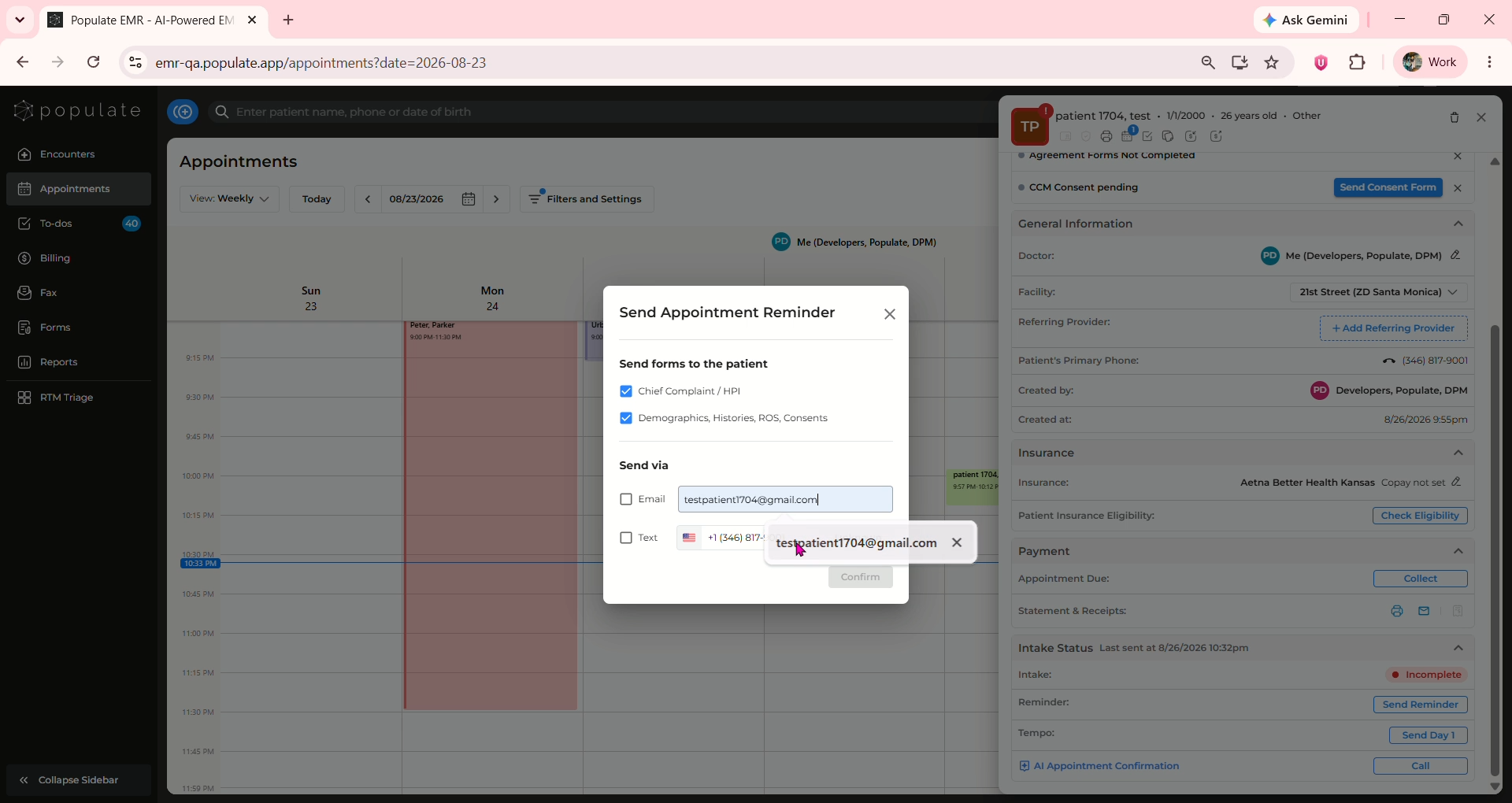
Select the forms you want to send and also the channel via which they will be sent
Click "Confirm" and the reminder will be sent!