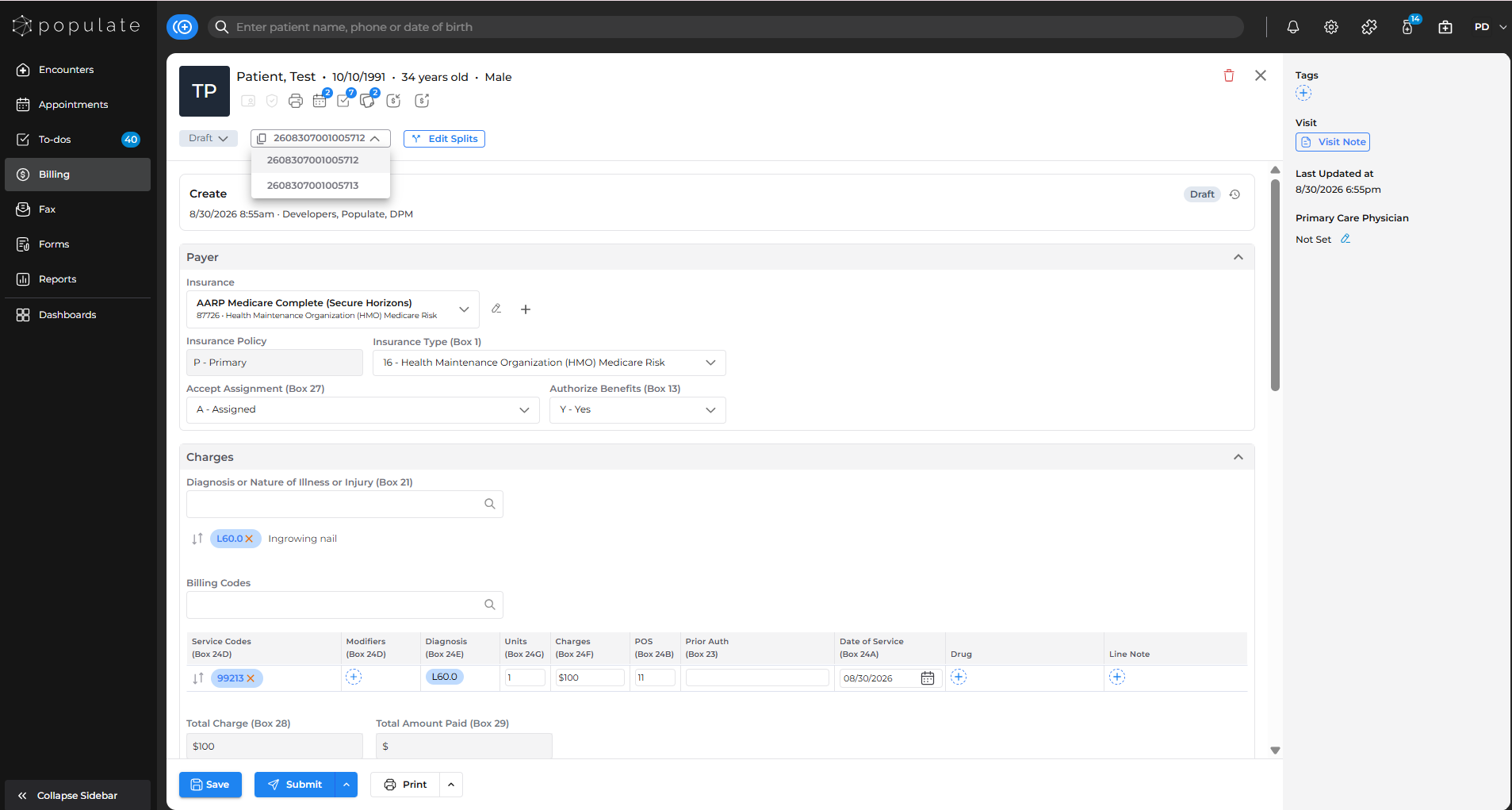
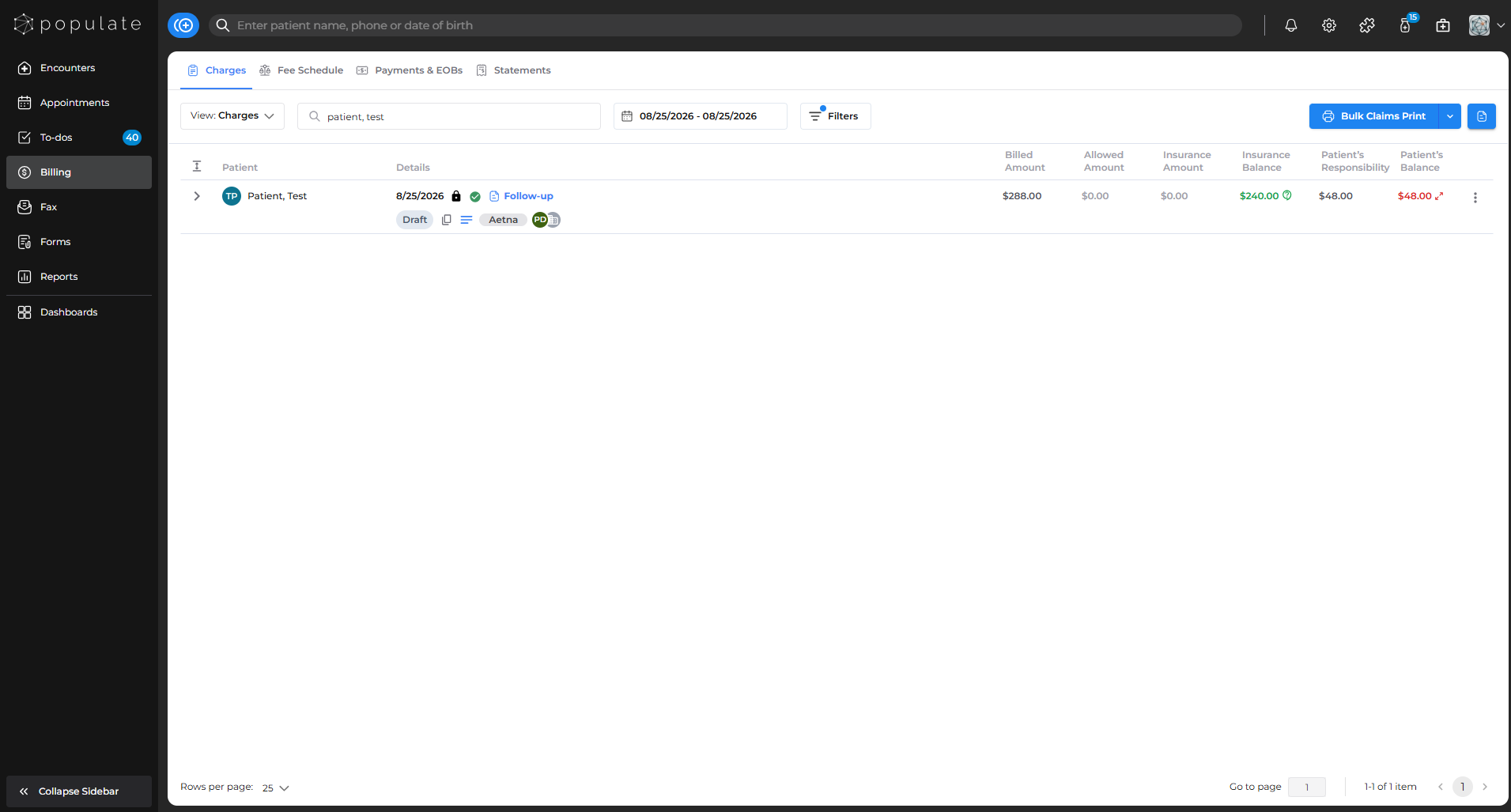
Navigate to the Charges tab under Billing and click on the claim that needs to be split.
From the claims side panel, click on “Open Form”. This will open up the claim form page. 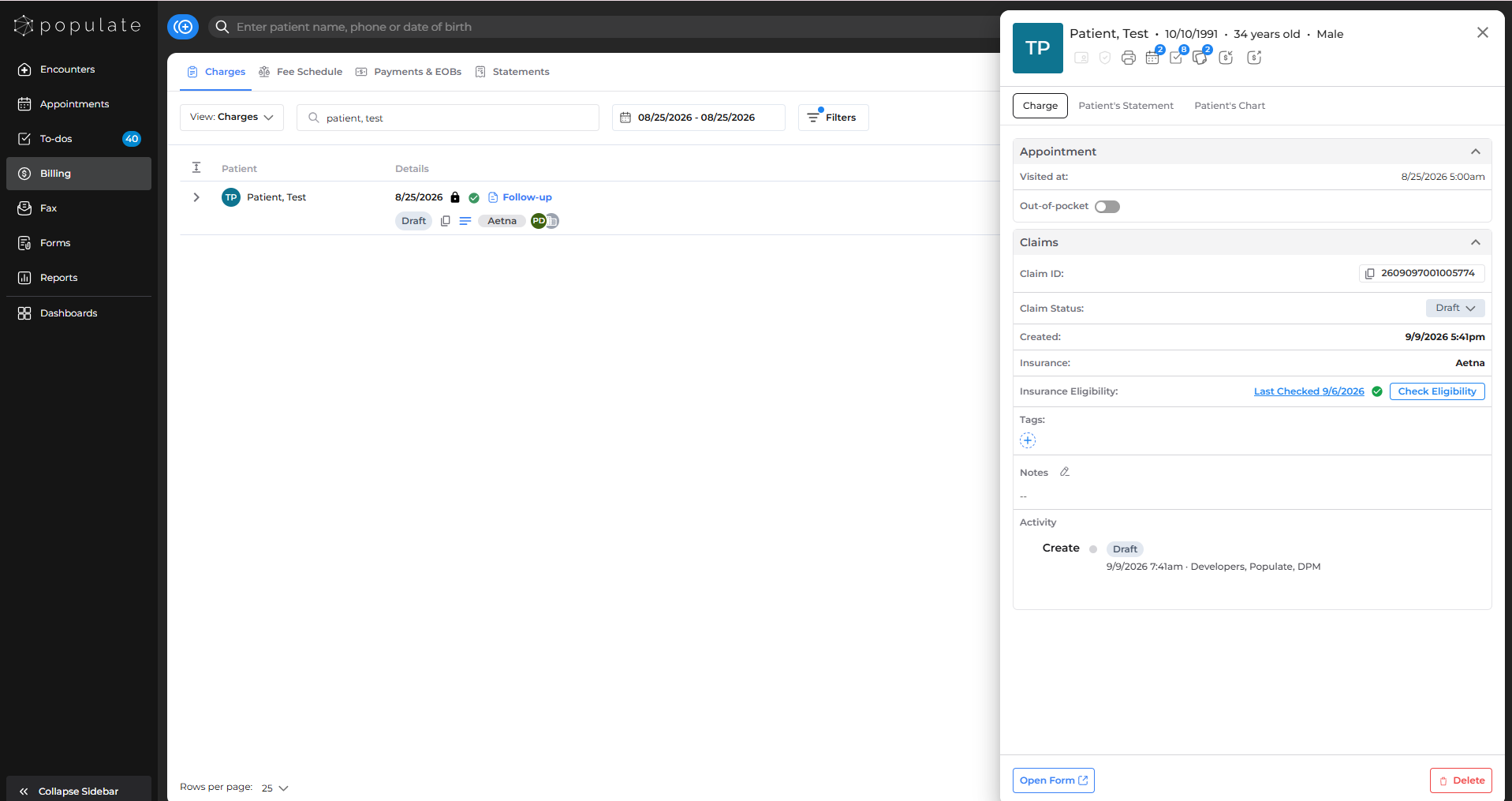
On the claim form page, click the “Split Claim” button beside the claim ID.
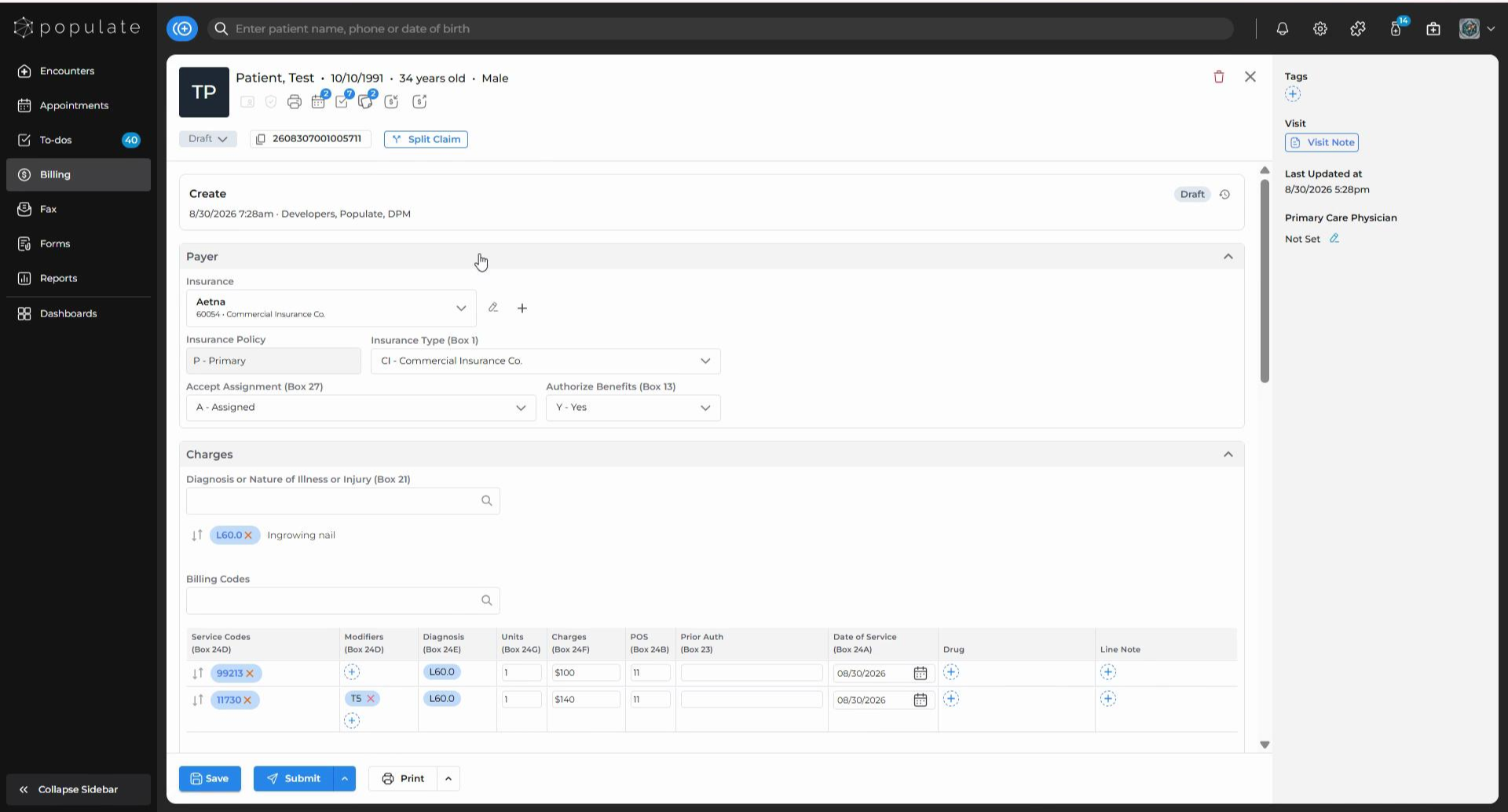
A split interface will appear. You need to select the insurance for the first split which contains the CPT codes from the original claim. Once you’ve selected the insurance provider, drag and drop the relevant CPT codes into the “Add+” box beside the insurance provider.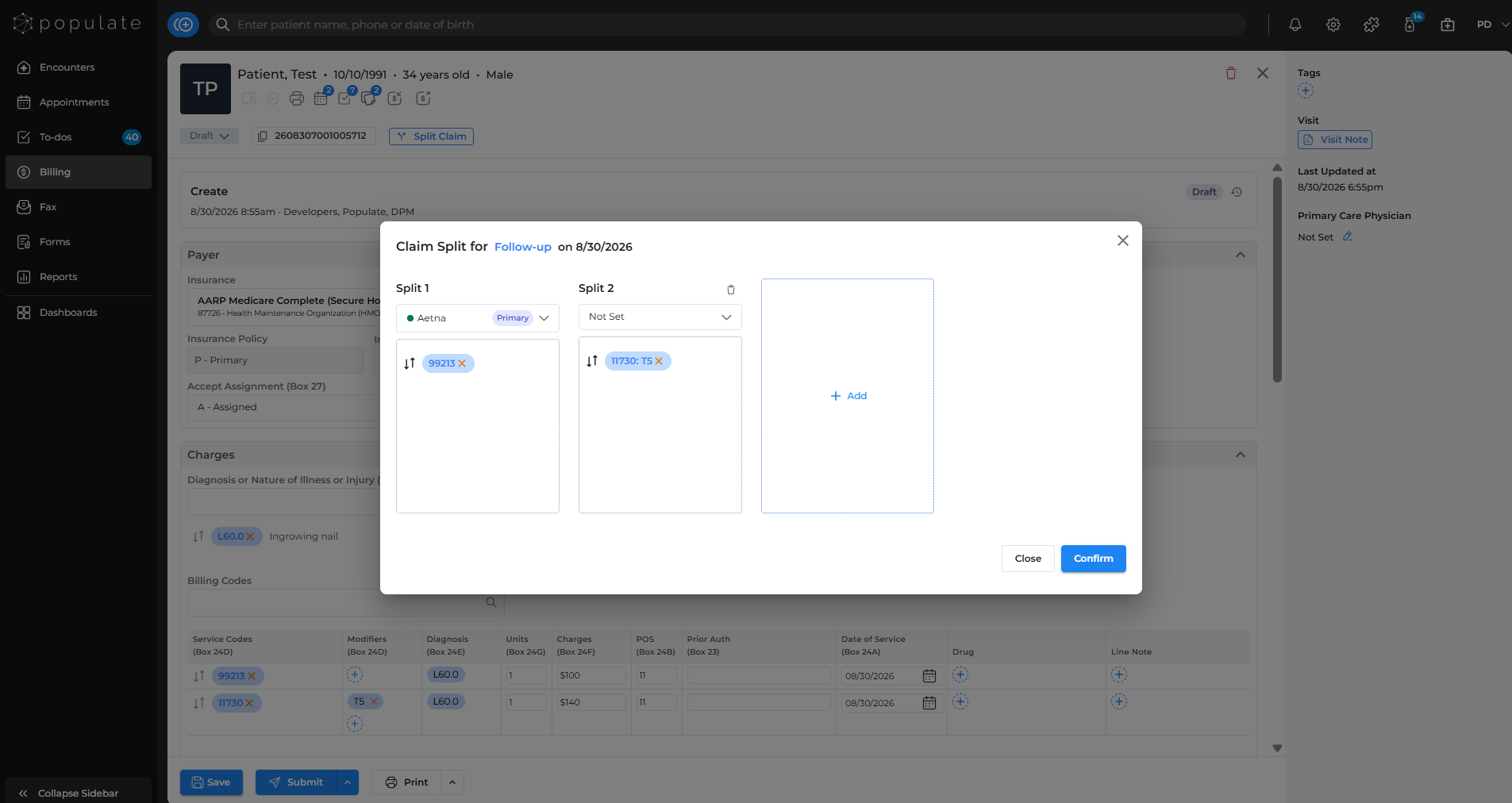
Again, select the insurance for this split and add more codes to it, if needed. Click “+Add” in the box beside if you want to add more splits. Then, click "Confirm" and you are done!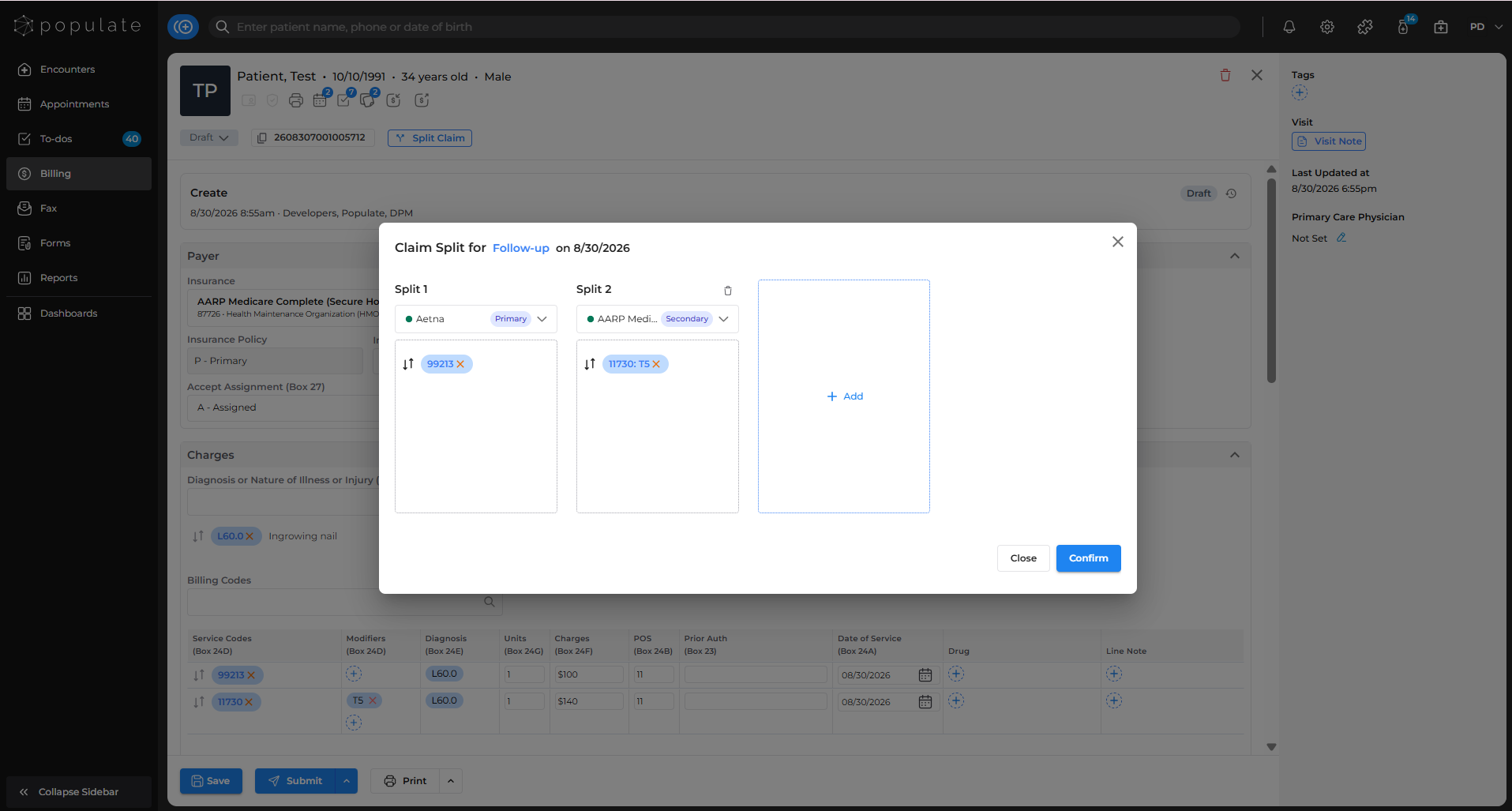
You can check the claims you’ve split individually by clicking on the dropdown menu.