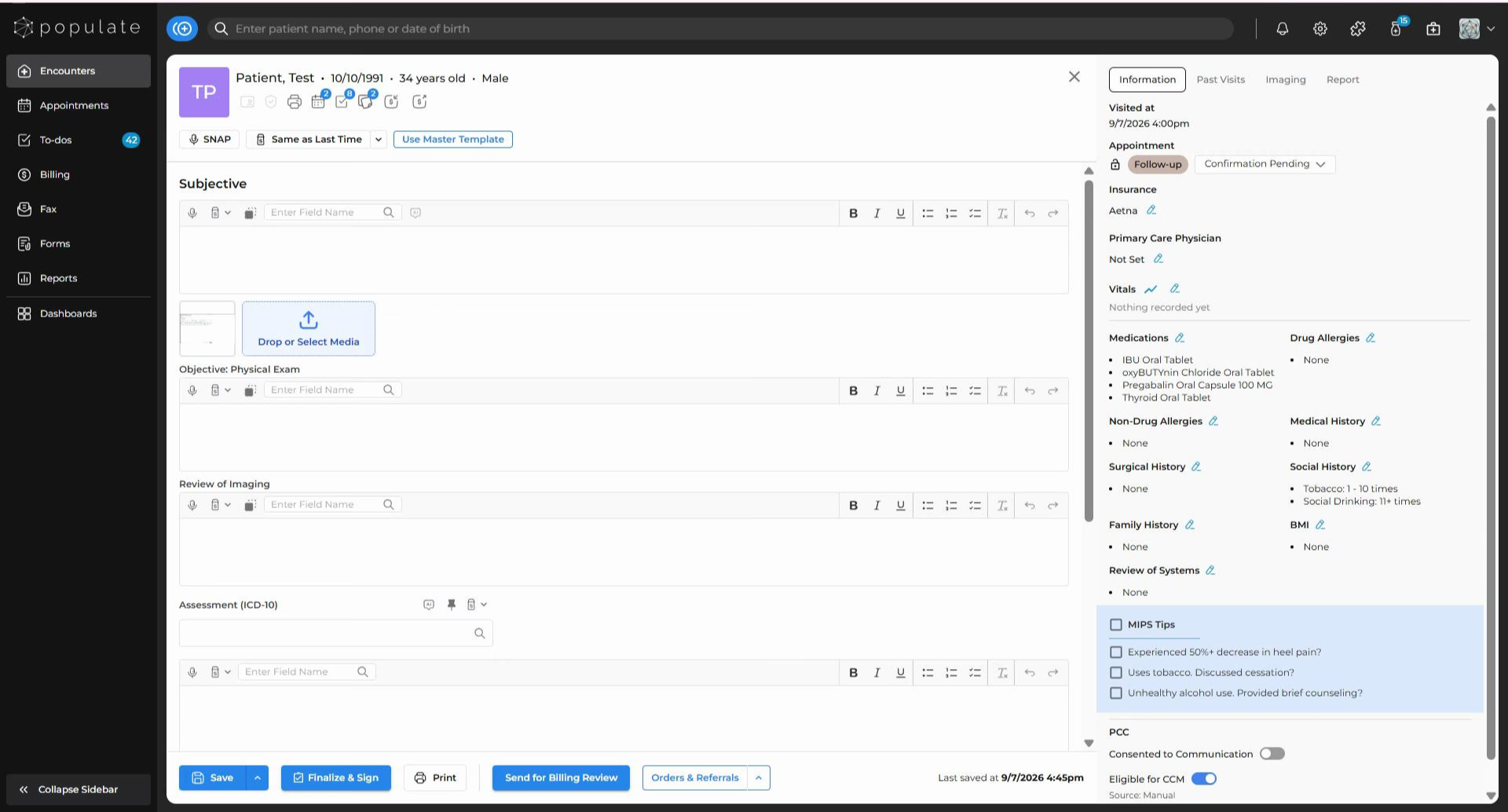
If you’re drafting a new visit note for a returning patient, there’s a quick way to pull in information from their previous notes using the “Same As Last Time” (or “SALT" as you can see from the salt-shaker icon) button situated between the "SNAP" and "Use Master Template" buttons.
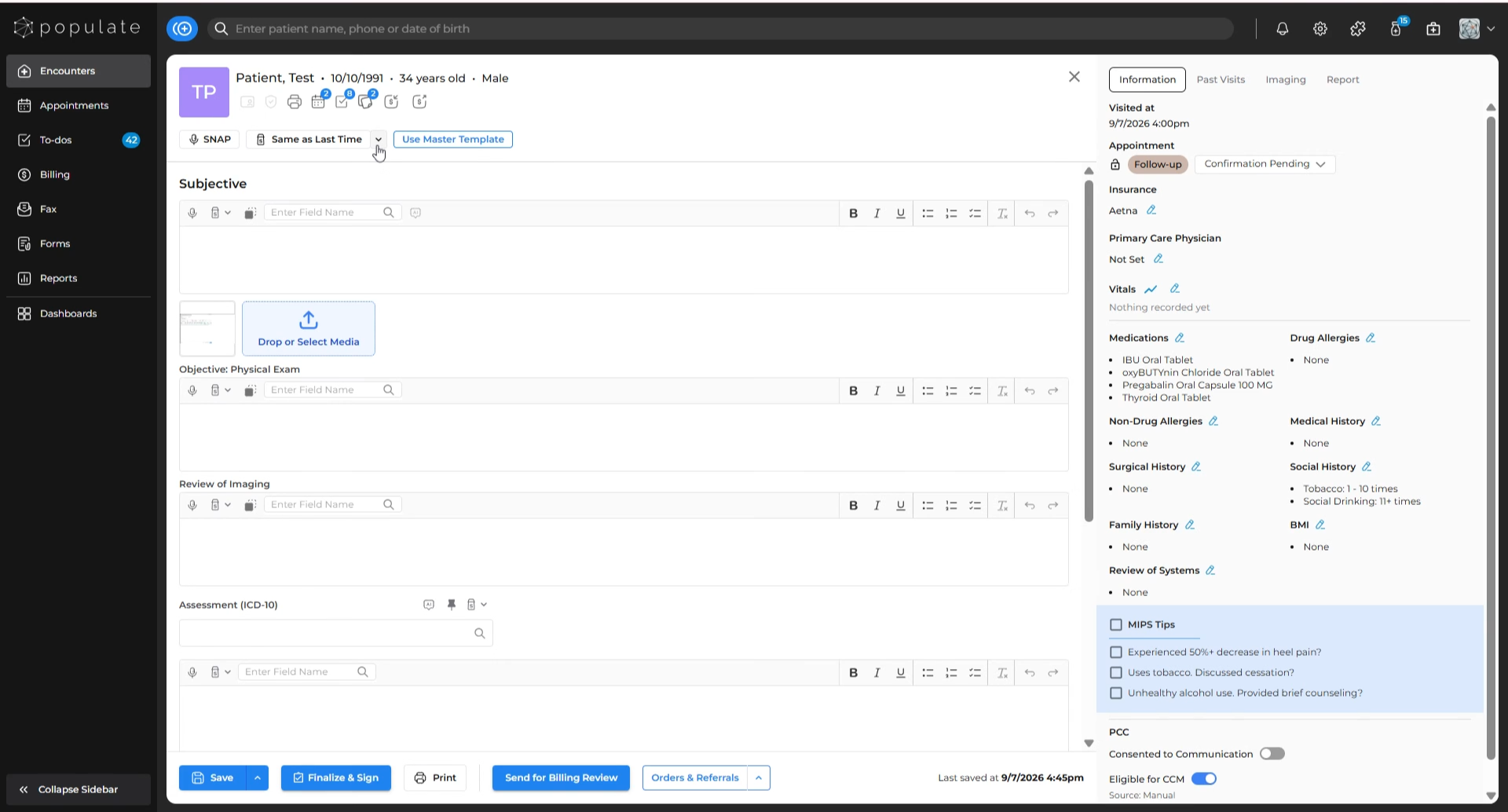
You can also click on the dropdown beside the button to open a list of all the past visit notes of that patient.
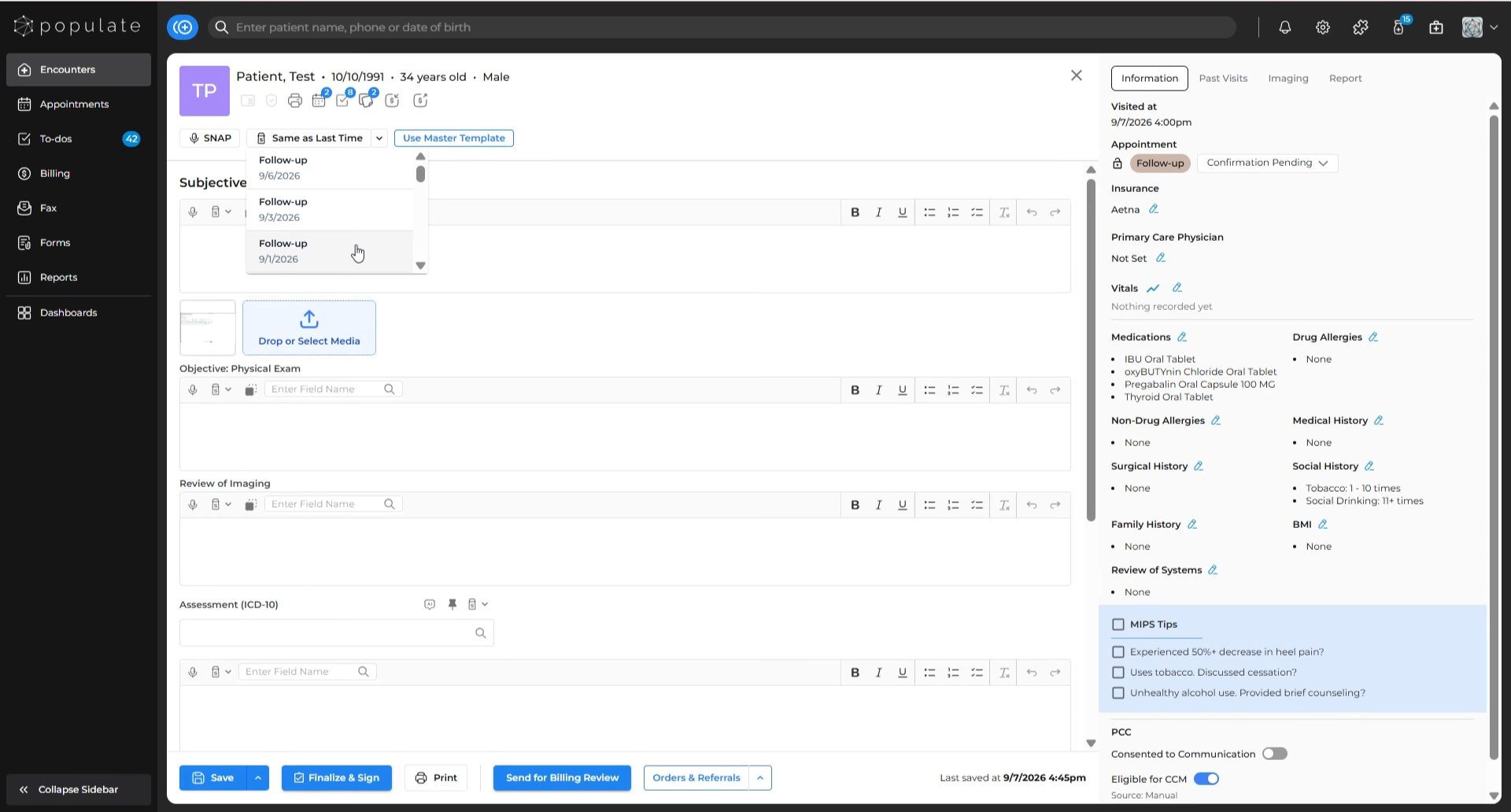
In the dropdown list, you can see both the appointment name and the date for each note. Scroll through, select the note you want to copy, and its information will be inserted instantly.
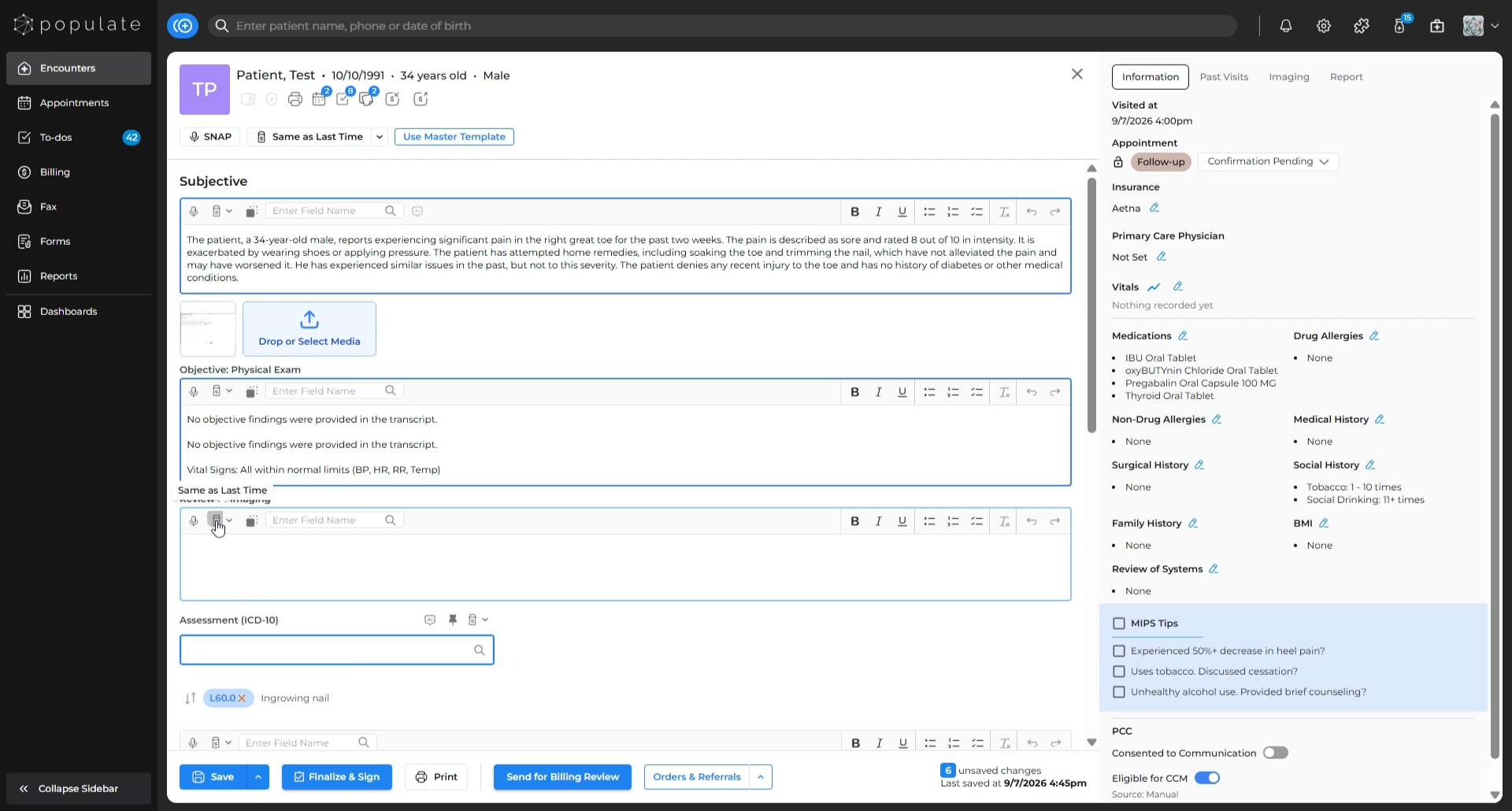
Once inserted, you’re free to edit any section of the visit note to suit the new appointment. All copied text is fully editable.
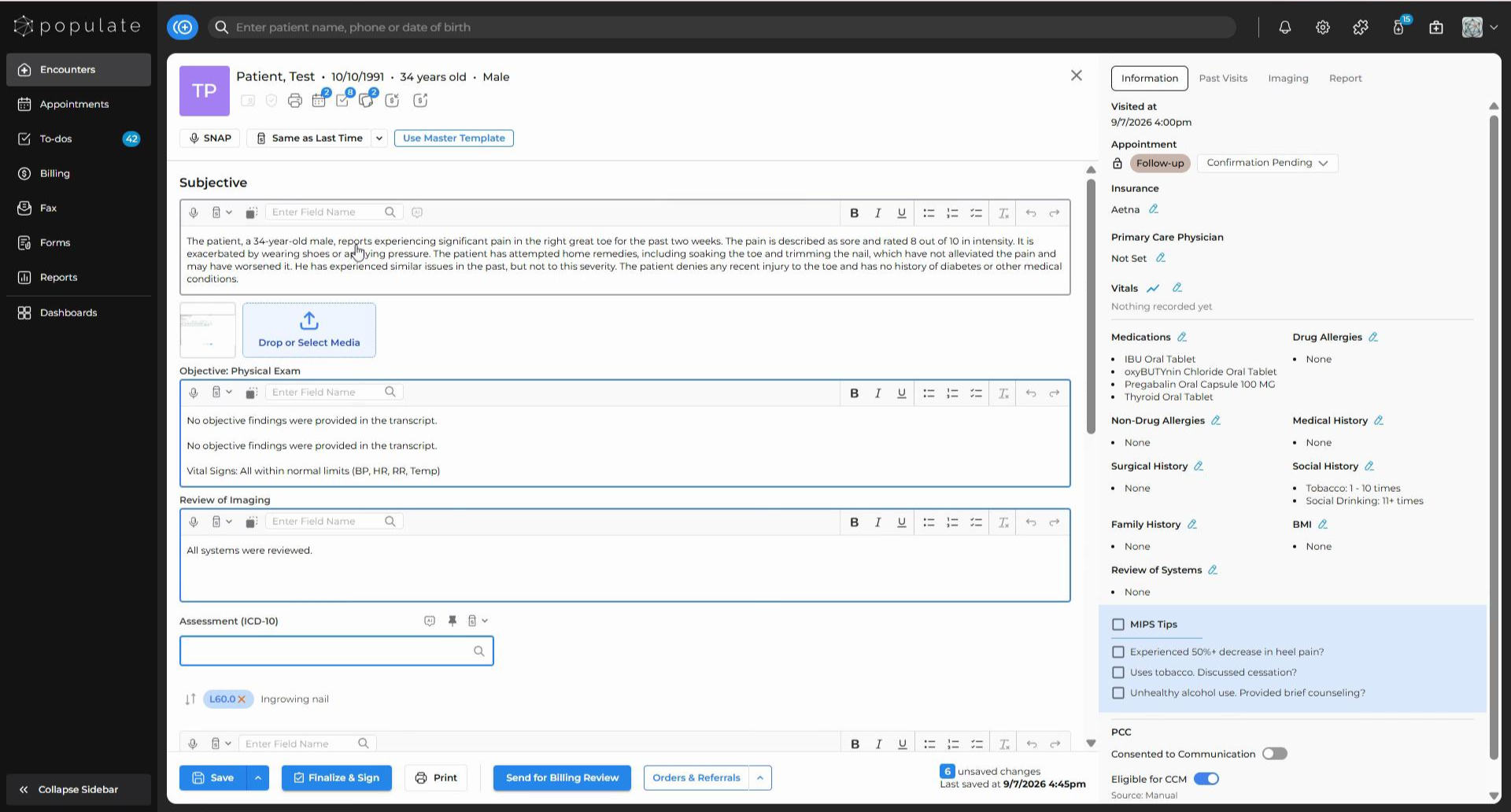
If you want to use this feature only on specific sections, click on the “Same As Last Time” icon for that section only.