
Navigate to the patient's chart for whom you want to check the vitals.
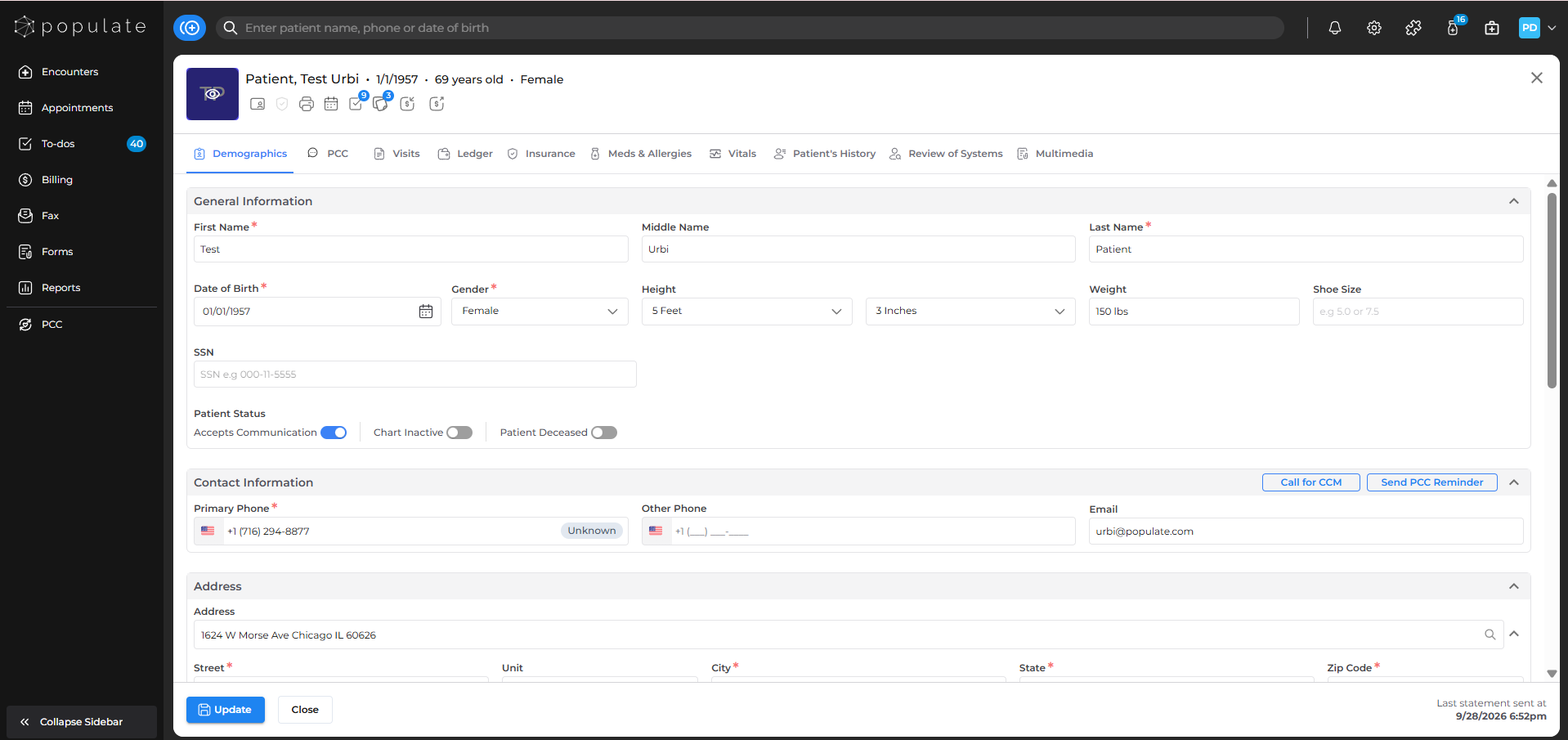
Click on the Vitals button to go the vitals dashboard.
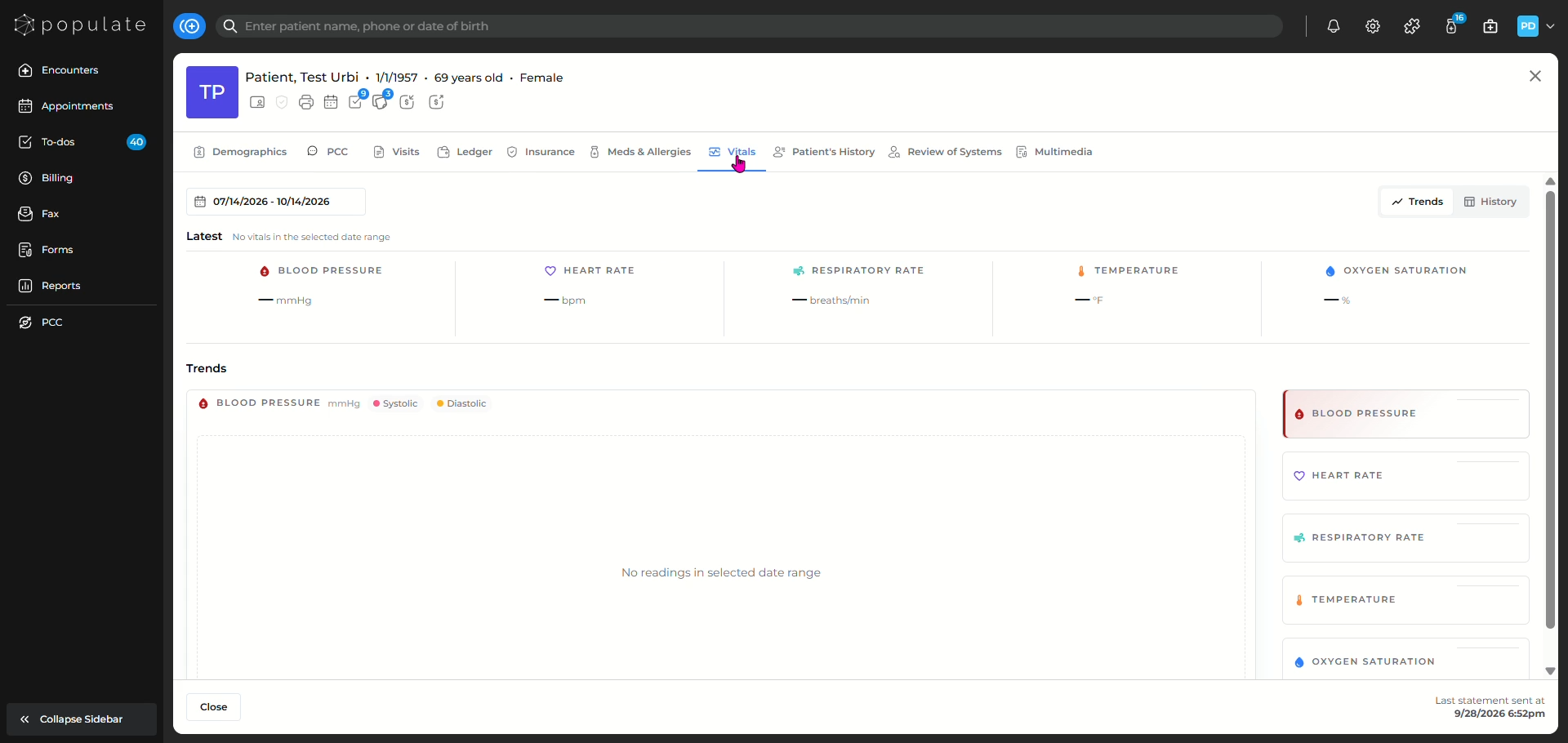
You'll now be able to see the vitals recorded for the patient.
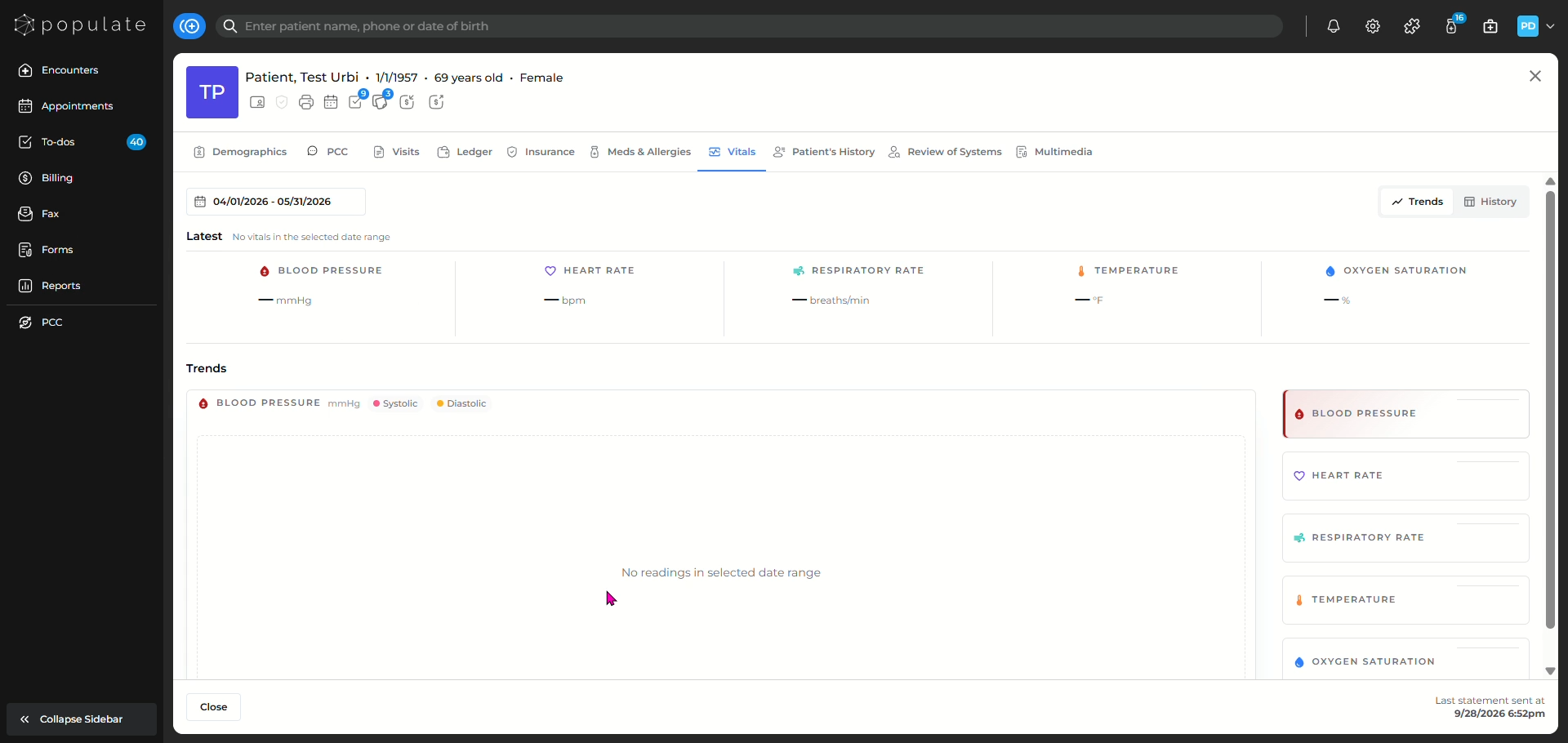
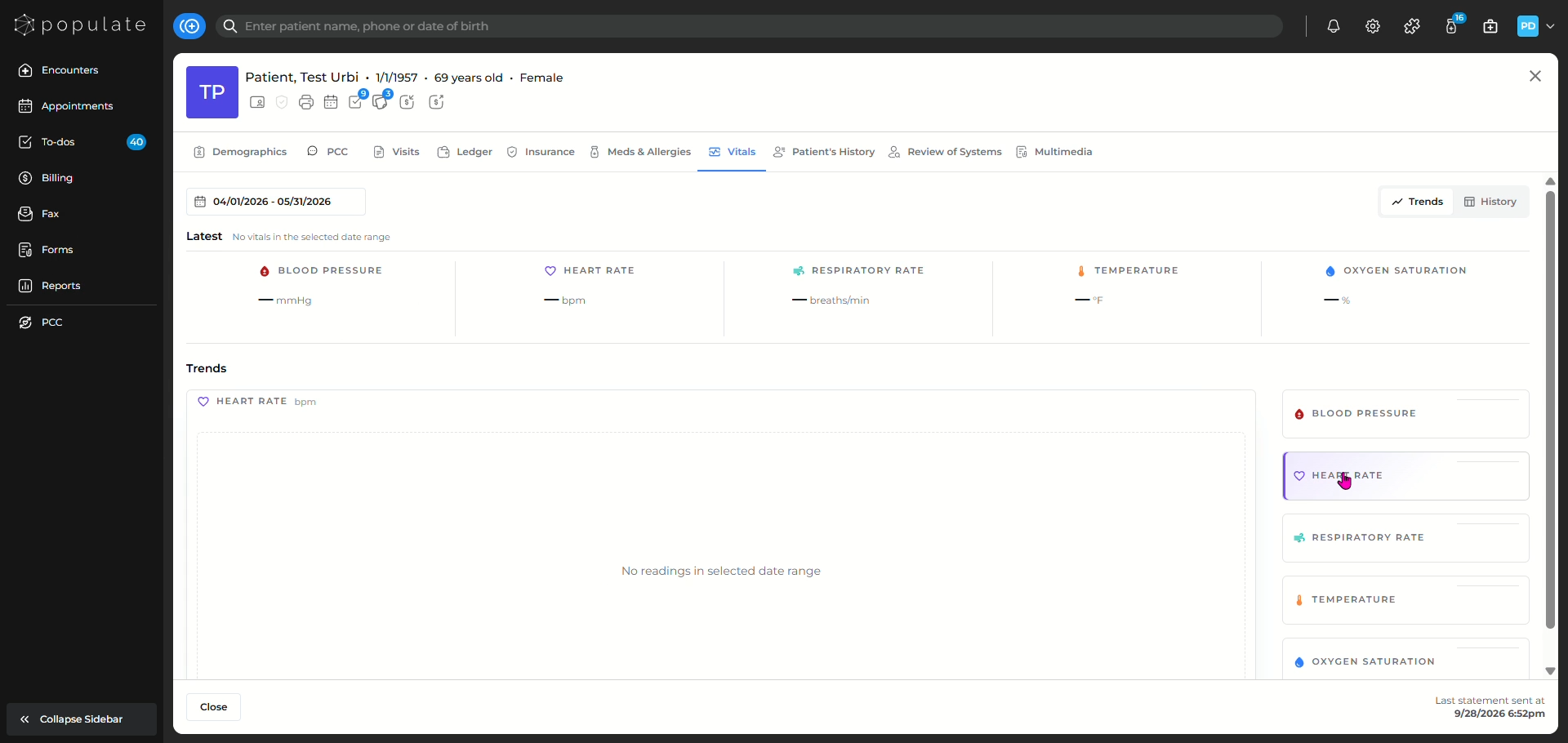
You'll be able to scroll the patient's blood pressure, heart rate, respiratory rate, temperature and oxygen saturation recorded during the past encounters.
You can also select the date range for the desired result by clicking on the date range.
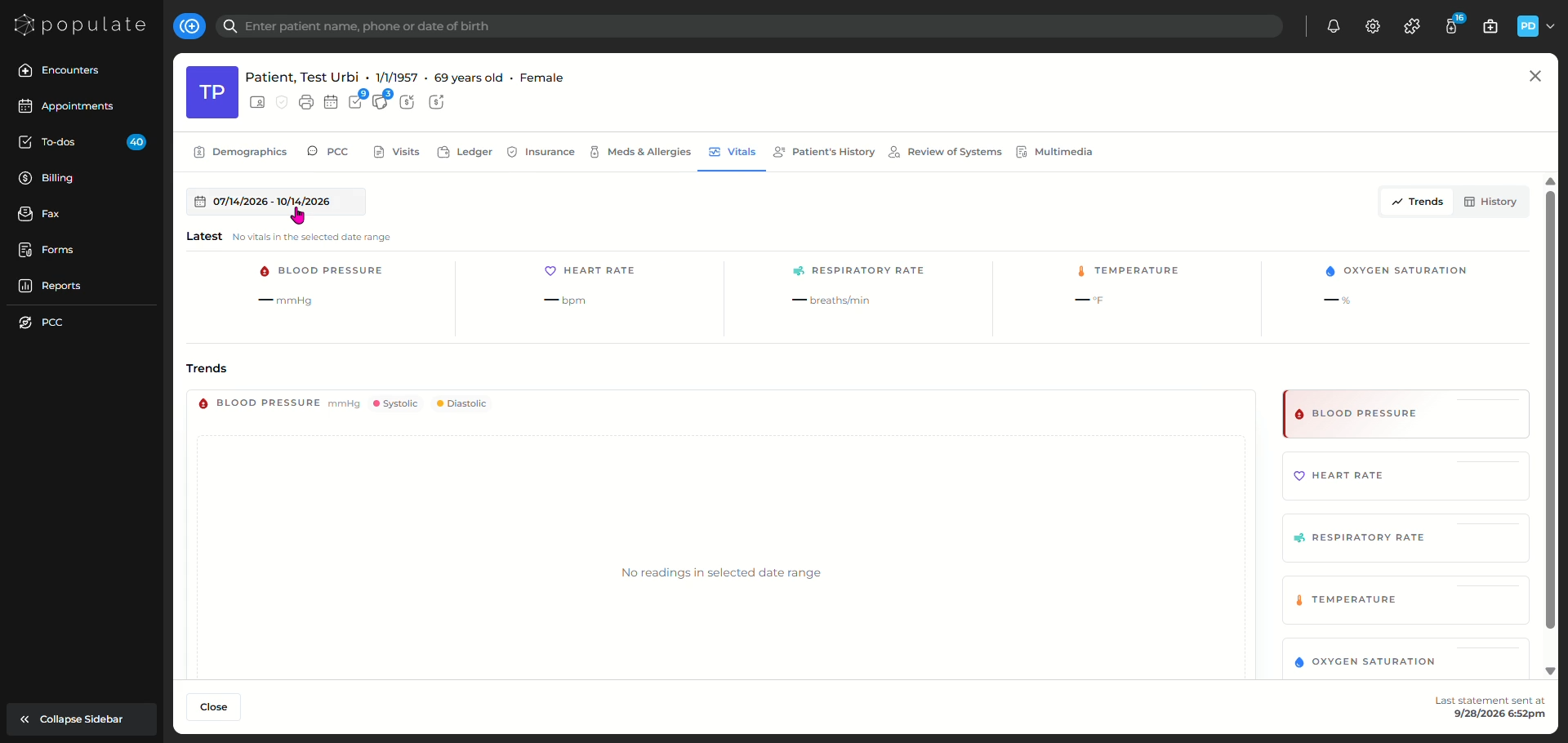
Select your desired date range.
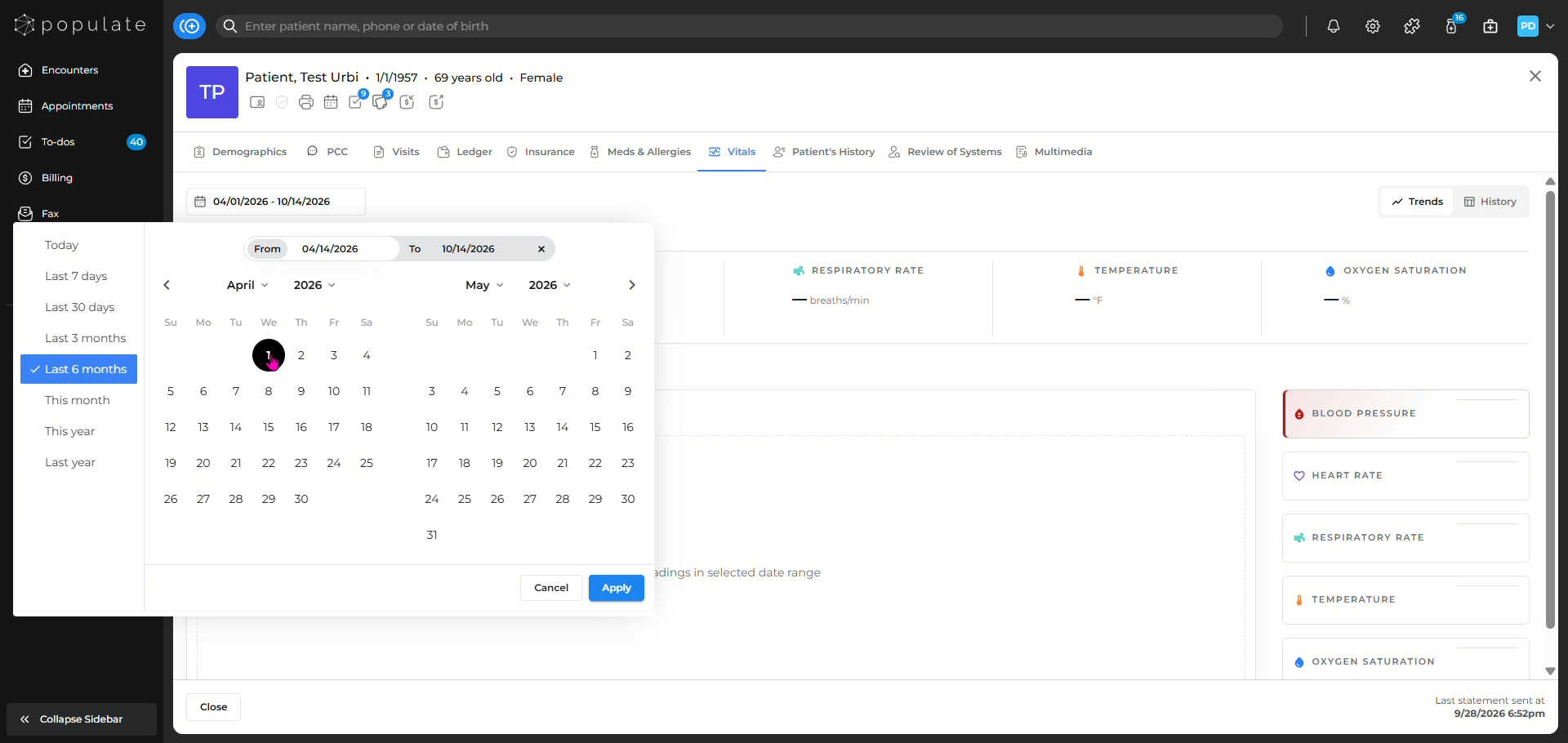
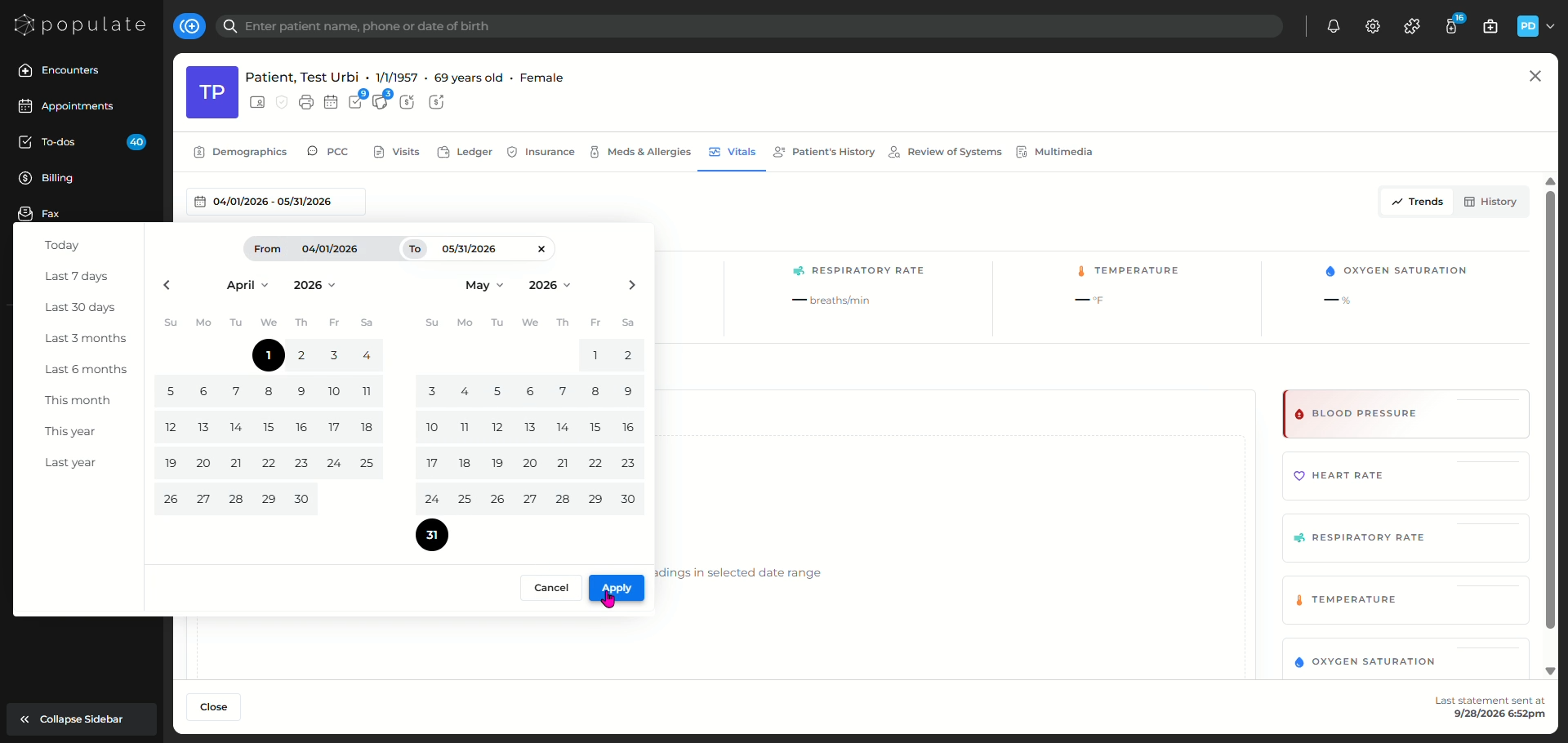
Click on Apply to save the desired date range.
You can also click on the History button in order to see the past recorded vitals for the patient.
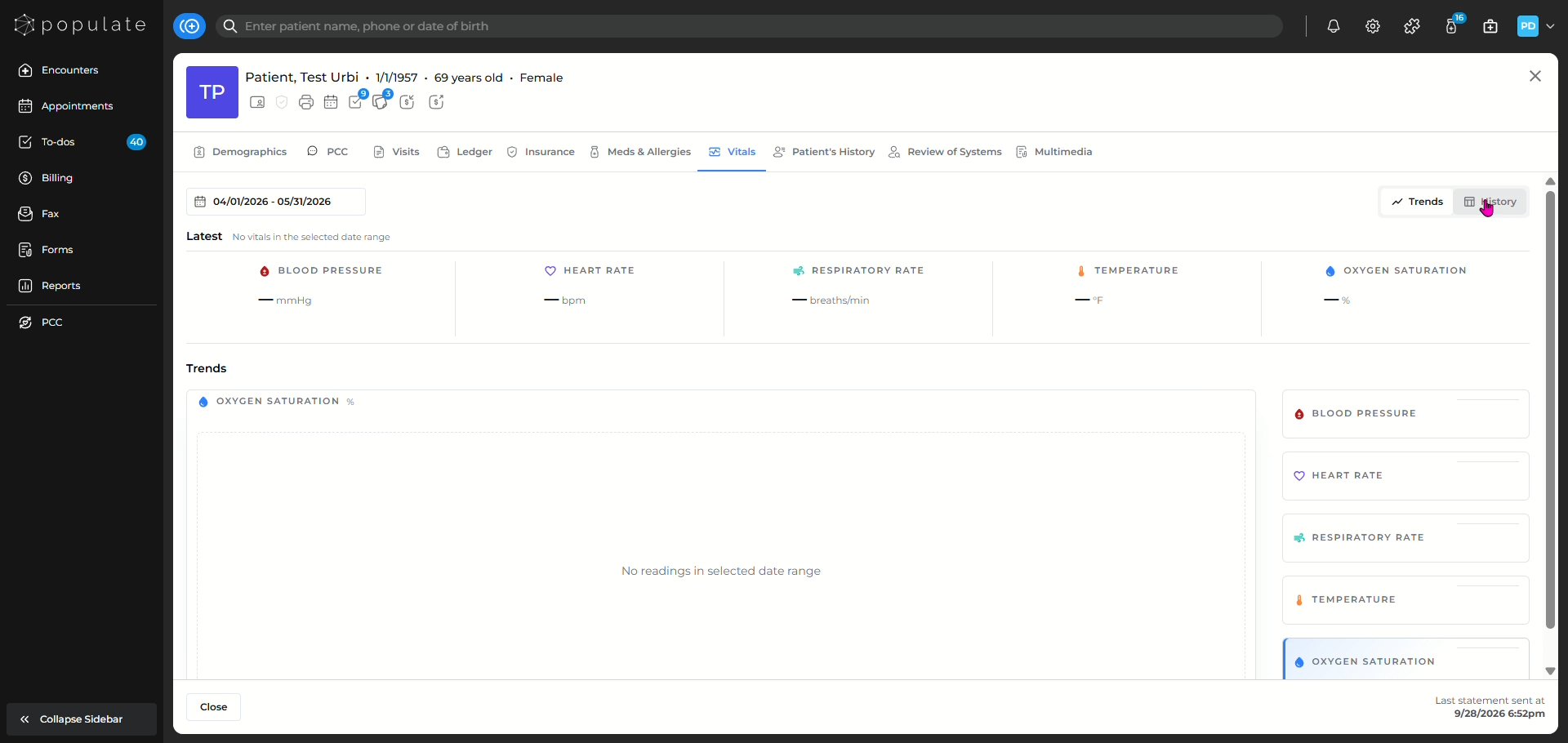
If no readings are available, the dashboard will display a message indicating that no vitals or readings were found for the selected date range.