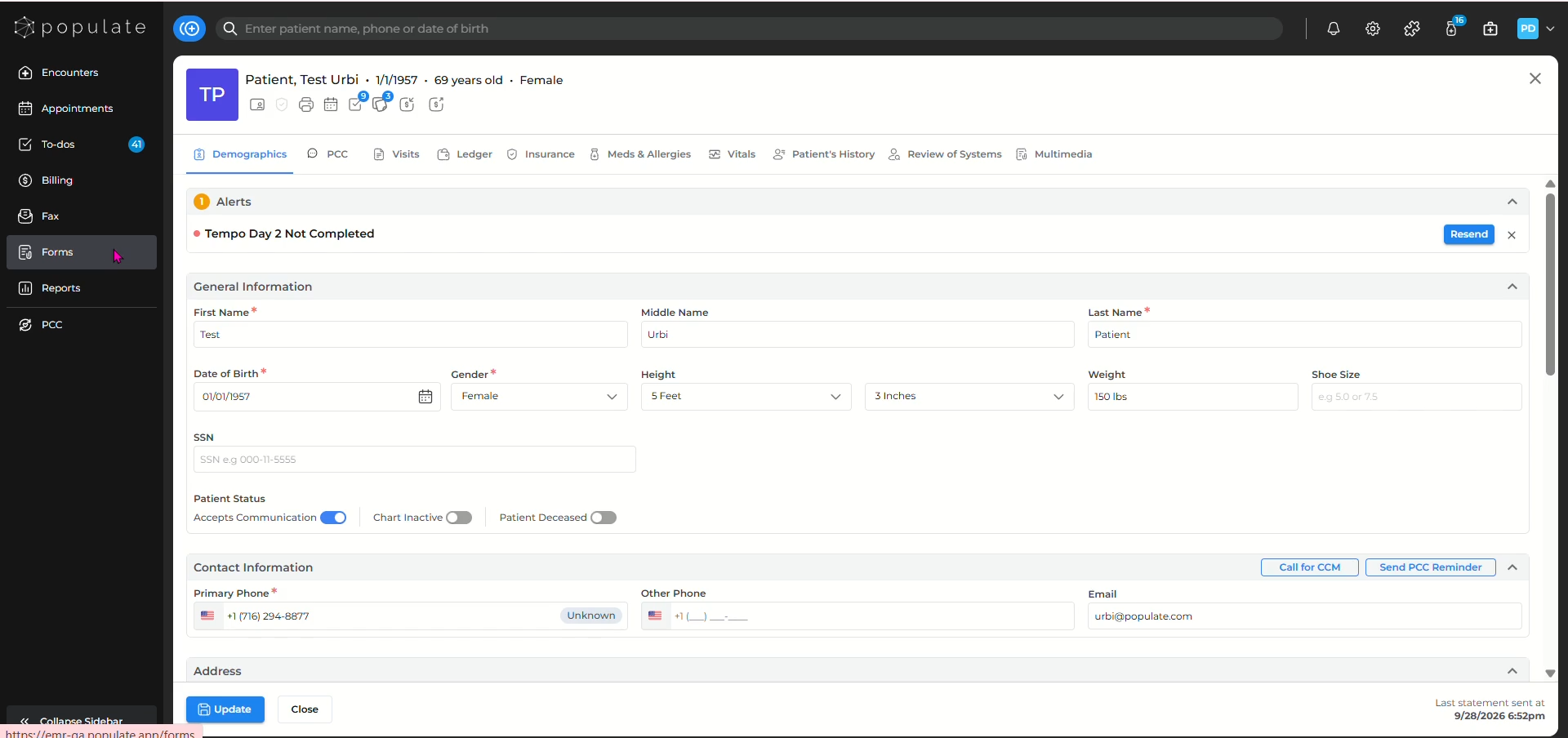
Navigate to the Forms dashboard by clicking on Forms from the EMR side panel.
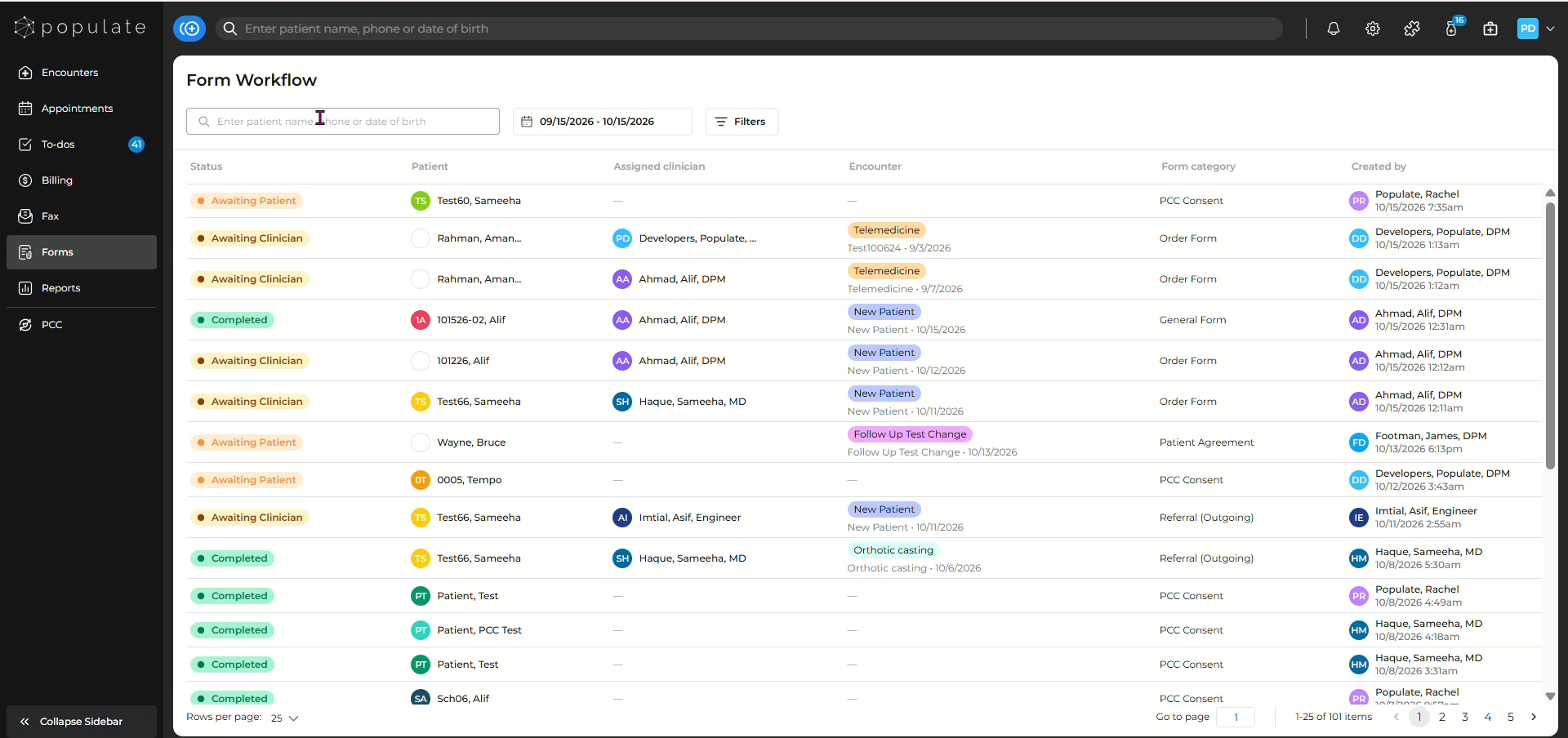
Now you will be able to see the Forms dashboard with the forms sent to patient, the dates and the status.
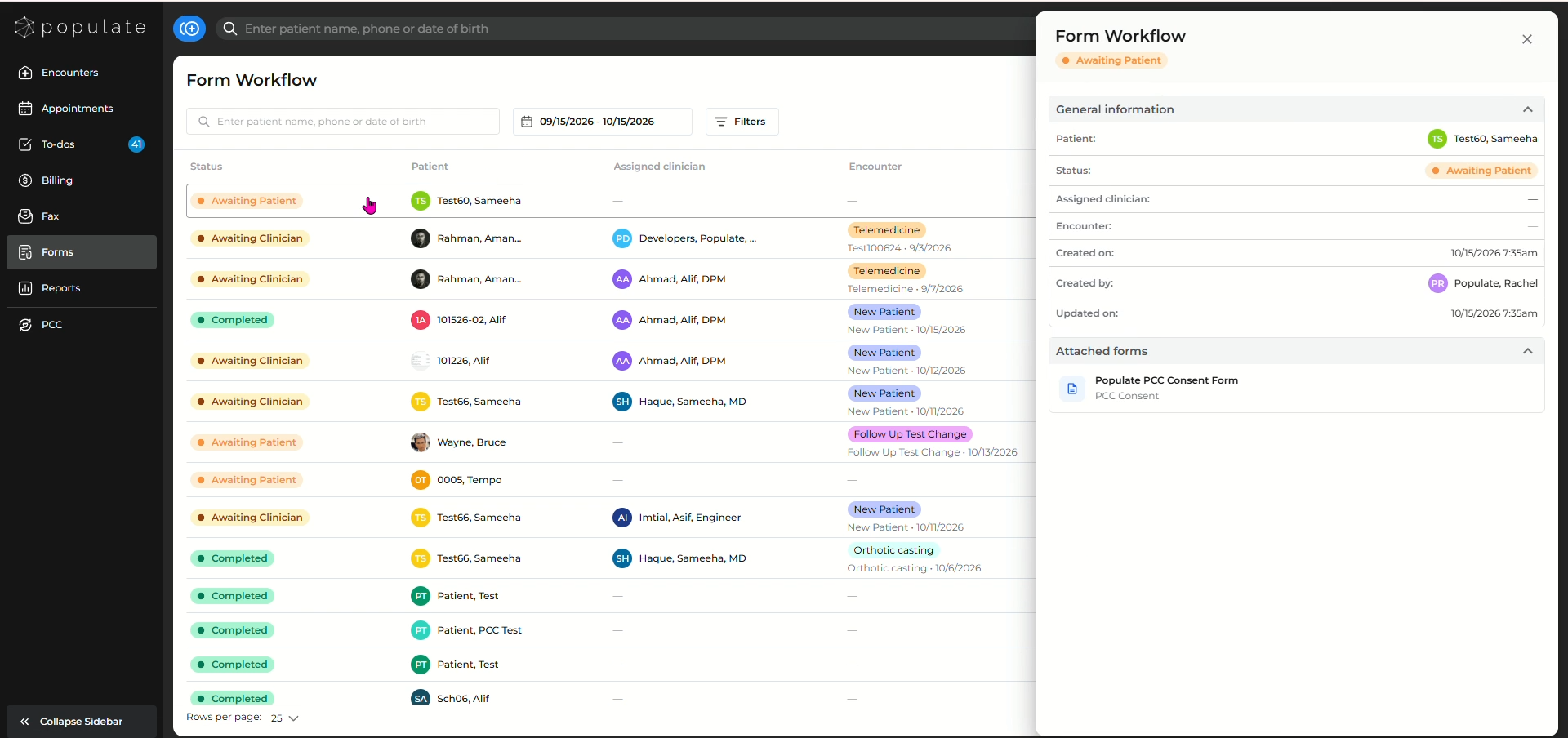
Clicking on any of them will open the side panel bearing details of the form.
To search a patient, write the patient's name in the search bar situated at the top of the page.
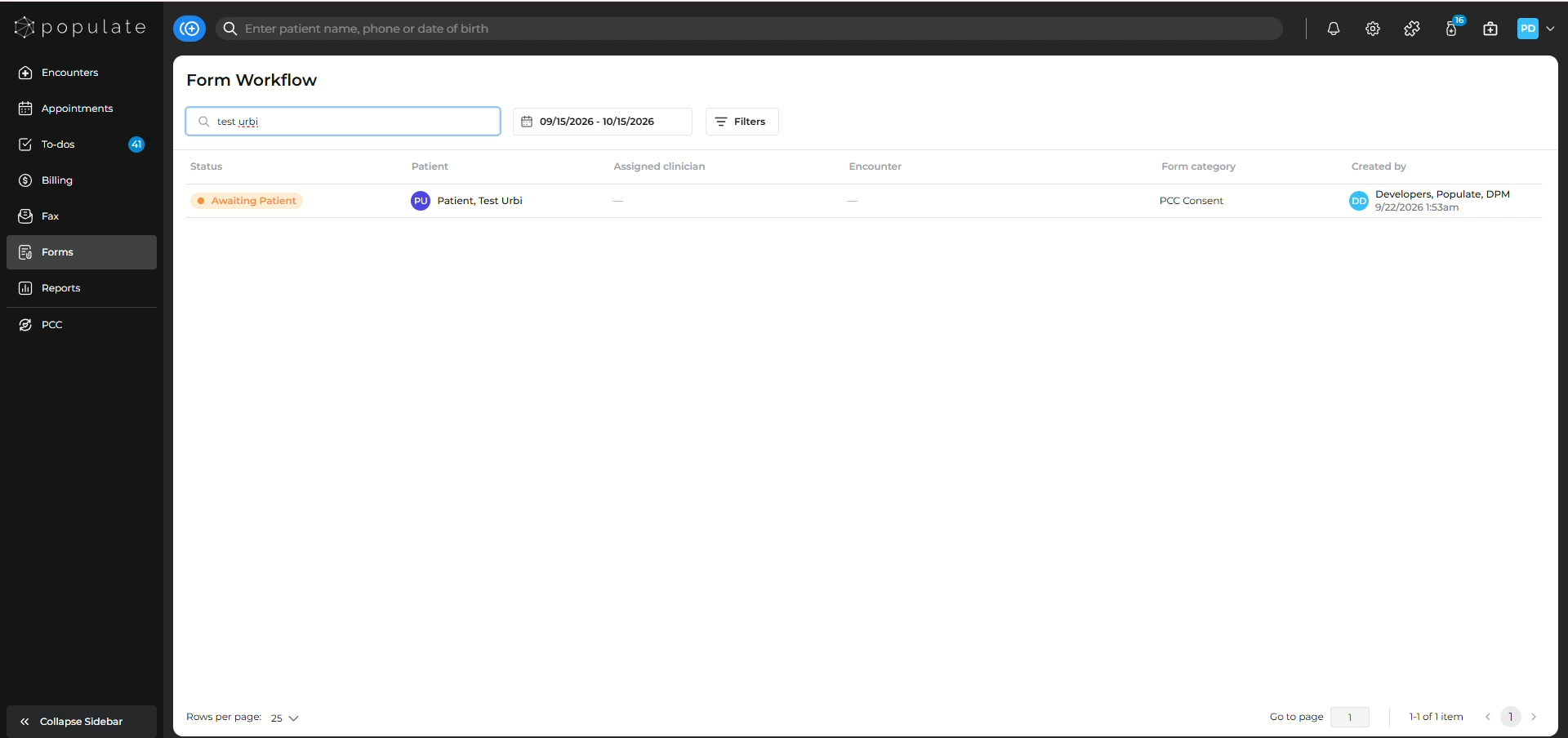
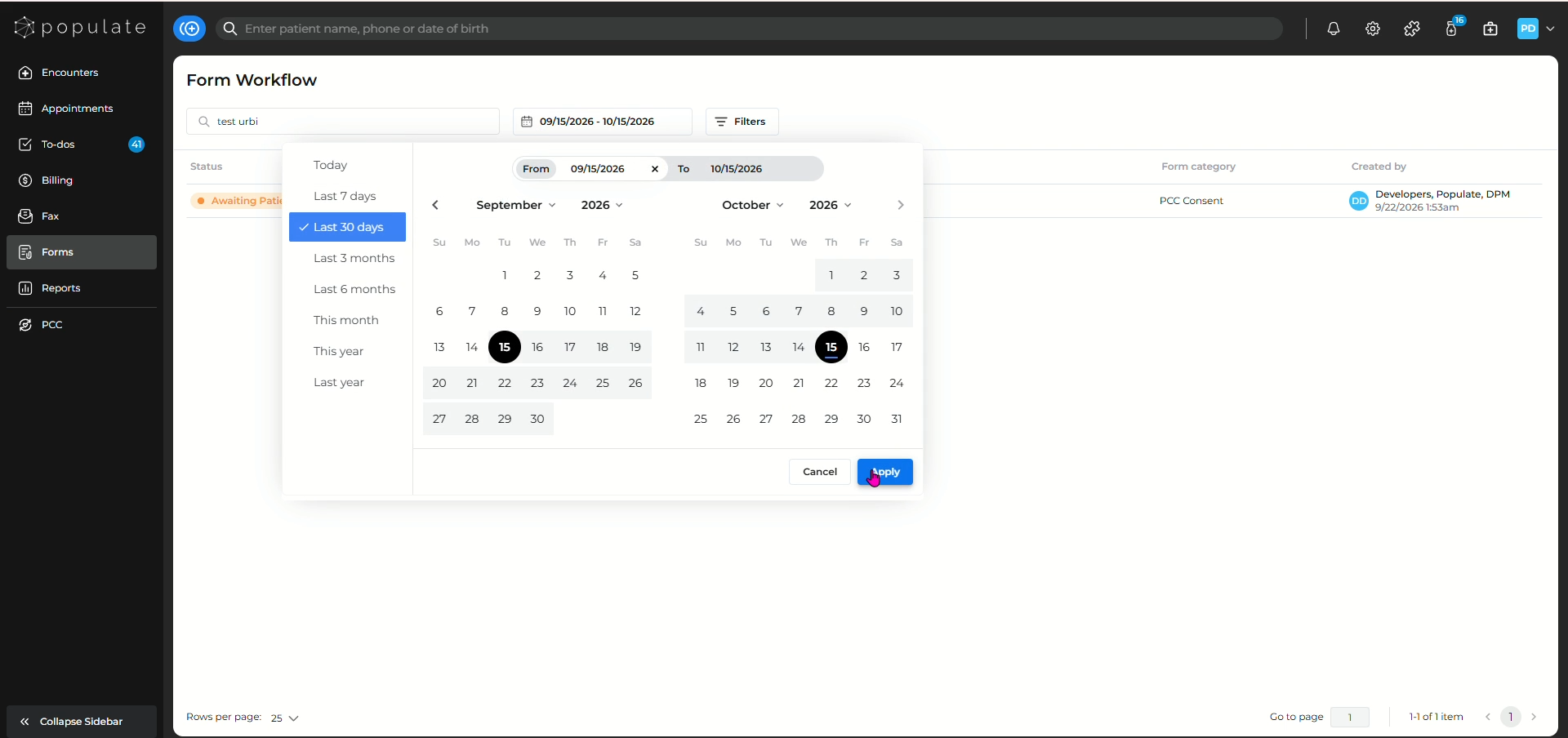
You will also be able to select the date by clicking on the desired date range field. Select you desired date range and click on apply to save.
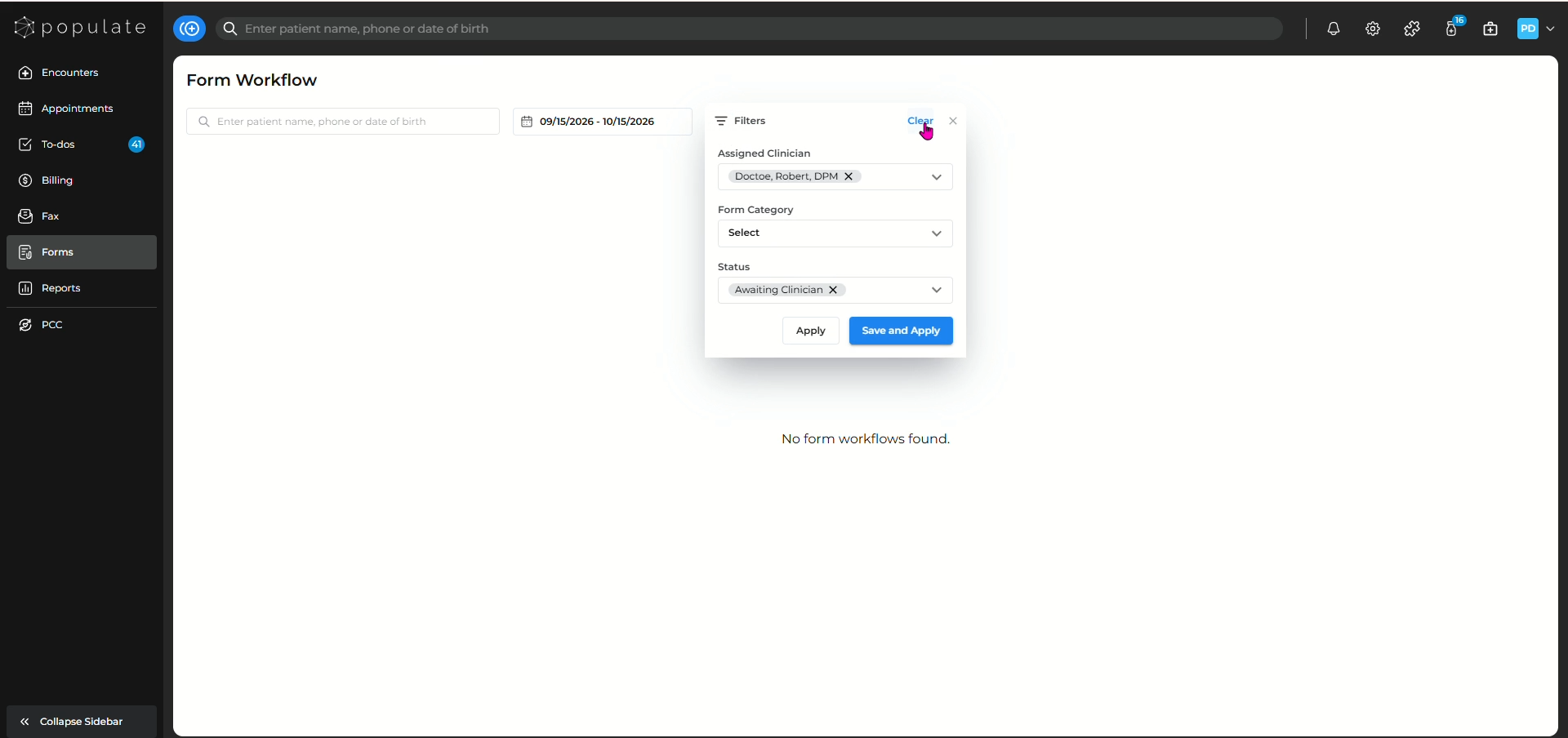
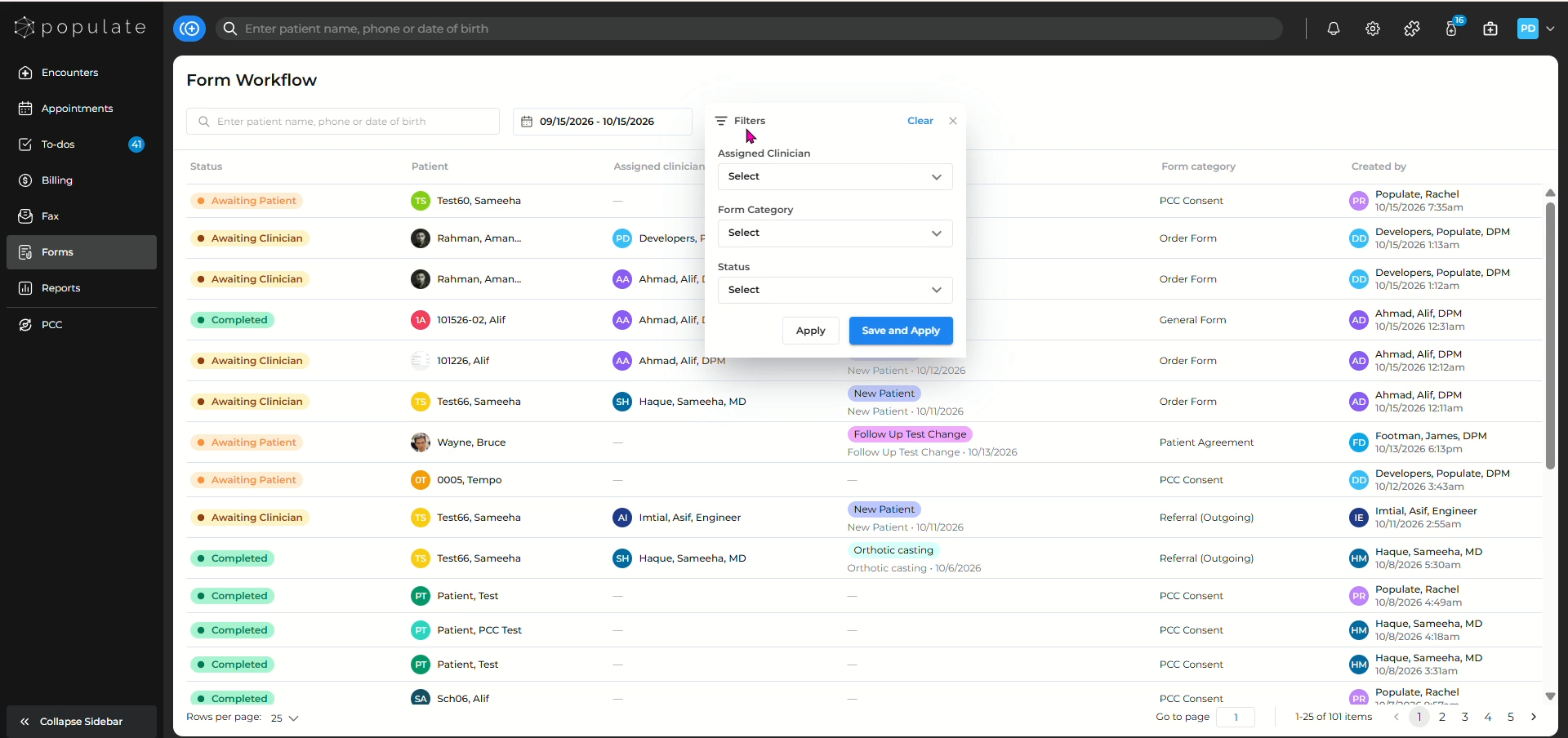
Click on Filters to see forms based on their assigned clinician, forms category and status.
Click on Save and Apply to save the filters.
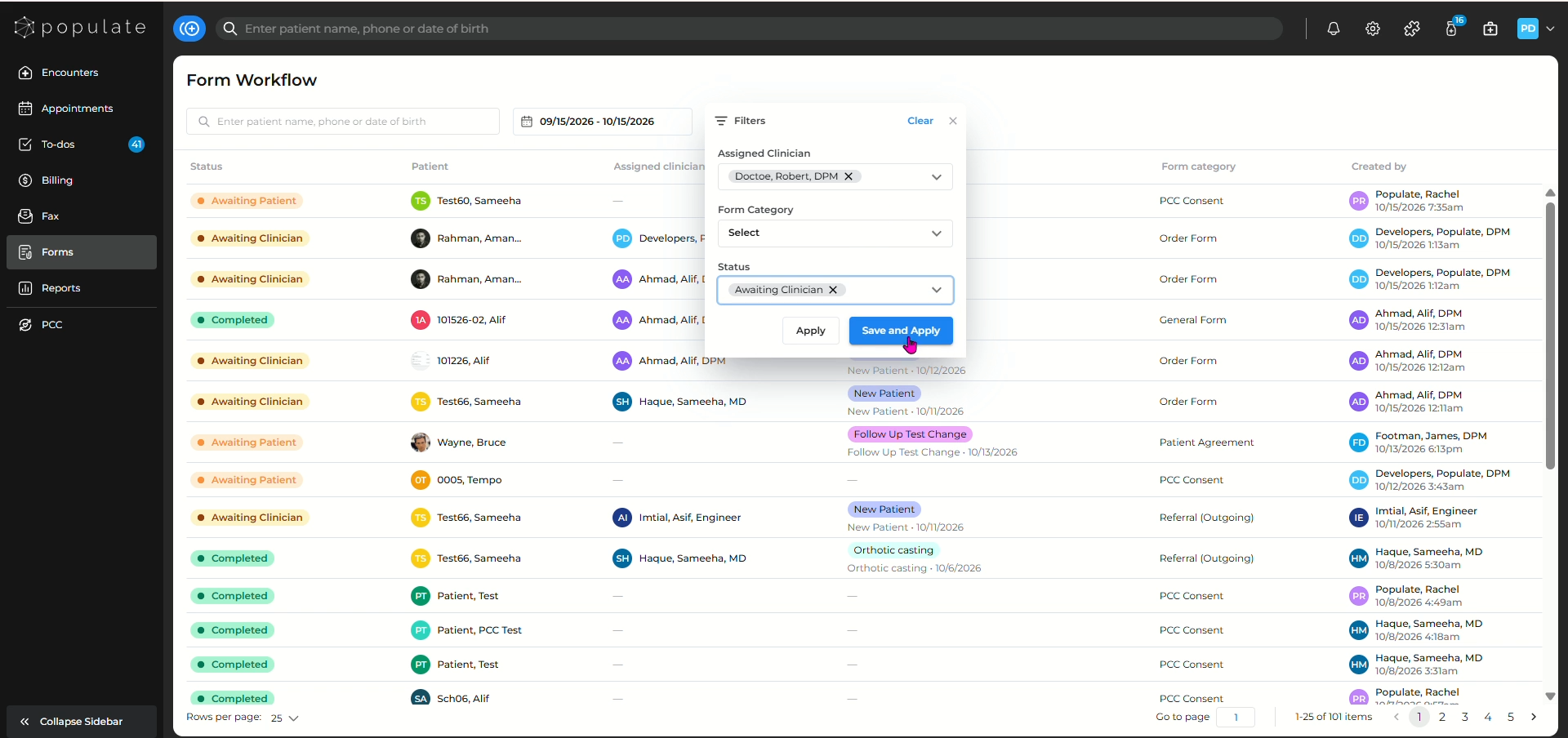
You can also click on Clear to remove the filters.