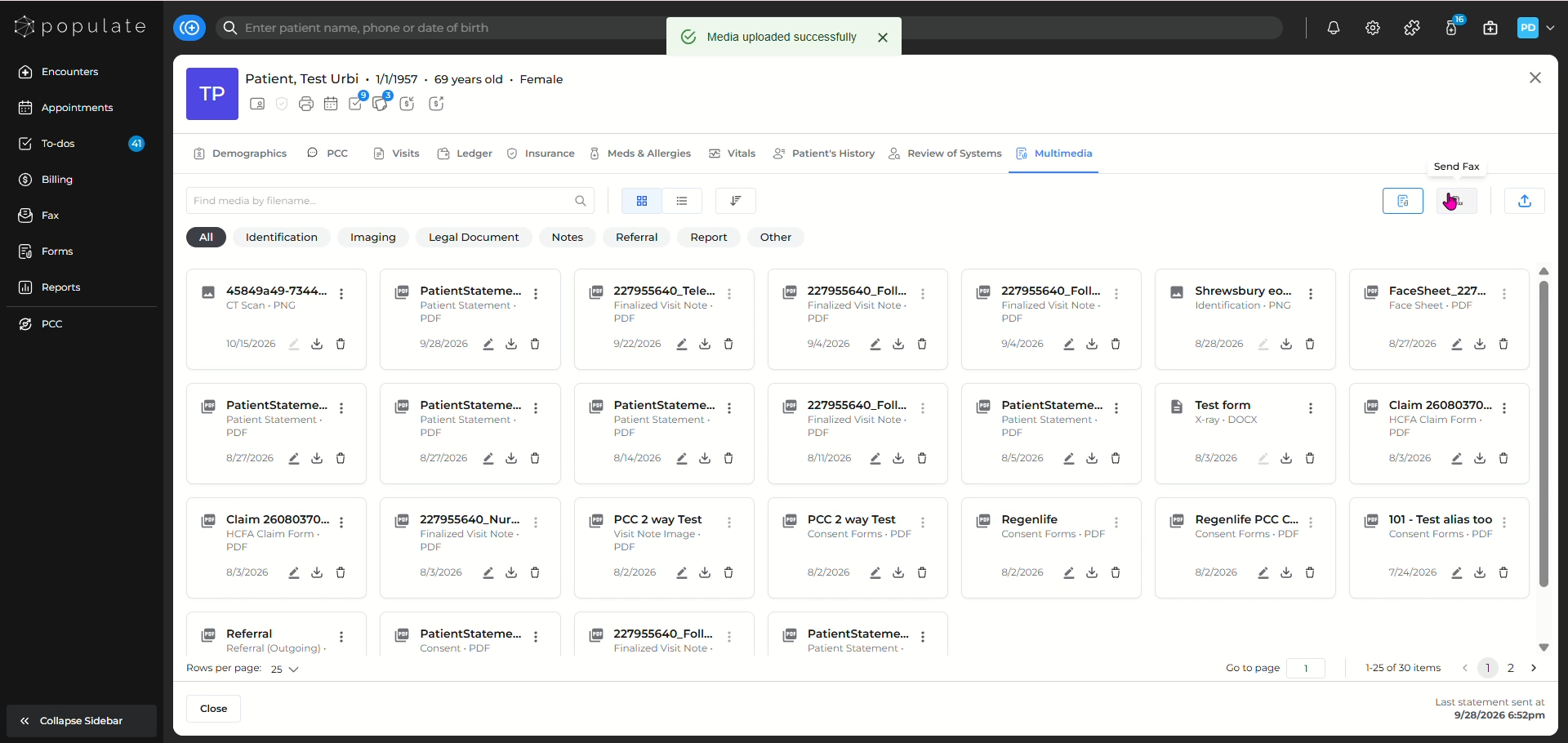
Navigate to the patient for whom you want to see the multimedia for.
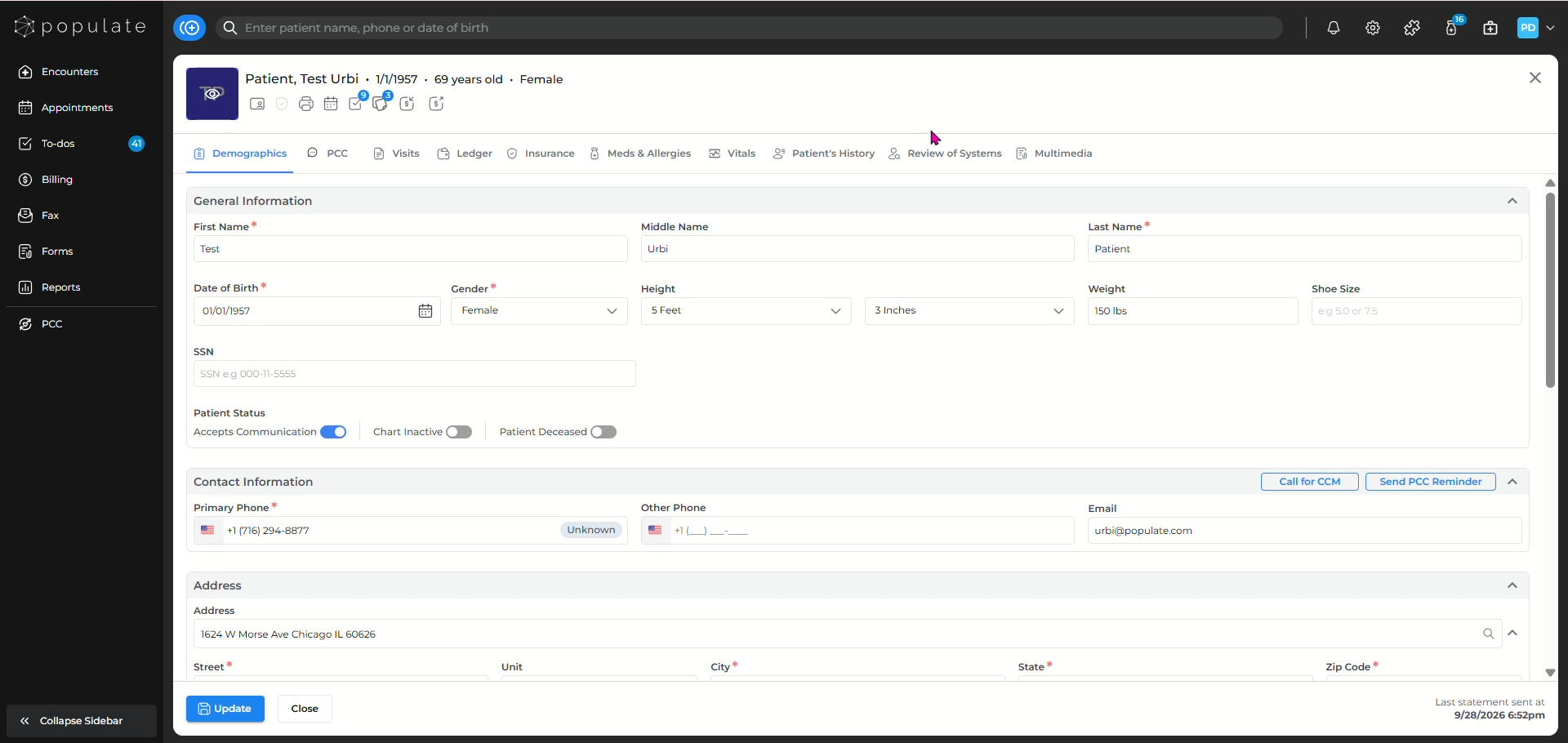
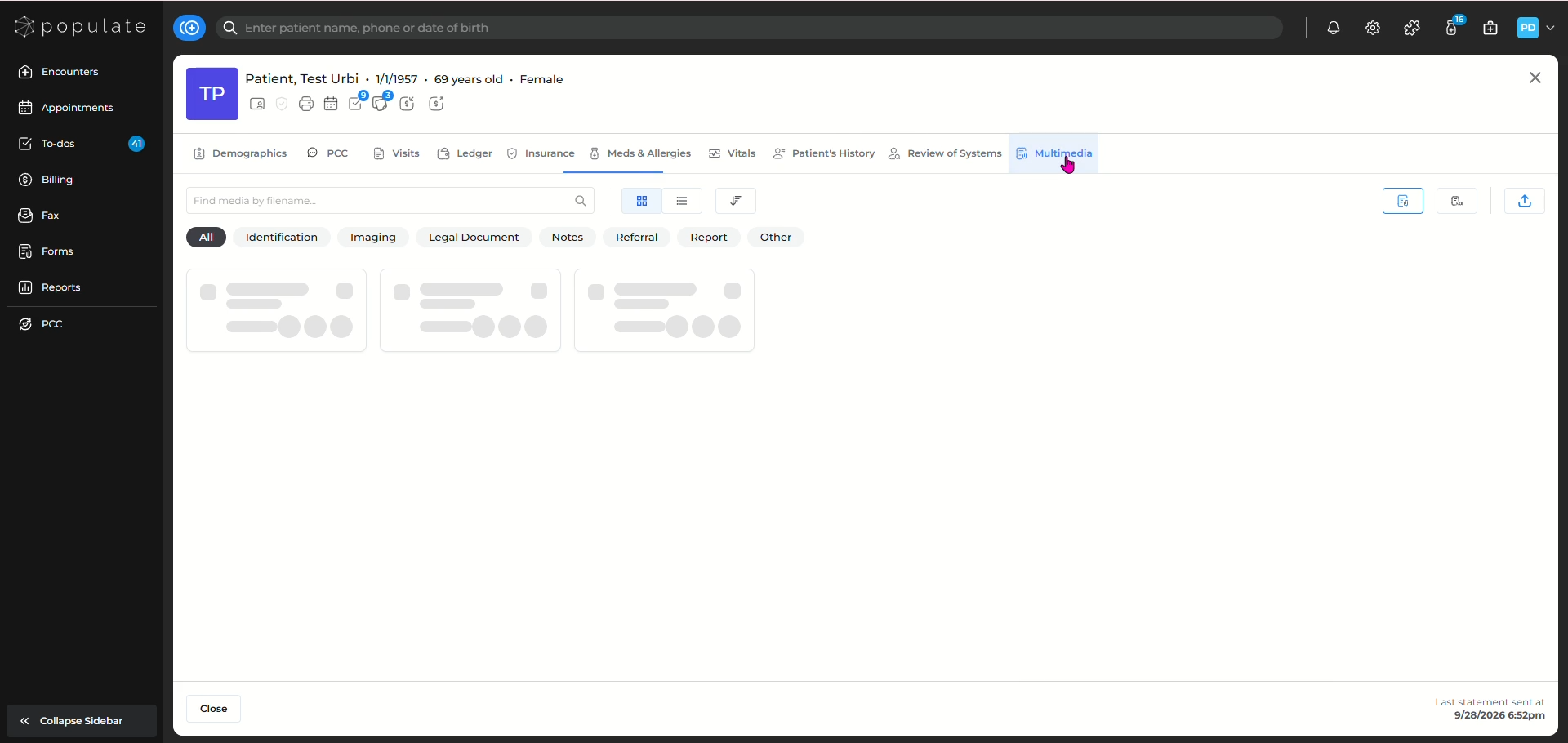
Click on the Multimedia button to go to the multimedia page.
You can view the list in two ways, Card view and list view.
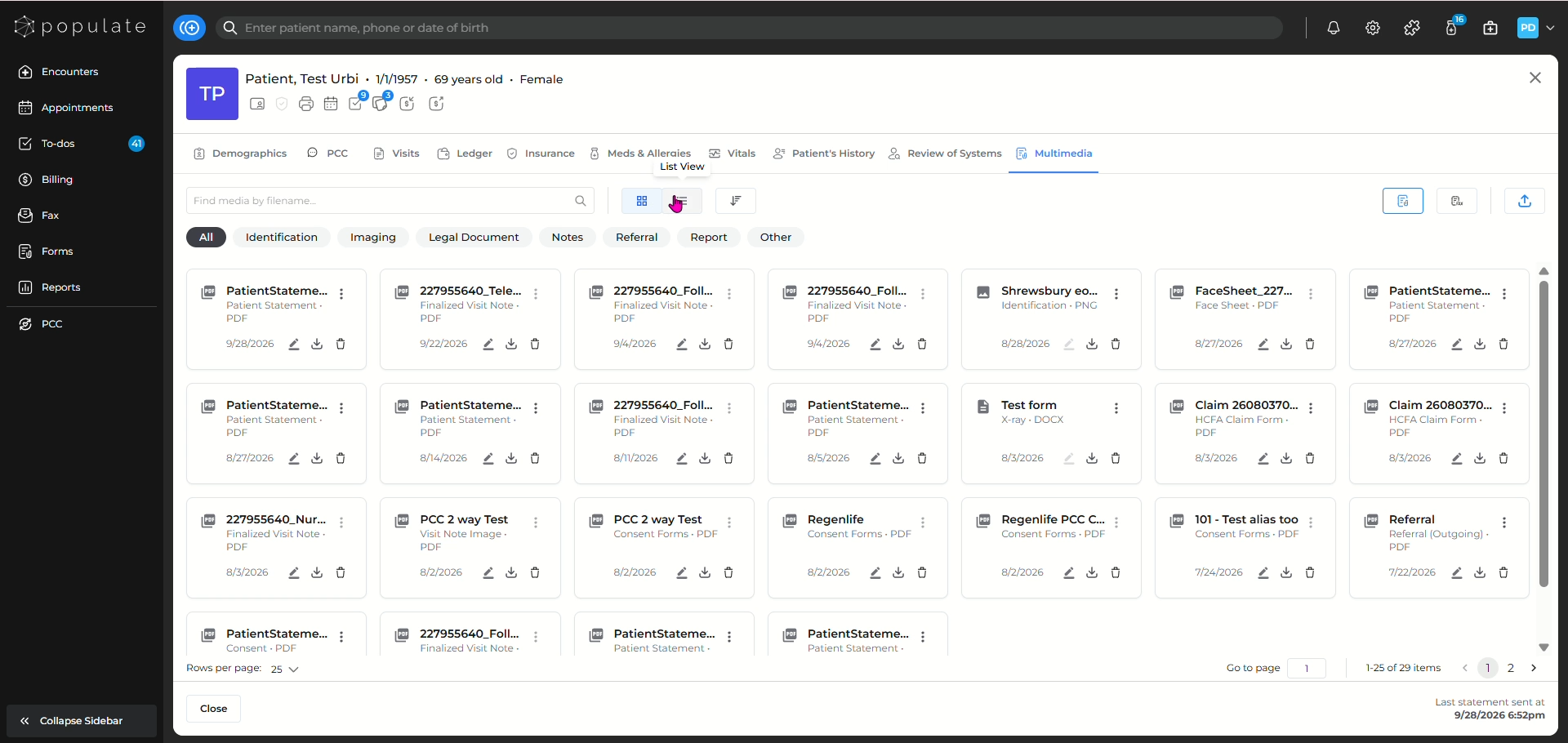
You can also search the document you're looking for in the search bar.
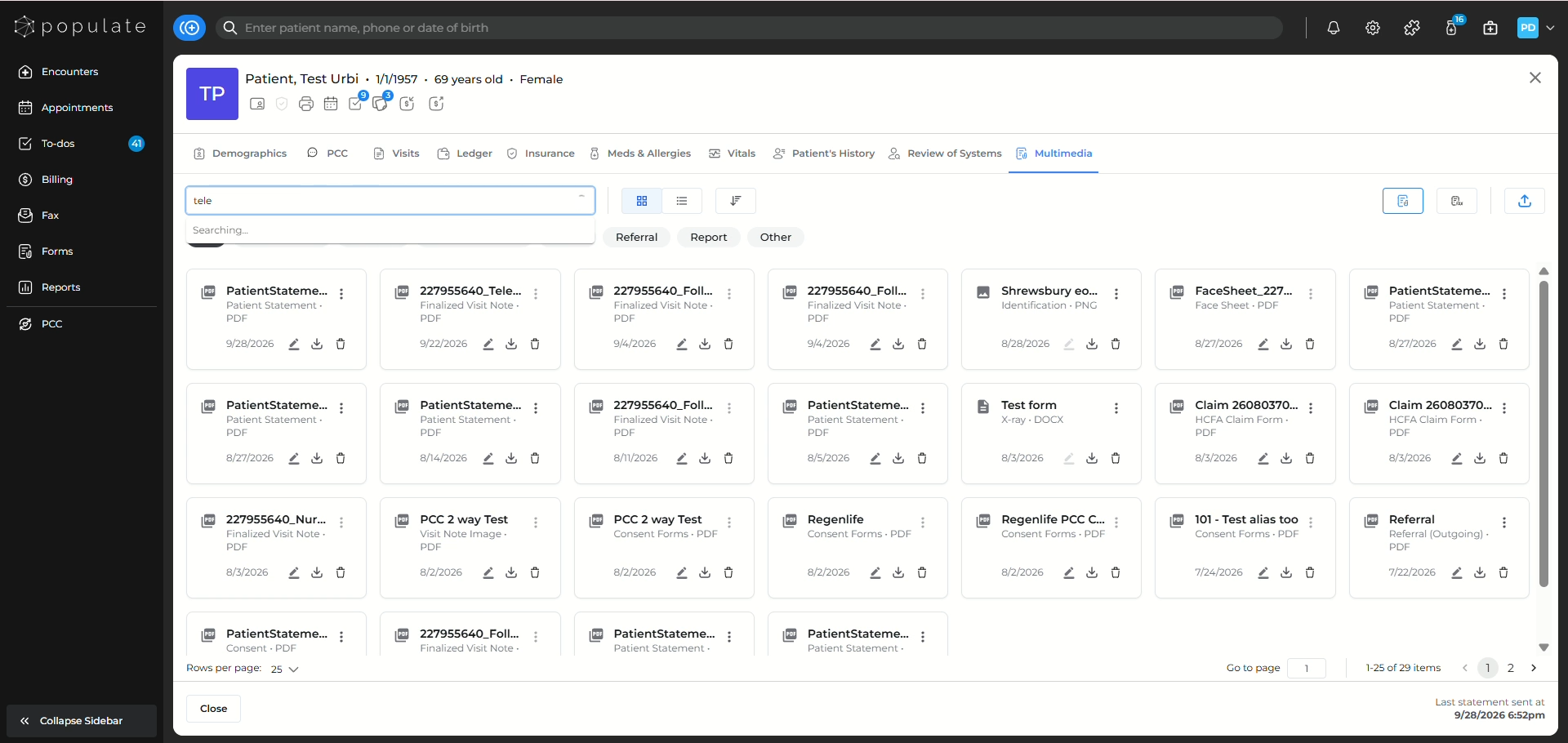
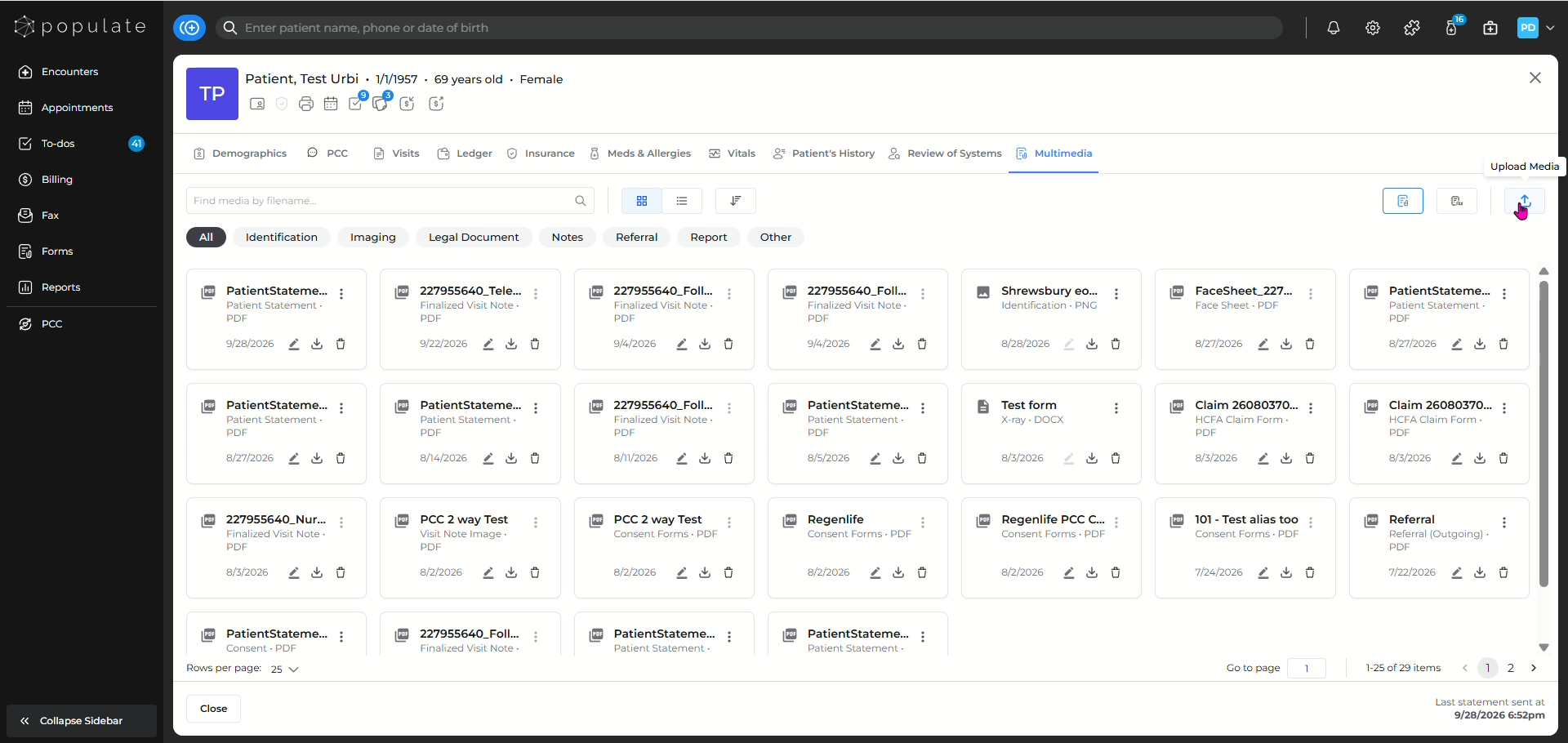
In order to upload new documents, click on the upload icon.
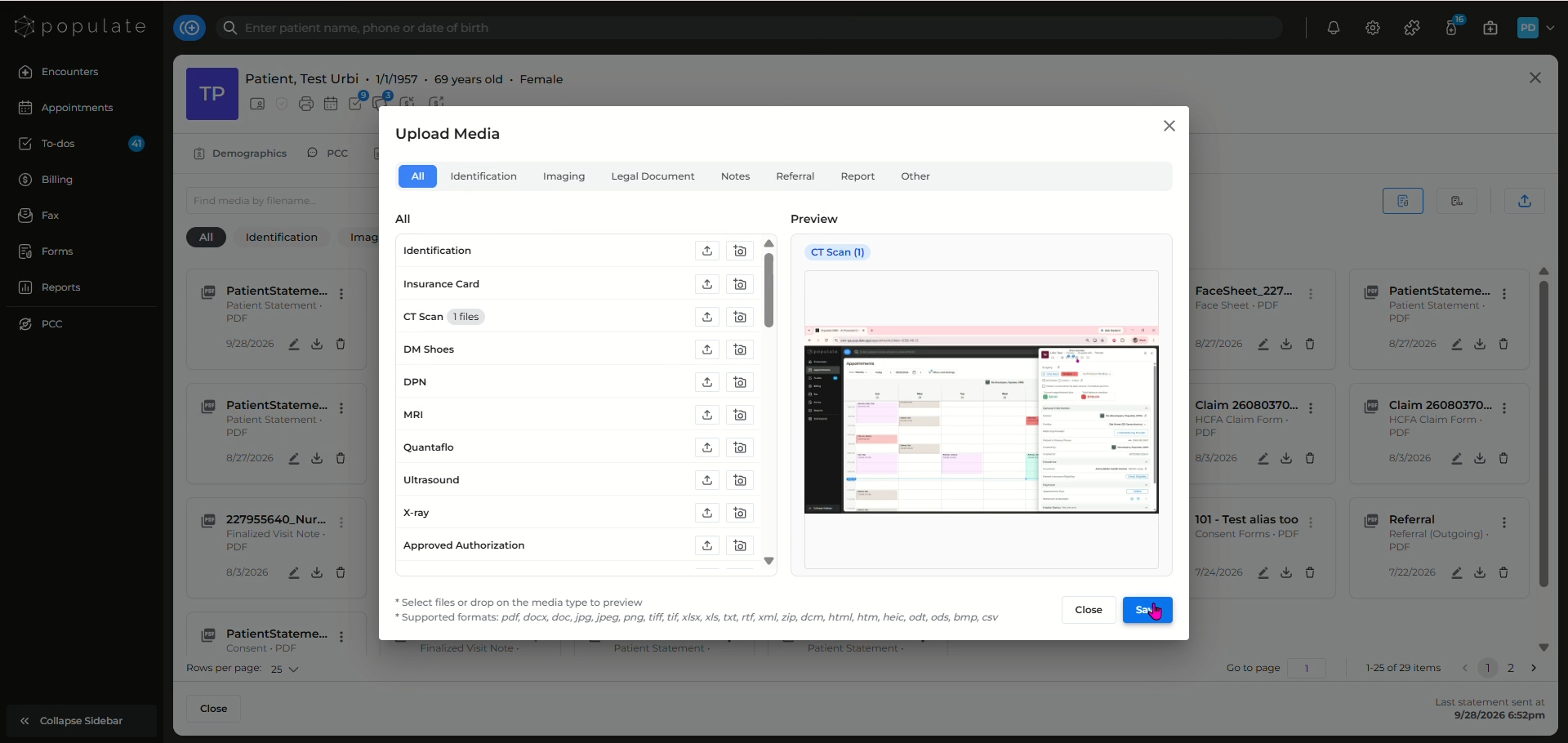
Select your desired file from your computer and click Save, your document will be uploaded to the dashboard.
You can also directly fax a document to the patient by clicking on the Fax icon.